




















Embroidery is a passion
Featured items
All items
Announcement
Last updated on Jan 4, 2024
Reviews
4.9
(13144)
Average item review
We calculate this number using a recency-weighted average of all ratings, with a rating's value decreasing by half each year to best reflect the current experience.
Loading
-

Etsy buyer on Apr 16, 2026
5 out of 5 starsGreat design ! Makes a beautiful print!

Deniz responded on Apr 17, 2026
Thank you so much 💛💛💛💛💛
About MinaEmbroidery
Sales
124,821
On Etsy since 2022
-
 https://www.etsy.com/listing/1805156120/coquette-ladybug-embroidery-design
 -
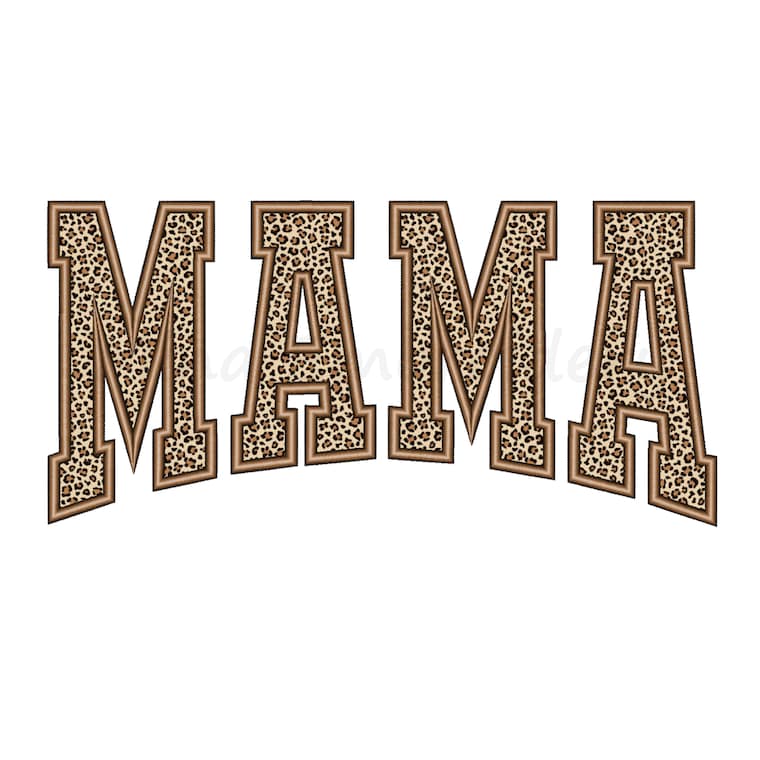 https://www.etsy.com/listing/1811746158/mama-applique-embroidery-design-mothers
 -
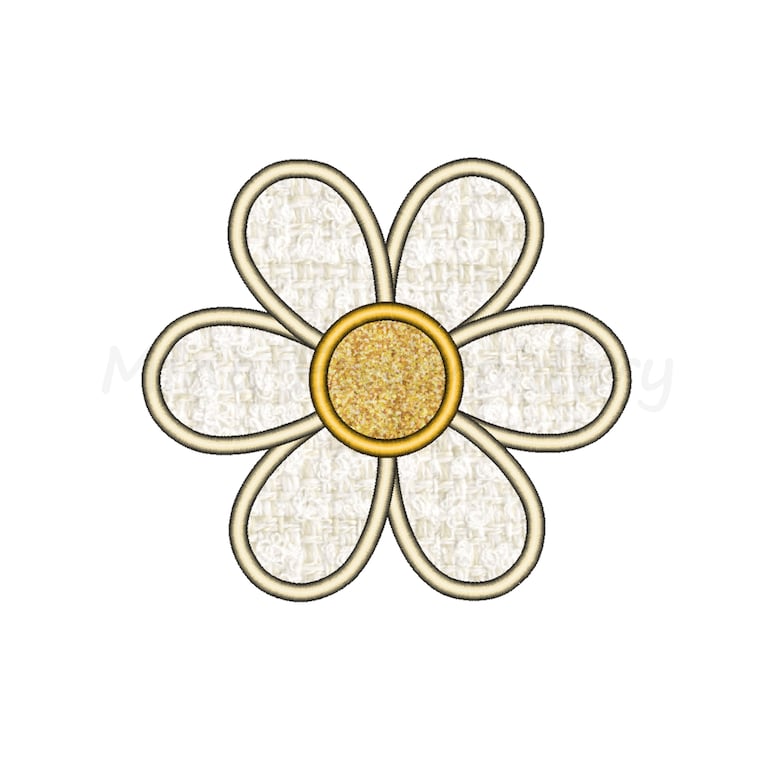 https://www.etsy.com/listing/1803144094/daisy-applique-embroidery-design-floral
 -
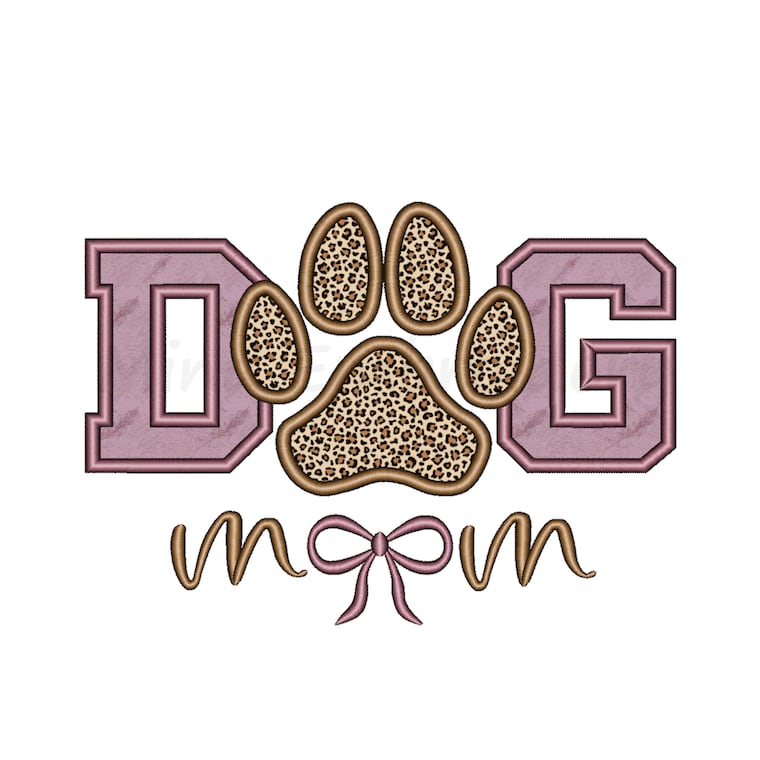 https://www.etsy.com/listing/1810031780/dog-mom-paw-applique-embroidery-design
 -
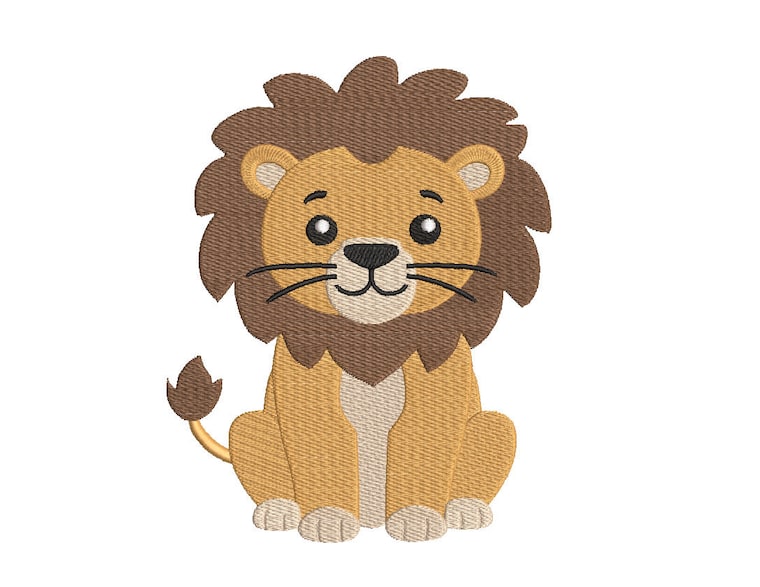 https://www.etsy.com/listing/1838800419/baby-lion-embroidery-design-animal
Shop members
-

Deniz
Owner
Hello, my name is Deniz. I am an embroidery designer. I love creating embroidery designs, it's my passion.
Shop policies
Last updated on Mar 3, 2022
Digital downloads
Instant downloads
Your files will be available to download once payment is confirmed. Here's how.
Payment options
Secure options
Accepts Etsy Gift Cards and Etsy Credits
Etsy keeps your payment information secure. Etsy shops never receive your credit card information.
Returns & exchanges
See item details for return and exchange eligibility.
Cancellations
Cancellations: not accepted
Please contact the seller if you have any problems with your order.
More information
Last updated on
Dec 17, 2025
Frequently asked questions
How do I correct a “Main axis is not at 100 degrees” error?
The machine needs to be at 100 degrees for normal operations. A main axis error is the machine’s way of letting you know that the sensor is not aligned. To resolve this, select the 100 degree icon on your control panel. If a “No needle” error is displayed, then the needle is not being detected over the working area. To correct this, turn off the machine. Then, locate the degree wheel knob in the back of your machine and manually align it to 100 degrees. Turn the machine back on, and the machine will automatically find a needle position. After everything has finished loading, press the 100 degree icon on the panel once more. If there are no more error messages displayed, the machine is functional.
Can I use the same needle for all types of projects?
Ballpoint needles can be used for all types of projects. However, we recommend using sharp point needles on leather, satin or any other fine material. For heavy material, we recommend using an 80/12 needle. On metallic threads, use a 90/14 needle, which has a larger eye that will reduce friction as the thread passes through.
Do I need to use backing on all projects?
Yes; backing is fundamental because it’s the stabilizer for your design. The backing you use will depend on the material you’re embroidering. On heavyweight materials, use thick backings. For lightweight garments, use thin backings.
Do metallic threads work the same as polyester or rayon threads?
No. Every type of thread will work differently, so be sure to adjust the tension depending on the thread you use. For metallic threads, loosen the top tension knob and reduce the speed of your machine to about 500 SPM for better quality stitches.
How do I determine which size hoop to use?
The size of the hoop depends on the size of the embroidery you want to create. The best hoop to use is the smallest hoop that the design will fit in. You can place the hoop on top of the printout from your embroidery software to get an idea of the hoop size you should use for the particular design.
Why am I getting an X limit error or Y limit error, and how do I correct it?
You are getting this error because your logo may be too big for the hoop, or you are trying to stitch outside the preset hoop margin. You can either use a bigger hoop, or move the logo around so you stay within the hoop’s boundaries.
Why are the needles breaking on hats?
The needle might be worn out. Structured hats have a thick cardboard or plastic in the middle section, which could break the needle. When sewing caps, make sure the bill of the cap is as flat as possible. It’s also very important to pay attention to the digitized logo. You should be aware of which logos may be used for different materials. The way the DST was created may not be suitable for hats. Also, the hooping may not be correct.
How do I know if the tension is correct?
There is no default setting on the machine at this time. If the problem is on one needle, you can start by pulling the thread and feeling its tension. It shouldn’t be too tight or too loose. Check the needles that are functioning properly and try to mimic their tension. As you pull, you should be able to feel when problem needle has reached the same tension as the needles that are working well. Once you believe you have acquired a good standard tension, try an “H” or “I” test. During the “I” test, you should follow the one-third rule. Make sure you have one-third of bobbin thread in the middle and one-third of top thread on both sides. Generally, if you have fairly even columns, your tension should be correct.
How applique designs work?
In Trim in Place Appliqué, a piece of fabric is placed over the placement stitch. The next stitch is a Cut Line & Tackdown to stitch and hold the fabric in place. The embroidery hoop is taken off the machine and the excess fabric is trimmed away close to the stitching line. You can use the Trim in Place Appliqué technique, if your design has a Placement Stitch, a Cut Line & Tackdown and a Cover Stitch.
How does the PES format work?
There are two different pes formats (pesold) (pesnew) in the zip file. If your machine software is up-to-date (pesnew), that is, try the new version of the pes format, the machine will work. If your machine software is not up to date (pesold), try the old version of pes format, the machine will work. The new version of pes format (pesnew) may not work on some new machines. Just because the machine is new does not mean its software is up to date. Please make sure the software is up to date.
How to unzip?
If you're using WINDOWS:
Right click on the zip folder, then choose "Extract all.."
(remember where you save the files, so can easy find the files later on your PC)
If you're using MAC:
Double click the zip folder. Create a new folder, and move the zip into there. Then use terminal and the command line "unzip" command