

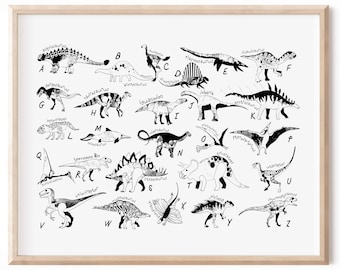
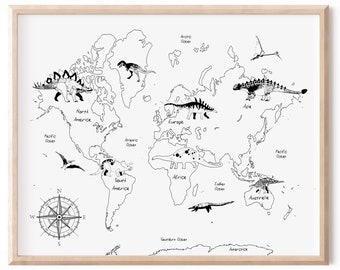
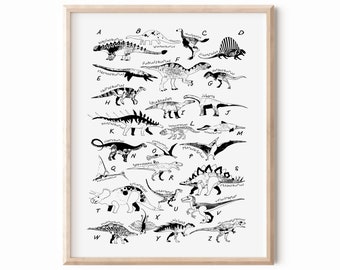
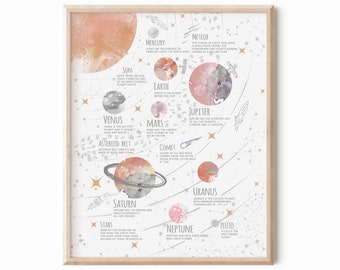
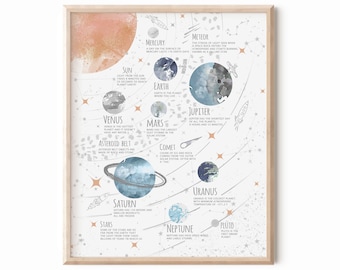
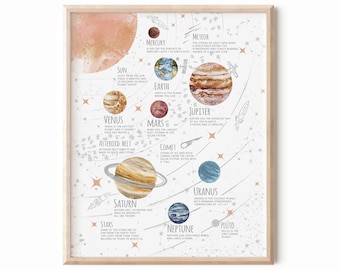
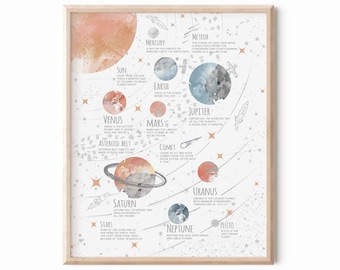
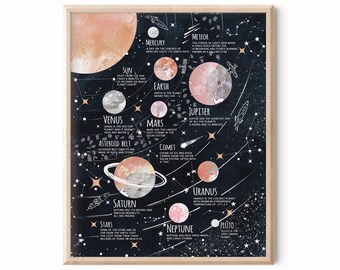




From me to you.
All items
Announcement
Last updated on Jul 18, 2022
Reviews
4.9
(777)
Average item review
We calculate this number using a recency-weighted average of all ratings, with a rating's value decreasing by half each year to best reflect the current experience.
Loading
-

-

-

Linda on Oct 13, 2025
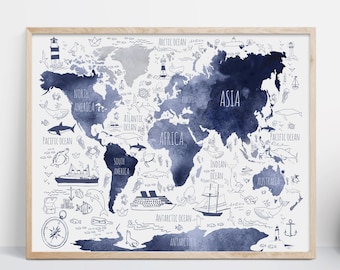
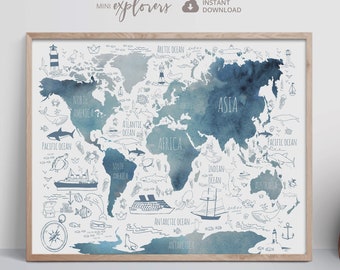
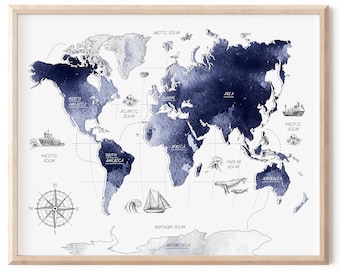
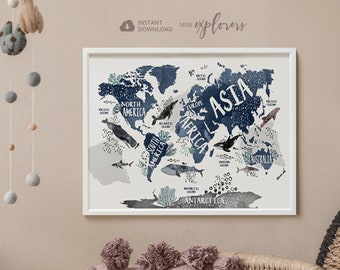
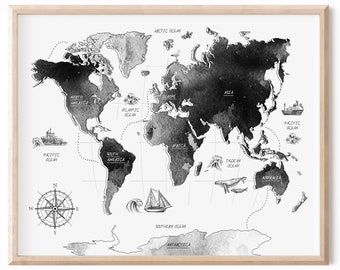
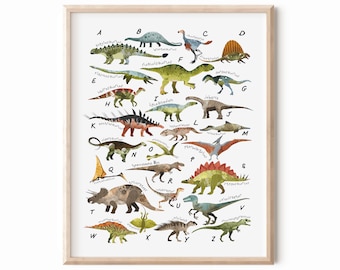
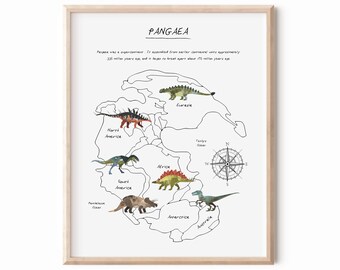
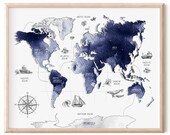
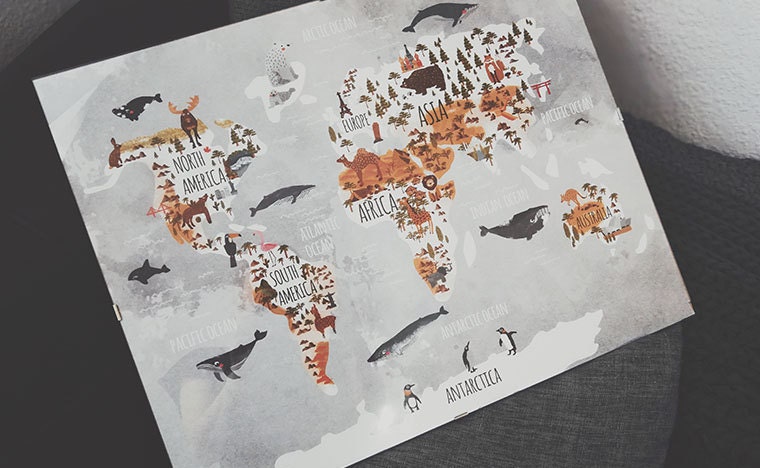
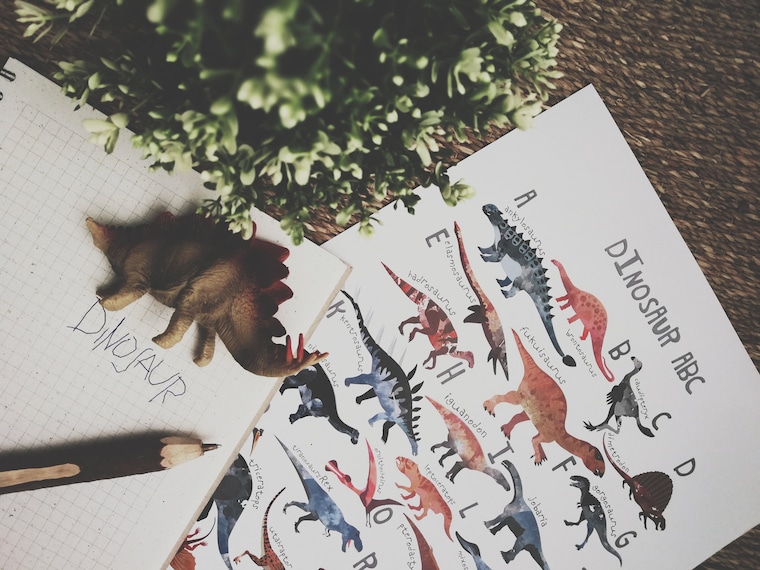
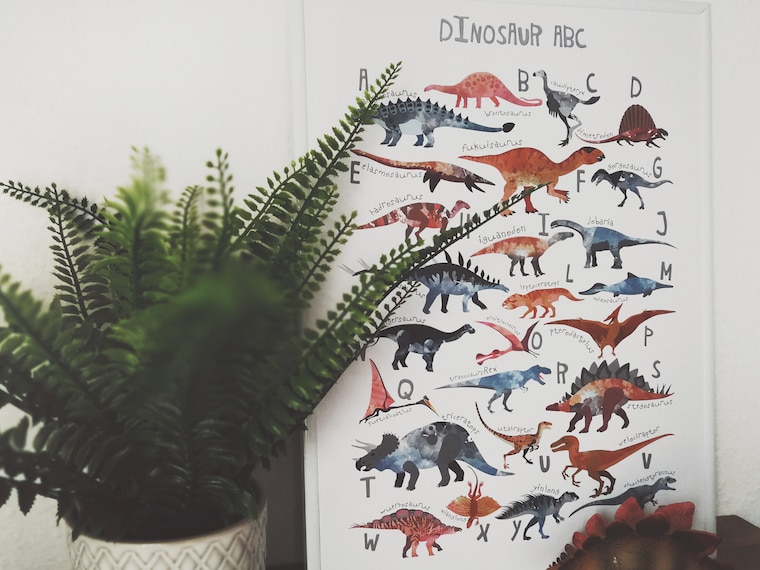
5 out of 5 starsPerfect- love this map -printed the 24 x 36 size (2: 3 ratio) The colors came out so vivid - thank you!
-
-
Kathryn on Jul 13, 2025
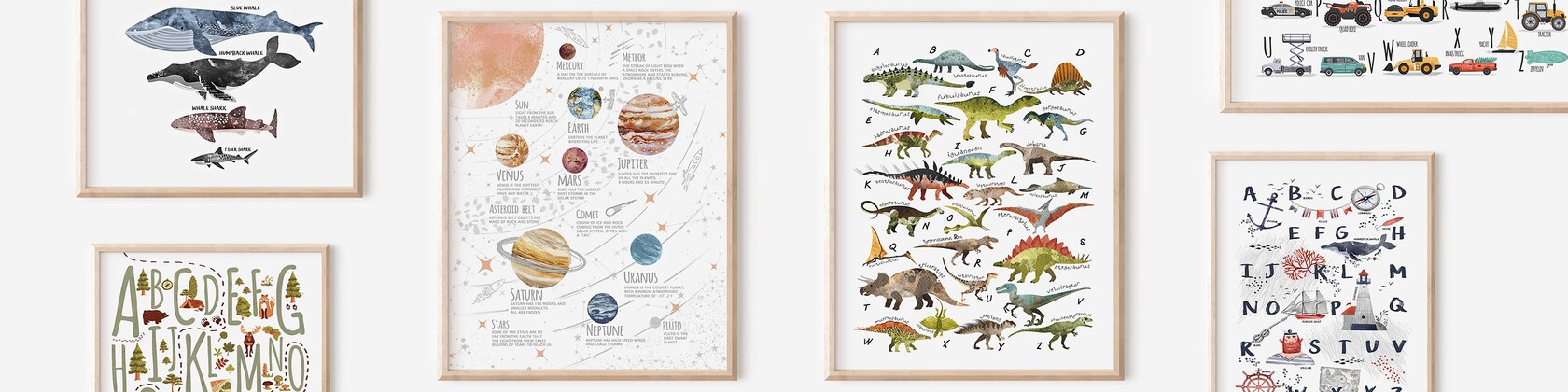
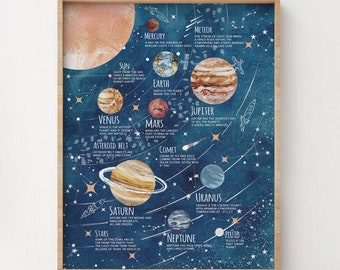
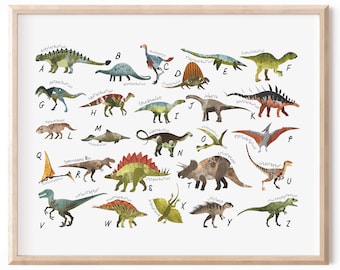
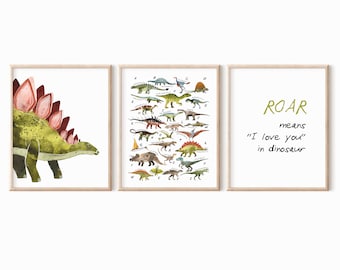
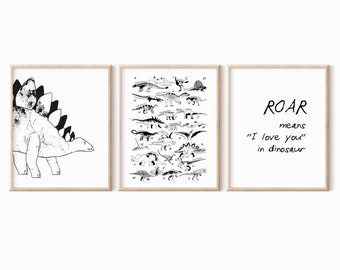
5 out of 5 starsGorgeous images, sent in multiple sizes. We got these printed on foamboard and they look amazing in my son's room.
-
-

Amanda on Dec 9, 2024
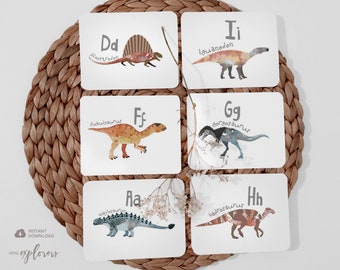
5 out of 5 starsThese are a great addition to the kitchen/dramatic play area in my classroom!
-

Wendi on Oct 3, 2024
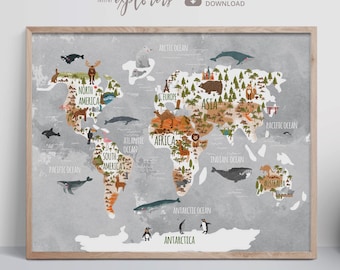
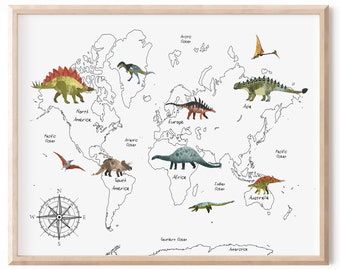
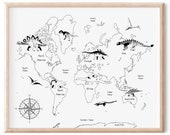
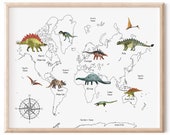
5 out of 5 starsSuper nice Dino map. My 7 year old grandson loved it. Instant download and no issues printing this on a letter size sheet of paper 8.5” x 11”
-
About MiniExplorers
Sales
9,283
On Etsy since 2017

Shop policies
Last updated on Feb 1, 2017
Digital downloads
Instant downloads
Your files will be available to download once payment is confirmed. Here's how.
Payment options
Secure options
Accepts Etsy Gift Cards and Etsy Credits
Etsy keeps your payment information secure. Etsy shops never receive your credit card information.
Returns & exchanges
See item details for return and exchange eligibility.
Cancellations
Cancellations: not accepted
Please contact the seller if you have any problems with your order.
More information
Last updated on
Dec 17, 2025
Frequently asked questions
What type of printer can I use to print these printable files?
All printables are designed to be printed on your home printer or at a copy shop. If printing at home, a colour inkjet or laser printer will work best. Some printables can even be printed on a monochrome printer.
What type of paper can I use?
It is possible to print on plain computer paper, however, I recommend using 170g/m2 paper as a minimum.
Why paper is getting stuck in my printer and why is it streaky?
Unfortunately, the printer has no idea what type of product you are printing on and it tries to guess (most of the time it’s wrong). It’s up to you to fine tune your printer settings so that the end result comes out at the best quality possible.
1. In your print dialogue box, look under your printer settings.
2. In this dropdown menu select ''finishing'' (may also be called paper type).
3. Select the media type that works the best for your print.
Why doesn’t the color match what I see on screen?
Unfortunately, I don’t have a good answer for this one. Computer and device screens are backlit and paper is not, so everything you print is going to tend to be a little duller than how it appears on a screen. Furthermore, everyone’s computer monitors, televisions and mobile devices display in varying degrees of brightness, so what I’m seeing on my end may look very different from what you are seeing on yours.
Can I resize prints and print them bigger/smaller?
Each file is high-resolution and can be printed on slightly bigger format than the original file. However, it may decrease the quality of the print. If it does not bother you and print will be viewed from a distance - feel free to experiment.
All files can be printed smaller than original file and it will not impact the quality of the print.
Is there a limit for when or how many times I can download a file.
There are generally no limits for when or how many times you can download a file. In most cases you can access a file any time on your Purchases page, provided the transaction hasn't been canceled or removed.
Other problems...
Please visit the following Etsy link for help with Digital Downloads:
https://www.etsy.com/au/help/article/3949