
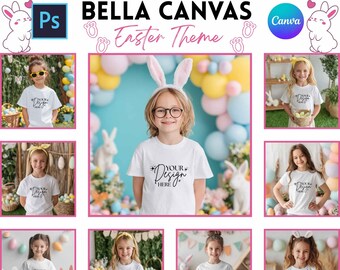
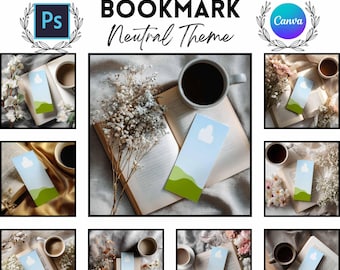
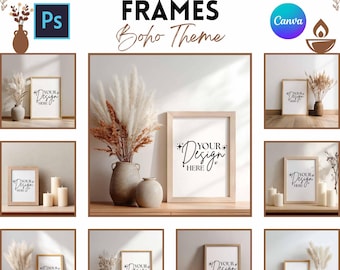
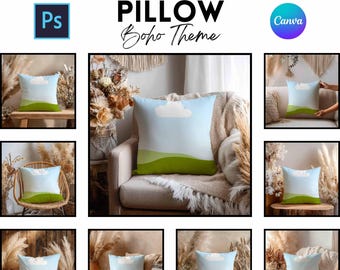
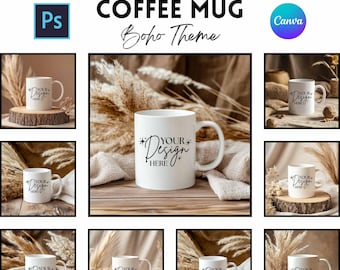
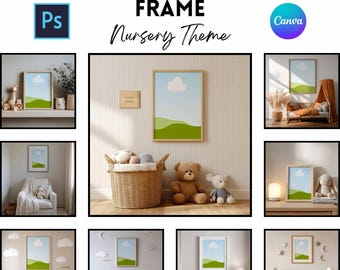
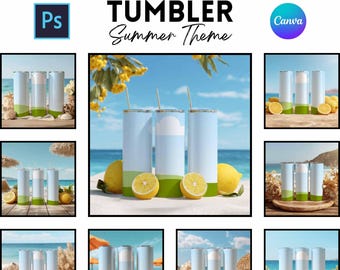
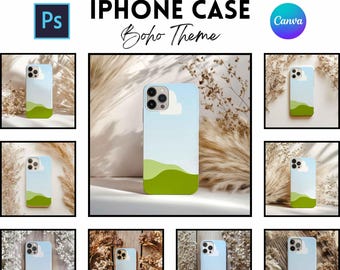
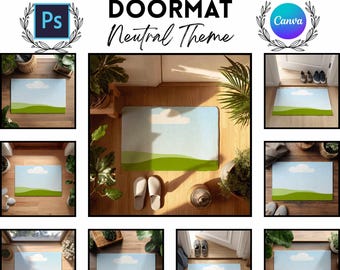
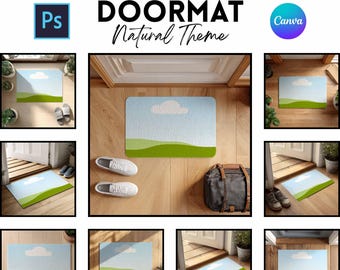
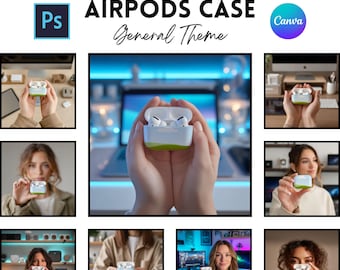
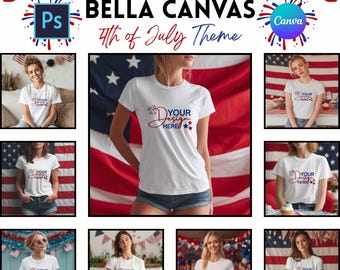
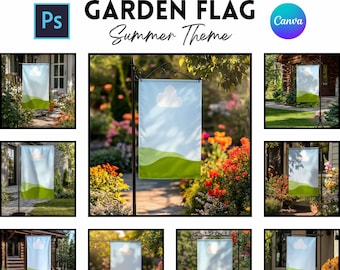
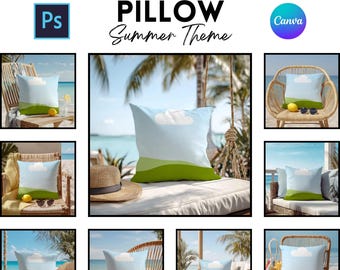
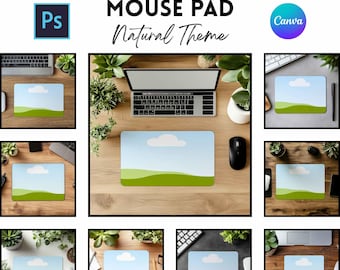
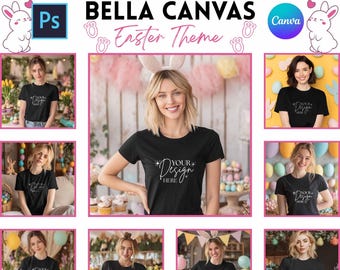
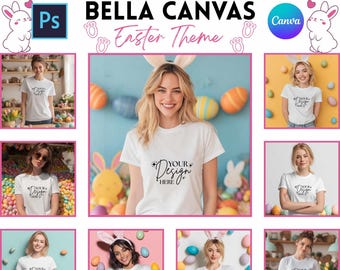
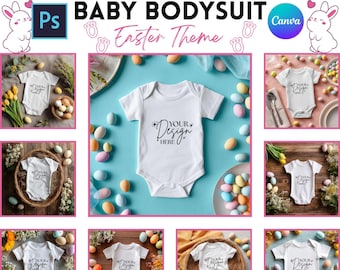
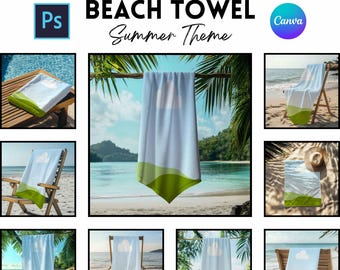
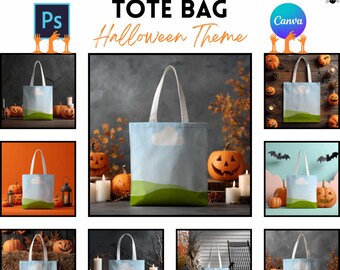
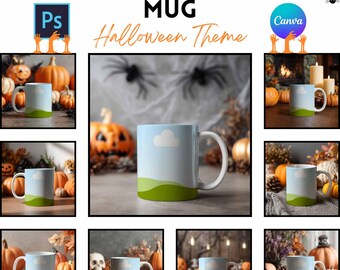
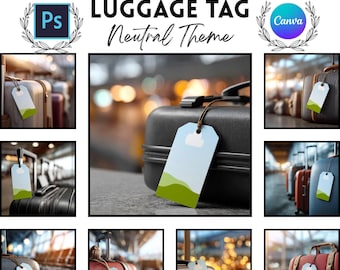
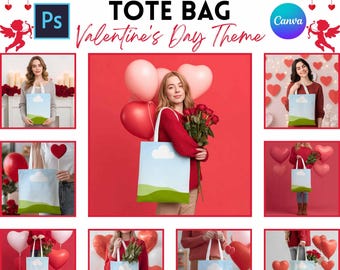
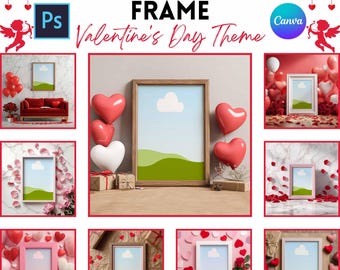
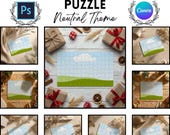
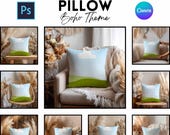
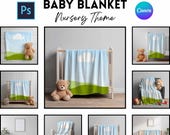

Focus on Creating. We’ll Handle the Presentation.
Featured items
All items
Announcement
Last updated on Feb 22, 2026
Reviews
4.9
(375)
Average item review
We calculate this number using a recency-weighted average of all ratings, with a rating's value decreasing by half each year to best reflect the current experience.
Loading
-

-

Andrea on Mar 8, 2026
5 out of 5 starsLove this mug! The design looks amazing and the quality is perfect. Would definitely recommend!
-

-

-

Maria on Feb 6, 2026
5 out of 5 starsGreat mockups, high quality and easy to use. Instant download worked perfectly. Very happy with my purchase!
-

Joanna on Jan 30, 2026
5 out of 5 starsVery nice mockups. Easy to work with and error-free. Highly recommended!
-

-

Illuminated on Jan 7, 2026
5 out of 5 starsGreat Mock-ups! Just what I was looking for! Seamless download.
-

-

About MockSmile
Sales
1,277
On Etsy since 2025
-
 🐣 Spring has officially sprung in your shop!
 -
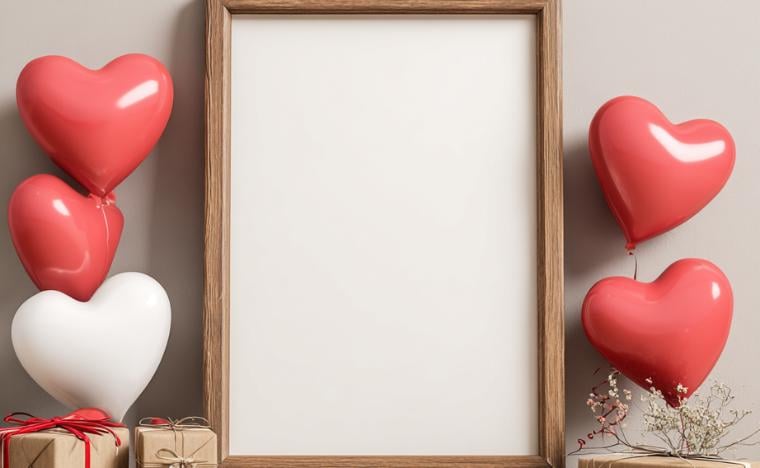 ❤️ Fall in love with your own presentation.
 -
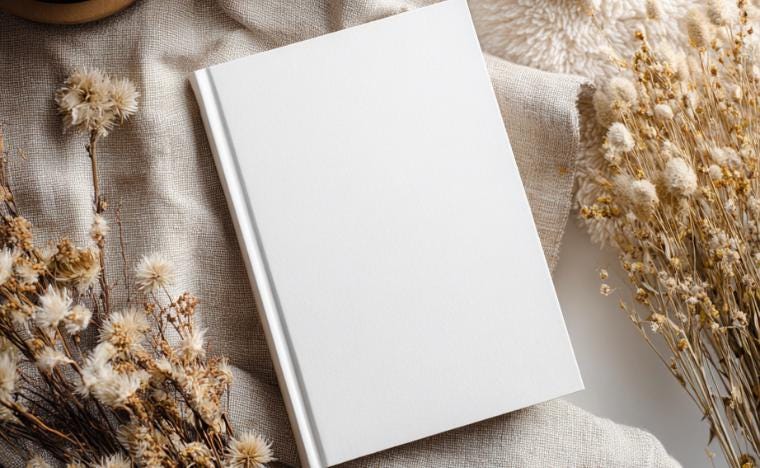 🌿 Earthy and effortlessly cool.
 -
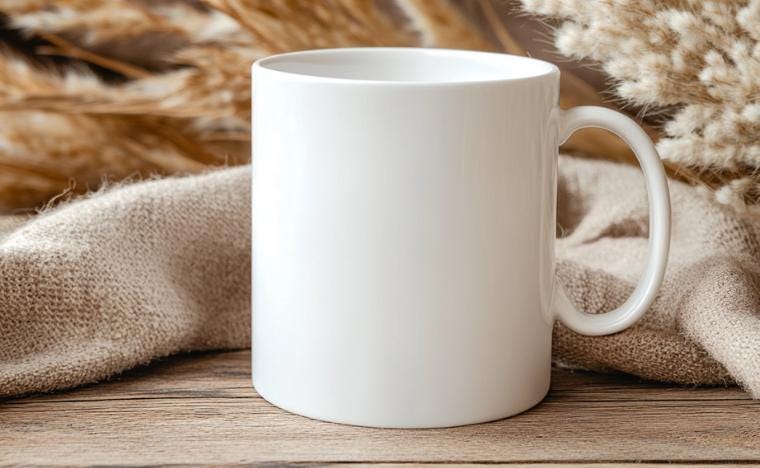 ☀️ Bring the outdoors in.
 -
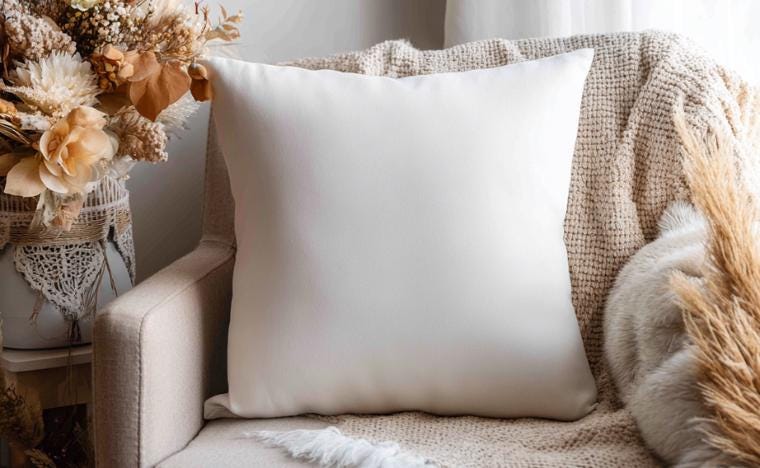 ✨ Create a space your customers want to live in.
Shop policies
Last updated on
Accepted payment methods
Accepts Etsy Gift Cards and Etsy Credits
Returns & exchanges
See item details for return and exchange eligibility.
More information
Last updated on
Feb 1, 2026
Frequently asked questions
How will I receive my files?
Your digital files will be available for instant download once payment is confirmed. You can access them via the link in your Etsy confirmation email or by visiting the "Purchases and Reviews" section of your Etsy account.
Am I allowed to use these for my business?
Yes. You have permission to use these mockups to showcase your designs on Etsy, your website, or social media. However, you may not resell, share, or redistribute the original digital files themselves.
What is included in my purchase?
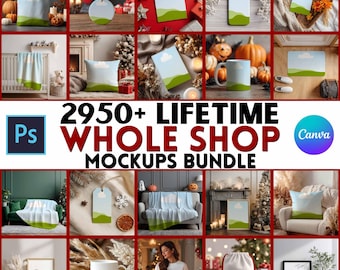
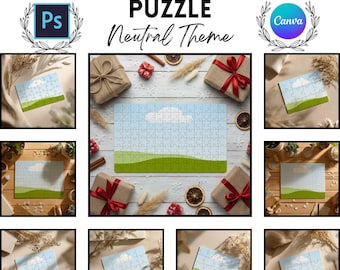
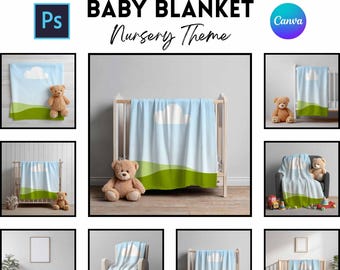
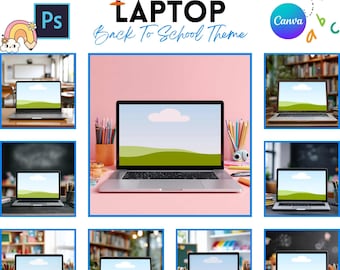
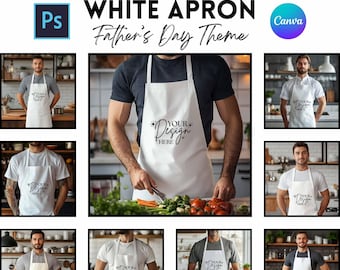
You will receive a comprehensive digital bundle for each mockup, including high-resolution files in PSD (with smart objects), Canva-ready links, and PNG formats. This ensures you have the right tools regardless of which software you prefer to use.
How do I use the PSD files?
The PSD files are designed for Adobe Photoshop (also Photopea) and include smart object layers. This allows you to double-click the thumbnail, drop in your design, and save—automatically applying all the realistic lighting and textures to your artwork.
How do I use these mockups in Canva?
Your bundle includes a PDF containing a direct link to a Canva template. Simply click the link to add the mockup to your own Canva account, where you can easily drag and drop your designs into the frames.