Featured items
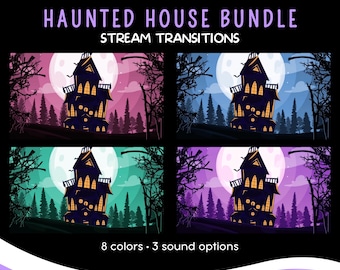
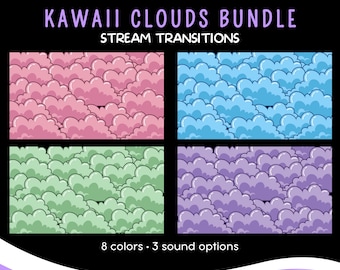
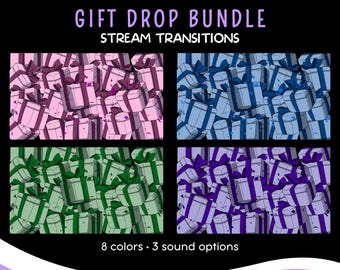
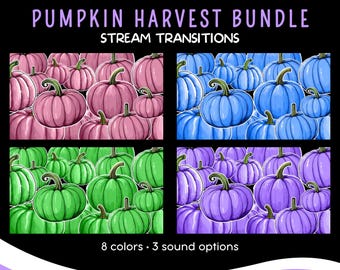
All items
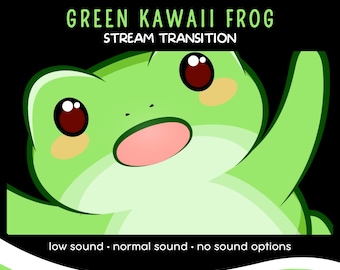
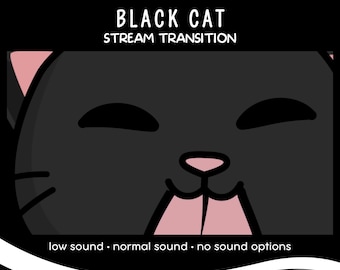
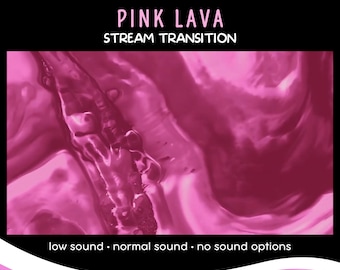
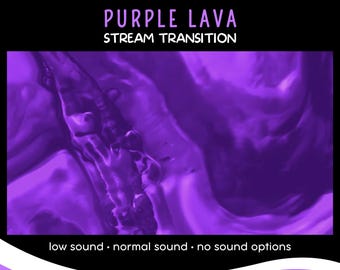
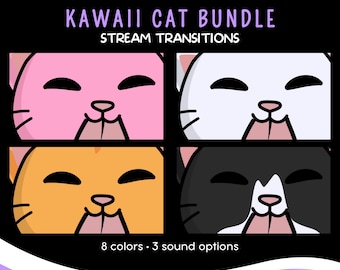
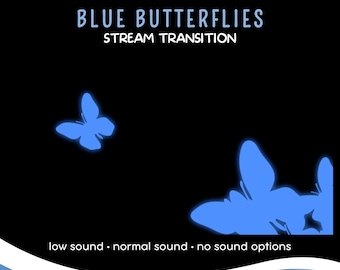
Announcement
Last updated on Jan 6, 2025
Reviews
5.0
(405)
Average item review
We calculate this number using a recency-weighted average of all ratings, with a rating's value decreasing by half each year to best reflect the current experience.
Loading
-

Homicidoll on May 6, 2026
5 out of 5 starsVery cute stinger! Just had to use it. Straightforward download and use!

Morphy responded on May 6, 2026
Thank you!






About MorphMotion
Sales
2,505
On Etsy since 2024
Shop members
-

Morphy
Owner, Designer
Hi, I'm Morphy, the driving force behind Morph Motion. I'm here to help your streams stand out with dynamic, captivating visuals.
Production partners
-
A team of skilled motion artists
Indonesia
We are working with a team of skilled motion artists to deliver the best quality.
Shop policies
Last updated on Jul 28, 2024
Digital downloads
Instant downloads
Your files will be available to download once payment is confirmed. Here's how.
Payment options
Secure options
Accepts Etsy Gift Cards and Etsy Credits
Etsy keeps your payment information secure. Etsy shops never receive your credit card information.
Returns & exchanges
See item details for return and exchange eligibility.
Cancellations
Cancellations: not accepted
Please contact the seller if you have any problems with your order.
Privacy policy
More information
Last updated on
Dec 17, 2025
Frequently asked questions
What do I receive with my digital download?
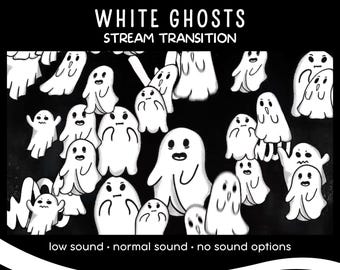
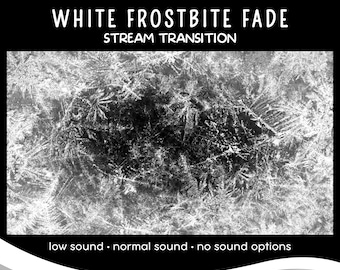
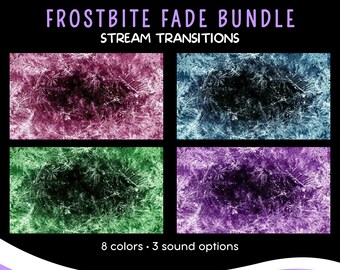
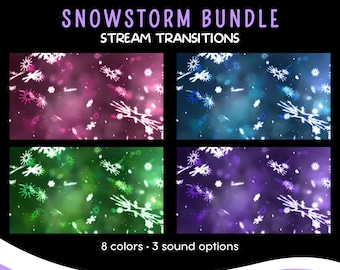
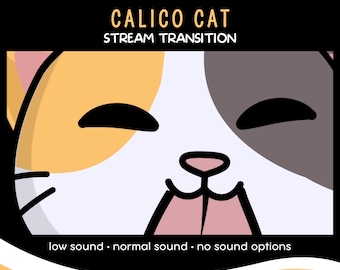
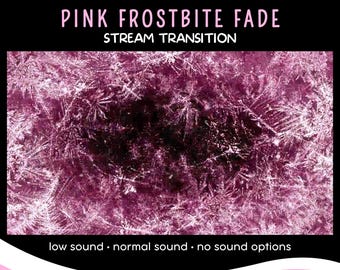
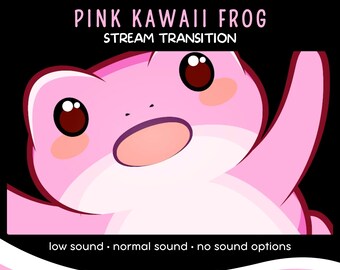
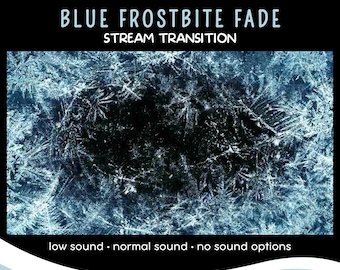
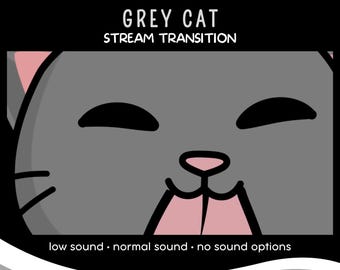
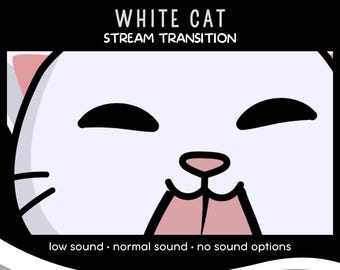
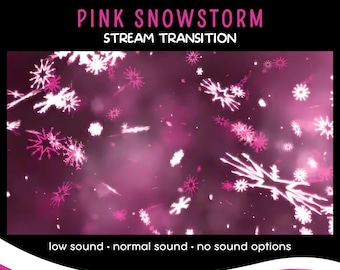
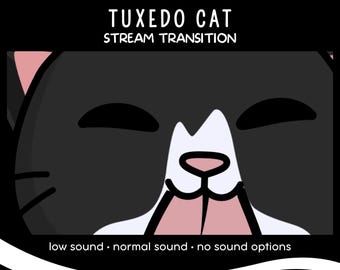
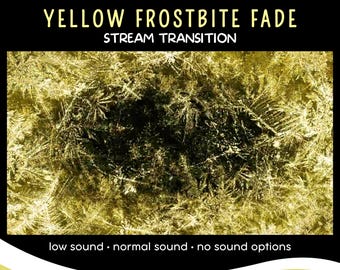
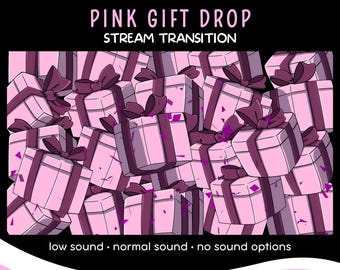
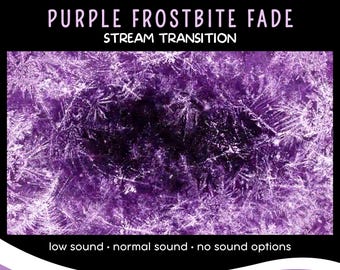
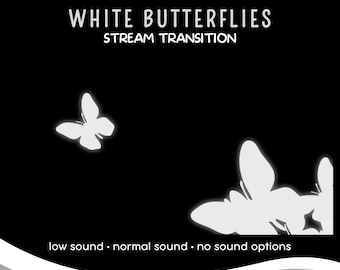
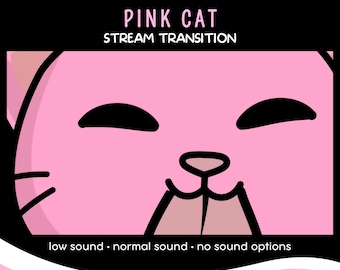
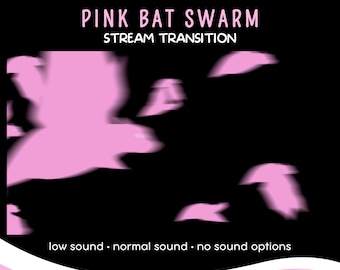
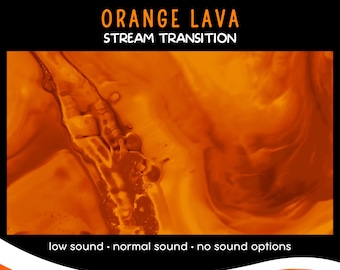
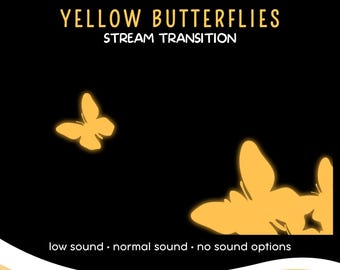
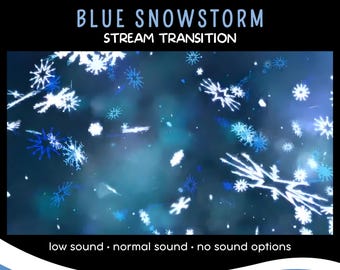
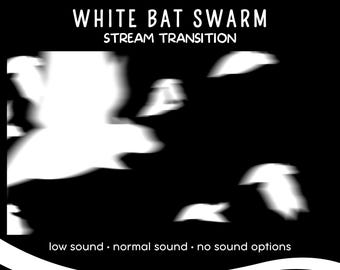
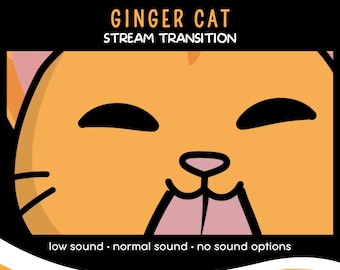
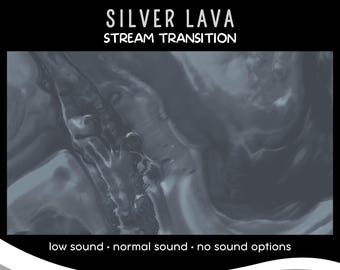
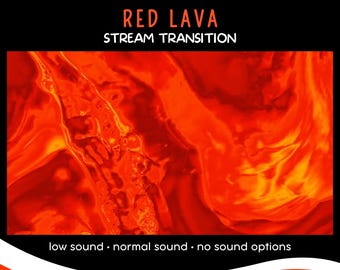
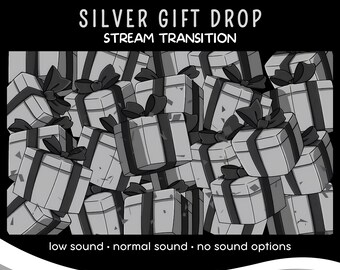
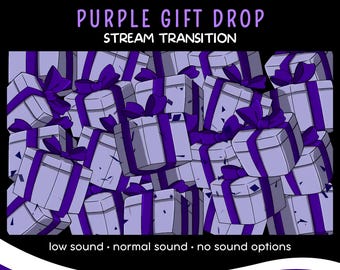
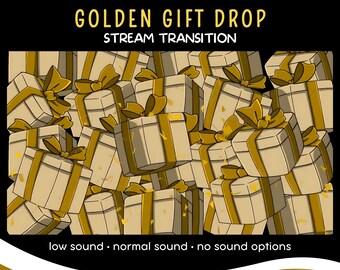
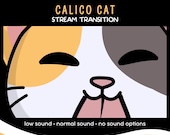
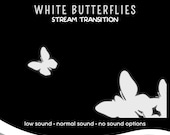
With your purchase, you'll receive a 1920 x 1080 stream transition in three options (Low, Normal, and No Sound), transparent WebM files, and a user manual in English (PDF). WebM files are compatible with OBS and SLOBS.
How do I download my digital files on Etsy?
After purchasing, you can download your digital files from the "Purchases and Reviews" section of your Etsy account. Find your order, click "Download Files," and save them to your device.
Are the stinger transitions compatible with OBS and Streamlabs OBS (SLOBS)?
Yes, all our stream transitions are fully compatible with both OBS and Streamlabs OBS (SLOBS).
Do the stream transitions come with different sound options?
Yes, each stream transition comes with Low, Normal, and No Sound options, allowing you to choose the best fit for your stream.
How do I leave a review on Etsy?
To leave a review, go to the "Purchases and Reviews" section of your Etsy account. Find the item you want to review and click "Leave a Review." You can rate the product and write about your experience.
Can I get help if I have trouble with my digital download?
Absolutely! If you encounter any issues with your download or files, please contact us through Etsy messages. We're here to help and ensure you have a smooth experience.
The transition happens before the animation. How can I fix it?
This issue is usually related to the timing settings in your broadcasting software. To fix it, adjust the Transition Point setting to ensure the animation and transition are perfectly synced. This can typically be found in the properties or settings menu of your broadcasting software, such as OBS or SLOBS. Adjusting this setting should resolve the timing mismatch.