

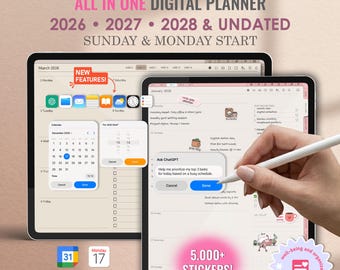
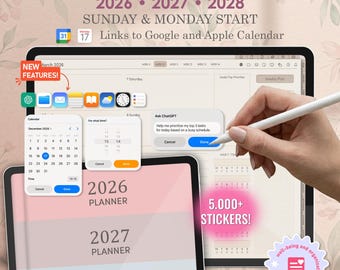
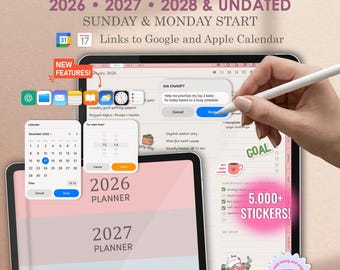
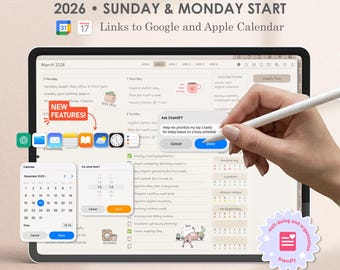
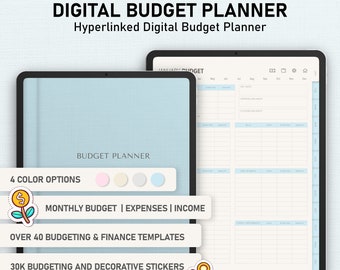
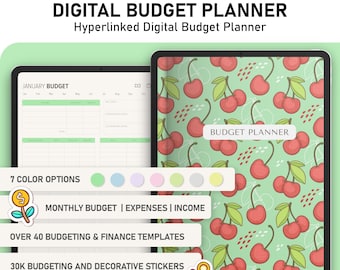
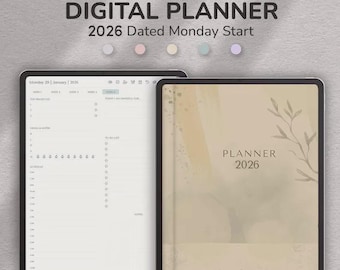
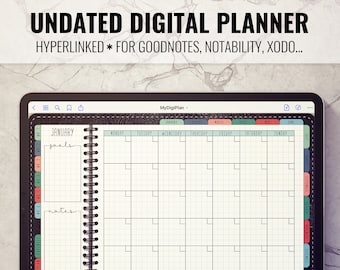
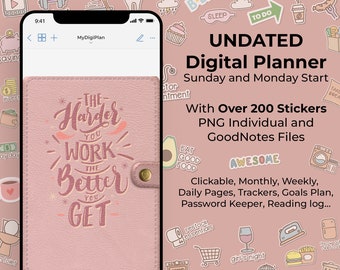
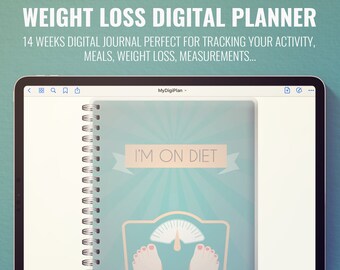
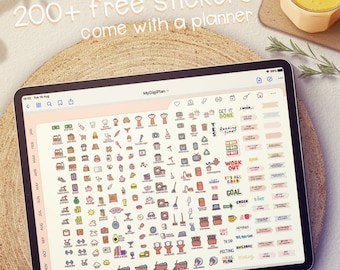
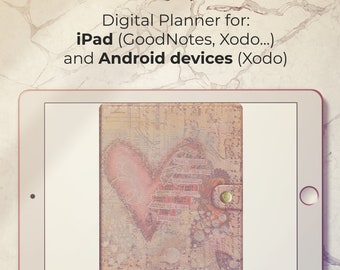
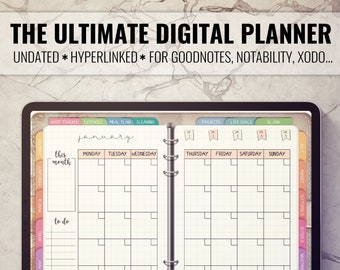
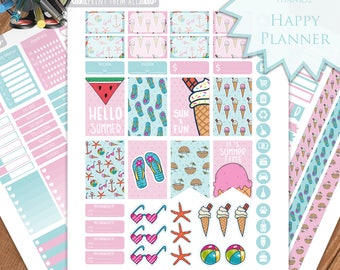
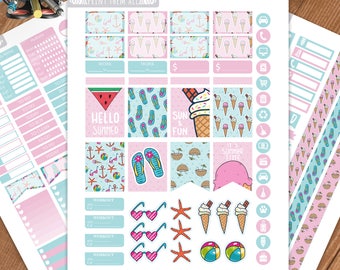
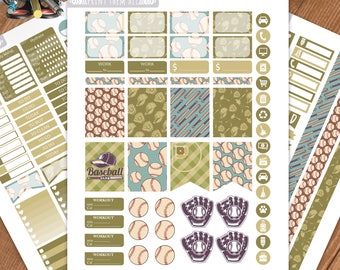
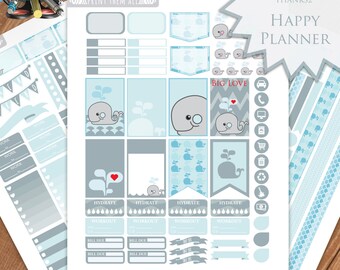
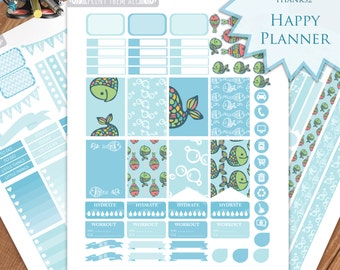
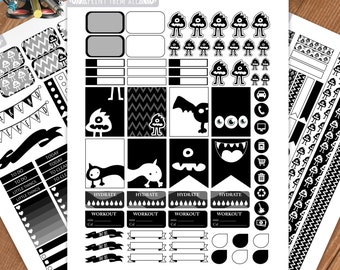
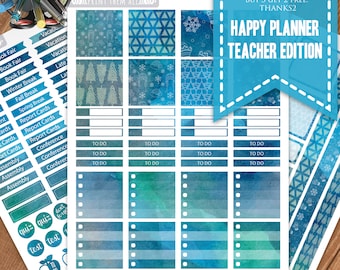
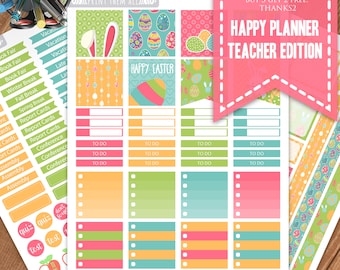


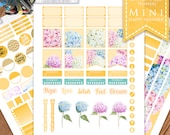
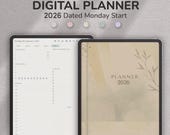

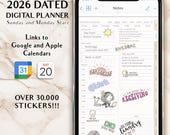
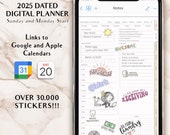


From Chaos to Clarity: How Our Digital Planners Revolutionize Organization and Productivity
Featured items
All items
Announcement
Last updated on Apr 24, 2026
Reviews
4.9
(1686)
Average item review
We calculate this number using a recency-weighted average of all ratings, with a rating's value decreasing by half each year to best reflect the current experience.
Loading
-

-

-

-
-

Melinda on Sep 1, 2025
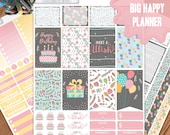
5 out of 5 starsThe download and printing was easy. Made a fun birthday week in my journal.
-

Diana on Aug 23, 2025
5 out of 5 starsI love love love my planner and I love being able to make stickers as well. File is great. Exactly as described. Easy to use and Print/Cut. Will purchase from this seller again!
-
Diana on Aug 23, 2025
5 out of 5 starsI love love love my planner and I love being able to make stickers as well. File is great. Exactly as described. Easy to use and Print/Cut. Will purchase from this seller again!
-
Diana on Aug 23, 2025
5 out of 5 starsI love love love my planner and I love being able to make stickers as well. File is great. Exactly as described. Easy to use and Print/Cut. Will purchase from this seller again!
-

Rebecca on Apr 25, 2025
5 out of 5 starsBright and Colorful. Just what I was looking for this season.

Shop policies
Last updated on Feb 19, 2022
Digital downloads
Instant downloads
Your files will be available to download once payment is confirmed. Here's how.
Payment options
Secure options
Accepts Etsy Gift Cards and Etsy Credits
Etsy keeps your payment information secure. Etsy shops never receive your credit card information.
Returns & exchanges
See item details for return and exchange eligibility.
Cancellations
Cancellations: not accepted
Please contact the seller if you have any problems with your order.
Privacy policy
More information
Last updated on
Dec 17, 2025
Frequently asked questions
How to download planner on iPad
Make sure that you have opened your account on Etsy in the SAFARI BROWSER. Etsy themselves sends you the emails with download links when you purchase something from my shop. The Safari browser is where you need to be to download your links.
1. Open your Etsy account on the Safari Browser on your iPad
2. Tap on "You" on the top right, then Purchases and Reviews
3. Tap "Download Files"
4. Tap the "Download" button
5. When the file opens, tap the "Share" button (Top right, Square with arrow pointing up)
6. Tap "Copy to..." --app that you are using.
Zipped Files:
Make sure that you have downloaded the free iZip app on your iPad to unzip files.
How to duplicate pages
To Duplicate a Page:
1. In Goodnotes, tap the ⊕ button (Plus with circle around it)
2. Tap "Add Page Above/Below"
3. Tap °°° (The three cirlce button) on the Covers menu
4. Tap "Use Current Template"
To Move a Page:
1. Tap the ❑ (4 Square Button)
2. Tap "Thumbnails" at the bottom of the popup menu
3. Tap and drag the page to your desired location
I can’t find my download notification email
First, check your spam or junk inbox. If you use Gmail, also check your Social and Promotions tabs. If it’s not there, adding transaction@etsy.com to your address book or safe list can help you locate these emails in the future.
For now, you can still access your digital purchases in your account...
Where can I find my digital purchases in my account?
To access your digital files from your account:
Sign in to Etsy.com and go to Your account.
Go to Purchases and reviews.
Next to the order, select Download Files. This goes to the Downloads page for all the files attached to your order.
You can also go back to the item’s listing page, where you should see an “Instant Download" message on the images for the item.
There are generally no limits for when or how many times you can download a file. In most cases, you can access a file any time on your Purchases page, provided the transaction hasn't been canceled or removed.
If your payment is still processing, the Download Files button will be gray.
I purchased a digital item, but I don't have an Etsy account.
If you checked out as a guest, you'll find a link to download your purchase in the receipt email that was sent to you after purchase.
I’m having trouble downloading my files.
If nothing happens when you click the download links, it’s possible that there’s an issue with your web browser. Please disable any non-standard add-ons like ad blockers or toolbars that you’ve installed and try again.
If your computer states that the file has been corrupted, delete the file and try downloading it again. If you still can't open the file, please contact me through Etsy Messages for further assistance.
The type of file you’ll be downloading is shown under the Highlights section of a digital listing. If your computer is unable to open the file, it’s possible that you’re missing the program required to open the file type.
If you continue to have trouble, please contact me for help.
I purchased a digital file, but these options aren’t available for my order.
If you’re unable to locate a download link on your Purchases page, please contact me using Etsy Messages for further assistance.