
Featured items

All items

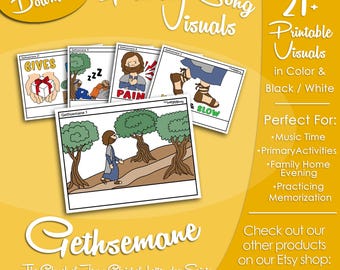
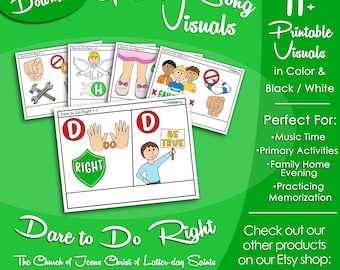
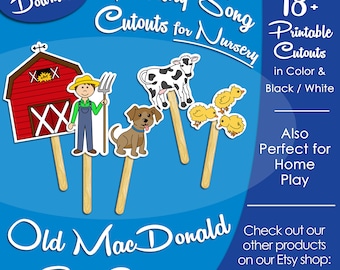
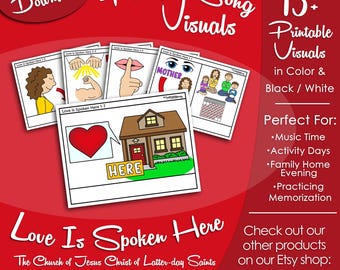
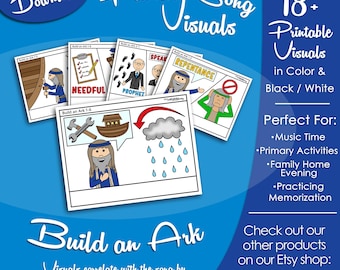
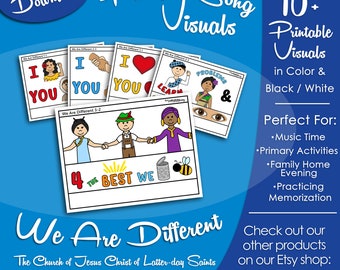
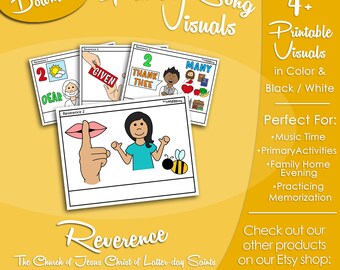
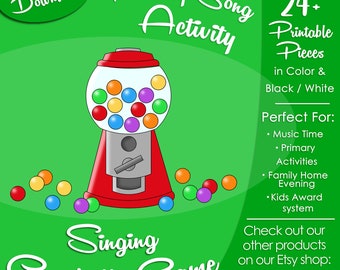
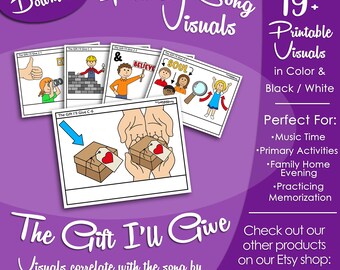
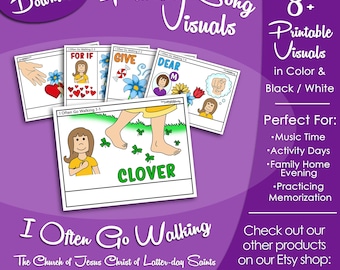

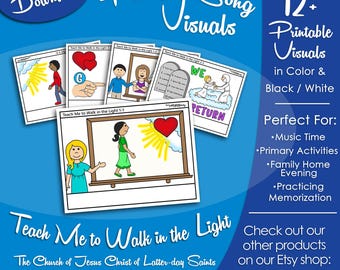
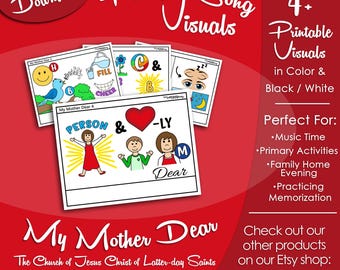
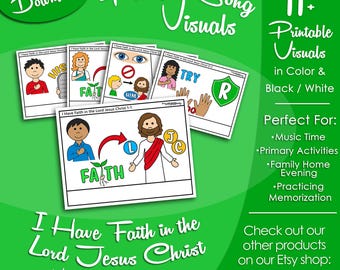
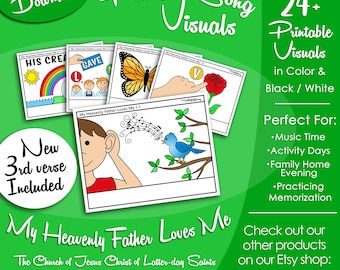
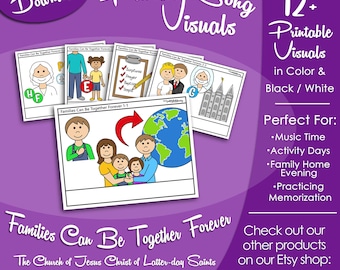
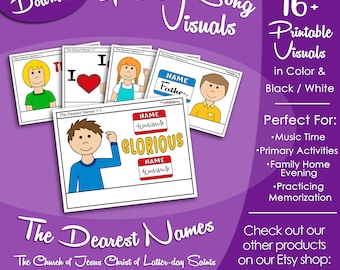
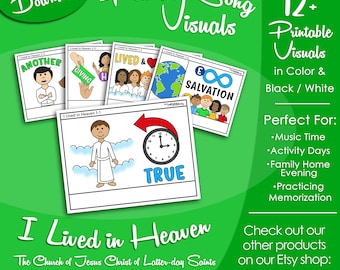
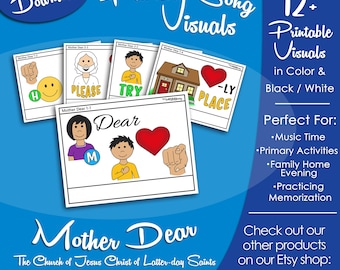
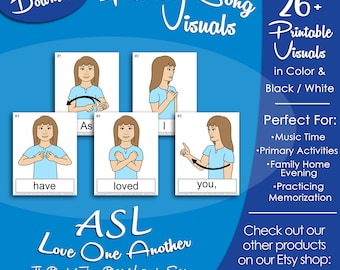
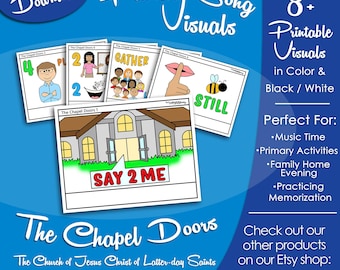
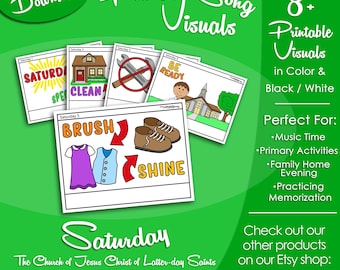
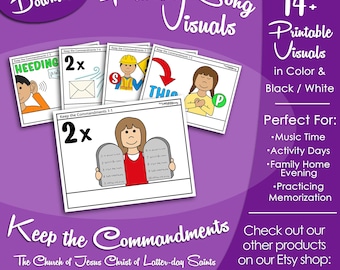
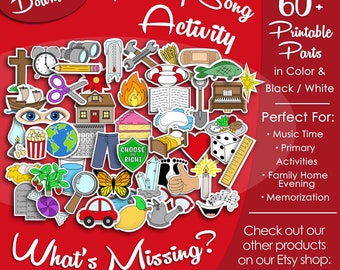
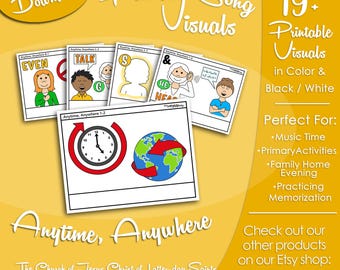
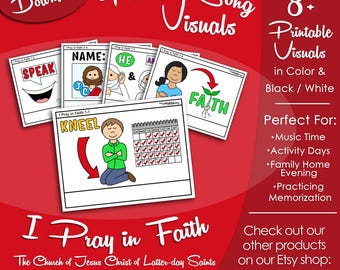
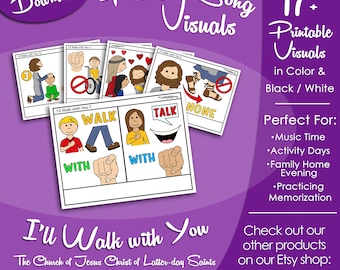
Announcement
Last updated on 17 Sept, 2023

Reviews
5.0
(2429)
Average item review
We calculate this number using a recency-weighted average of all ratings, with a rating's value decreasing by half each year to best reflect the current experience.
Loading
-

-
-

Melissa on 21 Feb, 2026
5 out of 5 starsThank you for doing all the hard work to help my primary kiddos learn this song.
-

Sarah on 03 Feb, 2026
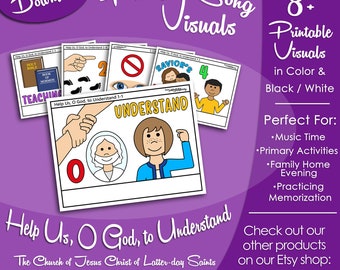
5 out of 5 starsI'm So glad you did this song! It's so pretty and I really wanted to teach my primary kids this song with your clipart helps! Thank You!
-
-
Mary on 27 Apr, 2026
5 out of 5 starsThe pictures are clear, easy to view/read, and professionally created.
-
Stephanie on 26 Apr, 2026
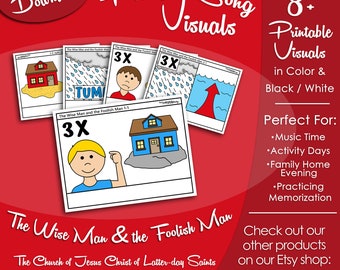
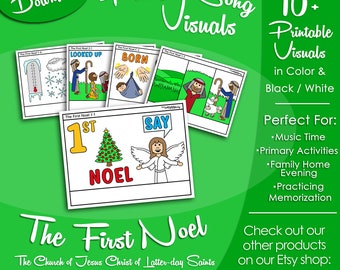
5 out of 5 starsThe pictures for the primary songs are the most helpful items for junior primary, especially since we have a large Sunbeam group. It's wonderful to have consistency across all the songs our primary is singing year after year.
-
Tina on 23 Apr, 2026
4 out of 5 starsI would have liked the words to the song included. Pictures are great!
-
Amy on 21 Apr, 2026
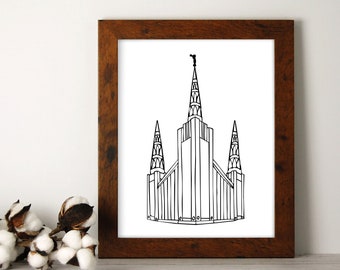
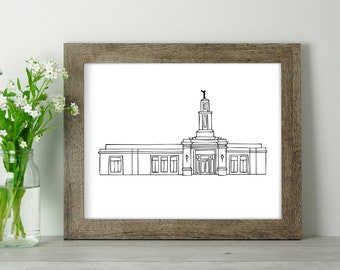
5 out of 5 starssimple drawing of temple that can be used for picture frame or as coloring page
-







About NotJustORRdinary
Sales
32,401
On Etsy since 2020
Shop policies
Last updated on 05 Mar, 2020
Digital downloads
Instant downloads
Your files will be available to download once payment is confirmed. Here's how.
Payment options
Secure options
Accepts Etsy Gift Cards and Etsy Credits
Etsy keeps your payment information secure. Etsy shops never receive your credit card information.
Returns & exchanges
See item details for return and exchange eligibility.
Cancellations
Cancellations: not accepted
Please contact the seller if you have any problems with your order.
More information
Last updated on
17 Dec, 2025
Frequently asked questions
Zipped Folders (.zip)
Many digital downloads are contained in "zipped" folders, also known as a .zip folders. These special folders compress file information in an archived state. Zipped folders are used to make transferring multiple files from one computer to another more convenient. In order to work with the files inside a "Zipped" folder, they first need to be extracted. Windows, OS X, and Linux all come with the ability to unzip files. Simply, right-click the zipped folder and select "Extract All" or "Extract Here". This command will make an unzipped (usable) copy of the folder, and place it in the same locations as the zipped folder. Your files are now ready to use in the new "unzipped" folder. Once complete, feel free to delete the original zipped folder.
Resolution, Watermarks, & Screen Display
All purchased files will be high resolution (300 dpi or higher). Watermarks will be removed on purchased files. Some colors may print slightly different than displayed on your computer screen, depending on screen & printer settings.
Instant Downloads & Mobile Devices
It is best to download digital files to a computer, as many downloads are contained in zipped folders to reduce their size. Tablets, cell phones, and other mobile devices may not be able to open zipped folders without using a third party app to accomplish the task. Feel free to contact me regarding other download options.
Terms of Use
All files downloaded from your purchase are for PERSONAL or WARD use only. You may NOT share, forward, sell or redistribute the digital files (beyond your personal/ward use) in any way. Not for commercial use.
Disclaimer
To the best of my knowledge, all graphics/elements/images that are used in my digital creations, have been created by me or fall under the fair use or public domain guidelines of copyright law in the United States.
Printing Tips
Printing on thick white cardstock paper (110lb+) is recommended. With the file open in your preferred PDF software, locate the “File” tab and choose “Print,” or locate and press the printer icon. A printer properties screen will appear. For best results, adjust printer settings to “thick/cardstock” paper, “best” quality, and “actual” or “100%” print size.
Assembly of Song Visuals
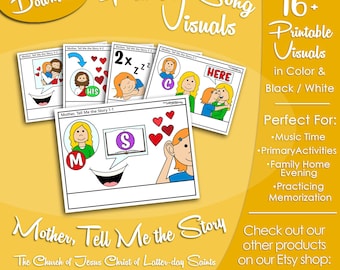
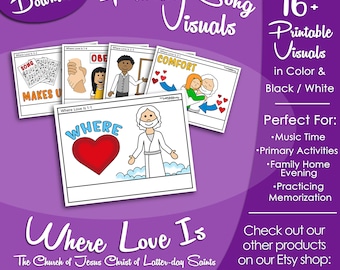
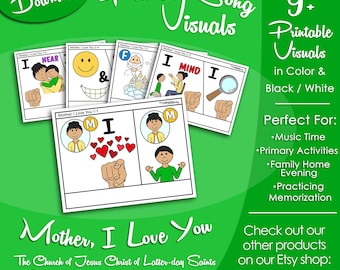
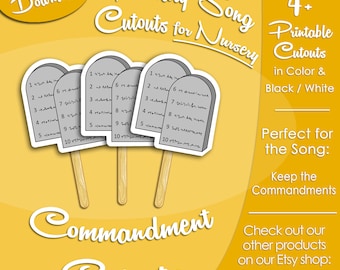
Print, trim (optional), and laminate or place in sheet protectors for durability. Assemble images in order. Use a paper hole punch with binder rings, or page protectors in a binder, to create a flip book format. Images can also be used for other Primary needs as desired.
*Please note: Chorus pages may need to be printed multiple times, depending on song and preference.