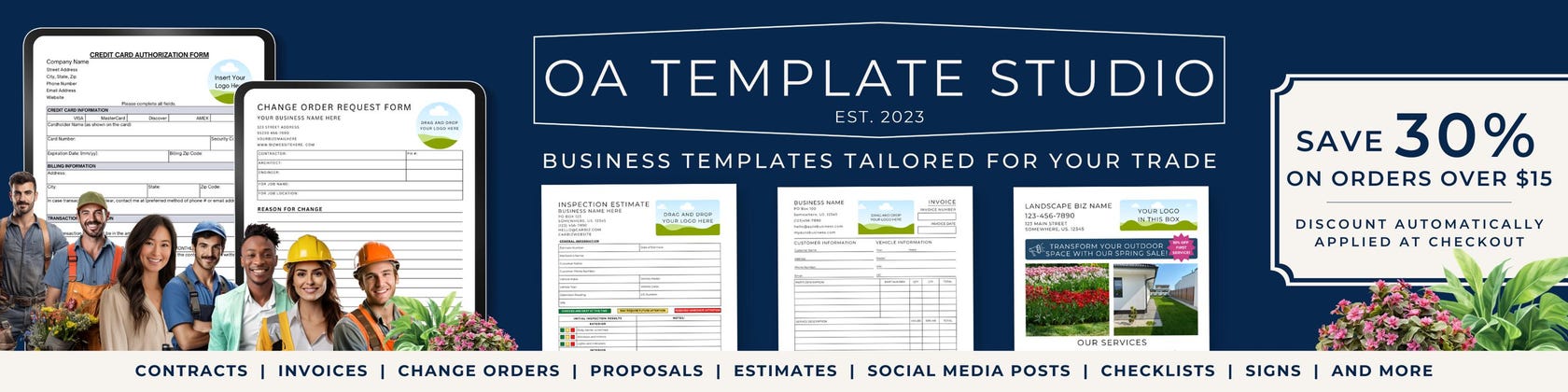
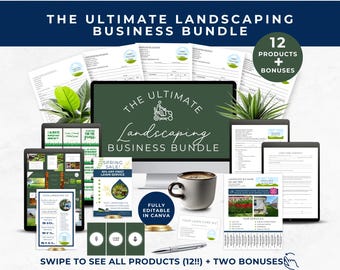
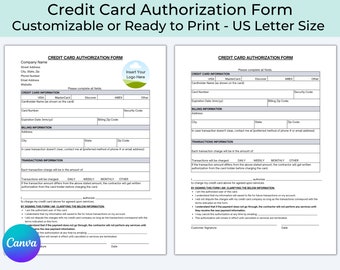
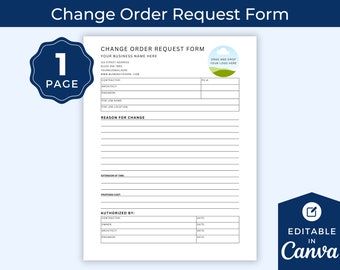
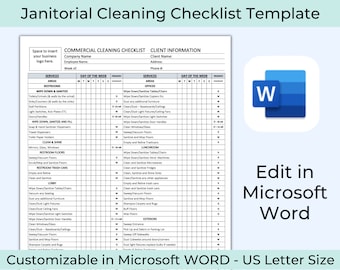
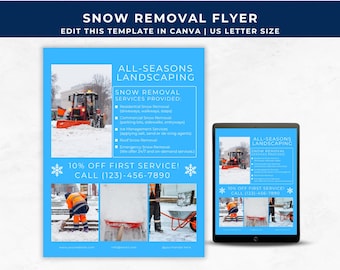
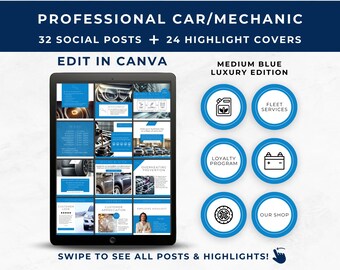
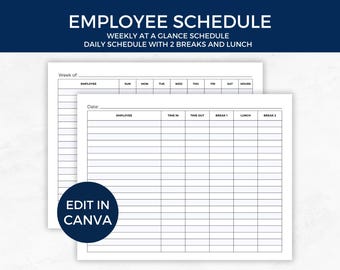
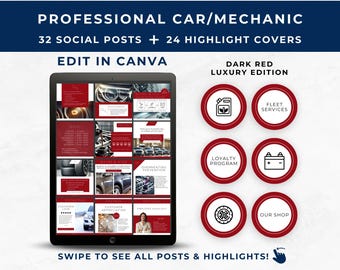
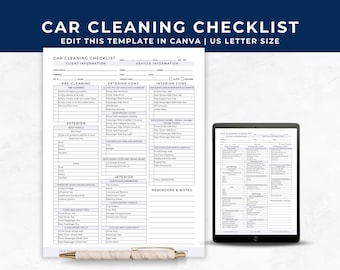
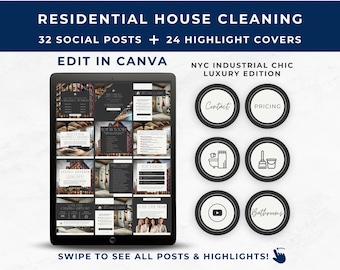
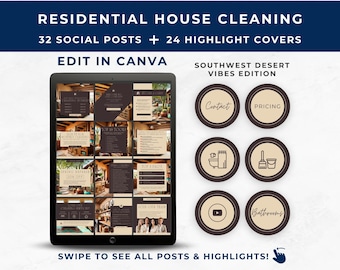
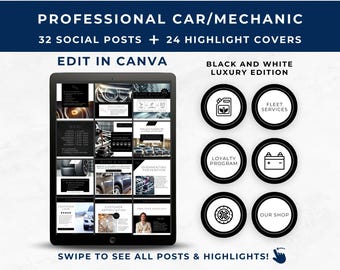
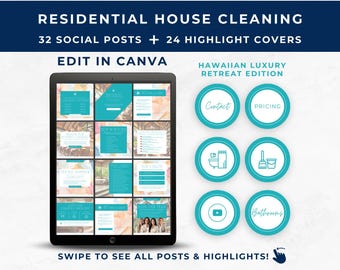
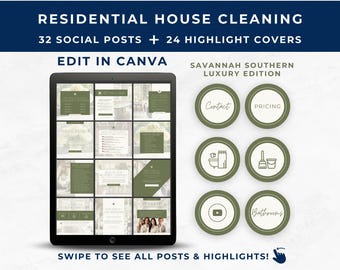
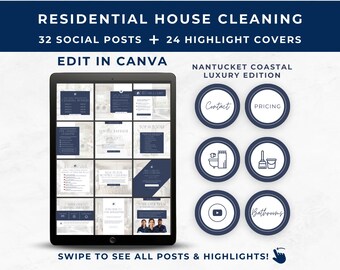
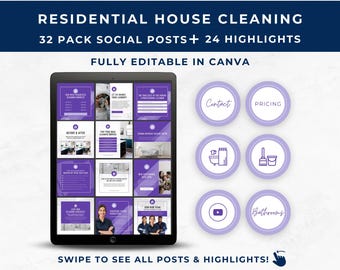





Helping you grow your blue collar business professionally with customized contracts, social media templates, and other various business forms.
Featured items
All items
Announcement
Last updated on 02 Jan, 2025
Reviews
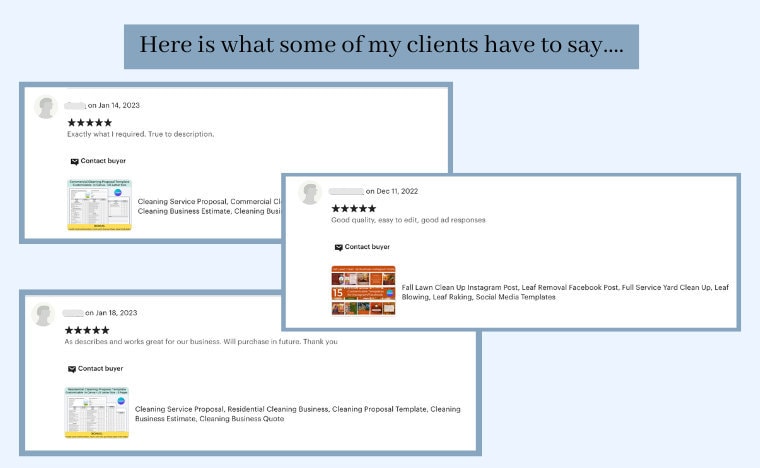
4.8
(260)
Average item review
We calculate this number using a recency-weighted average of all ratings, with a rating's value decreasing by half each year to best reflect the current experience.
Loading
About OATemplateStudio
Sales
4,209
On Etsy since 2020
Shop members
-

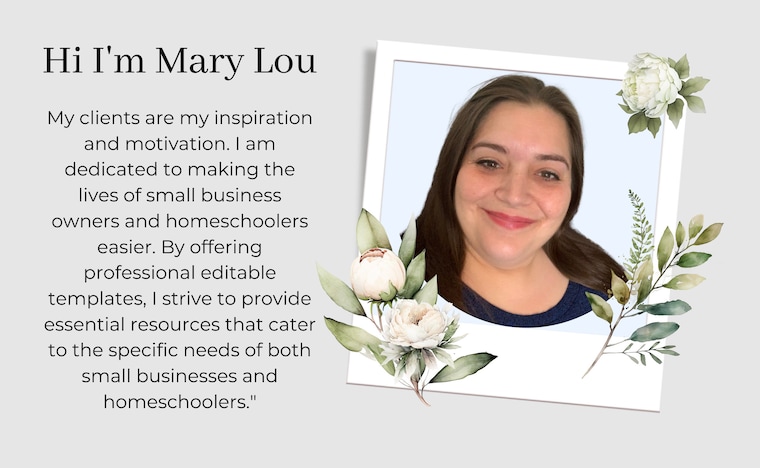
Mary Lou
Owner, Designer
Living in small town USA. Married 11+ years to the best man a woman could ask for. Blessed and thankful. Digital products creator. Forever Midwest. Minimalist. Etsy seller. I💛Jesus.
Shop policies
Last updated on 29 Jan, 2025
Digital downloads
Instant downloads
Your files will be available to download once payment is confirmed. Here's how.
Payment options
Secure options
Accepts Etsy Gift Cards and Etsy Credits
Etsy keeps your payment information secure. Etsy shops never receive your credit card information.
Returns & exchanges
See item details for return and exchange eligibility.
Cancellations
Cancellations: not accepted
Please contact the seller if you have any problems with your order.
Privacy policy
More information
Last updated on
17 Dec, 2025
Frequently asked questions
FREE PDF Guide: "Quick Fixes for 10 Common Invoice and Quote Mistakes"
Sign up here: https://oatemplatestudio.myflodesk.com/h3ihgf8wss
Are the designs editable?
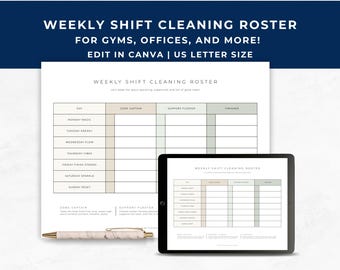
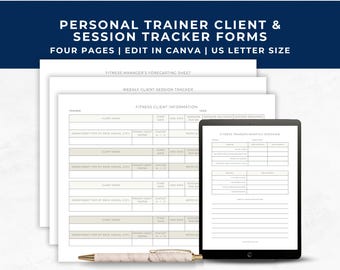
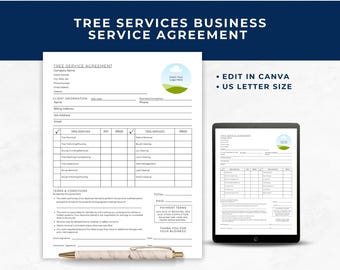
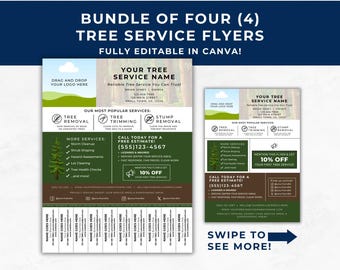
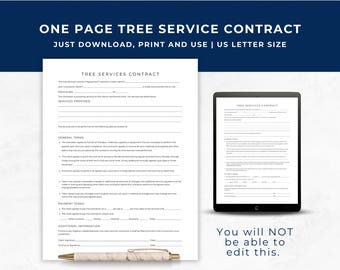
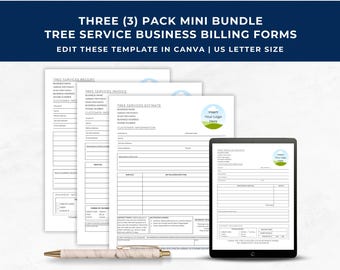
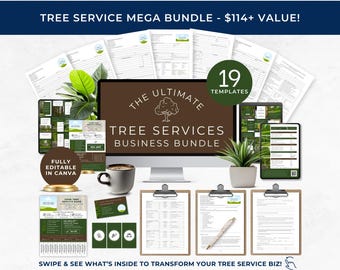
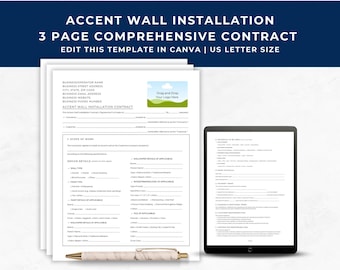
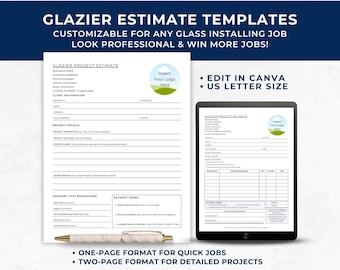
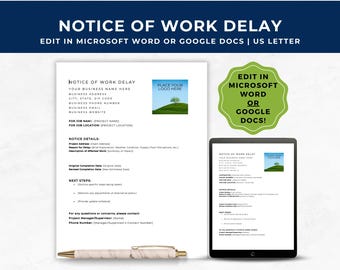
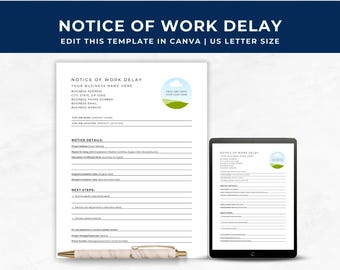
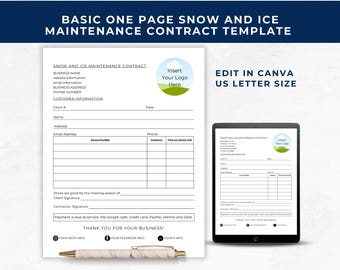
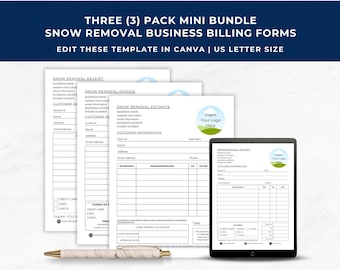
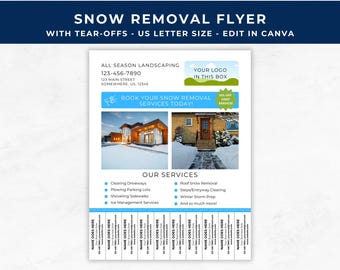
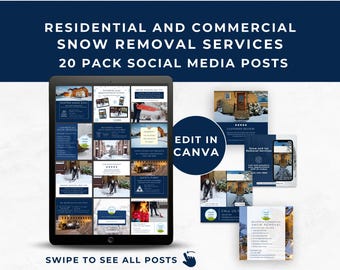
Not all our products are editable. We offer some as regular “print and use” printable files. We also offer some as “editable in Canva” templates. Those are clearly marked in the listing images and description as Editable in Canva so make sure you know what you are buying. If you are not sure, please use the “Contact Seller” button and I will help you find what you are looking for.
Do you offer printing?
No unfortunately we currently do not offer printing.
Can I change the size of the listings?
For our printable files: The size of the printable files is restricted to what is listed on the listing description.
For our editable Canva templates: If you have a Canva PRO account you will be able to resize them as needed. If you only use the free version, you will not be able to resize it.
Can I change the color of the listings?
For our printable files: The color of the printable files is restricted to what is listed on the listing description.
For our editable Canva templates: You will be able to change the color on most shapes and font etc. But you will not be able to change the color on any of the clip art.
What is Canva?
It is a free online content creation/ graphic design tool that (in my opinion) is more user-friendly and intuitive than Photoshop or Illustrator.
Is there a fee to use Canva?
No! They do offer an upgraded PRO (paid) version, but that is NOT required to edit this document.
Does Canva have an app to make edits directly on my phone?
Yes, however, the app can be very glitchy at times so using a desktop for best results is recommended.
How do I edit the Canva templates?
1) Create a FREE Canva account (if you don't already have one).
2) Edit the template 100%! (fonts, colors, make text changes, upload your own photos etc.).
3) Save changes and print.
I don't have a printer, can I send my file to a local or online print shop to have them print my flyers?
Yes, you can if you are printing the files for your own personal use.
What are the terms of use?
The purchase of a template is for personal use (unless stated otherwise in the listing description). You can edit, save and download your template unlimited times for editing and proofing purposes. Our templates have no download limit.
..
Unfortunately our designs aren't for commercial use or resale.
..
Do your templates expire?
No. Our templates have no expiration date.
..
Do I need a desktop to edit the files?
Canva works best on a desktop, but they do have an app that you can edit your templates on an iPad or iPhone if needed.
..
How long do I have access to the files?
If you make a copy of the original template when you receive them after purchase, then you can have access for as long as you have a Canva account.
I changed my mind and want a refund, is this possible?
No. We don’t do refunds after the purchase is made because these are digital download files. We have no way to restrict you from using them after you received your refund. For that reason, we do not offer any refunds. However, if you do have any questions or suggestions on your product, please reach out and let us know. We are always happy to help make your purchase a great experience.