
Featured items

All items











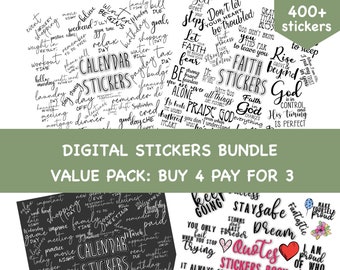
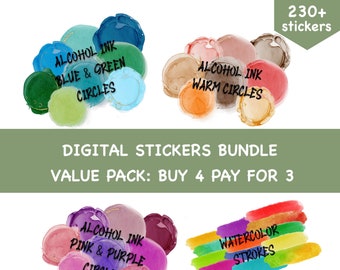
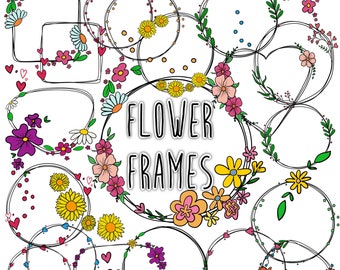
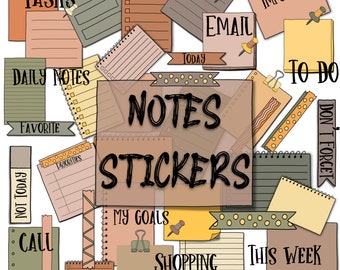
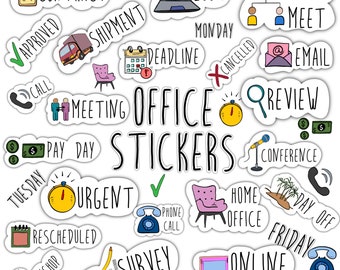
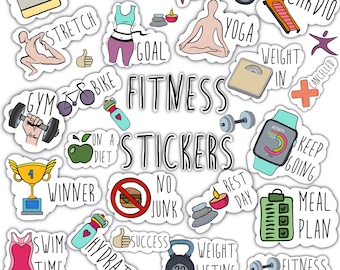
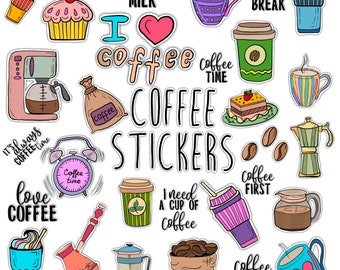
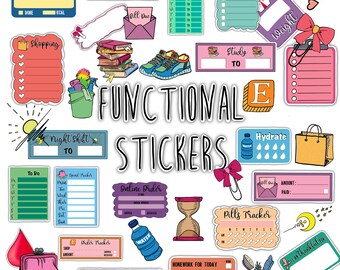
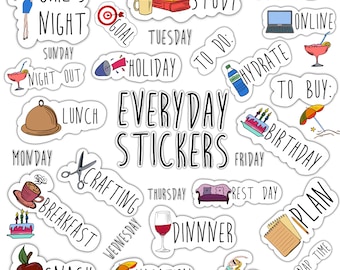
Announcement
Last updated on Sep 24, 2021

Reviews
4.8
(1181)
Average item review
We calculate this number using a recency-weighted average of all ratings, with a rating's value decreasing by half each year to best reflect the current experience.
Loading
-

-

-
-
-
-
-
-
-

Snow on Jun 5, 2025
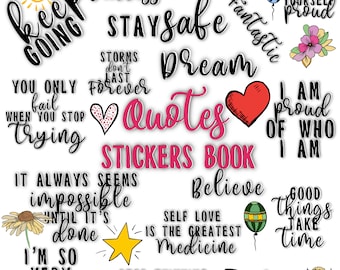
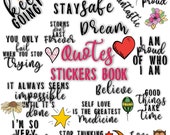
5 out of 5 starsQUOTES Digital Stickers Set for Digital Planner ⭐️⭐️⭐️⭐️⭐️ Absolutely obsessed! These pre-cropped quote stickers are a game-changer in my digital planner. So easy to drag and drop into GoodNotes. The bonus stickers were such a thoughtful touch. Stylish, inspiring, and totally worth it!
-





Shop policies
Last updated on May 25, 2020
Digital downloads
Instant downloads
Your files will be available to download once payment is confirmed. Here's how.
Payment options
Secure options
Accepts Etsy Gift Cards and Etsy Credits
Etsy keeps your payment information secure. Etsy shops never receive your credit card information.
Returns & exchanges
See item details for return and exchange eligibility.
Cancellations
Cancellations: not accepted
Please contact the seller if you have any problems with your order.
More information
Last updated on
Dec 17, 2025
Frequently asked questions
When using the lasso tool, I get only the option “take screenshot”
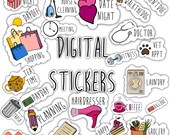
The first page of the GoodNotes file is a cover page. Scroll through and the following pages are the pre-cropped stickers, where you can use the lasso tool.
What do I need to know about copyright and terms of use?
All items designed by OwlDigitalStudio and sold in OwlDigitalStudio are copyrighted by OwlDigitalStudio and are for personal use only.
What file formats are your downloads in?
You are purchasing a file, either in a .jpg or a .png or a .pdf format, or a .goodnotes format, for digital use, for printing or utilizing in your photo editing software as desired, for personal use only. Each listing will specify the format provided for that item. Multi-file products will be in a .zip format for easier download.
What is a .zip file?
Many of the items are in a .zip format for download. This allows multiple files to be packaged together so they don't have to be downloaded one at a time. Once the .zip file is downloaded and saved to your computer, it must be "unzipped" to access the individual files therein. Most computers today come installed with the software to accommodate this and double-clicking on the zip file will start the "unzip" or extraction process.
If your computer does not have such software, you can download by searching zip/unzip software on the Internet.
Where are my digital files? Downloading a digital item
If you have an Etsy account, after your purchase you’ll see a View your files link which goes to the Downloads page. Here, you can download all the files associated with your order. You can access your files for download after that by entering your profile, then go to “purchases and reviews”.
Please note that you can't download a digital purchase through the Etsy app at this time. To download a digital file, please sign in to Etsy on your mobile browser or a non-mobile computer.
If you checked out as a guest, you'll find a link to download your purchase in the receipt email that was sent to you after purchase.
More info: https://help.etsy.com/hc/en-us/articles/115013328108-Downloading-a-Digital-Item
When I use the lasso tool, several stickers are copied
With the lasso tool make a little circle in the middle of the sticker you want to use. It is enough for the program to choose the exact cropped sticker and not several around it.