Featured items
All items











Reviews
4.8
(478)
Average item review
We calculate this number using a recency-weighted average of all ratings, with a rating's value decreasing by half each year to best reflect the current experience.
Loading
-

-
Ro on Aug 29, 2026
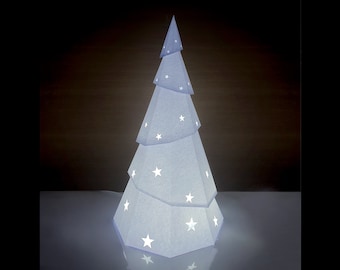
5 out of 5 starsEasy to create a paper Christmas Tree by printing download onto A4 sheet of paper. Great!
-

Nina on Apr 16, 2026
5 out of 5 starsThis is exactly what I was looking for. I’m going to make an advent calendar with this design. The instructions are clear and concise and I do not anticipate any problems.
-
Nicolina on Sep 16, 2026
5 out of 5 starsI can not wait to put theses together, very instructions, love it, thank you.
-
Ela on Sep 4, 2026
5 out of 5 starsI never ended up printing the template, I would have loved the store to offer an already done piece in order to expedite the project I had in mind. Other than that, the design works.
-
-
-
Emilia on Jul 7, 2026
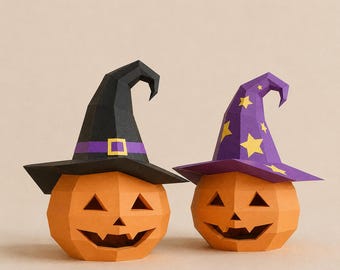
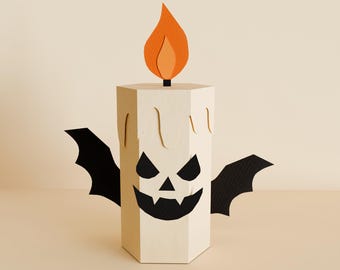
5 out of 5 starsNext time I'll start witht the mouth, then nose, then eyes. It was not so difficult.
-

-
Kristen on Apr 25, 2026
5 out of 5 starsIt seems like the file is great, but I can’t figure out how to change the size. I wanted to be able to make a couple that were different sizes. I think it’s my stupidity tho.






About PaperCraftNEO
Sales
4,744
On Etsy since 2019
Shop policies
Last updated on May 4, 2019
Digital downloads
Instant downloads
Your files will be available to download once payment is confirmed. Here's how.
Payment options
Secure options
Accepts Etsy Gift Cards and Etsy Credits
Etsy keeps your payment information secure. Etsy shops never receive your credit card information.
Returns & exchanges
See item details for return and exchange eligibility.
Cancellations
Cancellations: not accepted
Please contact the seller if you have any problems with your order.
More information
Last updated on
Dec 17, 2025
Frequently asked questions
How do I change model size?
· If you want to reduce the model, change the scale in the print settings.
In Adobe Acrobat Reader DC's print settings, you'll need to click the Custom Scale button. The default percentage is 100%, but this can be changed to whatever you want.
· If you want to increase the model, use for printing A3 or US Tabloid paper.
(You must have an A3 printer.)
How do I print on dark paper or thick paper?
If you try to print on dark paper, the ink won't show through.
If the paper is too thick, you won't be able to print to your printer.
In this case,
(1) You prepare a template(printed on white paper) and dark colored(or thick) paper.
(2) Cut a part of the template.
(3) Put glue on the back of the cut part. (Don’t use too strong glue.)
(4) Paste the part on the dark colored paper.
(5) Score along the folded lines. There should also be marks on the dark colored paper.
(6) Cut along the solid lines.
(7) Take off the printed paper.
*Detailed descriptions are attached to the instruction file with pictures.