




Hello! ~
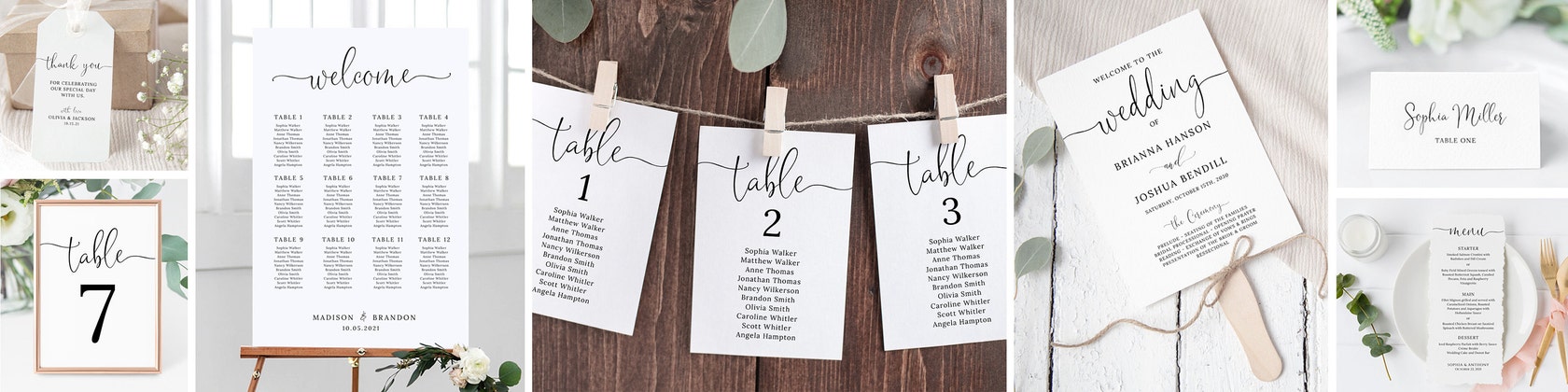
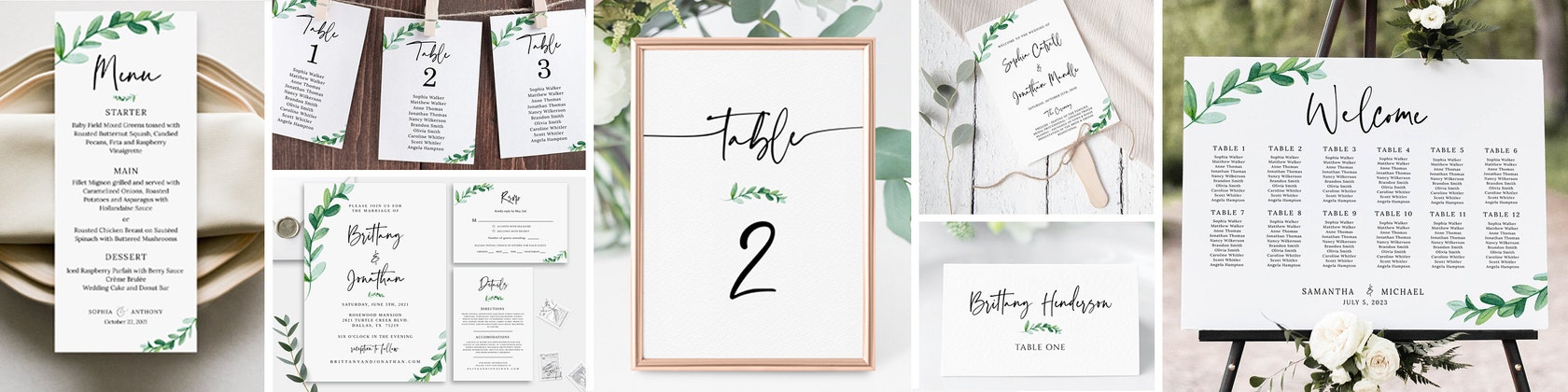
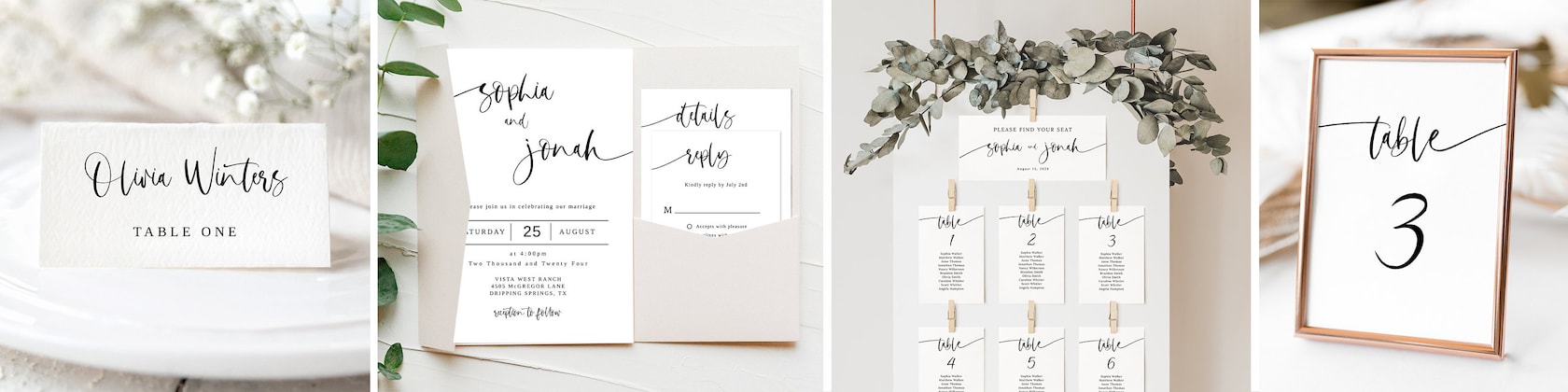
I’m a mama to 2 sweet rescued fur baby kitties who keep me company while I design & create. They regularly walk across my desk because they know mama can't resist giving them sweet kisses! ♥ I love designing and providing affordable Printable Stationary for the modern bride and groom. Before Etsy, I was a Wedding Photographer of 20 years, but designing now is my full-time enjoyment! My entire shop consists of instant digital downloads so you will have your wedding sign or template at the click of a button! My overall design feel is clean, bright modern and elegant. I strive to give the utmost attention to all of my clients. I am always here to help you with any questions that you have. <3
Much love,
Silvana ~
Paper Innocence
Please feel free to visit my other Etsy shops:
PeachesAndCreamArtShop and LoveNeverEndsShop
All items
Announcement
Reviews
-

-

-

-

-
-
-

-
Candice on Jul 16, 2026
5 out of 5 starsArrived very quickly packaged very well. Would Absolutely recommend.
-

Kailyn on Jul 9, 2026
5 out of 5 starsLove these templates! The files were sent via email immediately after purchasing, and included a brief how to guide on how to download and edit them in Canva, which was very helpful and easy to use. Only took me a couple of hours to download, sort through the signs I wanted or needed, and customize accordingly. Would highly recommend to save time, energy, and money!
-

About PaperInnocence
Shop members
-

Silvana
Owner, Designer, Photographer
Hello! I LOVE weddings, and I LOVE designing! Perfect match! I'm always creating new designs, and have photographed hundreds of weddings in my 20 year career as a wedding photographer. So much FUN! ♥ Silvana ~ www.etsy.com/shop/PaperInnocence
-

Biscuit & Nicholas
Work Break Snugglers
We love walking across momma's desk while she works because she gives us the best kisses and cuddles!! ♥♥♥
Shop policies
Digital downloads
Payment options
Returns & exchanges
Cancellations
Cancellations: not accepted
Please contact the seller if you have any problems with your order.
More information
Frequently asked questions
How Do I Download my Sign Purchase?
Follow these simple steps to download your files: (after checkout & payment)
1. Click on ‘You’ button in the top right corner of the Etsy web page
2. In the dropdown menu in ‘You’, click on ‘Purchases and Reviews’
3. Locate your purchased file from Paper Innocence
4. Click the orange button to the right which says ‘Download Files’ and save file to your desktop computer
(Etsy will also automatically send you a link to download your files)
IMPORTANT: Download files only onto a computer (Mac or PC) as files are not editable on a mobile device or tablet
How Do I Edit My PDF Template File?
*Use ONLY the latest version of Adobe Acrobat Reader to edit your files.
You can download it for free here: www.get.adobe.com/reader
1. Open Adobe Acrobat Reader (only from a desktop computer not phone or tablet)
2. Go to top menu of Adobe Acrobat, click “Open” and locate file to open
3. To edit your files:
Click inside the text field boxes (which are highlighted in light blue)
4. Press: [Ctrl + E] - (for PC users)
[Cmd + E] - (for MAC Users)
A Form Field Text Properties box will pop up.
Here you can edit text, size, color, font, etc. with your own text!
5. Save your file onto computer by renaming it under a different name
6. Print and Trim
7. Done! Yaaayyy!!!
How Do I Print My Sign?
So you’re ready to print? Awesome!
You may choose to print:
- at home; or
- a local Print or Copy Shop (such at Staples, Office Depot, Office Max, Kinkos, FedEx, Costco or Vistaprint)
To ensure the best possible outcome, we recommend high quality inks and card stock.
You may print at home provided that your printer and ink produces high quality outputs. Please keep in mind that every printer is very different in this area. A test print is ALWAYS recommended.
Note: Please understand that colors may vary between monitors and printers, therefore the colors on your screen may not be exact in the final printed artwork. Card stock choice can also affect the printed color.
How Do I Trim My Printed Sign?
Most of our printables are formatted to print on 8.5”x11” paper and contain trimming guidelines to make for easy trimming on your own, so for 8.5”x11” prints or under this is ideal. For larger prints, we suggest printing at a local print/copy shop.
When printing & trimming at home, we suggest using either a Paper Trimmer or an X-Acto knife with ruler & cutting mat (scissors will work but may leave ragged edges and will not look as clean cut).
What Can And Cannot Be Edited?
Each listing will vary, so please refer to the listing description as to what may or may not be edited. All highlighted blue text fields are editable with your own text, however, these same text areas CANNOT be moved or re-sized, nor can the shape or location be changed. Any Graphics, fancy fonts, position and size of the text boxes ARE NOT EDITABLE.
What Paper or Cardstock Do You Recommend?
We suggest a heavier card stock for best results (90-110lb or more). Most home printers should be able to print up to 100lb, but please check your printer’s manual specifications just to make sure.
What Is Your Terms of Use?
By purchasing, you agree that you have read the item description carefully. All of our items are for PERSONAL USE ONLY. You may not redistribute, resell or share the files. You may not print the design and sell the printed version.
Do the Editable Templates Expire?
Yes, all templates associated with the Templett editor expire One (1) year from the date of purchase. This provides ample time to edit, save & download your template item in time for your event. :) You can edit, then come back to make any changes even months later (up to 1 year). ♥
Looking for more? Find it on Etsy