
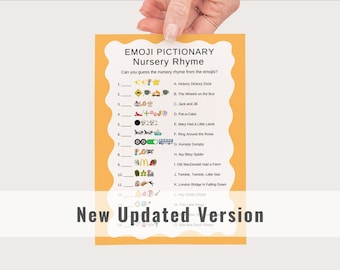
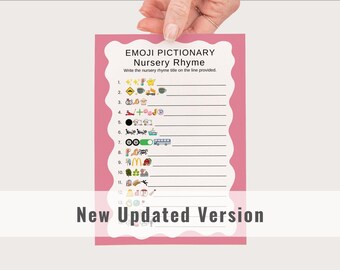
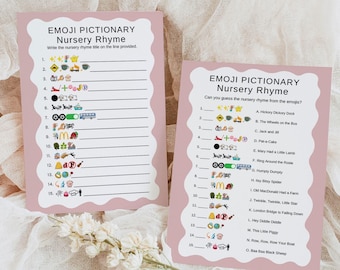
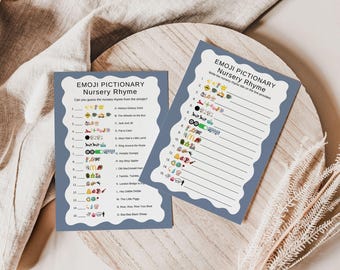
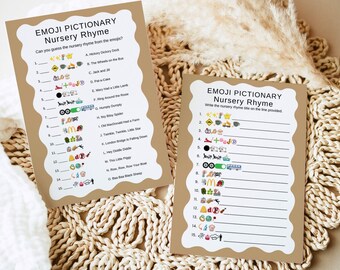
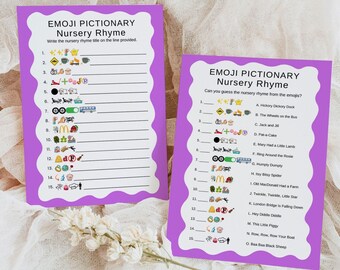
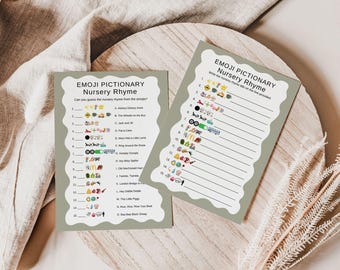
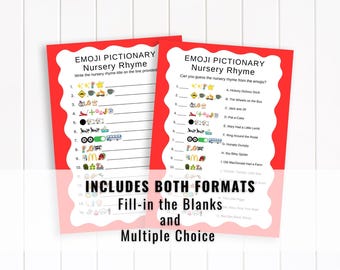
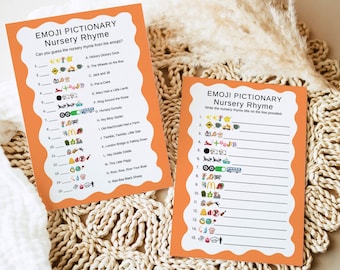
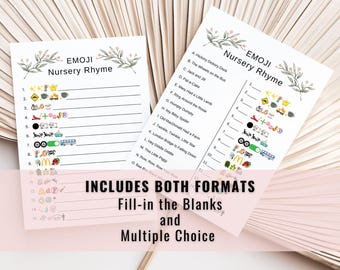
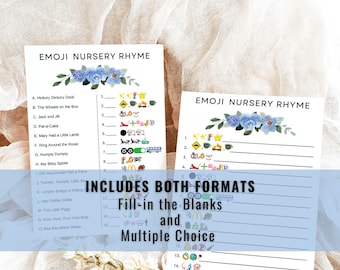
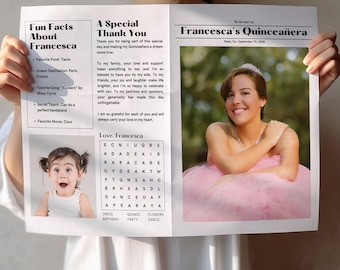

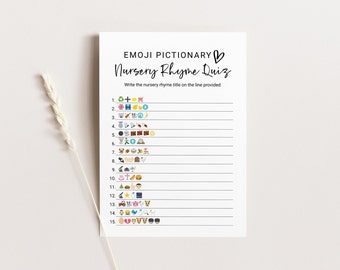
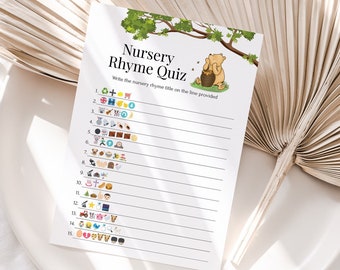
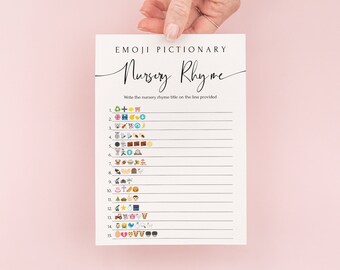
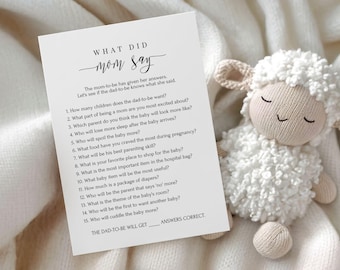


Welcome! 🌸
All items
Announcement
Last updated on Mar 2, 2024
Reviews
4.8
(5071)
Average item review
We calculate this number using a recency-weighted average of all ratings, with a rating's value decreasing by half each year to best reflect the current experience.
Loading
-

-

kate on Jun 10, 2026
4 out of 5 starsWas digital print and as described. Easy enough to print as required.
-

Patty on Jul 30, 2026
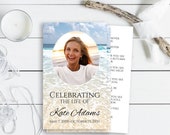
5 out of 5 starsI made a memorial card for a family and friends of a dear friend who passed away. This is my second digital card I have purchased from this seller. First time using Canva and it went pretty well. I sent a message to the seller for a question and got a very quick response. I printed and then had the cards laminated. They turned out beautifully. A great way to share a remembrance of a loved one...Will not hesitate to order again from this seller
-

-

-
-
Sara on May 29, 2026
5 out of 5 starsThe item worked perfect. Everyone loved the activity. Thank you.
-
-
Gloria on May 12, 2026
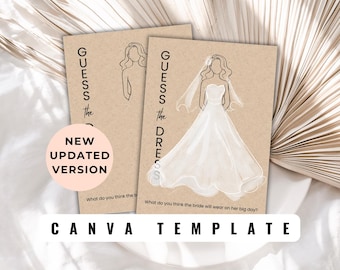
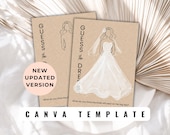
5 out of 5 starsLoved this printable. It's a digital file, so you need to print it yourself. I used white color pencils and a cardboard color paper and the dresses looked lovely
-
Gloria on May 11, 2026
5 out of 5 starsLove that there are several designs to choose from and she gives you the editable version as well.
About PaperPassionDesigns
Sales
78,166
On Etsy since 2016
Shop members
-

Julie-Anne
Owner, Designer
Shop policies
Last updated on Jul 22, 2019
Digital downloads
Instant downloads
Your files will be available to download once payment is confirmed. Here's how.
Payment options
Secure options
Accepts Etsy Gift Cards and Etsy Credits
Etsy keeps your payment information secure. Etsy shops never receive your credit card information.
Returns & exchanges
See item details for return and exchange eligibility.
Cancellations
Cancellations: not accepted
Please contact the seller if you have any problems with your order.
More information
Last updated on
Dec 17, 2025
Frequently asked questions
Do you accept custom orders?
I'm sorry, but I am not currently accepting custom orders
How do I download my file?
CORJL TEMPLATES: After purchasing a template from my shop, Corjl will send you an email with an access link. If you haven't received the email after an hour, please check your spam folder or message me. You can also access your template directly through Corjl.com by clicking on 'EDIT A PURCHASED ITEM.'
PDF TEMPLATES & FILES: These files can be downloaded from your Etsy Purchases page at https://www.etsy.com/your/purchases.
How do I edit my file?
Editing CORJL Templates:
For instructions on how to edit your CORJL template, please visit https://bit.ly/3jh45gJ.
PDF Templates:
Please make sure to open your PDF template in Adobe Reader and that you have the latest version of the software installed. You can download the latest version of Adobe Reader at www.get.adobe.com/reader.
After opening your PDF, you will see highlighted text fields that are pre-populated with "Enter Text." Click on the highlighted text to personalize it. Please note that only highlighted text is editable.
To change the font, color, or size of the text, press [Command-E] (Mac) or [Ctrl-E] (PC) when you're in the highlighted text area. This will open a rich format text box where you can make your desired changes.
I am having trouble in Corjl
If you are having trouble accessing or using a CORJL template, there are a few things you can try to fix the issue:
- Check to see if your browser is blocking Corjl's website and unlock it if necessary.
- Log out of your account and then log back in again.
- Restart your browser and try accessing the template again.
If you are still having problems, here are some additional steps to try:
For Chrome on a Mac:
1) Click on the Apple logo in the top left corner of the screen.
2) Select the "General Preferences" pane.
3) Under the "show scroll bars" heading, select "always".
If you are still experiencing issues, please don't hesitate to contact me. I'll be happy to help you get your template working properly. Thank you!
How long can I access my template in Corjl?
As of fall 2022, my templates no longer have expiration dates. If your template is not active for some reason, please contact me and I'll be happy to reactivate it for you.
Please note that my templates are intended for use in a single event. I appreciate your understanding and cooperation in not abusing this policy. Thank you!
What should I do if my Corjl file is not downloading or is taking too long to arrive?
Occasionally, when downloading a Corjl file, you may see a message indicating that the file will be emailed within 24 hours.
If this happens and you do not receive your file promptly, please contact me directly. I can quickly download the file on my end and email it to you to ensure you receive it without further delay.
I am trying to print the edited PDF file, but there is a plus (+) sign in the editable area. How do I print without the plus (+) sign? (editable Adobe Reader PDF Template)
If you are seeing a plus (+) symbol on your text fields in Adobe Reader, there are a few potential fixes:
Turn off the text-overflow indicator in Adobe Reader. To do this, go to Adobe Reader -> Preferences -> Forms, and uncheck the "show text field overflow indicator" box.
Acrobat automatically displays the plus symbol when it detects that the text in a field may be larger than the display area. If this is the case, you can try reducing the font size or checking for extra lines at the bottom of the printable area. To change the font size, access the pop-up menu by pressing Command-E (Mac) or Control-E (PC). From here, you can adjust the font size and other formatting options.
My file will not save? (editable Adobe Reader PDF Template)
If you are having trouble saving your PDF file, make sure you have the latest version of Adobe Reader installed. You can download the latest version of Adobe Reader from this link: www.get.adobe.com/reader
Once you have the latest version of Adobe Reader installed, try saving the file again. If you are still having trouble, please don't hesitate to contact me for further assistance.
Terms of Use
• Viewing, printing, or downloading any content, graphics, or templates from Paper Passion Designs is strictly for personal use and not for republication, distribution, sale, or any other purpose.
• The purchase of a template grants you the right to use it for one-time purposes only, unless otherwise specified in the item description. You can edit, save, and download your template an unlimited number of times for editing and proofing purposes only. Paper Passion Designs retains the right to revoke access to a template if the user fails to comply with these terms.
• © Copyright Paper Passion Designs. All rights reserved.
Important
• Before bulk printing, please ensure that your home printer can produce the desired quality of stationery and is compatible with your preferred card stock. We recommend conducting a test print. If you are unsatisfied with the quality of your home print, we advise visiting a local print shop for optimal results. We do not assume responsibility for the quality of your print.
• Please be aware that the actual print colors may slightly differ from what you see on your screen. The choice of card stock can also impact the printed color.
Looking for more? Find it on Etsy