
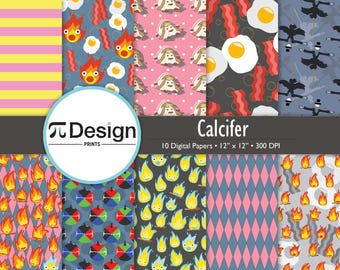
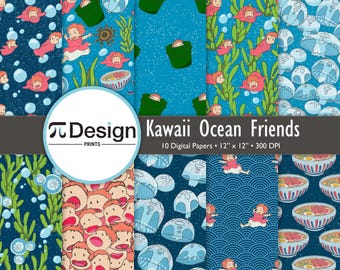
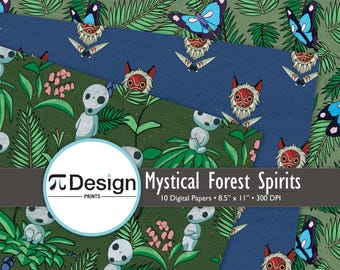
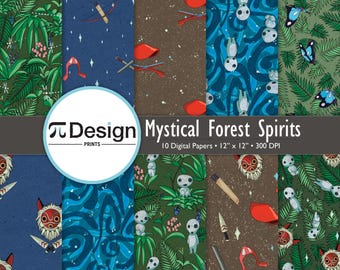
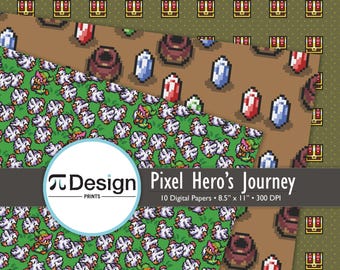
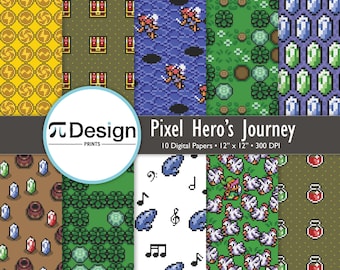
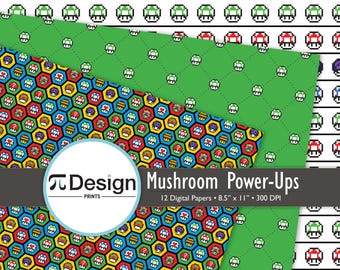
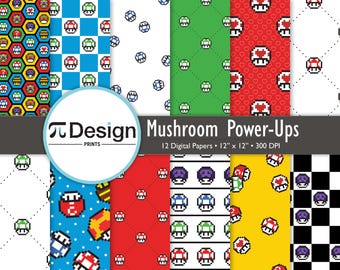
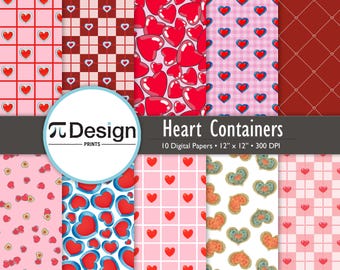
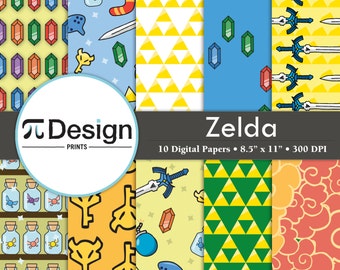
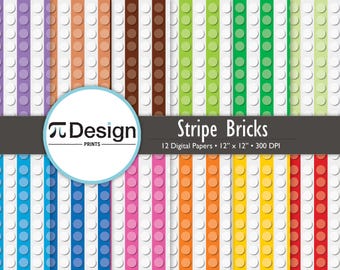
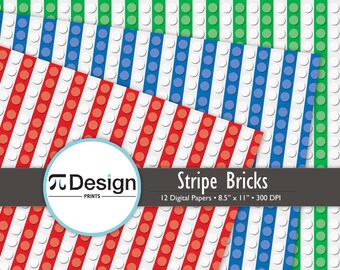
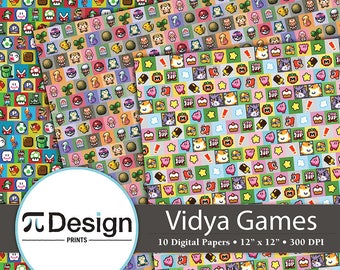
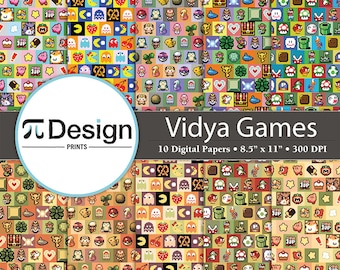
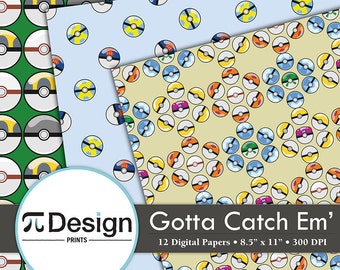
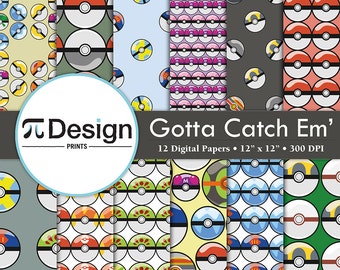
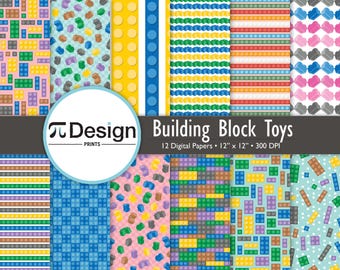







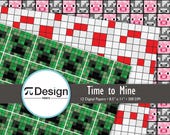
Pi Design Prints features original handlettered posters, digital papers and other crafts inspired by pop culture, anime, and video games.
Featured items
All items
Reviews
5.0
(736)
Average item review
We calculate this number using a recency-weighted average of all ratings, with a rating's value decreasing by half each year to best reflect the current experience.
Loading
-

-

Sua on Feb 26, 2026
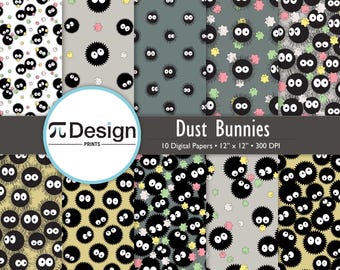
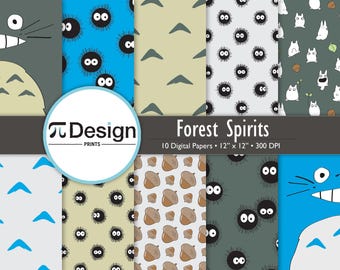
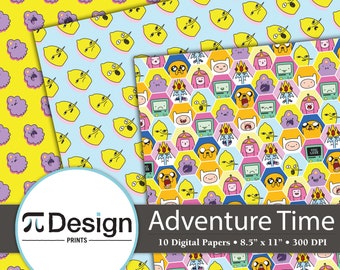
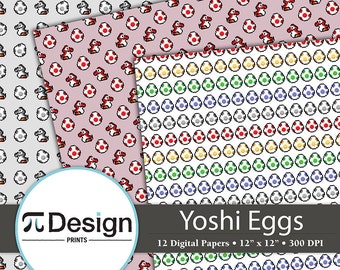
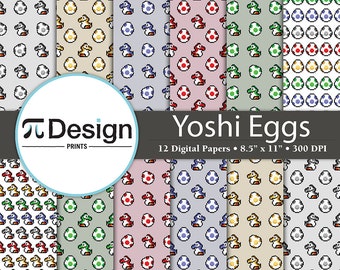
5 out of 5 starsThese Sprite characters are so stinking cute. I can't wait to get them printed on fabric!
-

Bailey on Feb 13, 2026
5 out of 5 starsWanted some 'subtle' artwork for my brother and this fit the bill perfectly. Great printable quality.
-

-

-

-

Victoria on Sep 23, 2025
5 out of 5 starsGreat set of images. Been back to this shop a few times. Thanks again
-
-

-

Shop policies
Last updated on
February 16, 2023
Accepted payment methods
Accepts Etsy Gift Cards and Etsy Credits
Returns & exchanges
See item details for return and exchange eligibility.
Cancellations
Cancellations: not accepted
Please contact the seller if you have any problems with your order.
More information
Last updated on
Dec 17, 2025
Frequently asked questions
Processing Times - Coasters
All coasters are made to order (excluding the beer label ones) which means there will be a 1-2 week processing time. Due to the nature of the process, it can take up to 7 days for the coasters to cure enough to ship. Once I feel the coaster is ready, it will be packed and shipped. Typically, it can take 5-9 days for the item to arrive once shipped. Shipping upgrades are available.
Custom and personalized orders - Coasters
Don't see what you're looking for or have an image of your own you would like to use? Message me to discuss what you're looking for. I have hundreds of patterns available to print under my Digital Paper section (https://www.etsy.com/shop/PiDesignPrints). Feel free to browse my patterns and choose which you would like. Color alterations can also be made.
Additional expenses may apply. Payment in full is due upfront. 15% is non-refundable.
Care Instructions - Coasters
All coasters are water resistant, not water proof. Wipe spills and messes to ensure long lasting durability. They are not dishwasher safe and should only be wiped clean with mild soap and warm water to remove stains.
Downloading and Opening - Digital Papers
If you are unable to download or open files, please follow these steps:
1. In your browser settings, verify that ZIP files are set to save to your computer and not automatically open in a program. Also verify the location of your Downloads folder.
2. Allow files to download fully before attempting to open. Do not change file extensions.
3. Right-click to access file Properties. Select "Unblock" under General > Security.
Printing - Digital Papers
If you are unable to print files, please follow these steps:
1. Extract the ZIP folder contents into a new folder on your computer. On some systems, printing will be disabled when trying to print directly from a ZIP folder.
2. Right-click to access file Properties. Select "Unblock" under General > Security.
3. Verify that the correct printer is selected in the dialog box and that all drivers are up-to-date.
4. Attempt to print a different file from your computer. If you are unable to print other documents, please consult your printer manufacturer.
Looking for more? Find it on Etsy