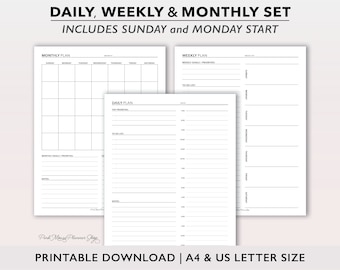
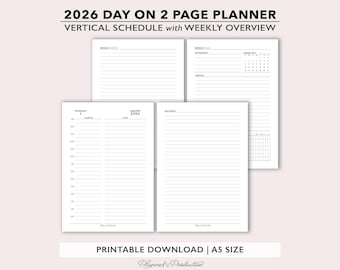
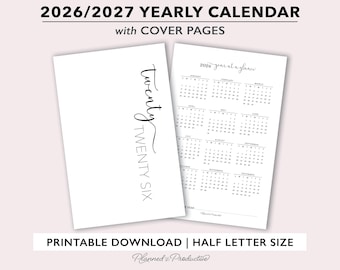
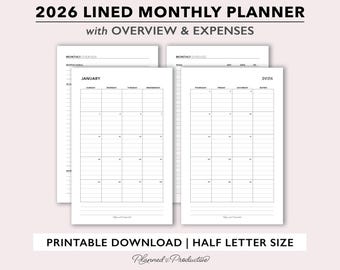
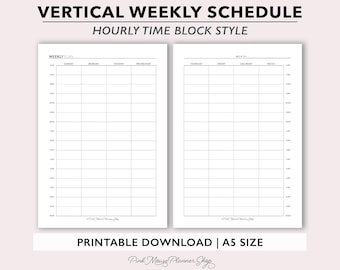
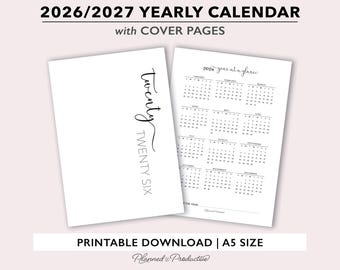
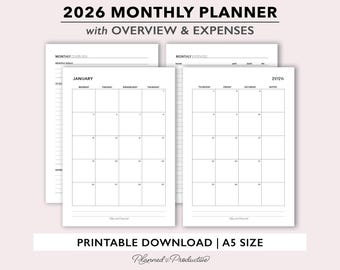
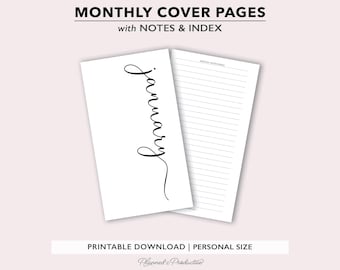
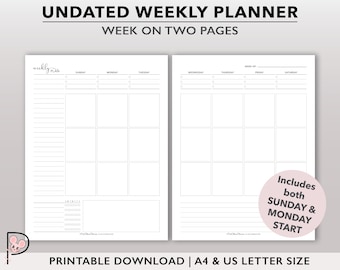
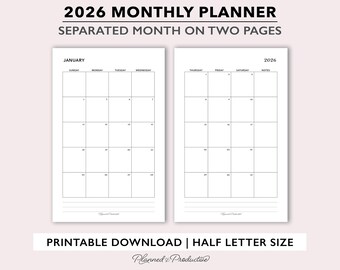
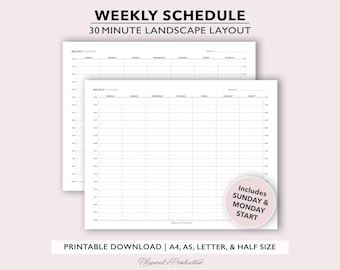
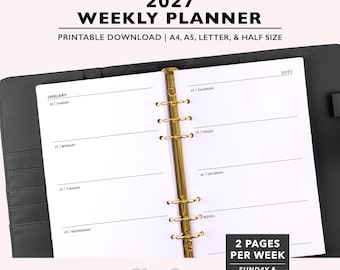
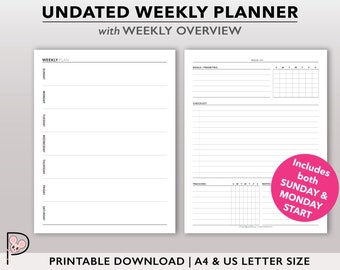
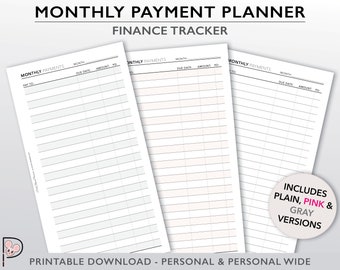
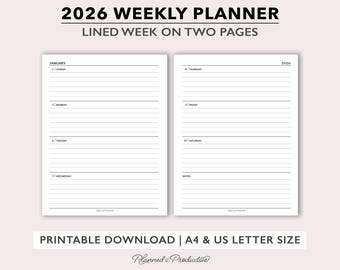
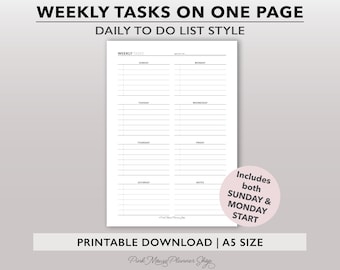
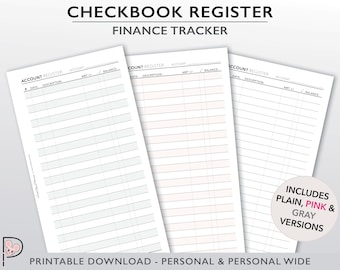
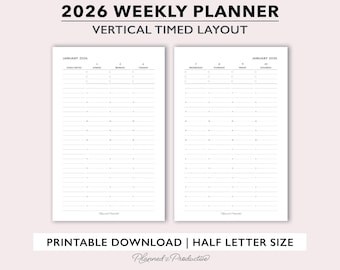
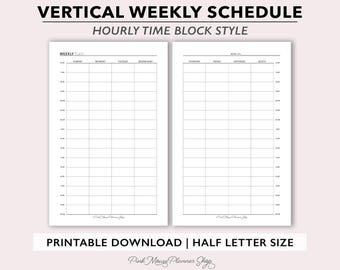
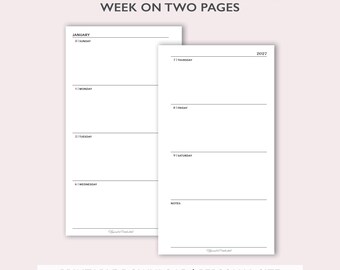
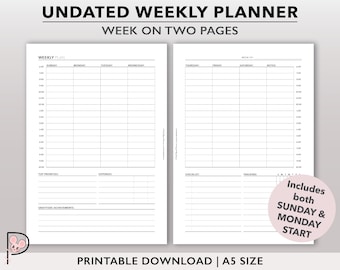
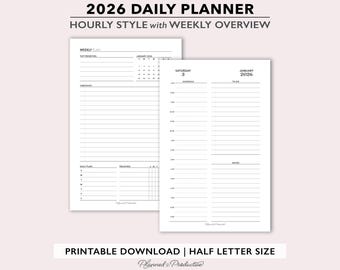
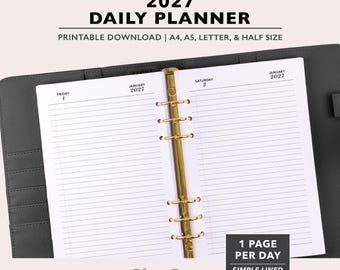


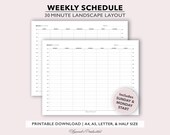


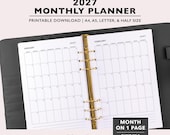
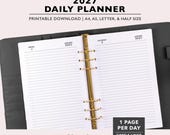
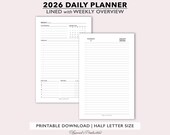
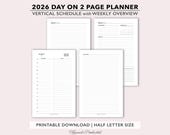
I wanted to create printable planners that work the way YOU do.
Featured items
All items
Announcement
Last updated on Jul 11, 2025
Reviews
4.9
(1372)
Average item review
We calculate this number using a recency-weighted average of all ratings, with a rating's value decreasing by half each year to best reflect the current experience.
Loading
-

-

-

-

-

-
-

-
-

Etsy buyer on Aug 20, 2026
5 out of 5 starsPerfect for Teaching! This is my third year purchasing. I need planners that have enough space for notes for 7 periods a day. These one day per full page are perfect for that. I can print a couple months at a time so I don't have to lug around an entire year. Laura's customer service is quick and helpful!
-

Derek on Aug 14, 2026
5 out of 5 starsI wanted to print my own planner pages so that I could use fountain pen friendly paper. Looked at a lot of options before choosing. I'm happy!
About PlannedandProductiv
Sales
10,773
On Etsy since 2020
Shop policies
Last updated on Dec 15, 2020
Digital downloads
Instant downloads
Your files will be available to download once payment is confirmed. Here's how.
Payment options
Secure options
Accepts Etsy Gift Cards and Etsy Credits
Etsy keeps your payment information secure. Etsy shops never receive your credit card information.
Returns & exchanges
See item details for return and exchange eligibility.
Cancellations
Cancellations: not accepted
Please contact the seller if you have any problems with your order.
More information
Last updated on
Apr 28, 2026
Frequently asked questions
Why do the pages in the file look out of order?
Because the inserts are formatted as booklets, the pages look out of order in the digital file. Rest assured that when you print them according to the instructions, they’ll all magically appear in the correct order. (OK, so it’s not really magic. It’s just the way printers lay out pages. 😉) Remember that if you're printing dated pages, you’ll need to print an entire file at once, so for example, a month of dailies, or a year of monthlies. Then you just fold or cut them and you’re all ready to plan!
What apps/programs can I use to open the insert files?
All of the files are in PDF format, and can be opened with the free Adobe Reader. You can download that at https://get.adobe.com/reader/
Zip files need to be extracted before you use them. Don’t worry, it's easy!
For Mac users: simply double click on the .zip file, and Mac OS will extract it to the same folder. (Depending on your settings, your Mac may even extract the files automatically when you download the .zip file.)
for Windows users: Right click on the .zip file and click “extract all” and choose where you want the files to be placed.
Do you accept returns?
Because the products are digital downloads, they can’t be returned, and I don’t offer refunds. However, I want you to be happy with your purchase, so if you’re having any issues with printing or using your inserts, please reach out to me. I’ll do whatever I can to resolve the issue to your satisfaction.
Can I print from my phone or tablet?
Dated inserts should be printed from a desktop or laptop computer. Most mobil devices don't offer the needed printing options to print inserts properly. Undated inserts can generally be printed by a phone or tablet.
Can I edit the inserts in Canva or another editing application?
No, the inserts are in PDF format, and are NOT editable.
How do I cut the inserts for best results?
Here's a quick video on how to cut your printable inserts. Copy this link and paste into your browser: https://www.youtube.com/watch?v=tm1maRVane4
Can I sell or share the files I purchase from PMPS?
No. Inserts are sold for personal use only. Resale or transfer of ownership is expressly forbidden. You may print as many copies as you wish for personal use. You may not sell or share inserts in either printed or digital format.
Looking for more? Find it on Etsy