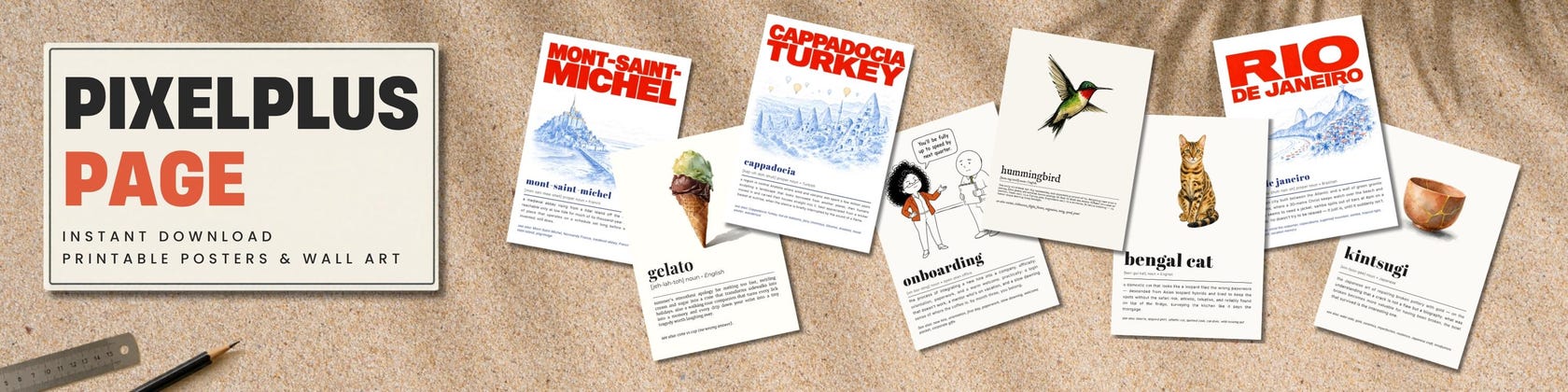

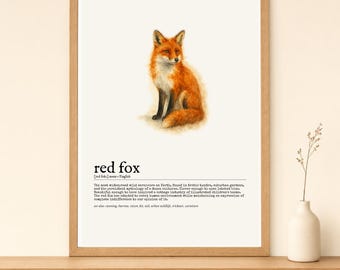
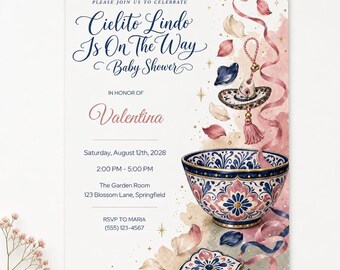
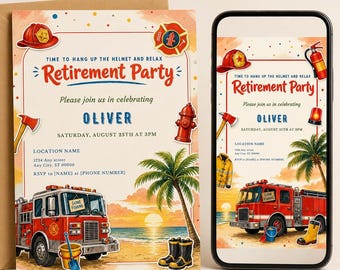
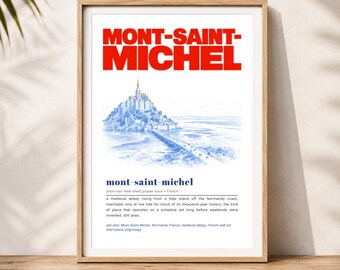


Where Pixels Become Places — and Words Become Wall Art
Featured items
All items
Announcement
Last updated on Jun 14, 2026
Reviews
4.8
(5)
Average item review
We calculate this number using a recency-weighted average of all ratings, with a rating's value decreasing by half each year to best reflect the current experience.
Loading
-

Etsy buyer on Mar 18, 2026
4 out of 5 starsI love the print, it was easy to download

ChLeHeYa responded on Mar 18, 2026
Great to hear, happy you like it!
About PixelPlusPage
Sales
36
On Etsy since 2025
Shop policies
Last updated on
Accepted payment methods
Accepts Etsy Gift Cards and Etsy Credits
Returns & exchanges
See item details for return and exchange eligibility.
More information
Last updated on
Jun 14, 2026
Frequently asked questions
What am I purchasing?
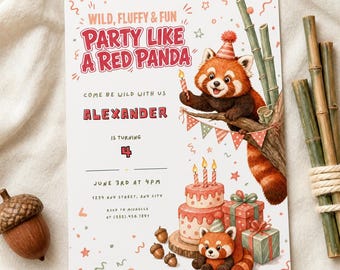
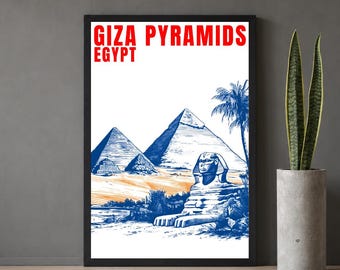
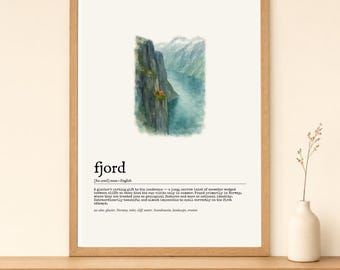
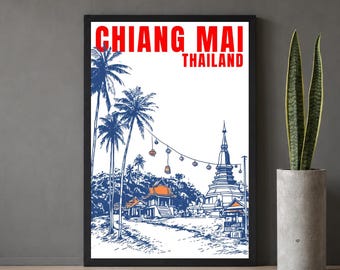
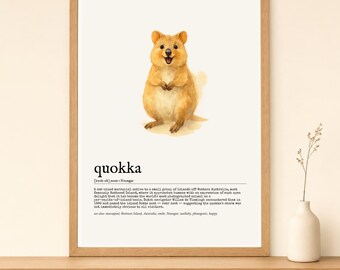
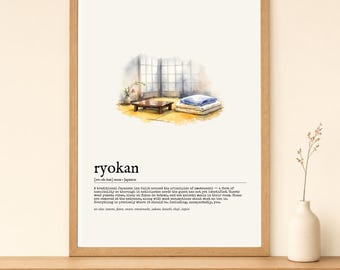
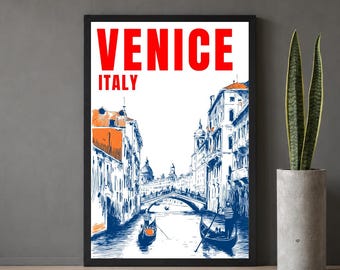
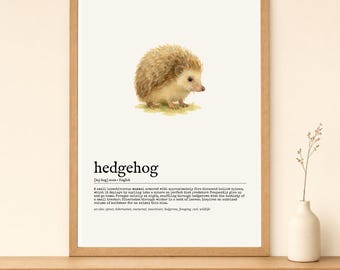
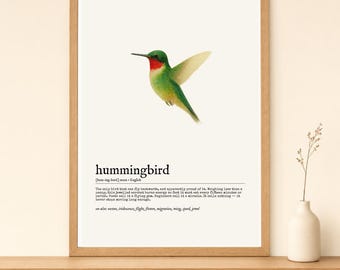
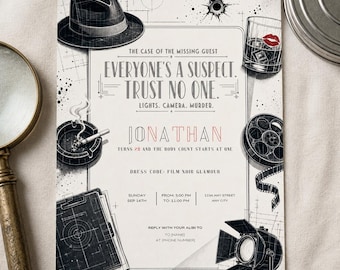
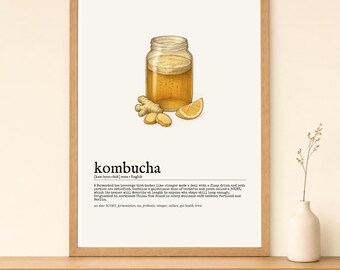
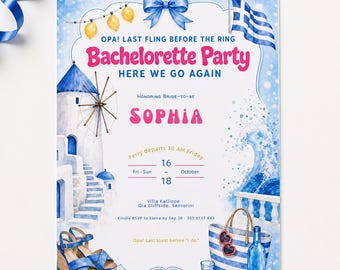
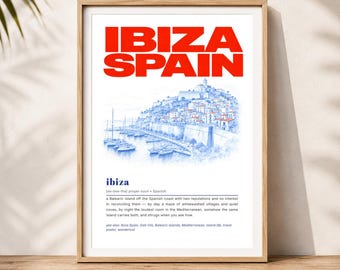
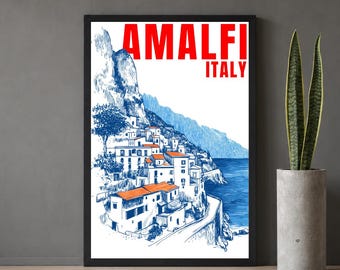
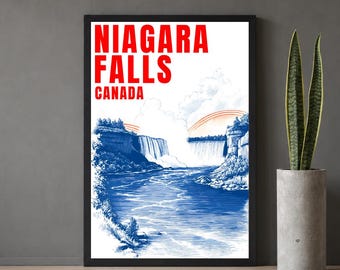
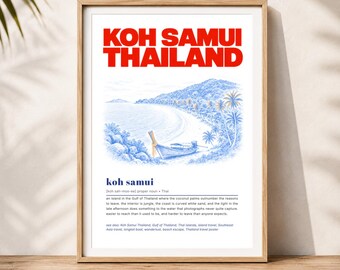
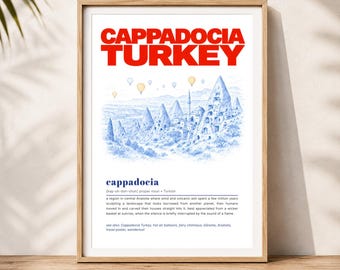
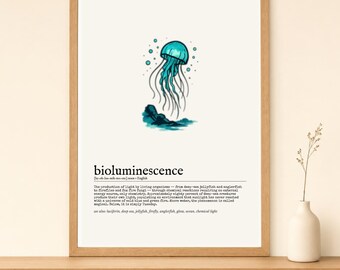
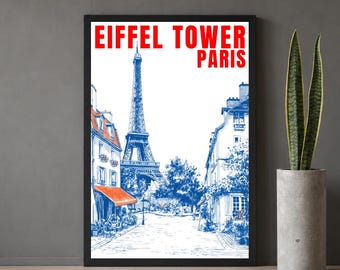
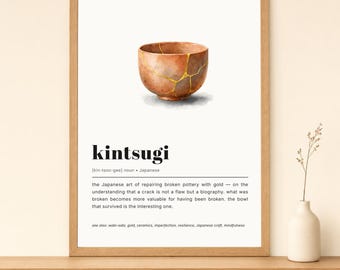
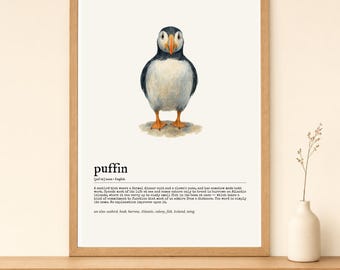
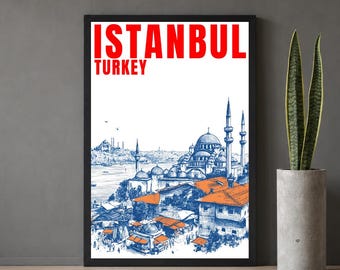
You're purchasing a digital download from Etsy — no physical item is shipped. My shop has two kinds of digital products: (1) Printable art — dictionary posters, travel prints and wall art delivered as ready-to-print files; and (2) Editable invitation templates — personalized by you in free Canva, then printed or sent digitally. Each listing states clearly which type it is.
How do I download or access my purchase?
After payment, go to Your Account → Purchases & Reviews → Download Files (you'll also get a confirmation email). For printable art, you'll find the print-ready files there. For invitation templates, you'll find a PDF guide containing your Canva template link(s) and simple instructions.
Do you offer refunds or cancellations?
As these are digital downloads, all sales are final once the files have been downloaded. Please review all product information before purchasing.
Can I use these commercially?
No — all products are for personal use only. Reselling, redistribution, sharing template links, or commercial use isn't permitted
Invitations: how do the editable templates work, and what can I change?
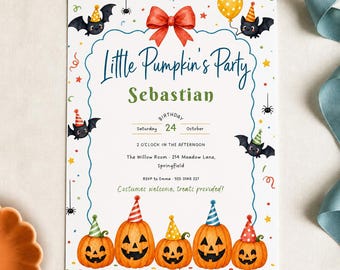
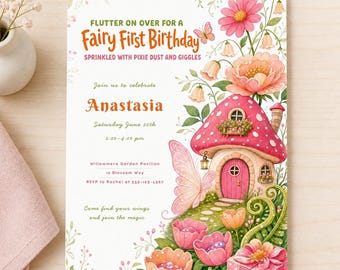
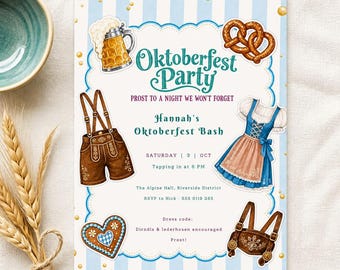
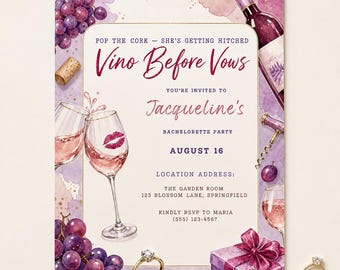
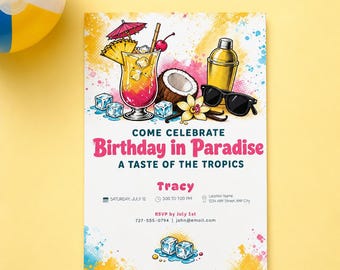
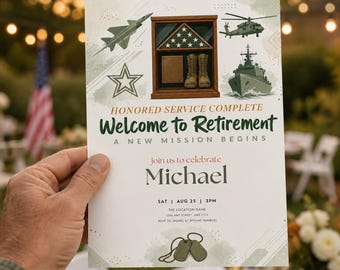
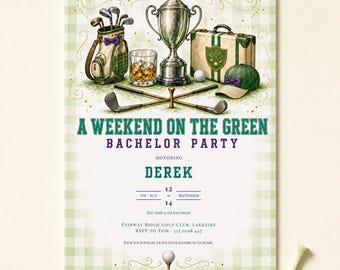
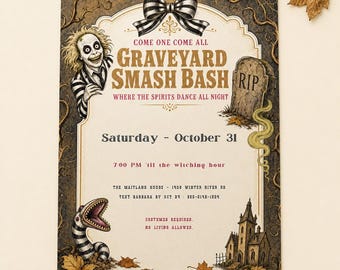
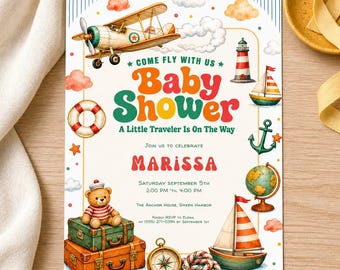
You'll open your template in Canva (a free account is all you need — no paid plan), type your details over the placeholder text, then download to print or send. You can edit all the personal text — names, date, time, venue, RSVP and wording — plus fonts, sizes and colors, and re-edit as often as you like. The background artwork and the decorative/illustrated headings are part of the design and can't be changed; that's what keeps each invite polished. Editing works on a computer or in the Canva app.
Invitations: can I change the heading for a different event?
The decorative heading is built into the artwork, so it can't be edited. Please choose the design made for your occasion.
Invitations: can I edit on my phone?
Yes — basic edits like typing your details work fine in the Canva app. For changing the layout or adding text boxes, a computer is easier.
Invitations: do you change sizes, edit, or customize a template for me?
These are DIY templates — you personalize them yourself, and I don't offer custom editing or size changes. Please don't purchase if you need a size or orientation that isn't listed, or if you won't be able to edit it yourself. Invitations come as a 5×7 print version plus a 9:16 phone version.
What file formats are included?
Printable art: high-resolution PDF and/or JPG at 300 DPI, optimized for standard print sizes. Invitation templates: a PDF guide with a link to your editable Canva template; once personalized, you download your finished invite from Canva as a PDF (for print) or PNG (for sending).
Can I print these?
Yes. Print at home, at a local print shop, or via an online printing service. For best results, use quality paper or cardstock and select 100% / Actual Size when printing. Invitations are sized 5×7" (fits A7 envelopes; also prints well on A5/A6 paper).