
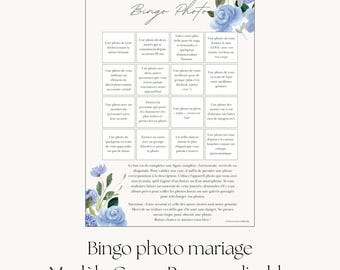
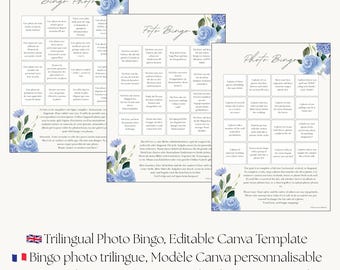

Wedding tools from a real trilingual wedding
I planned a two-day wedding for 120 guests at a 17th-century Swiss manor. My guest list spoke English, French and German, and almost nothing I could buy was built for that. Games came in one language, and signs assumed everyone read English. Templates assumed American traditions and American paper sizes.
So I built my own. Trilingual instructions for the lawn games tournament, and signs my grandmother and my husband's friends could both read. Planning documents that respected how European weddings actually run, from the civil ceremony to the symbolic reception.
This shop is where those tools live now, refined and made editable so they work for your wedding too. Each language is written natively by someone who grew up speaking all three, because your guests can tell the difference.
I also teach brides to plan with an AI assistant at their side, a system I used for over 80 tasks while planning my wedding. AI helps you think through the overwhelming parts and structure what needs to happen next. You stay the decision-maker, and your vendors stay the experts. The planning tools built around this system are in the shop.
If something in a template doesn't work for your wedding, write to me. I answer in whichever of the three languages you prefer.
FAQ:
- How do I edit the template?
After purchase you download a PDF containing your link. For the Canva templates, the link opens the design in your free Canva account where you can change every word, then download a print-ready PDF. For the Notion planning tools, the link opens the dashboard in your browser; click Duplicate and it becomes yours in a free Notion workspace. No software to buy and no design experience needed either way.
- Do I need to know Notion for the planning tools?
No. Every Notion tool here includes its own Start Here page, and the Dashboard adds a New to Notion guide that covers the basics in a few minutes. You need a free Notion account to save your copy, and that is the whole requirement.
Which planning tool is right for me?
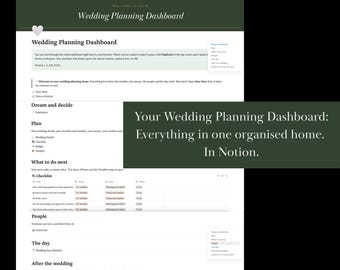
- The Wedding Planning Dashboard is the standalone planning home: checklist, budget, guest list, seating chart and day-of schedule in one place, with a library of copy and paste AI prompts included. The eBook "Your Personal Wedding Planning Assistant" teaches you to build a full AI planning system around your specific wedding, and Wedding HQ is its companion workspace, where everything that system creates lives. Start with the Dashboard if you want an organised home for your planning today. Start with the guide if you want the complete AI-assisted system.
- What does Wedding HQ need to work?
A free Notion account, like every Notion tool here. The connected workflow, where your AI assistant reads and updates the workspace directly, additionally needs an AI plan that includes the Notion connector (e.g. Claude free). Everything else in Wedding HQ works without it.
- Which languages are included?
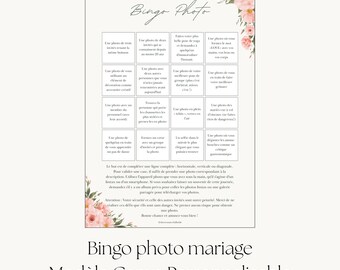
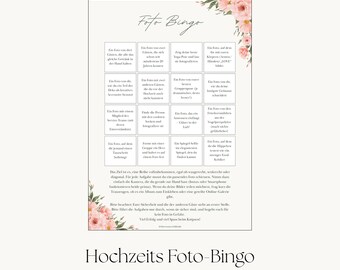
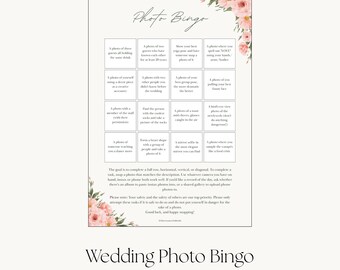
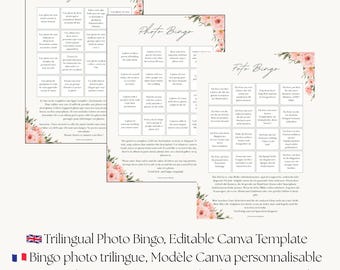
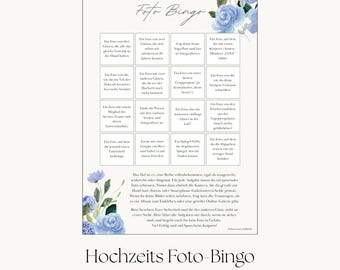
The listing tells you exactly which languages are in that product. In multilingual products, each language gets its own complete card or sign, so no guest reads a cluttered mix. Every language is written natively.
- Can I print this at home?
Yes, for the printable templates. Files come in A4 so they print correctly on European paper. The Notion planning tools are digital by nature and work on your computer and phone.
- Can you customise it for me, or add another language?
The templates are fully editable, so most changes take you just a few minutes in Canva. If you need something the template cannot do, send a message and I will tell you honestly whether it is possible.
- Do you offer refunds?
Digital downloads cannot be returned, so Etsy does not allow refunds on them. If anything is wrong with your file or you get stuck, message me and I will make it right.
- Is this a physical product?
No. Everything in this shop is a digital download.