






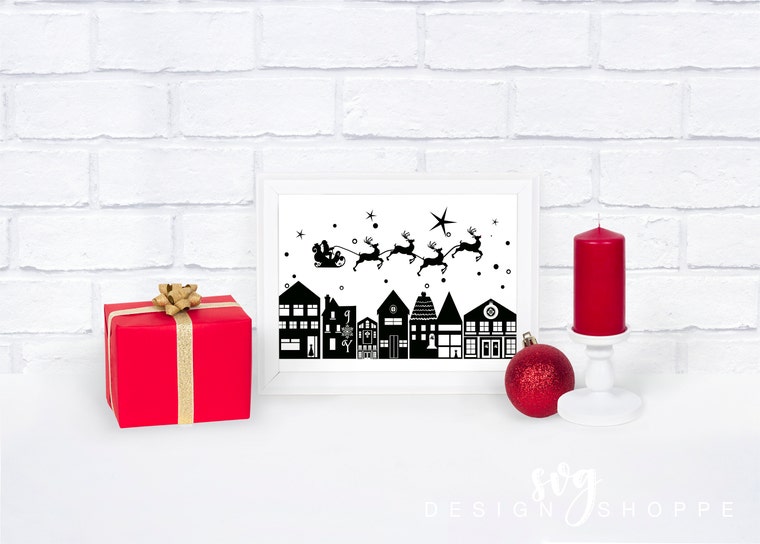
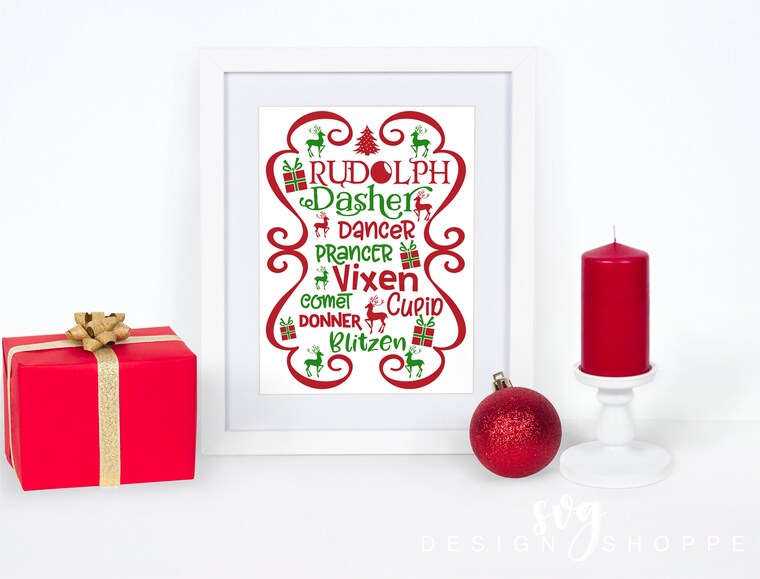
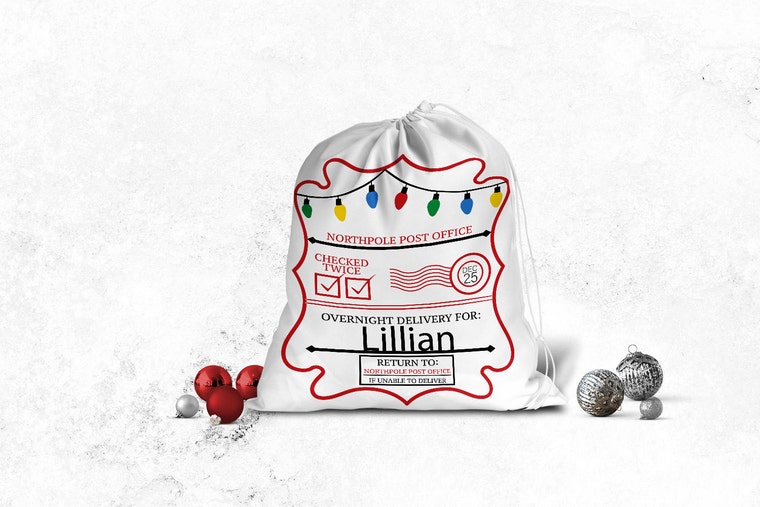
Printable Download Cricut Design Space Silhouette Studio Designer Edition files. Clipart Cut Files SVG EPS DXF PNG JPG Files for Cutting Machines.
SVGDesignShoppe is taking a short break
Loading
Reviews
4.9
(2996)
Average item review
We calculate this number using a recency-weighted average of all ratings, with a rating's value decreasing by half each year to best reflect the current experience.
Loading
-

-
-

-
Etsy buyer on May 2, 2025
5 out of 5 starsThis item was a download computer design. Was perfect for one side of my Mardi Gras beads for a party. Looked great and I received compliments
-

-
-

-
Shannon on Dec 13, 2024
5 out of 5 starsI also need a Class of 2039 so will watch for you to create one :)
-
Kimberly on Dec 2, 2024
5 out of 5 starsI got this for gift for my mom to wear on her trip to the mountains and she loved it.
-
About SVGDesignShoppe
Sales
38,979
On Etsy since 2015
Etsy automatically translates most text on the site to your preferred language.
See in original language

Shop policies
Last updated on
December 17, 2025
Accepted payment methods
Accepts Etsy Gift Cards and Etsy Credits
Returns & exchanges
See item details for return and exchange eligibility.
Cancellations
Cancellations: not accepted
Please contact the seller if you have any problems with your order.
Privacy
You will be given an option to become a member of my Exclusive VIP E-Club during checkout. IF you choose to join, your email address will be recorded to keep you up to date with membership news, updates, freebies, new releases and more.
See this Seller Handbook article for a sample privacy policy you can customize for your shop.
More information
Last updated on
Dec 17, 2025
Frequently asked questions
How do I open a zipped file if I am using Windows?
WINDOWS USERS
Zipped or Compressed files which have extensions like .zip or .rar, allow you to package multiple files inside one compressed, smaller file that you can easily share. If you receive a compressed file, use the steps below to uncompress it and use the files.
Windows comes with its own built-in compression system that can zip and unzip files. Follow the instructions below if you are using Windows.
Find the folder you want to unzip.
Right click on that folder, and then select Extract All.
Follow the on your screen.
Once the folder is uncompressed, a new file will the same name will appear.
How do I open a zipped file if I am using Mac OS?
Zipped or Compressed files which have extensions like .zip or .rar, allow you to package multiple files inside one compressed, smaller file that you can easily share. If you receive a compressed file, use the steps below to uncompress it and use the files.
MAC OS USERS
Mac OS also comes with its own built-in compression system that can zip and unzip files. Follow the instructions below if you are using Mac OS.
Find the folder you want to unzip.
Right click on that folder, and then select Extract All.
Follow the given instructions
Once the folder is uncompressed, a new file will the same name will appear.
Can I use your designs for my small business?
Yes! You may use the design you purchased to create a physical item up to 200 times. This is included with the purchase price of the design. You MAY NOT upload my design to a POD (Print On Demand) business. This license covers you if you are making the physical item with your hands only. If you need a license to sell over 200 items, please send me a message.
If you are interested in using my designs with a Print On Demand company, please contact me. I do offer a license that covers this, but each design only has a limited quantity of POD licenses.
Can I share your digital cutting file with my neighbor?
No. Under no circumstances should you share the design with anyone. I do not offer licenses for anyone to give away for free or sell my digital cutting files.
Do you offer embroidery licenses?
I do offer a license if you want to digitize the design and sell the embroidery file. This does not include the digital cutting file. This is for embroidery files only and you must digitize the file. Limited number of licenses are available for each design.
Can you help? The files won’t open.
Each listing has an SVG file included in the file. You MUST be in your cutting software in order to open the design.
Once you download and extract the file, you must open your cutting software and upload the design. Once you do that, you will be able to open your file. Attempting to open the file on your computer without opening your cutting software will not work unless you have a vector based software on your computer.
Can you help? I don’t have an SVG format.
All of my files have an SVG format included in the file. If you don’t see an SVG but you see a Safari or Chrome file, open your cutting software and click to upload the Safari or Chrome file. Sometimes if your computer does not recognize the SVG format, it labels the file Safari or Chrome. Once you open your cutting software and click upload, you will be able to open the file.