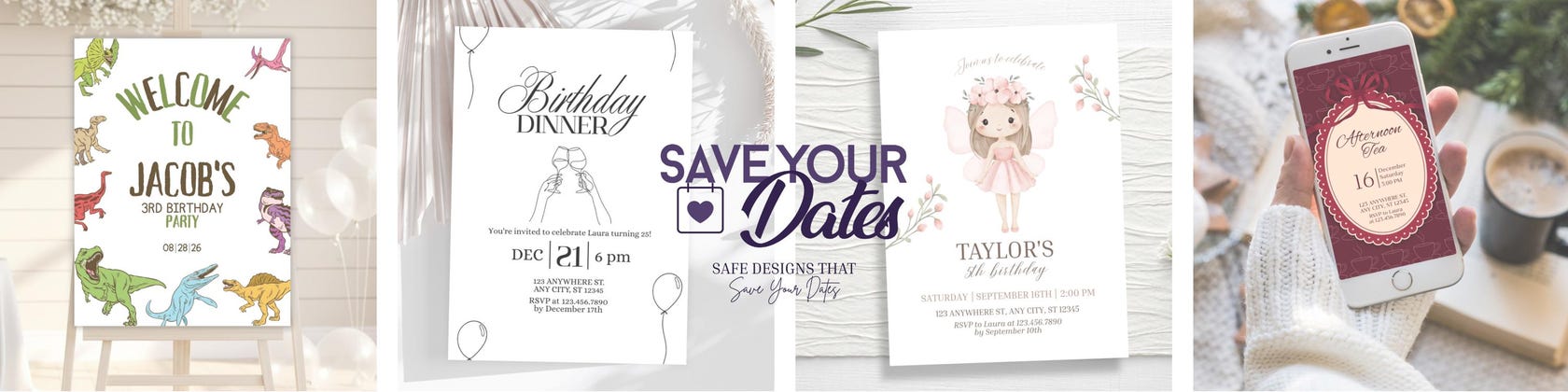











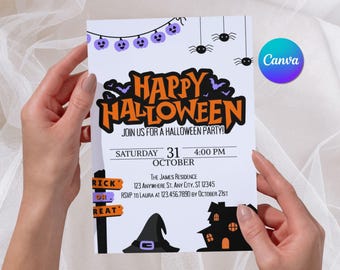

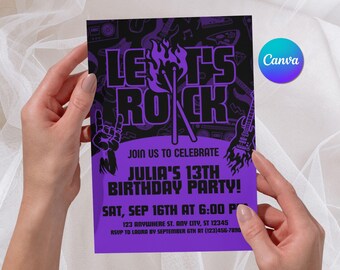

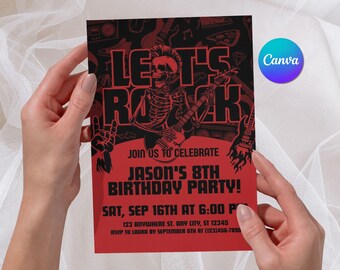

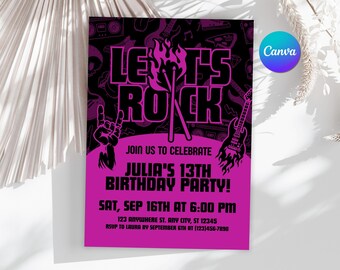




A creative duo blending design and technology to make your celebrations unforgettable.
Featured items
All items
Announcement
Last updated on Nov 26, 2025
Reviews
5.0
(16)
Average item review
We calculate this number using a recency-weighted average of all ratings, with a rating's value decreasing by half each year to best reflect the current experience.
Loading
-

-

-
Jodi on Jun 25, 2026
5 out of 5 starswas exactly what it was described as. Would purchase from seller again.
About SaveYourDatesShop
Sales
217
On Etsy since 2025
Shop members
-

Clarice
Owner, Designer, Maker
Hi! I’m Clarice. I love creating beautiful, thoughtful designs, always paying attention to the small details. Bringing fresh ideas to each template is my favorite part of what I do.
-
Viny
Owner, Marketer, Customer Service
Hey, I’m Viny! I handle the organization and marketing of our shop. I’m always exploring new ways to make our templates more intuitive, helpful, and enjoyable for our customers.
Shop policies
Last updated on Nov 26, 2025
Digital downloads
Instant downloads
Your files will be available to download once payment is confirmed. Here's how.
Payment options
Secure options
Accepts Etsy Gift Cards and Etsy Credits
Etsy keeps your payment information secure. Etsy shops never receive your credit card information.
Returns & exchanges
See item details for return and exchange eligibility.
Cancellations
Cancellations: not accepted
Please contact the seller if you have any problems with your order.
More information
Last updated on
Feb 21, 2026
Frequently asked questions
How do I access my template?
As soon as your order is completed, a PDF file will become available in your Etsy account. Open this file and use the included link to open your template in Canva, where you can begin editing right away. A free Canva account is all that’s required.
When will I receive my files?
All products are delivered digitally and are available immediately after payment confirmation. You’ll be able to download the access PDF directly from your Etsy account as soon as your order is processed.
Do I need Canva Pro?
No. All templates were created to work with Canva’s free version, so you won’t need any paid subscription to edit or download your design.
Can I access my template later?
Yes! Once you open the Canva link, the template is automatically saved to your Canva account, so you can return and edit it anytime.
Can I personalize the template?
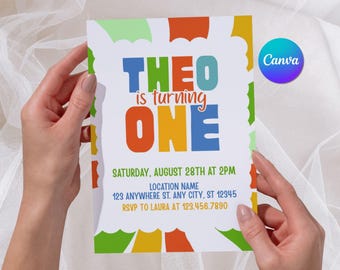
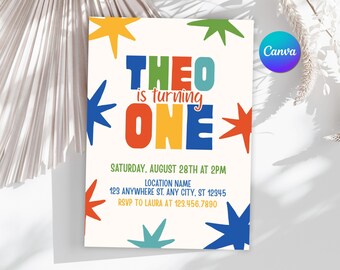
Yes! You can easily customize texts, font styles, sizes, colors, formatting, alignment and text spacing. Please note: Graphic elements and artwork (such as stars, flowers, or other design elements) are not editable, as they are part of the template’s original artwork.
How do I add my own photo to the template?
If your template includes a photo area, simply upload your image to Canva and drag it into the photo frame. The image will automatically fit the space, and you can reposition it if needed.
Which file formats can I download?
Canva allows you to download your design in different formats depending on how you plan to use it:
• PDF — best for printing
• PNG or JPG — ideal for digital sharing
You can select your preferred format when exporting your file from Canva.
Do you offer printed products?
No. At this time, we offer digital downloads only. This allows you to print whenever you want, wherever you prefer, and as many copies as you need.
Can I contact you if I need help?
Of course! Feel free to send us a message anytime through Etsy. We'll be happy to assist with template access, basic editing questions, or general support. Responses are typically provided within 24 hours.