

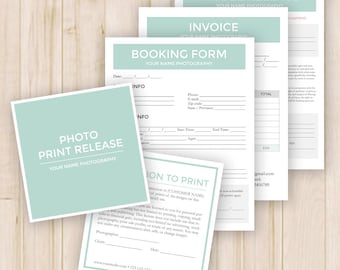
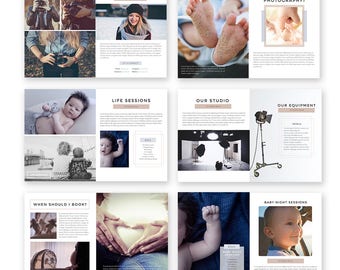
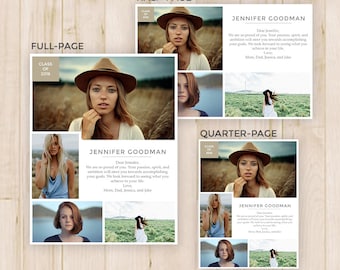

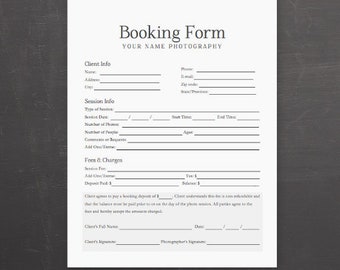
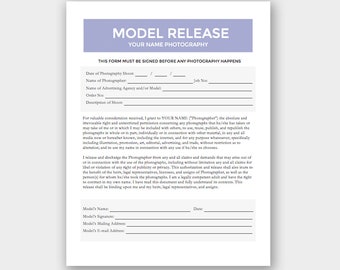
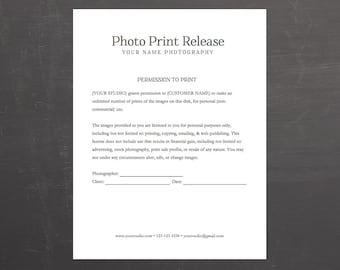
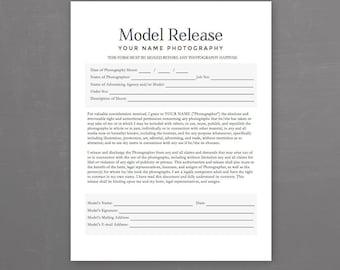
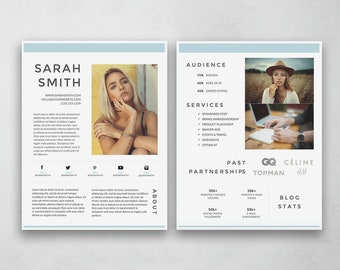
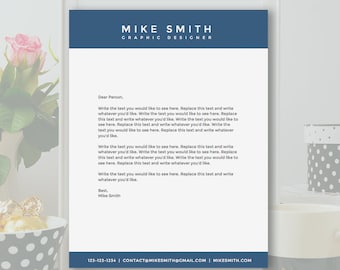
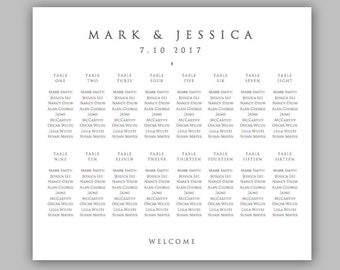
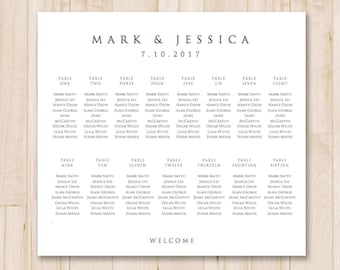
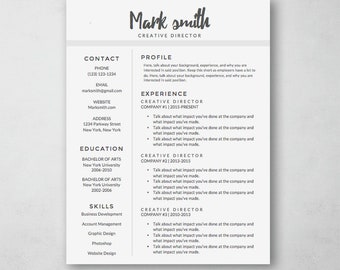
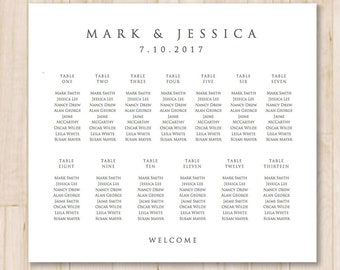
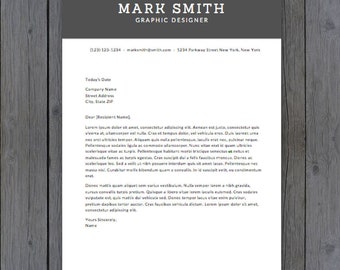
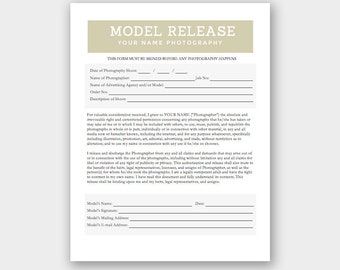
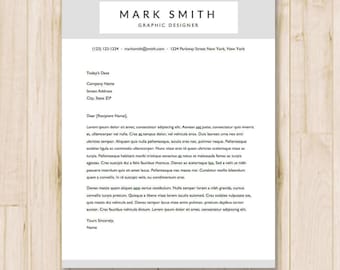
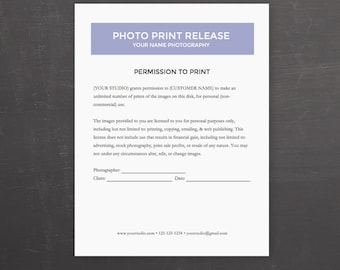
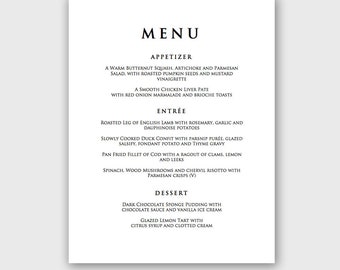
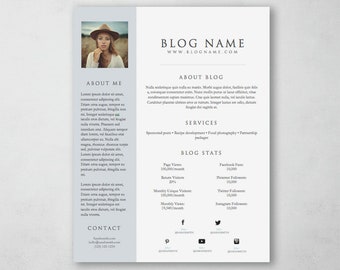
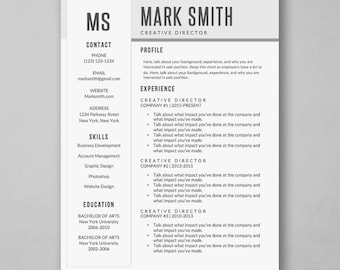




Beautiful, Professional Photoshop Templates for All
Featured items
All items
Announcement
Last updated on Apr 14, 2018
Reviews
4.7
(286)
Average item review
We calculate this number using a recency-weighted average of all ratings, with a rating's value decreasing by half each year to best reflect the current experience.
Loading
-

-

Krystena on Dec 17, 2025
5 out of 5 starsI recommend this format as it reads as confident and self-assured, from the large print of your name to the ease of reformatting the text boxes for multiple pages. Only took me a few minutes to reformat between docs.
-

-
-
sandy on May 24, 2025
5 out of 5 starseasy to input, not sure how to copy and change it for different tables
-

Stacey on Apr 18, 2025
5 out of 5 starsTemplate was easy to use and modify to fit my needs and move around.
-
-

-

Sylvia on Feb 4, 2025
5 out of 5 starshelpful! quick in replying to my questions and the product came out amazing !
-


Shop policies
Last updated on Jun 24, 2016
Digital downloads
Instant downloads
Your files will be available to download once payment is confirmed. Here's how.
Payment options
Secure options
Accepts Etsy Gift Cards and Etsy Credits
Etsy keeps your payment information secure. Etsy shops never receive your credit card information.
Returns & exchanges
See item details for return and exchange eligibility.
Cancellations
Cancellations: not accepted
Please contact the seller if you have any problems with your order.
More information
Last updated on
Dec 17, 2025
Frequently asked questions
Do I need Photoshop to use these files?
Yes, you will need to have Photoshop and basic Photoshop knowledge to edit these files.
How come I received a PDF?
If you have received a PDF instead of a PSD, Etsy has a 20mb maximum limit for uploads. If the Photoshop PSD files exceeded the limit, I packaged them in a PDF with links to the files. You can open the PDF and click the links inside to download those files.
Do you have Photoshop instructions?
To edit specific text you need to find the layer the specific element is in. If this layer list view isn't showing, go to Window -> Layers & click on the specific layer. Or make sure "Auto Select Layer" is selected & use the mouse to click on the element on the program. In order to edit the text, click the "T" in the tools bar. If the tools bar isn't opened, click Window -> Tools to pull it up. Once this is selected, click the text & edit what you would like.
To remove the picture, click the picture when you have auto select on (or click the layer). Then press the delete button. Drag the image on the PSD, then press enter. Then drag the layer right above the clipping mask that it corresponds to. Right click, & click "Create Clipping Mask".
Is your question not answered?
Please don't hesitate to message me and I'll see if I can help!
Looking for more? Find it on Etsy