
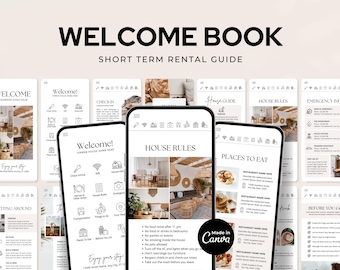
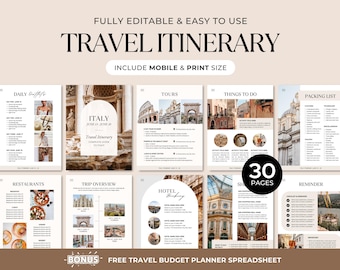
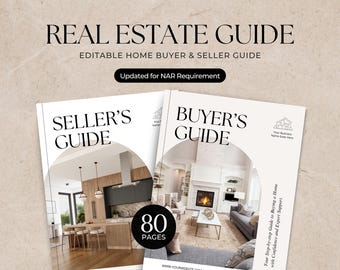
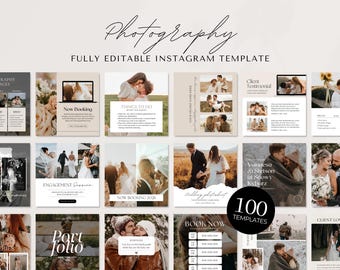
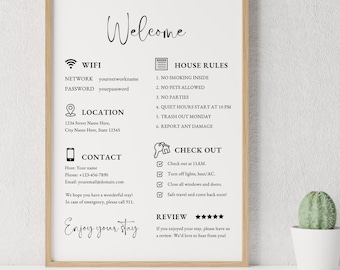
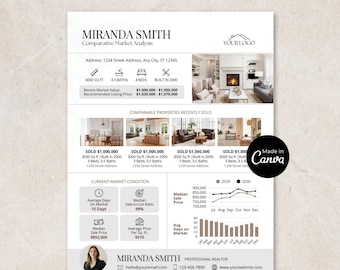
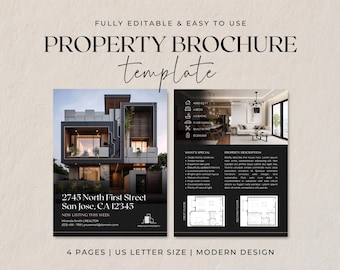
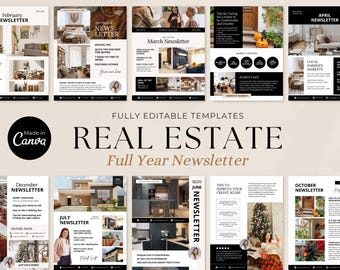
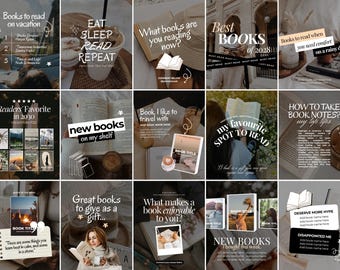
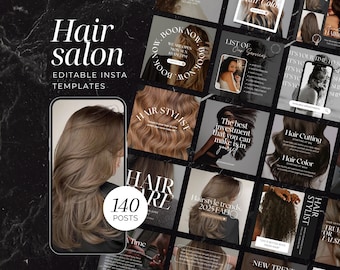
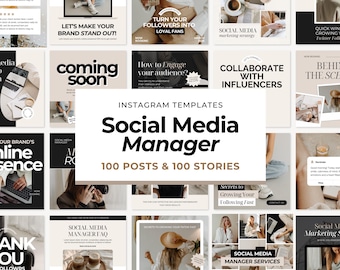
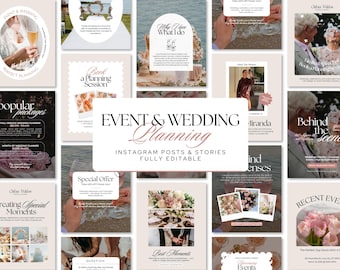
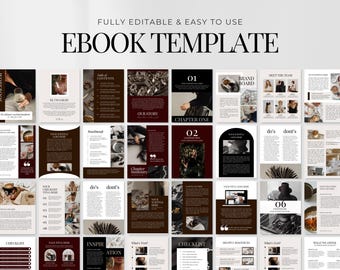
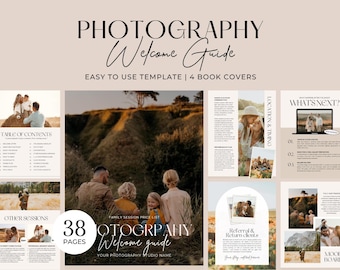
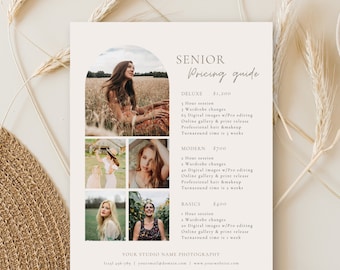

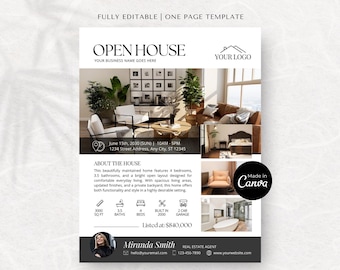
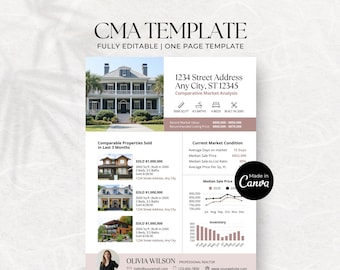
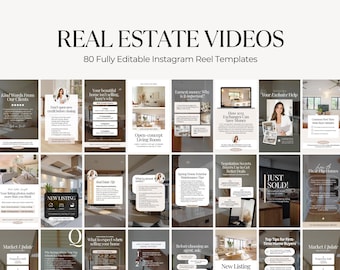
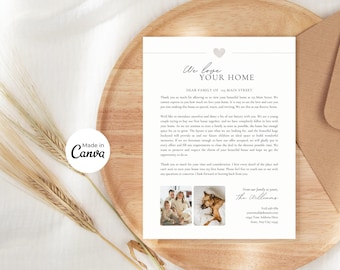




Time Saving & Stunning Canva Templates
Featured items
All items
Announcement
Last updated on Apr 24, 2023
Reviews
4.8
(8074)
Average item review
We calculate this number using a recency-weighted average of all ratings, with a rating's value decreasing by half each year to best reflect the current experience.
About ShopRShop
Sales
116,168
On Etsy since 2021

Shop policies
Last updated on
Accepted payment methods
Accepts Etsy Gift Cards and Etsy Credits
Returns & exchanges
See item details for return and exchange eligibility.
More information
Last updated on
Dec 17, 2025
Frequently asked questions
How do I access my download?
1. Sign in to Etsy.com and go to Your account.
2. Go to Purchases and reviews.
3. Next to the order, select Download Files. This goes to the Downloads page for all the files attached to your order.
Please sign in to Etsy on your mobile browser or computer if you can’t download via the Etsy APP.
How quickly will I receive my downloads after purchase?
Your templates should be available to download automatically once your payment is processed. All products are available via instant download.
Do I need a Canva Pro account?
No, you don’t have to pay for a Canva Pro account. All you need is a free Canva account to use the templates.
What software do I need to edit the templates?
None! You don't need any special software to edit these templates. You will only need a free version of Canva. It's easy to sign up for a free account and you will be ready to edit online.
How long do I have access to the templates?
You have lifetime access to the templates. You can always go back to edit and download the template as many times as needed.
How do I access the templates in Canva?
Once you have downloaded the PDF on Etsy, please click the link button on the first page of the PDF and this will take you to Canva where you can edit your template.
What can be edited?
✓ Texts: Text can be edited for wording, font, font color, and size.
✓ Images: Upload and replace with your own images.
✓ Pages: Add, duplicate, delete pages, and rearrange page order.
✓ Color: Background and some elements' color can be changed.
What if I need more pages? How do I add them to the template?
If you need more pages, you can add new blank pages or duplicate any existing pages and then edit the content.
Designs can have up to 200 pages. If you need more than 200, you can create a new design as a workaround.
Looking for more? Find it on Etsy