



Meet the College Student Behind SimpleSTLs
Featured items
All items
Reviews
5.0
(96)
Average item review
We calculate this number using a recency-weighted average of all ratings, with a rating's value decreasing by half each year to best reflect the current experience.
Loading
-

-
Teri on Apr 24, 2026
5 out of 5 starsDidn't work for what I needed (bouquet holders) but still a great product. Thank you!
-
Clocks on Apr 23, 2026
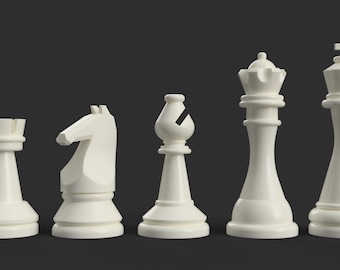
5 out of 5 starsGreat file! These worded perfectly to print some fun colored checkers.
-
-

Michelle on Apr 19, 2026
5 out of 5 starsThis file was perfect! I was able to print and figure out what size my husband would need.
-
-

-
-
-

About SimpleSTLs
Sales
948
On Etsy since 2023
-
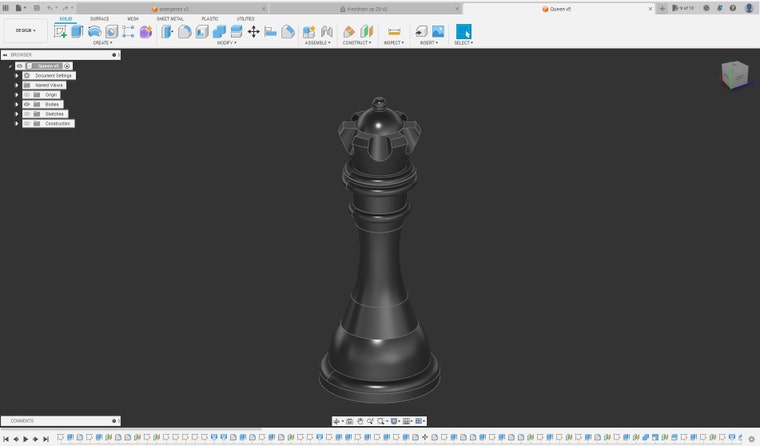 I use Fusion 360 to make my designs. This is the digital workspace
 -
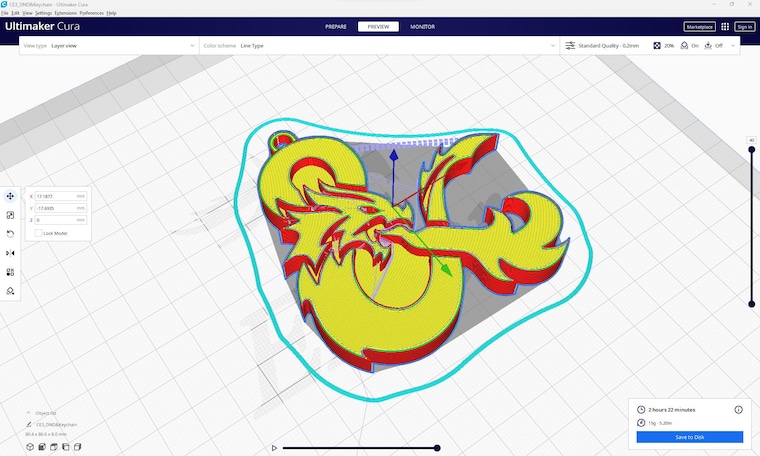 Cura is the slicer I use for everything 3d printing
 -
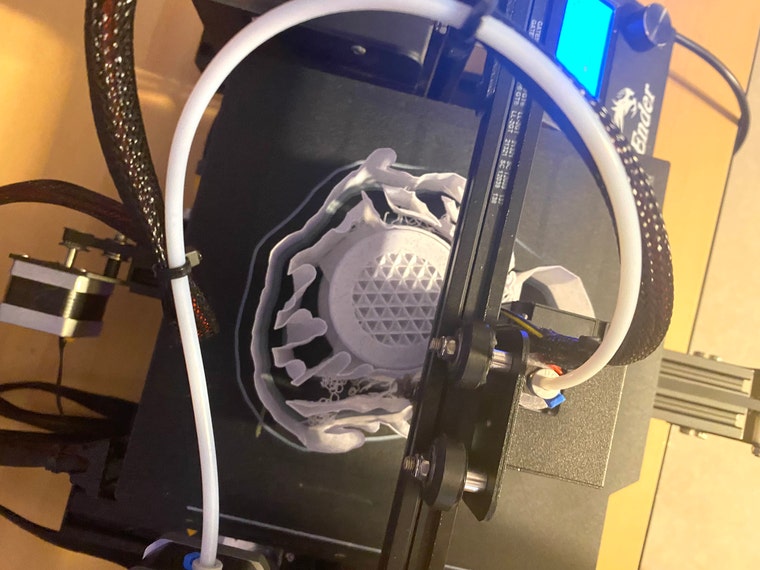 Top-down view of one of my printers
 -
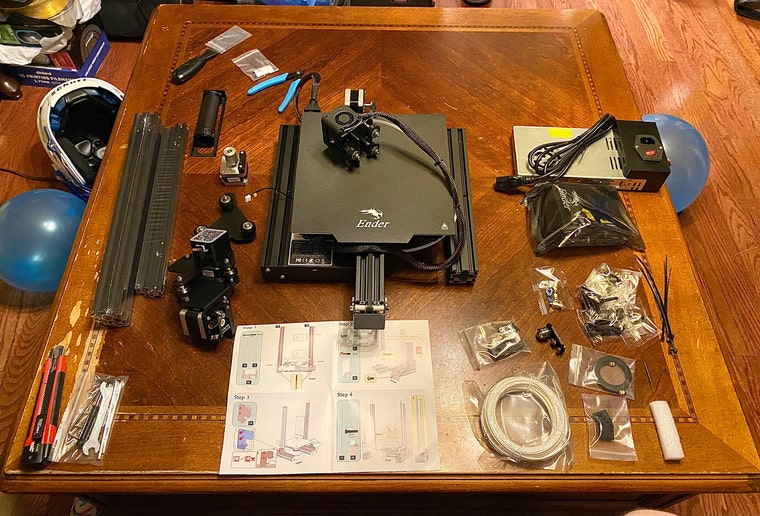 One of the first printers I owned before building it and using it to make products here
 -
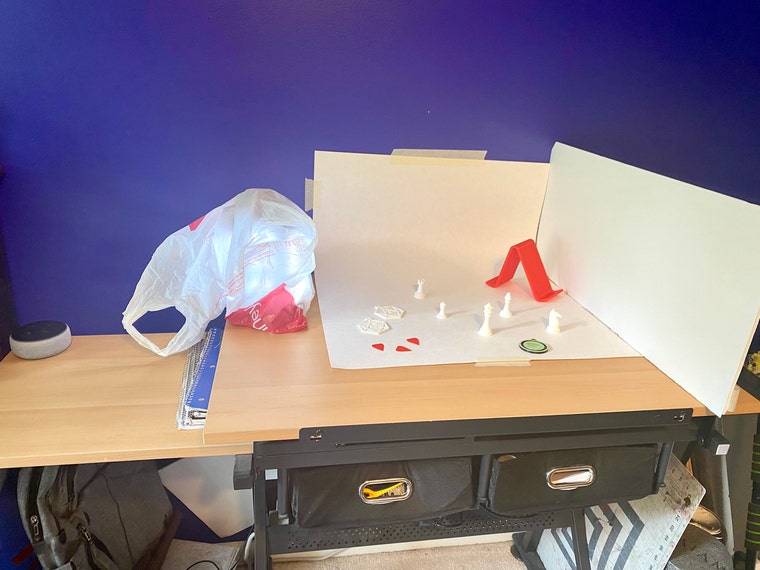 This is my makeshift photo-shooting setup
Shop members
-

Ashton Baker
Owner, Designer
I am the sole owner of SimpleSTLs and also the designer for each of the files
Shop policies
Last updated on
Accepted payment methods
Accepts Etsy Gift Cards and Etsy Credits
Returns & exchanges
See item details for return and exchange eligibility.
More information
Last updated on
Dec 17, 2025
Frequently asked questions
What kind of 3D printer do I use for the prints in my photos?
I use an Ender 3 3D printer to bring my designs to life! It's one of the more common, cost-efficient printers that many 3d printers on here use so results from my photos are likely to look just as good if not better when you print. If you're curious about the printing process or the quality of my designs, please feel free to ask! I'm always happy to chat and help out however I can.
What slicer and settings should I use for the prints?
I personally use Cura as my slicer of choice, but you're welcome to use whichever slicer you're most comfortable with. For best results, I recommend using a higher quality setting when printing my designs, although the standard setting should work just fine. Keep in mind that different printers may require different settings, so it's always a good idea to experiment a bit and find what works best for you. If you have any specific questions about slicer settings or getting the best print quality, feel free to reach out and I'll do my best to help!
How do I open the zip file?
To open the zip file and access your digital download, you'll need to have a program that can extract the files. Most computers come with a built-in program that can handle zip files, but if yours doesn't, you can download a free program such as 7-Zip or WinZip. Once you have the program installed, simply right-click on the zip file and select 'Extract All' (or similar) to extract the files to a new folder. If you're still having trouble accessing your download, please don't hesitate to contact me and I'll be happy to help you out!
Looking for more? Find it on Etsy