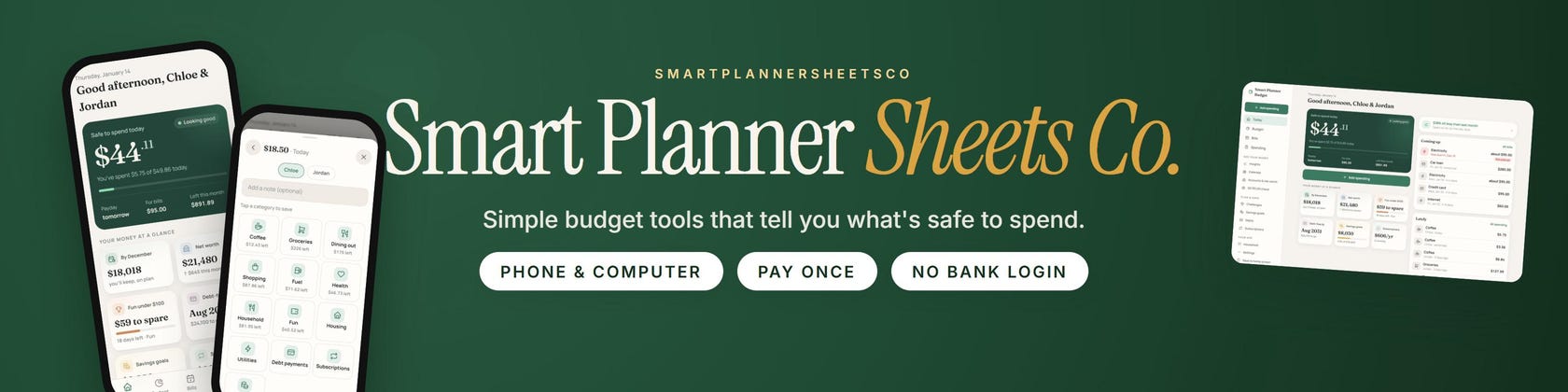

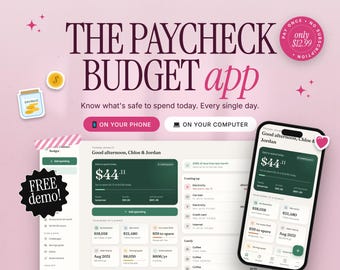
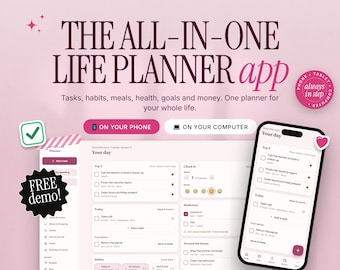
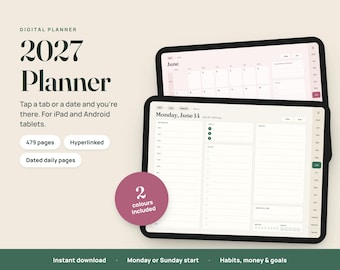

Simple budget tools that tell you what's safe to spend
Featured items
All items
Announcement
Last updated on Nov 22, 2026
About SmartPlannerSheetsCo
Sales
0
On Etsy since 2026
-
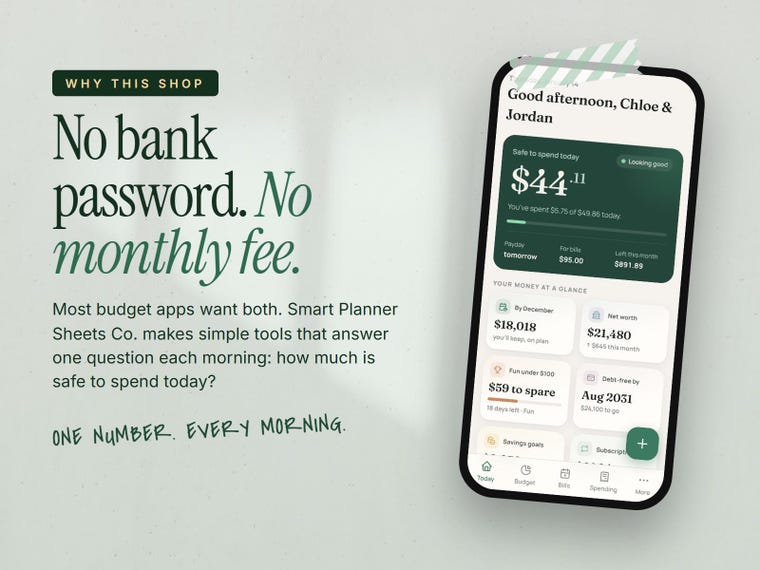 No bank password, no monthly fee. Just one number each morning.
-
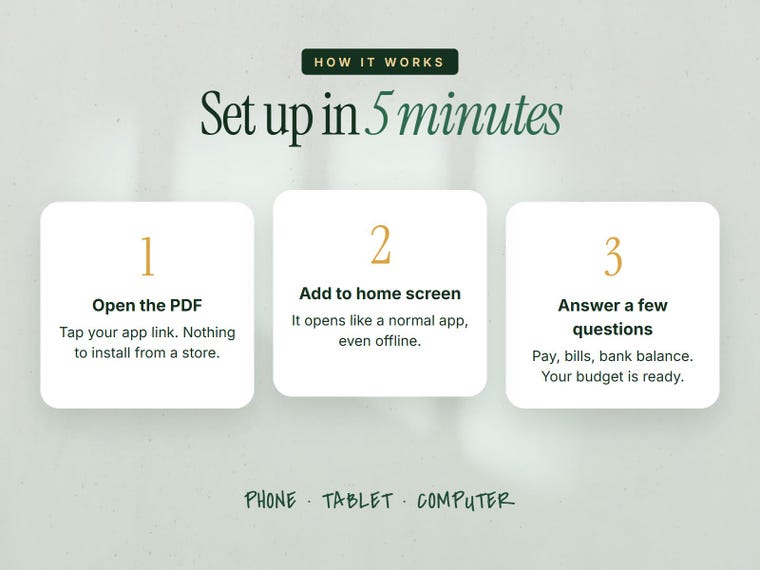 How it works: open the link, add it to your home screen, answer a few questions.
-
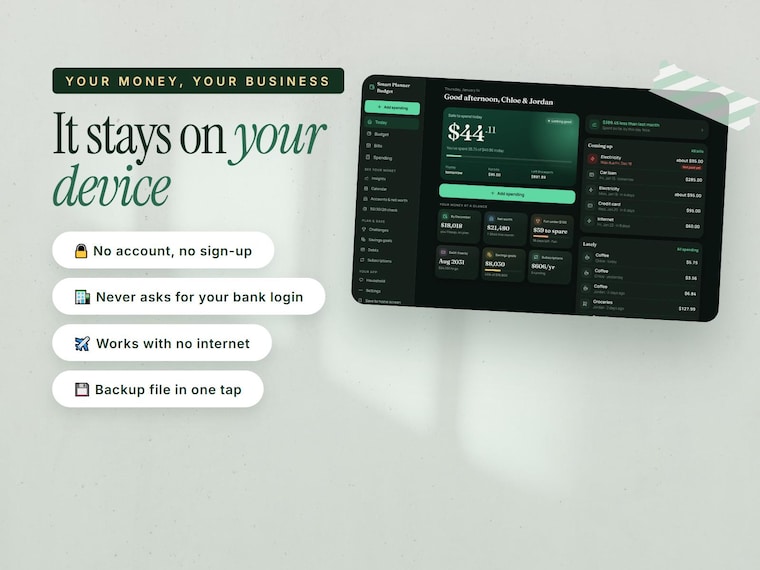 Your budget stays on your own phone or computer.
Shop members
-

Raheela Batool
Owner
-

Shaheer
Designer, Maker
Shop policies
Last updated on Nov 20, 2026
Digital downloads
Instant downloads
Your files will be available to download once payment is confirmed. Here's how.
Payment options
Secure options
Accepts Etsy Gift Cards and Etsy Credits
Etsy keeps your payment information secure. Etsy shops never receive your credit card information.
Returns & exchanges
See item details for return and exchange eligibility.
Cancellations
Cancellations: not accepted
Please contact the seller if you have any problems with your order.
Privacy policy
More information
Last updated on
Nov 20, 2026
Frequently asked questions
Does it connect to my bank?
No, and that's on purpose. You type your spending in (it only takes a few seconds), or bring in a CSV file you download from your bank's website. It never asks for a bank password.
Is there a monthly fee?
No. You pay once and it's yours, updates included.
Can my partner use it too?
Yes. Add them under Household with both paychecks. Right now each phone keeps its own copy, so most couples keep the budget on one phone or computer they both use.
What if I lose my phone?
Save a backup file every now and then (Settings, then Save a backup copy) and email it to yourself. On your new phone, open the app and choose "Restore from a backup".
Does it work without internet?
Yes, once you've opened it the first time.
I'm not good with tech. Will I manage?
Yes. It's made for people who aren't techy. The guide walks you through it step by step, and if you get stuck, just message the shop and you'll get help.