All items
Announcement
Last updated on Jun 17, 2025
Reviews
4.9
(2979)
Average item review
We calculate this number using a recency-weighted average of all ratings, with a rating's value decreasing by half each year to best reflect the current experience.
Loading
-

LYNDA on Sep 23, 2026
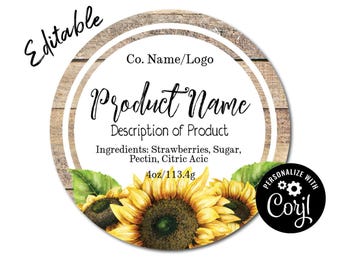
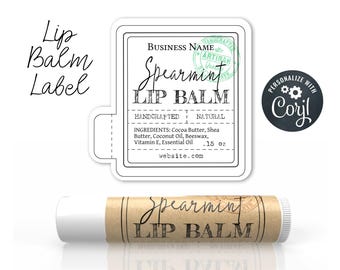
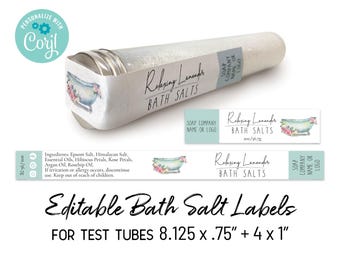
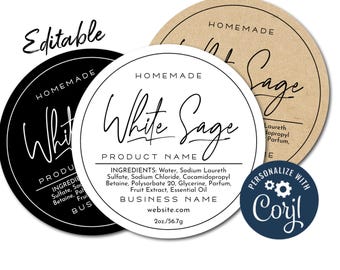
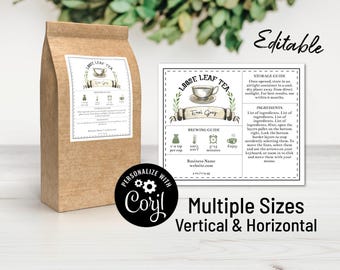
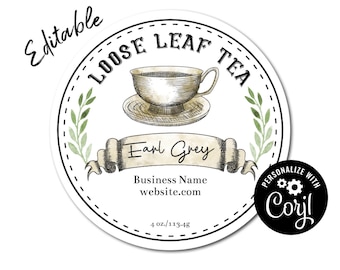
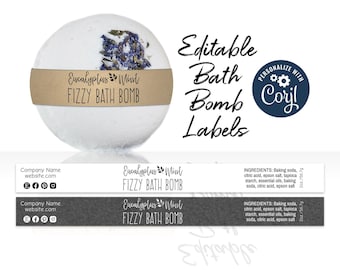
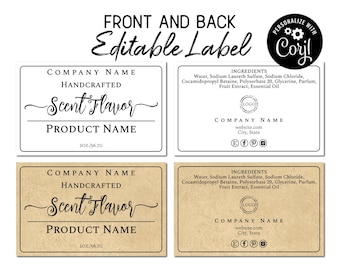
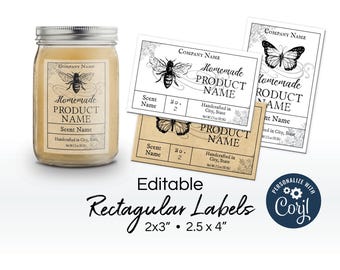
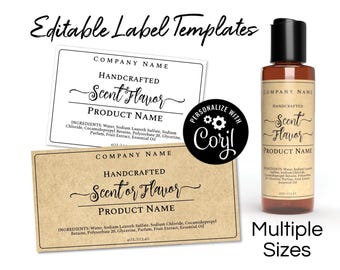
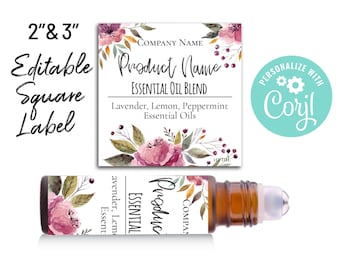
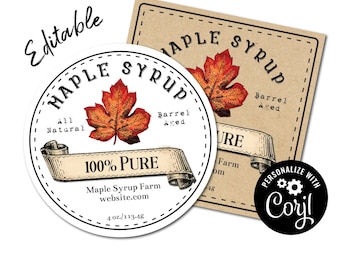
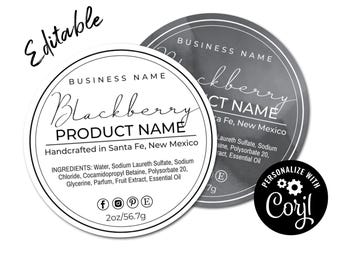
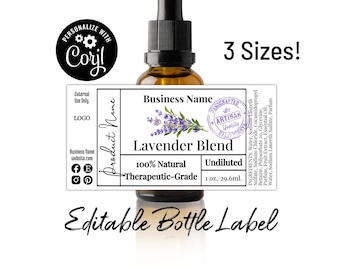
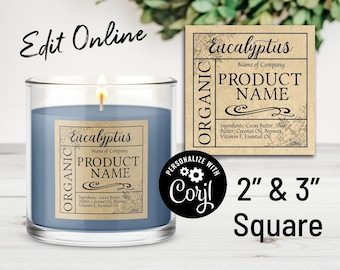
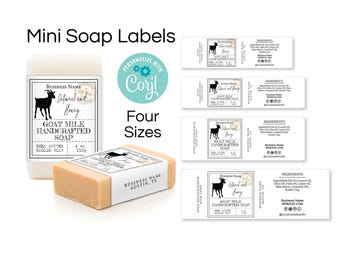
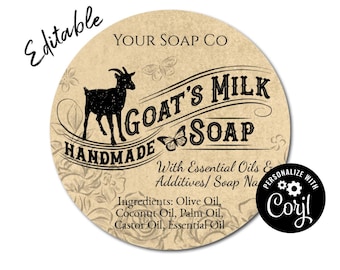
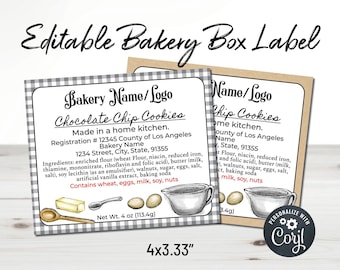
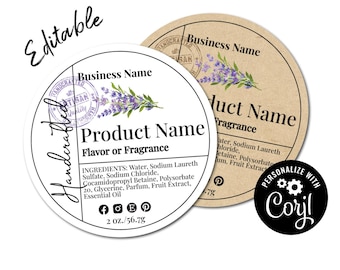
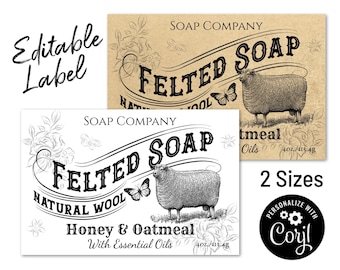
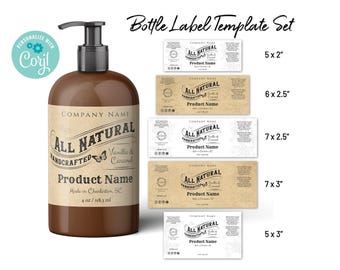
5 out of 5 starsI like the downloadable program, but it would be better to view the pictures of the labels we are working from to give us an idea of how it would look. Just a suggestion.. I haven't had a chance to use the Customer Service board just yet.
-
-
Susan on Sep 13, 2026
5 out of 5 starsService was great. Thank you

mariondesignstudio responded on Sep 14, 2026
Thank you Susan!
-

WatsonsRustandDust on Sep 10, 2026
5 out of 5 starsI was concerned about how they would fit my soaps. I asked a question, and Marion responded quickly and provided helpful information.
-
-

-
Debra on Sep 2, 2026
5 out of 5 starsPlease note - I ordered this download thinking I no. longer had access on Corjl to the one I purchased earlier. Any chance I could get a refund?
mariondesignstudio responded on Sep 2, 2026
Thank you for your purchase. Once an item is purchased, you can access it through your Corjl account anytime. I will reach out to you through the Etsy messages.
-

-
Etsy buyer on Aug 17, 2026
5 out of 5 starsI had a hard time getting to the different designs but after continuing working with it. I was able to get it. It is great.
-




About SoPerfectPrintables
Sales
31,252
On Etsy since 2018
Shop about video description
Shop policies
Last updated on Jul 30, 2019
Digital downloads
Instant downloads
Your files will be available to download once payment is confirmed. Here's how.
Payment options
Secure options
Accepts Etsy Gift Cards and Etsy Credits
Etsy keeps your payment information secure. Etsy shops never receive your credit card information.
Returns & exchanges
See item details for return and exchange eligibility.
Cancellations
Cancellations: not accepted
Please contact the seller if you have any problems with your order.
More information
Last updated on
Dec 17, 2025
Frequently asked questions
How do I print with Avery Labels?
First download the label as a PNG file with the bleed from Corjl. Then go to this Avery link:
https://www.avery.com/templates
Type in the Avery template number.
Click the "Upload a Complete Design" button
Drag the PNG file to the template. You will notice some of it is going outside the die line for the bleed. That's fine.
Click "Apply This Design"
You get to a page where you can delete some of the labels if you don't want to print a whole page.
Click "Preview and Print"
Click "Print Yourself"
Click "Print Now" You don't have to save.
Then download the PDF.
Make sure to print the PDF at actual size.
See this tutorial video from Avery Labels:
See How to Print Avery Products with Avery Design & Print Online
https://youtu.be/0xbgUEb7CfM
How do I print with onlinelabels.com labels?
Onlinelabels.com offers several template file formats like PDF, DOC, and OTT, but the most convenient is their "Maestro Label Designer".
1. Download a PNG file from Corjl with the "show bleed" box checked (if applicable).
2. In the Maestro Label Designer program, upload that PNG file as an image. On the left hand side there is an image box where you click "upload new image".
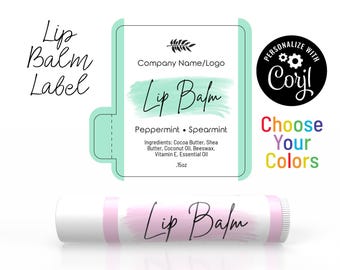
3. For lip balm labels only- Once it's imported, rotate it 90 degrees.
4. Go to FILE - EXPORT - FULL SHEET. You will then have a PDF file that will line up with your labels.
Do you design custom labels?
At this time I do not design custom labels.
The PDF file I downloaded from Corjl is not lining up with my labels.
Unfortunately, the PDF file from Corjl will not line up with any known manufacturer's labels. You will need to use the manufacturer's template to make sure the labels are aligned correctly. You should be able to find the template on the label manufacturer's website. Always make sure to print at 100% and test the alignment on plain paper before printing on the actual labels.
Can you print and deliver my labels?
Unfortunately the shop is not set up for printing and delivery. However, Avery, Onlinelabels.com, and Vista Print can all print and deliver to your home. You can upload the files you edited in Corjl to their websites.
Do you edit the purchase for the customer?
Corjl is a self-service online editing program. There is a free link to the label to try editing it before buying so you will know if the label is right for you.
Can I change the size of the template?
Unfortunately no, but you can purchase the $5 resize add-on. There are some ways to resize the file, but only if it's proportionate. For example, you can download a jpg or png file and resize it with online software like picresize.com. You can also import it as an image into an program like word and resize it there. You can set your printer setting to print larger and smaller. This works well for PDF files.
Looking for more? Find it on Etsy