

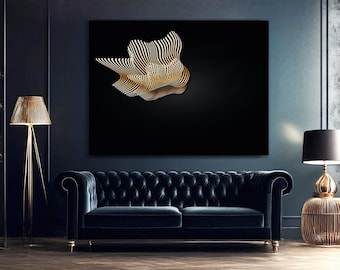

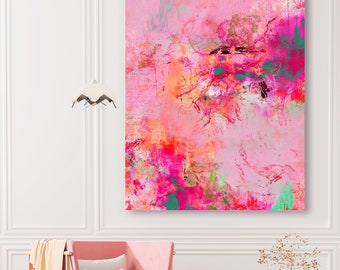
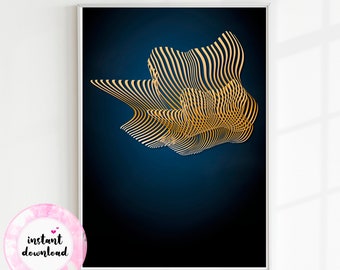
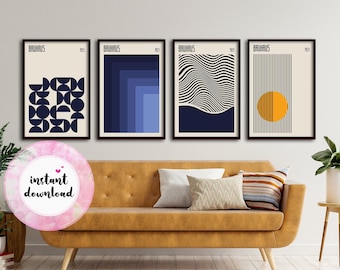
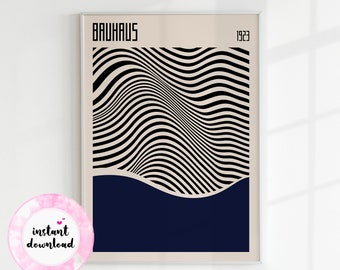
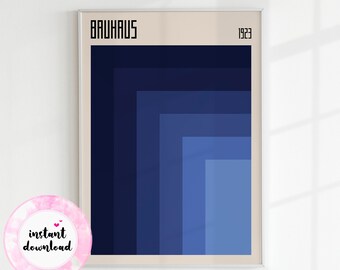
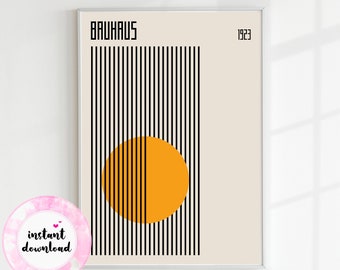
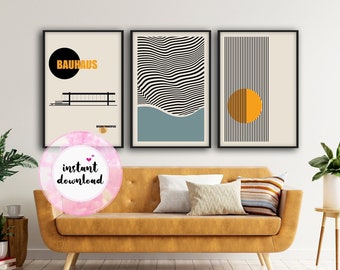
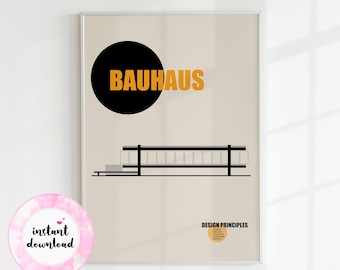
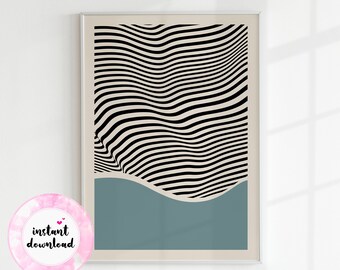
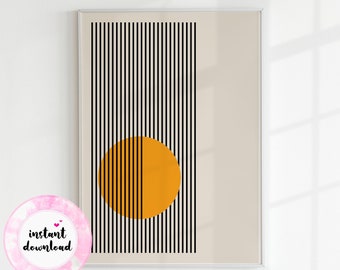
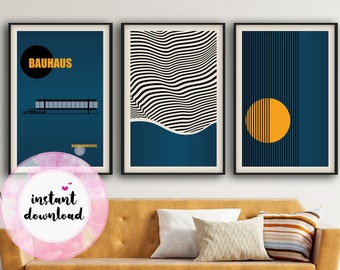
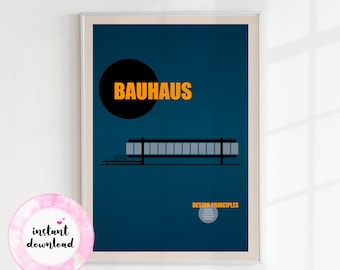
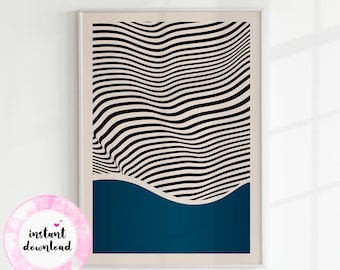
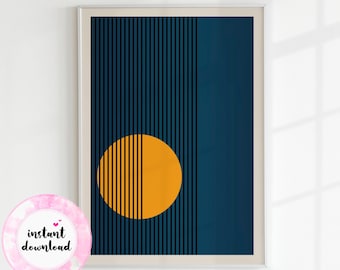
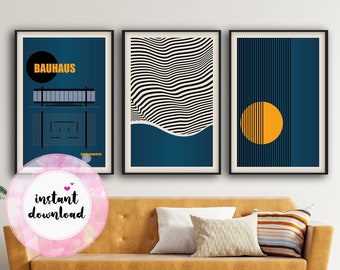
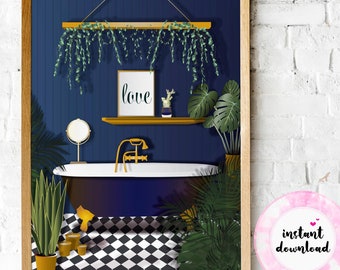

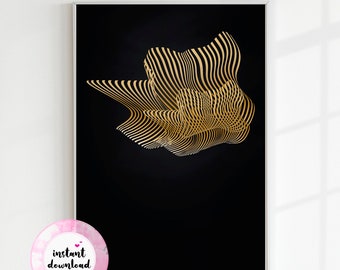


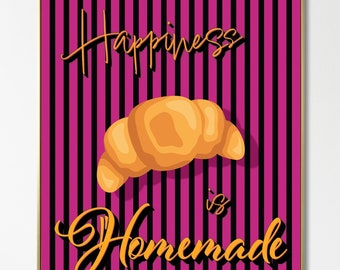

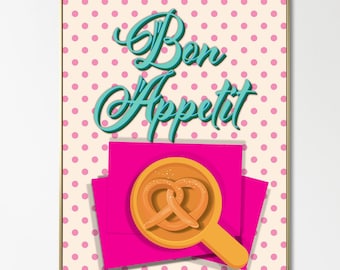


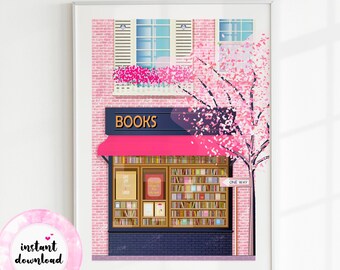
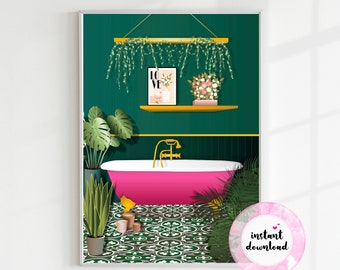

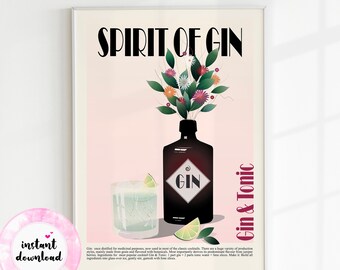
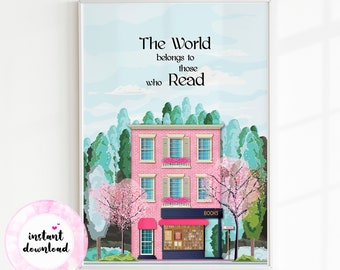











Choose your perfect piece, let art bring happiness to your life!
Announcement
Last updated on Dec 22, 2025
Reviews
4.8
(21)
Average item review
We calculate this number using a recency-weighted average of all ratings, with a rating's value decreasing by half each year to best reflect the current experience.
Loading
-

Christine on Jan 20, 2024
5 out of 5 starsThis poster is amazing. What was delivered is exactly what was promised. I absolutely love it.
-
-

Julie on Mar 31, 2023
5 out of 5 starsI love this coffee cup. It makes me happy every time I see it.
-
-
-
-

-
Özlem on Dec 6, 2021
5 out of 5 starsEvery item is awesome, i have to tell❤️💕 Thank u very much🥰
This listing is no longer available -
-
Massimo on Jun 3, 2023
4 out of 5 starsNice, at the beginning there were some problems with the delivery, but everything was resolved.
About SpaceSenseDesign
Sales
185
On Etsy since 2021
Shop members
-

Sino
Owner
Thank you for being here! It's truly my pleasure. Stay surrounded by love and creativity! ♥
Production partners
-
Print Shop
United States
Design will be printed by production partner and sent to you.
Shop policies
Last updated on May 5, 2022
Digital downloads
Instant downloads
Your files will be available to download once payment is confirmed. Here's how.
Made-to-order downloads
I’ll create your items after purchase and you’ll receive an email when the files are ready to download. The time I need to complete these items can vary. Contact me if you have questions.
Payment options
Secure options
Accepts Etsy Gift Cards and Etsy Credits
Etsy keeps your payment information secure. Etsy shops never receive your credit card information.
Returns & exchanges
See item details for return and exchange eligibility.
Cancellations
Cancellations: not accepted
Please contact the seller if you have any problems with your order.
More information
Last updated on
Dec 17, 2025
Frequently asked questions
Problems with your order?
I hope you will never have any problems... ♥
But please contact me immediately, if you have any problems with your order. I will do my best and try to solve your issue in a very short time.
If you have misprinted, damaged or defective product shipped to you please reach out to me in 14 days and send me the photos of the product you received. I'll gladly send a refund or replacement at no cost to you because of an error on my part.
I am striving to provide the best possible experience to keep my customers happy.
How do I download my purchase?
1. Sign into your Etsy account using an internet browser on your phone or computer (Etsy mobile app will NOT work.)
2. Go to “Your Account” and select “Purchases and Reviews”.
3. Next to your Purchase, select “Download Files”.
That`s all! You will have your files downloaded to your device.
I have .zip files in my purchase. How do I open .zip files?
1. Download .zip file/s. ( See above " how do I download my purchase? ")
2. Right-click on the .zip file you downloaded to your device.
3. Select “Extract All”.
4. You will get a pop-up menu. In the pop-up menu, select a location to extract the files in your device. Click “OK”.
That`s all! You will have your folder/s with your print-ready files in it.
I received a PDF file in my purchase. How do I access my files?
To access the files, first open the PDF file. Inside the PDF, click on the 'Download' button. This action will direct you to a Google Drive Folder, where you can access a collection consisting of JPEG files and/or PNG files, each with a unique aspect ratio.