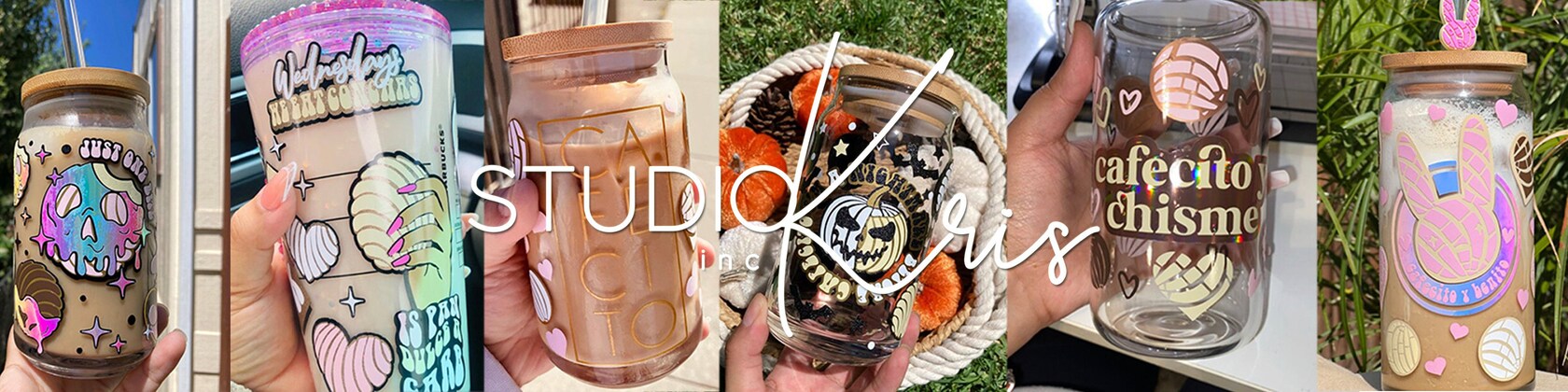
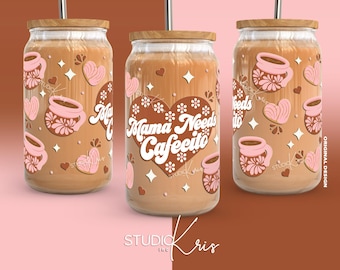
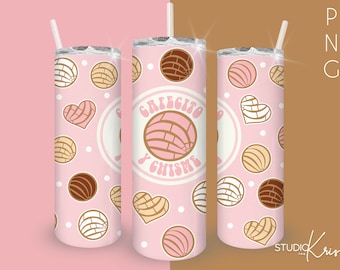
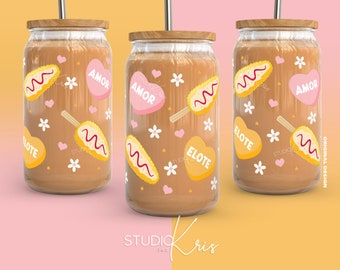
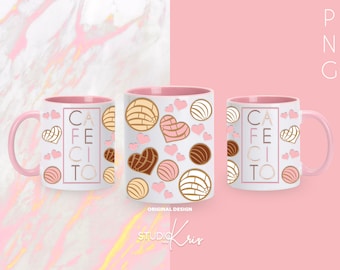
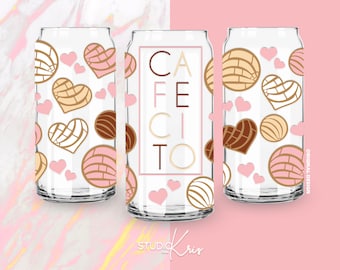
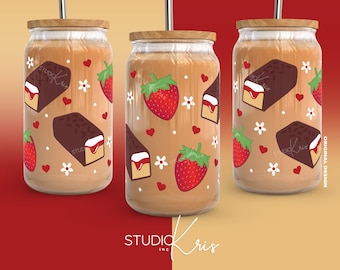
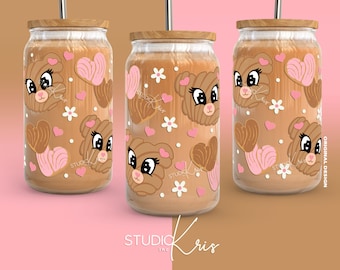
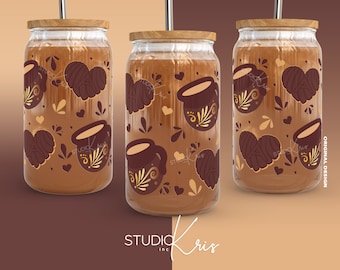
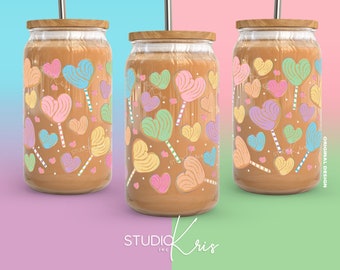
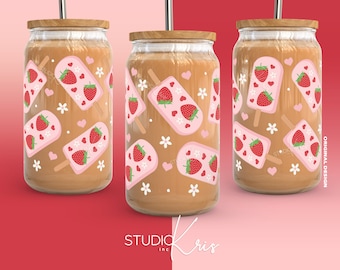
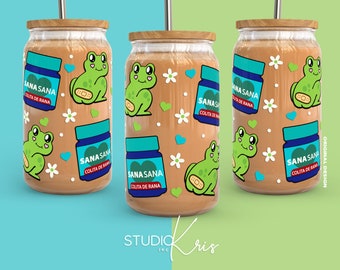
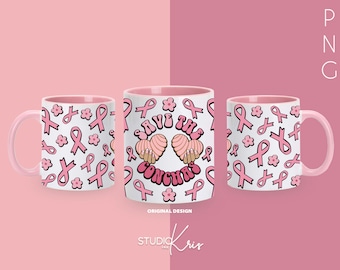
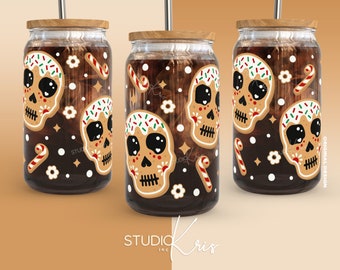
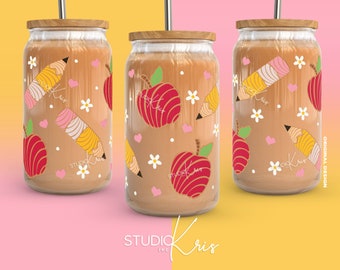
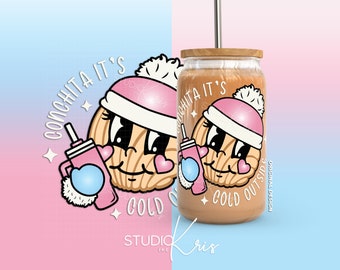
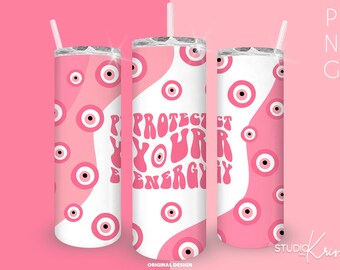
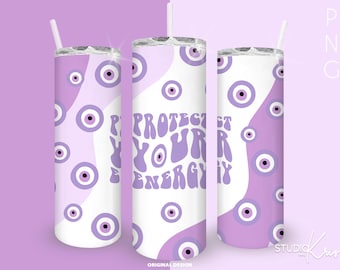
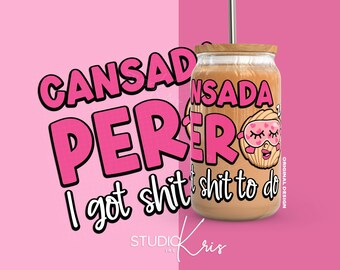
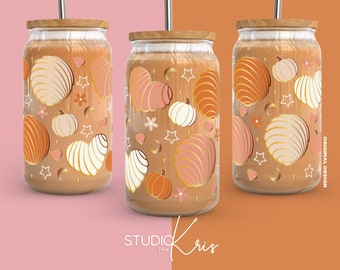
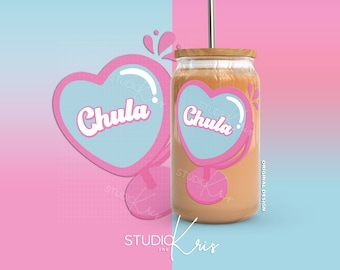
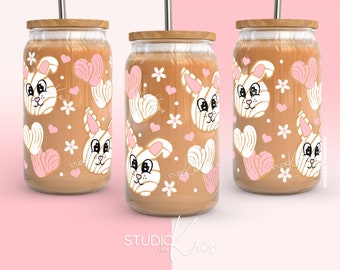
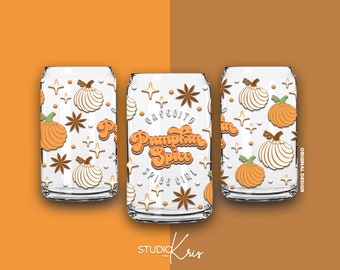
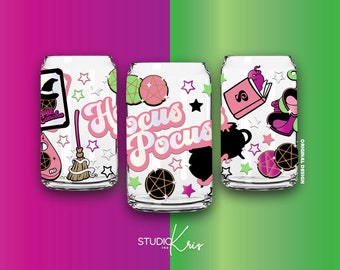
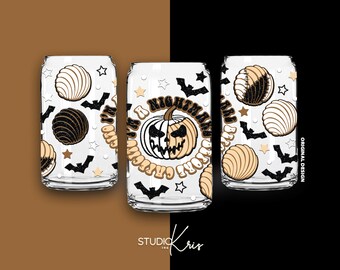
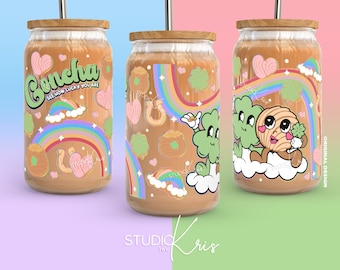
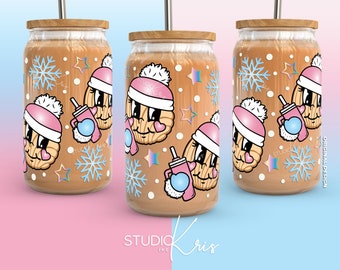
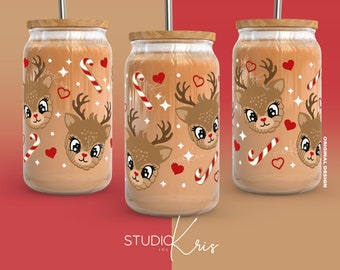
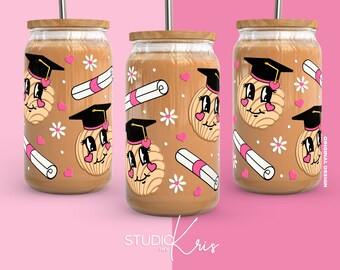
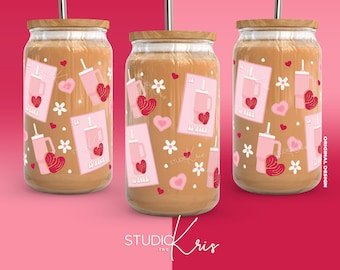
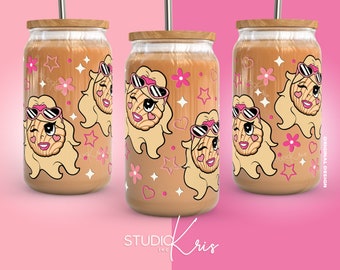
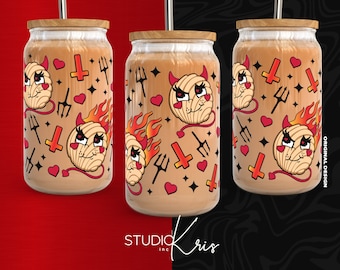
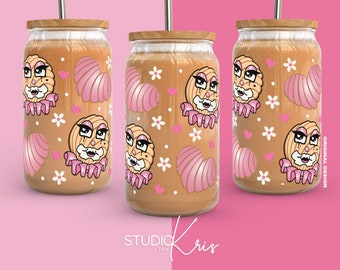

Thanks for visiting Studio Kris!
Featured items
All items
Announcement
Last updated on Feb 7, 2025
Reviews
4.9
(2421)
Average item review
We calculate this number using a recency-weighted average of all ratings, with a rating's value decreasing by half each year to best reflect the current experience.
Loading
-

-
-

Rebecca on Jan 18, 2026
5 out of 5 starsThis came out so cute. I made this as part of a white elephant gift. :)
-
-
Missy on Nov 6, 2025
5 out of 5 starsThis made a very cute snow globe tumbler! I absolutely loved it.
-
Patti on Oct 9, 2025
5 out of 5 starsGreat product just what I was looking for. So easy to download and use.
-
-

-

-

Isabel on Aug 22, 2025
5 out of 5 starsTurned out great, download was super easy!
This listing is no longer available
About StudioKrisINC
Sales
34,153
On Etsy since 2020
-
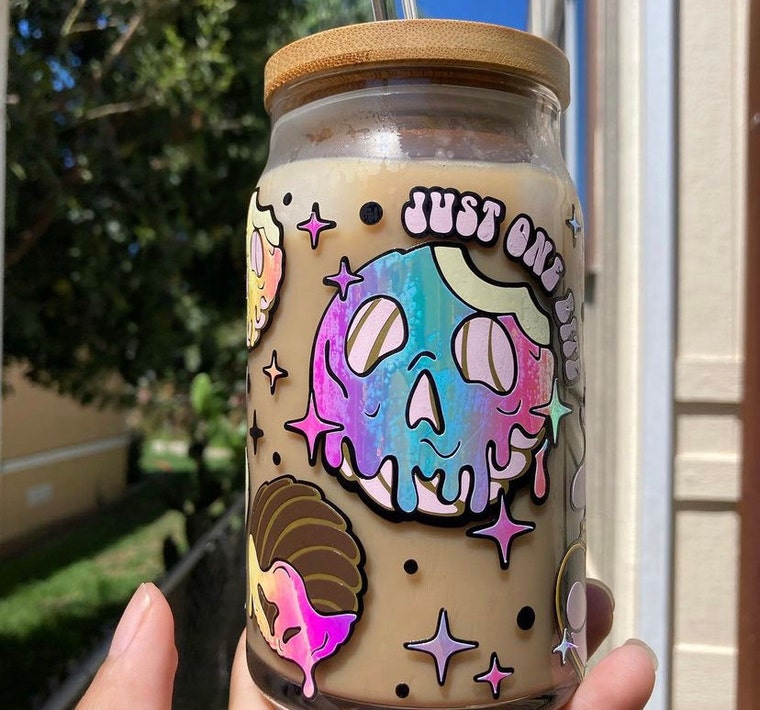 One of my favorite cup wrap designs✨
Shop members
-

Kristen
Owner, Designer
Hey, I'm Kristen! I'm a multi-faceted designer with a love for arts and crafts. I have a passion for creating cool svg and png designs for cup wraps.
Shop policies
Last updated on Sep 14, 2020
Digital downloads
Instant downloads
Your files will be available to download once payment is confirmed. Here's how.
Payment options
Secure options
Accepts Etsy Gift Cards and Etsy Credits
Etsy keeps your payment information secure. Etsy shops never receive your credit card information.
Returns & exchanges
See item details for return and exchange eligibility.
Cancellations
Cancellations: not accepted
Please contact the seller if you have any problems with your order.
More information
Last updated on
Dec 17, 2025
Frequently asked questions
CAN DESIGNS BE USED FOR SUBLIMATION PRINTING?
• Not every design is suitable for sublimation printing! Should you choose to sublimate, the results will only be as good as your knowledge towards the process.
• If the design contains isolated areas of white, it will NOT be suitable for sublimation.
• If the design uses LIGHT colors, it will not be suitable for sublimation. The best designs for sublimation are DARK colored designs or designs with a black outline.
• If you're unsure, there's a warning at the top of the description that will let you know if it's not suitable for sublimation.
COMPATIBILITY
Wraps come in different file formats:
• SVG | This file can be used with Cricut Design Space, Silhouette Studio DESIGNER/ BUSINESS Edition, Adobe Illustrator.
• PNG | Can be used with software like Procreate and Canva. Comes with a transparent background.
• JPG | This is a high resolution file that is typically used for heat transfer and printable projects.
If you get an error message saying the project is not supported, the SVG is incompatible, you're using either the JPG or PNG file. The SVG files have a dimensions note in the middle. Use those files so you can access the separate layers in the design.
SILHOUETTE STUDIO & SVG COMPATIBILITY
The basic software of Silhouette Studio isn't compatible with importing SVGs. An upgrade to the Silhouette Designer Edition version is required.
Here's a quick link for more info: https://www.silhouetteamerica.com/software/chart