
plan smart. live well. 🎧📝🌿
Featured items
All items
Announcement
Last updated on Sep 3, 2024
Reviews
4.8
(1492)
Average item review
We calculate this number using a recency-weighted average of all ratings, with a rating's value decreasing by half each year to best reflect the current experience.
Loading
-

-

-
-

Cristina on Mar 29, 2024
5 out of 5 starsI absolutely love this planner! I have purchased the 2022/2023 & now the 2024 I couldn’t be more happier! The planner is so easy to follow and helps keep me organized. By far my favorite planner Ive ever purchased. I would definitely recommend!
-
-
-
Nathan on Feb 3, 2024
5 out of 5 starsExactly as shown, seller even sent me a link to a video because I didn’t know how to use a GoodNotes function 😊
-
-

-

About Templayte
Sales
11,522
On Etsy since 2021
Shop members
-

Kimberly
Owner
Hi friends! I'm always happy to chat - please feel free to reach out if you have any questions. :)
Shop policies
Last updated on Jan 15, 2024
Digital downloads
Instant downloads
Your files will be available to download once payment is confirmed. Here's how.
Payment options
Secure options
Accepts Etsy Gift Cards and Etsy Credits
Etsy keeps your payment information secure. Etsy shops never receive your credit card information.
Returns & exchanges
See item details for return and exchange eligibility.
Cancellations
Cancellations: accepted
Request a cancellation: within 1 hour of purchase
Privacy policy
More information
Last updated on
Dec 17, 2025
Frequently asked questions
Where do I get my downloads?
Once you purchase your selected digital content from us, you will be able to access your content immediately in Etsy's download section (https://www.etsy.com/your/purchases).
There are cases where the payment will take a bit of time to process and this will also affect the time taken for your file to be available to you. Simply wait a few minutes and refresh the page.
Please also note that files cannot be downloaded from the Etsy app at this time, only web browsers. If you are a Guest on Etsy, check the email you used for your purchase. An email from "transactions@etsy.com" will include a link to download your files.
Why are the links not working in my digital planner?
In GoodNotes, please have the ‘Read-Only’ tool on (it looks like a crossed-out pencil) to activate the hyperlinks.
In Notability, please have the hand tool deselected to activate the hyperlinks.
Please also make sure that your iPad (or other tablets) system software is up-to-date. If so, please close all the documents of GoodNotes (or the app you use), and force quit it, then restart your tablet.
If the links still don't work, please send us a message.
How does a digital planner work?
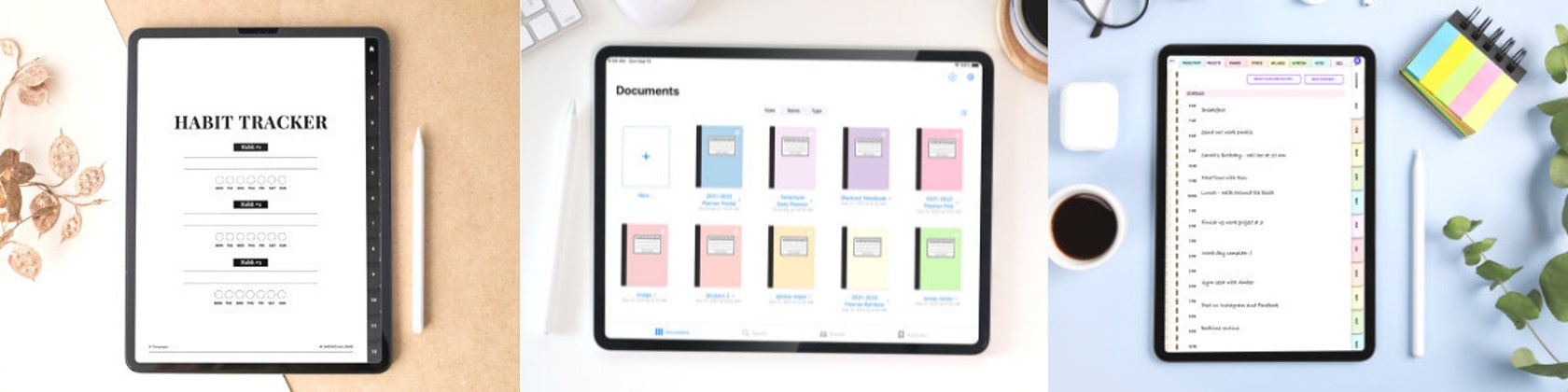
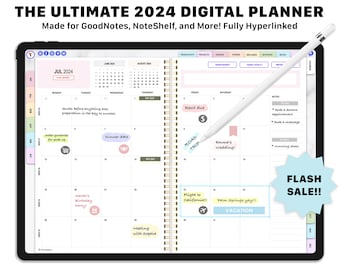
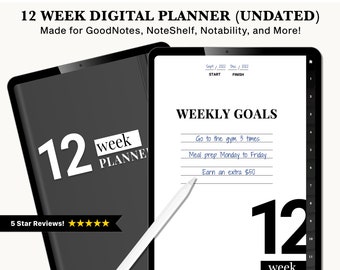
A digital planner is a digital version of a traditional paper planner. It is a PDF that is designed to be used in a note-taking app like Goodnotes, Noteshelf, or Notability.
You can use these apps on your iPad or Android tablet and then write on your planner using a stylus like the Apple Pencil.
All Templayte digital planners mimic the look of traditional planners, but with fun and creative features for the ultimate planner experience.
What apps are your products compatible with?
Our products are compatible with Apple, Android, and Microsoft devices. All of our products are compatible with iPads/tablets and desktop/laptop computers. The digital planner is designed to be used with any PDF annotation app.
Compatible apps for different devices:
1) iPad: GoodNotes, Notability, Noteshelf, Xodo, Zinnia.
2) Android tablets: Noteshelf, Xodo, DrawBoard.
3) Mac: GoodNotes, Adobe Acrobat, Preview.
4) PC/desktop: Adobe Acrobat, Foxit.
5) Web-based: Xodo, DrawBoard, Kami.
*Note: Please research your preferred app first. Some are paid apps while others are free. The most popular PDF annotation app used by our customers is GoodNotes!
What is your return policy?
We happily offer a 30-day money back guarantee! Use our products for up to 30 days, risk-free. If you are not completely satisfied, simply message us to return the product for a full refund.
Copyright notice.
You may not alter or share the digital files with anyone. The digital artwork showcased in this shop remains the intellectual property of Templayte Inc.
All items in this shop are for PERSONAL USE only, and may not be resold, remade, copied, redistributed, or used for any commercial purposes.
The digital files are protected by U.S and International copyright laws. Reproduction and distribution of our files without written permission from Templayte Inc is prohibited.
Copyright © 2024 by Templayte Inc. All rights reserved.