







How Temploud Started
Polecane produkty
Wszystkie produkty
Ogłoszenie
Data ostatniej aktualizacji 1 maj 2026
Opinie
4.8
(633)
Średnia opinia o produkcie
Przy obliczaniu tej wartości wykorzystujemy średnią ocenę z wszystkich ocen, biorąc pod uwagę to, kiedy zamieszczono opinię – co roku wartość oceny zmniejsza się o połowę, tak aby jak najlepiej oddać aktualne doświadczenia zakupowe.
Ładowanie
-

Christina w dniu 13 maj 2026
5 na 5 gwiazdekEasy to edit and create exactly what I needed, and the hard work was already done.
Ładowanie -
-

Paige w dniu 7 kwi 2026
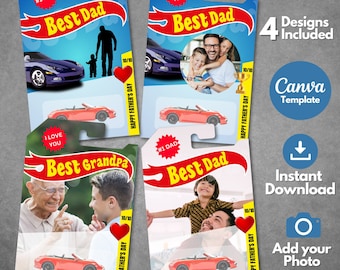
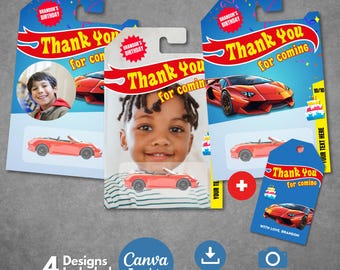
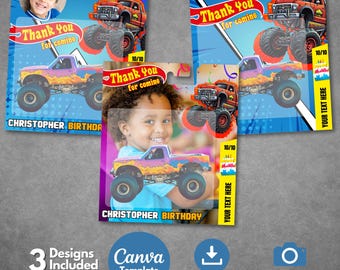
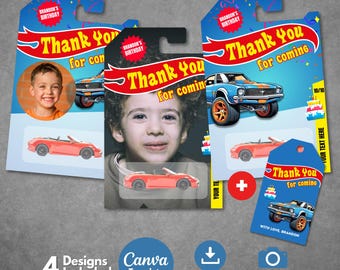
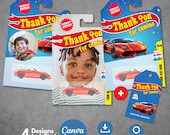
5 na 5 gwiazdekabsolutely great! seller changed the template to fit the smaller hot wheels packaging to fit the cars I had. they did it super quickly and were so nice about the change item was exactly as described and looked great as party favours
Ładowanie -

-
EckaEcko w dniu 23 gru 2025
5 na 5 gwiazdekI experienced an issue with the link, but the support team promptly assisted me in resolving it. The design is excellent, and I was impressed with the speed of their response. Thank you very much; I highly recommend their services. The owner was very kind, and the product exceeded my expectations. Thank you for your creativity. It looks fantastic when arranged and is the perfect addition.
Ładowanie
-

Sandy w dniu 22 gru 2025
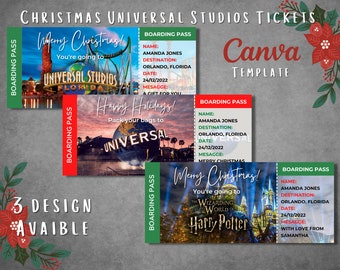
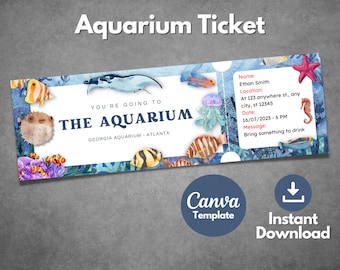
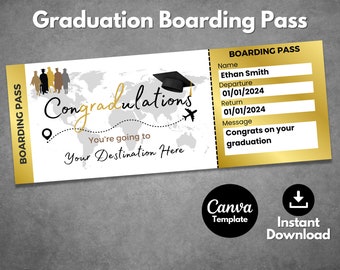
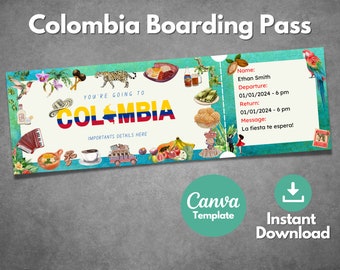
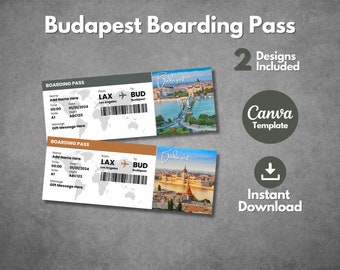
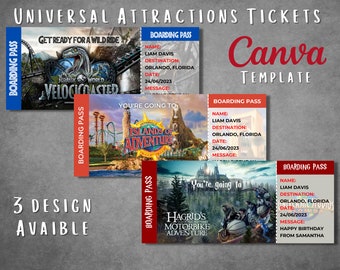
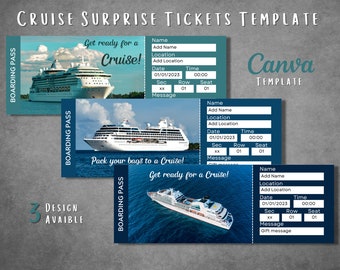
5 na 5 gwiazdekBoarding Pass turned out great! The quality of the template is really good. Quick response from the seller!
Ładowanie -

Las w dniu 11 gru 2025
5 na 5 gwiazdekFue muy amables la dueña y divino el producto! Estoy muy emocionada regarlas a mi esposo para navidad! Gracias por su creatividad! Me cae muy bien areglada y la adición perfecta!
Ładowanie
Sprzedawca Temploud odpowiedział w dniu 12 gru 2025
Thank you so much! 😊 I’m so happy you loved it, I hope your husband loves it too! 🎄✨
Ładowanie -
-

Critter w dniu 8 maj 2026
5 na 5 gwiazdekItem as described. Was easy to edit and print in my Canva account.
Ładowanie
Informacje o sklepie Temploud
Transakcje
9 383
Na Etsy od 2024

Regulamin sklepu
Data ostatniej aktualizacji 28 maj 2025
Produkty cyfrowe do pobrania
Pliki do natychmiastowego pobrania
Pliki będą dostępne do pobrania po potwierdzeniu płatności. Procedura.
Opcje płatności
Bezpieczne opcje
Akceptuje karty podarunkowe Etsy i bony Etsy
Etsy zapewnia bezpieczeństwo Twoich informacji o płatnościach. Sklepy Etsy nigdy nie otrzymują danych Twojej karty kredytowej.
Zwroty i wymiany produktów
Sprawdź szczegóły produktu, aby dowiedzieć się, czy kwalifikuje się on do zwrotu lub wymiany.
Anulowania
Anulowania: niezaakceptowane
Skontaktuj się ze sprzedawcą w razie problemów z zamówieniem.
Polityka prywatności
Więcej informacji
Data ostatniej aktualizacji
17 gru 2025
Często zadawane pytania
How do I receive my template?
Right after completing your purchase, you’ll receive a PDF file that contains a link to access your editable Canva template. Simply click the link to open it in Canva and start customizing. If you created an account, you can also access your download through your order history.
I haven’t received my template. How do I access it?
No worries! First, double-check your spam or junk folder—sometimes the confirmation email lands there. If it’s not there, log into your account to re-download the PDF. Still can’t find it? Reach out to us via Etsy Messages —we’re happy to resend it!
How long do I have access to the template?
Forever! Once you open the template link and click “Use Template” in Canva, it will be saved in your account. You can return to it anytime to make changes, re-download, or reuse it for future events. Just make sure to be logged into your Canva account.
What is Canva and how do I use it?
Canva is a free, user-friendly design tool you can access from any web browser. It allows you to customize your Temploud template without downloading any software. Just log in (or create an account), click “Use template,” and start editing—it's simple and perfect even for beginners.
The final print size isn't correct. How do I fix it?
This is often due to printer settings. Make sure you're printing at “actual size” or “100% scale,” not “fit to page.” Also, we recommend exporting your template as a PDF from Canva, which ensures better precision in dimensions and quality.
Do you offer customizations?
Yes! If you’re looking for a small tweak or a more personalized version of a design, feel free to message us through Etsy Messages. We’re happy to help and usually respond within 24 hours.
Can I print my template at home?
Definitely! You can print at home using standard settings or take the file to a professional print shop. For best results, download the file as a high-quality PDF and make sure to select “actual size” or “100% scale” in your printer settings.