Featured items
All items
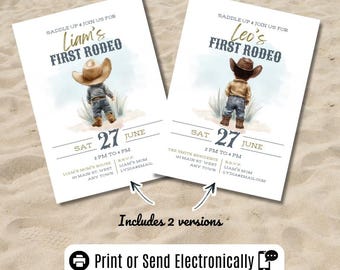
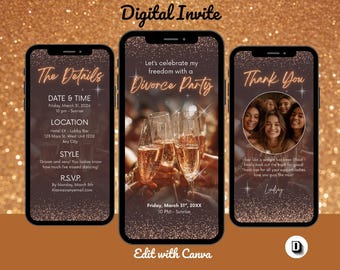
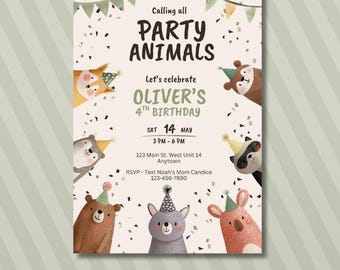
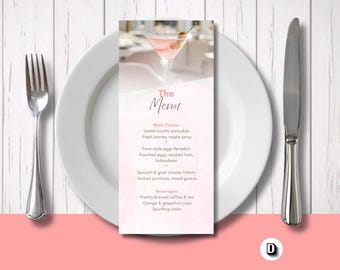

Announcement
Last updated on Aug 12, 2025

Reviews
4.7
(94)
Average item review
We calculate this number using a recency-weighted average of all ratings, with a rating's value decreasing by half each year to best reflect the current experience.
Loading
-

-

-

Kandi on Jul 6, 2026
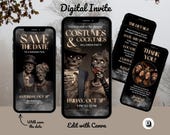
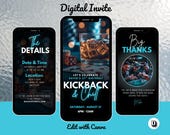
5 out of 5 starsI am very pleased with this digital invitation. The design looked exactly as advertised and the quality was excellent. It was easy to personalize and I received the file quickly.
-
-
Elaine on Jun 23, 2026
4 out of 5 starsBeautiful digital invitation. The starts were not aligned to the font, but the editor helped to correct.
-

-
-
-
Betty on Aug 20, 2026
5 out of 5 starsThe invitation is great! My guests all commented on it and loved it. Super, cool invite for Halloween and I'm picky, lol. I just bought another one for a reminder. Buy it, its a great product and easy to edit.
-



About TheDigitalDesignDuo
Sales
1,101
On Etsy since 2025
Shop members
-

Shelley
Owner, Designer
-

Leroy
Owner, Designer
Shop policies
Last updated on
Accepted payment methods
Accepts Etsy Gift Cards and Etsy Credits
Returns & exchanges
See item details for return and exchange eligibility.
More information
Last updated on
Dec 17, 2025
Frequently asked questions
How do I customize my invitation?
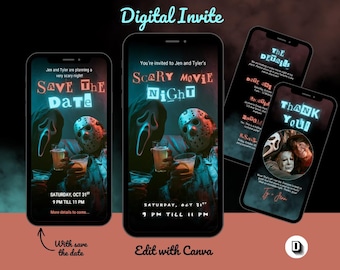
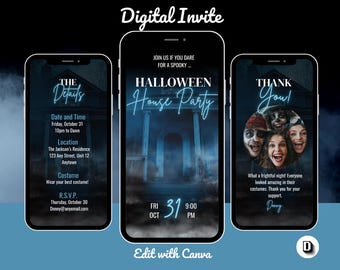
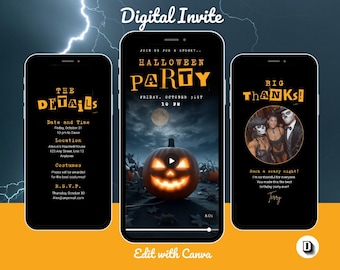
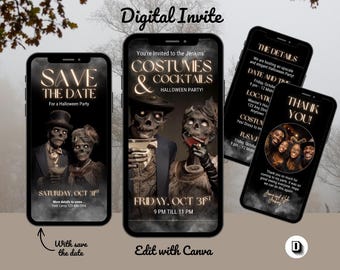
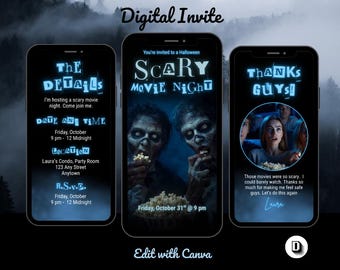
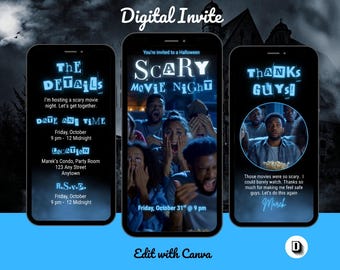
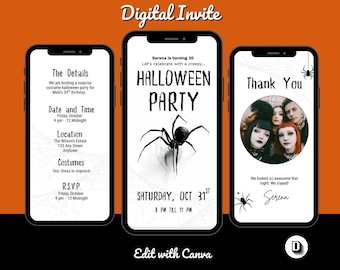
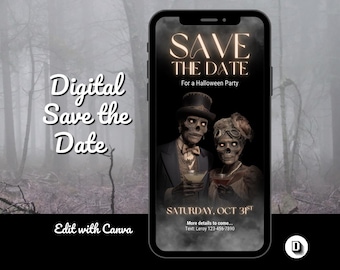
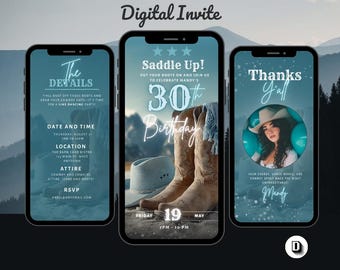
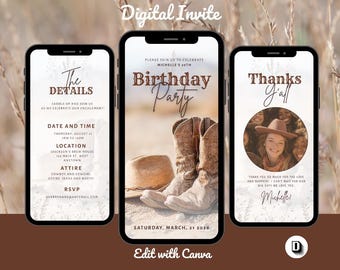
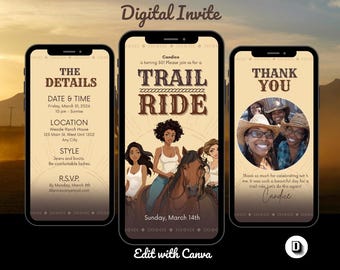
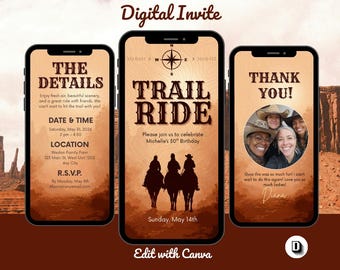
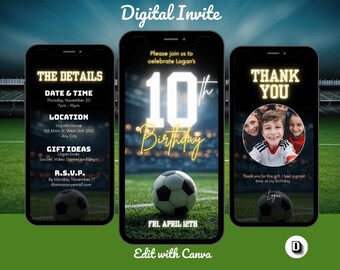
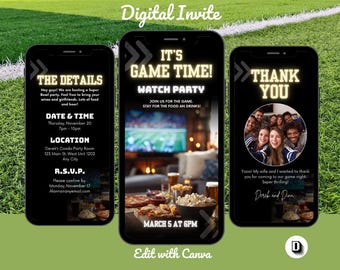
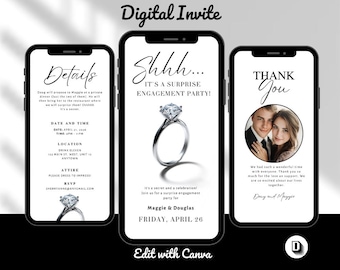
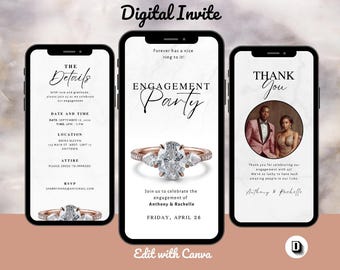
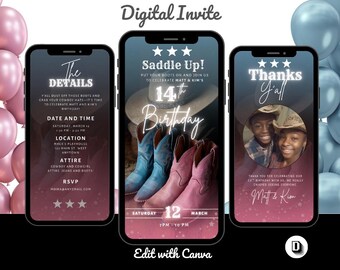
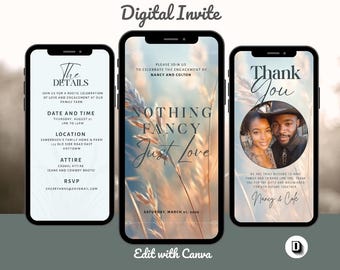
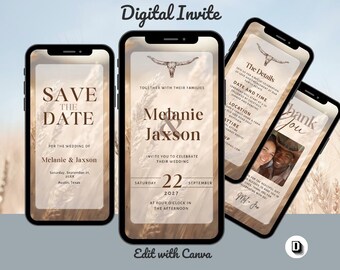
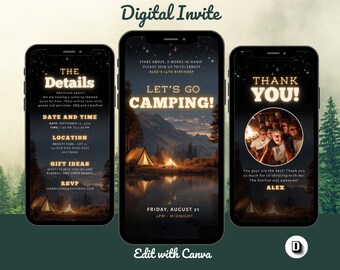
All of our invitations are editable through Canva—super easy and user-friendly! After your purchase, you'll receive a link to your template along with a design guide with instructions. You can change the text, font styles, and colors, and even add your own images to make it truly your own. Once you're happy with your design in Canva, just download it in your preferred format—JPG, PNG, or PDF. Then you're all set to send it out via text message, email, or even post it on social media!
What is your refund policy?
Because our products are digital and available for instant download, we’re not able to offer refunds once a template has been downloaded. That said, your satisfaction means a lot to us—so if something’s not quite right, please reach out! We're happy to help resolve any issues.
Do you accept customization requests?
We currently don’t offer customizations or personalized requests. However, we hope you find a template in our collection that suits your needs!
Where can I find my digital files?
Great question! Once your purchase is complete, here's how to download your files:
Log in to your Etsy account on the Etsy website (not the app).
Go to “Purchases and reviews” under your account.
Find the order with your digital file and click the “Download Files” button.
This will take you to a page where you can download all your files.
✨ Pro tip: Etsy also sends a confirmation email with your download link. If you don’t see it, check your junk or spam folder just in case.
👉 Make sure your email address on Etsy is up to date before purchasing to avoid any hiccups!
Can I download my files using the Etsy app?
Unfortunately, digital files can’t be downloaded through the Etsy app. To access your files, please use a web browser on your phone, tablet, or computer and log in to Etsy.com.
Can I add music to my invitation?
Yes, you can add music to your invitation! Canva allows you to insert audio, but the available music depends on your Canva account. Free users have limited music options, while Canva Pro offers a wider selection — though only songs included in Canva’s library.
If the song you want isn’t available in Canva, you can still use it as long as you own the MP3 file. Simply upload your MP3 to Canva and add it to your invitation.