

Digital Planners, Notebooks & Journals
Featured items
All items
Announcement
Last updated on Dec 17, 2025
Reviews
4.9
(842)
Average item review
We calculate this number using a recency-weighted average of all ratings, with a rating's value decreasing by half each year to best reflect the current experience.
Loading
-

-

Michaela on Jul 26, 2026
5 out of 5 starsI have not use it. Wish we can update after we actually use the downloadable. What I like about this seller is the fact that we can print it or download as an editable file in your laptop and ready to be use in your notability, notebookLN, or goodnotes. I wish the seller separated the file in to separate docs for easy use if you don't have adobe that is paid one.
-

Etsy buyer on Jul 19, 2026
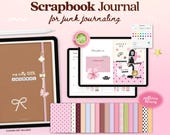
5 out of 5 starsEasily the best purchase I’ve made on Etsy. I love junk journaling and scrapbooking and wanted to try it digitally. I did get confused at the start but soon worked out how to download everything. It comes with the cutest templates and the patterns and inserts are so up my alley. I can’t wait to start and see how it all comes together.
-

-

-

-
-
-
Arnada on Jul 29, 2026
5 out of 5 starsAbsolutely love this font! It's clean, high quality, and super easy to use. It looks amazing on all of my projects and gives them a polished, professional look. I'll definitely be using it again!
About TheJournalWorld
Sales
12,184
On Etsy since 2023
Shop members
-

TJW
Owner, Designer
Hi, welcome to my shop! I'm a digital creator and an user of my own digital planners. I focus on every detail ensuring that each item is both aesthetically pleasing and highly functional. Follow me on Instagram so we can inspire each other ♡
Shop policies
Last updated on Mar 18, 2023
Digital downloads
Instant downloads
Your files will be available to download once payment is confirmed. Here's how.
Payment options
Secure options
Accepts Etsy Gift Cards and Etsy Credits
Etsy keeps your payment information secure. Etsy shops never receive your credit card information.
Returns & exchanges
See item details for return and exchange eligibility.
Cancellations
Cancellations: not accepted
Please contact the seller if you have any problems with your order.
Privacy policy
More information
Last updated on
Dec 17, 2025
Frequently asked questions
What are the steps to bring the file into GoodNotes on my iPad?
1. Find the downloaded file in the Files app on your iPad and open it.
2. Click on the Share icon.
3. Look for the "Copy to GoodNotes" option and tap on it. If you prefer, you can choose a different app for note-taking.
4. Choose the category you want to access your file in GoodNotes. You're good to go!
How do I access Zip filles on my Ipad?
To unzip the files, save them to the Files app on your iPad and click on them to uncompress. Please note that this option is exclusive to iPadOS (iOS 13+). If you encounter any problems, feel free to message me and I can send you the uncompressed files.
If you want to duplicate a page, follow these steps:
1. Navigate to the page you want to copy.
2. Tap the "• • •" option on the top-right corner of the screen and select "Copy Page".
3. Open the Thumbnails Tab and find the spot where you want to insert the copied page.
4. Tap the down-arrow of the page thumbnail in the desired location, then choose "Add Page Before" or "Add Page After", and finally select "Paste Page".
Custom and personalized orders
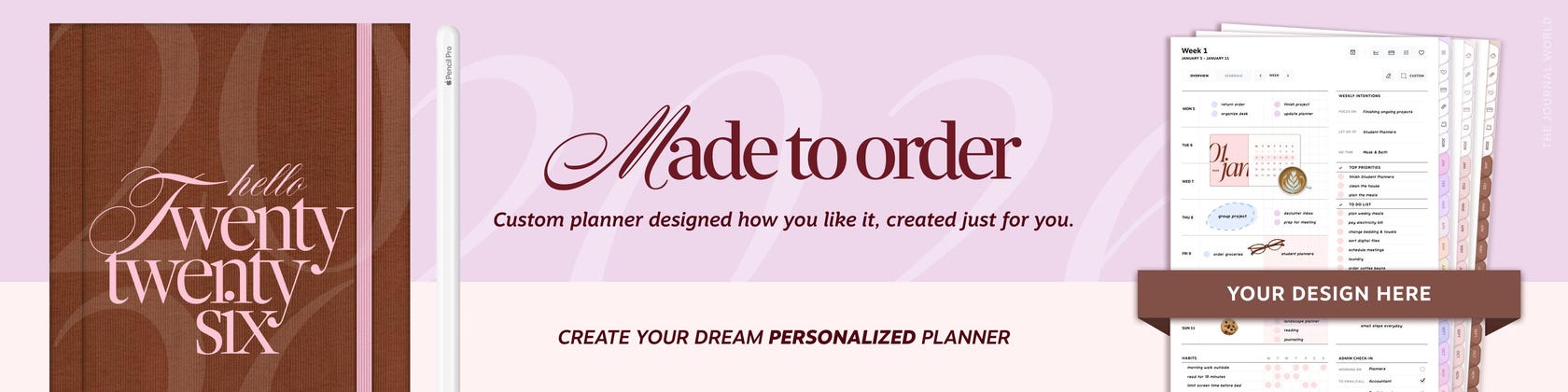
Yes, I do offer custom orders for my clients. If you have a specific design or request in mind, please send me a message on Etsy
Your links aren't working? No worries!
To be able to use all the hyperlinks in GoodNotes, ensure that you've chosen the "Read-Only" tool. This is the tool represented by a pencil icon with a line crossing it out, which can be found in the upper-right corner of the screen.
How do I access my purchased download?
At present, it is not possible to download digital purchases via the Etsy app. Instead, you can download these files on your iPad by accessing the Etsy website using a web browser such as Safari or Google Chrome.
On the item's listing page, look for an "Instant Download" message on the images. Generally, there are no restrictions on the number of times or when you can download a file, provided the transaction is not canceled or removed. If your payment is still being processed, the "Download Files" button will appear gray.
If you have an Etsy account, you can access your digital files by clicking on the "View your digital files now" link after purchase. For guest checkouts, the email receipt you received after checking out will contain a
How your digital planners are made?
My digital planners are carefully crafted using professional graphic design skills and advanced design software tools. I put a lot of thought and attention to detail into each planner's layout and design to ensure that it's both beautiful and functional for my customers.