







Hi, I'm Rafaela, the designer behind The Wright Design US.
Featured items
All items
Announcement
Last updated on Jun 10, 2026
Reviews
4.9
(665)
Average item review
We calculate this number using a recency-weighted average of all ratings, with a rating's value decreasing by half each year to best reflect the current experience.
Loading
-

Etsy buyer on May 8, 2026
5 out of 5 starsThis was beautifully put together and extremely easy to work with.

Rafaela responded on May 9, 2026
Thank you so much for your sweet review. I appreciate your support!
-
Kim on Sep 4, 2026
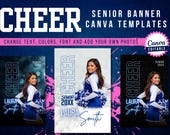
5 out of 5 starsGreat product - so easy to use!! I needed an additional size, and the shop owner had the file to me literally within minutes of my message to her on Etsy. I know Canva but am not an expert but was able to create our senior banners literally in seconds. Would definitely recommend!
Rafaela responded on Sep 5, 2026
Hi Kim!! I so very much appreciate you supporting my small business. I hope you have a wonderful season!
-
Etsy buyer on Aug 27, 2026
5 out of 5 starsPerfect for what we needed. Easy to edit and use in Canva.
Rafaela responded on Aug 27, 2026
I’m so happy to hear that’s what you were looking for! Thank you so much for supporting my small business!
-

About TheWrightDesignUS
Sales
6,408
On Etsy since 2022
Shop about video description
Shop members
-

Rafaela
Owner
Hi, I'm Rafaela! I've spent 10+ years designing for an animal shelter, helping animals get adopted. That passion led me here, creating Canva templates for coaches, teachers, churches & families.
Shop policies
Last updated on Jun 8, 2026
Digital downloads
Instant downloads
Your files will be available to download once payment is confirmed. Here's how.
Payment options
Secure options
Accepts Etsy Gift Cards and Etsy Credits
Etsy keeps your payment information secure. Etsy shops never receive your credit card information.
Returns & exchanges
See item details for return and exchange eligibility.
Cancellations
Cancellations: not accepted
Please contact the seller if you have any problems with your order.
Privacy policy
More information
Last updated on
Jun 10, 2026
Frequently asked questions
What exactly is a digital download?
A digital download is an electronic form of a document or file that buyers receive without receiving a physical copy. The buyer will receive an electronic copy of the file which they can print from home, local printing shop or using online service websites such as Shutterfly or Vistaprint.
How do I access your digital files from my account?
Please note that my designs are DIGITAL DOWNLOADS only. No physical products will be shipped to you.
1. Sign in to Etsy.com and go to Your account.
2. Go to Purchases and reviews.
2. Next to the order, select Download Files. This goes to the Downloads page
for all the files attached to your order.
You can also go back to the item’s listing page, where you should see an “Instant Download" message on the images for the item.
I also usually send downloading & printing instructions to improve your purchase experience.
Can I have a file size that is not listed?
Please message me and I can resize it for you!
How do I print my files?
HOME- You may print at home if you have a printer. Plus, keep in mind that most standard printers only print files up to 8” x 10 “.
LOCAL SHOP/ ONLINE SERVICE- You can also opt to print at your local printing shops such as UPS or Walgreens or choose to go with an online printing service website such as Shutterfly or Vistaprint. This option will produce a higher quality prints.
NOTE- The final project of the artwork will be determined by the quality of the printer and paper you choose. For the most visually stunning final results, we recommend printing the pages using high-quality paper, such as card stock.
Please keep in mind that the colors of the design may vary slightly based on your printer, screen display, and type of paper used.
Do you accept refunds, cancellations or exchanges?
Unfortunately, I DO NOT accept returns, exchanges or cancellations. There are no returns on digital downloads since buyers receive their digital file immediately after their purchase is confirmed and there is no way for me to tell if they already saved the file to their computer or even if they have already printed the design. By purchasing my products, you agree to my terms and conditions. Please message me if you have any questions or concerns before you make your purchase. I will be happy to help you!
What is your copyright policy?
My digital artwork is copyrighted by The Wright Design US. Your digital item is strictly for non-commercial, personal use only. You may not resell, reproduce, share by electronic means or profit in any way from the design.
How does the ratio sizes work?
The ratio size helps you to determine what size you can print. For example, if you need to print an 8”x10” file you should choose the 4:5 ratio. The file will come in the largest size listed in the chart. In this case, the file would appear in your folder as 16”x20”. Why? Because you can always convert and print an image to a smaller size but never to a larger size because you will lose quality in your print. The chart helps you visualize the number of options you have.
RATIO CHART
4:5 Ratio- 4”x5”, 8”x10, 12”x15”, 16”x20”
3:4 Ratio- 6”x8”, 9”x12”, 12”x16”, 15”x20”, 18”x24”
2:3 Ratio- 4”x6”, 8”x10”, 12”x18”, 16”x24”, 20”x30”,24”x36”
Additional Size (No ratio) – 5”x7”
Additional Size (No ratio)- 11”x14”
How can I use a drag & drop template?
Step 1. Edit your main template and save it as PNG or JPG.
Step 2. Open your Drag & Drop Canva Template and click on “Uploads”.
Step 3. Click on “Upload files” (purple button). Upload your PNG or JPG image.
Step 4. Drag your image into the drag and drop template.
Step 5. Save it as PDF print.
Can I edit my template using a mobile device?
Yes you can but it can be difficult. It is recommended to edit your files using a laptop or desktop.
Do you use AI-generated images in your listings?
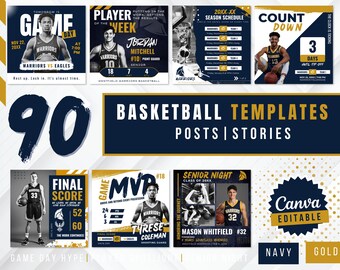
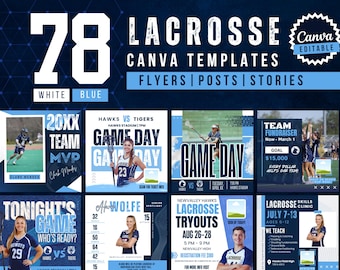
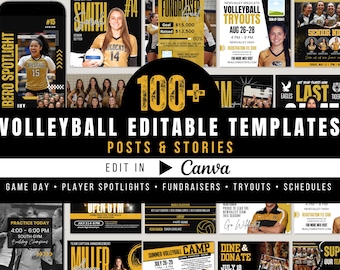
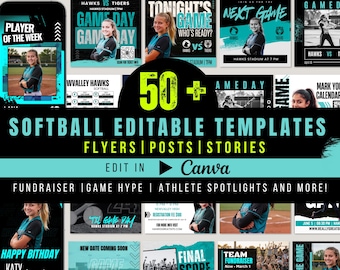
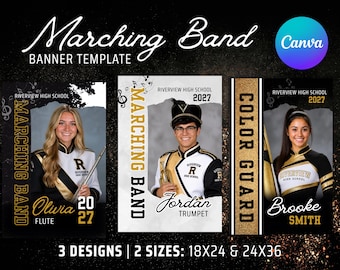
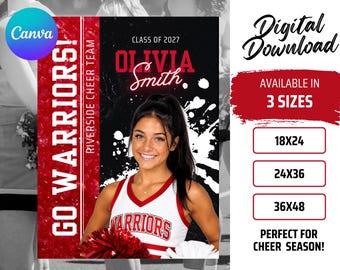
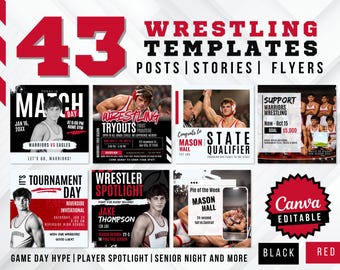
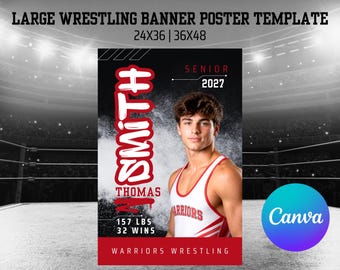
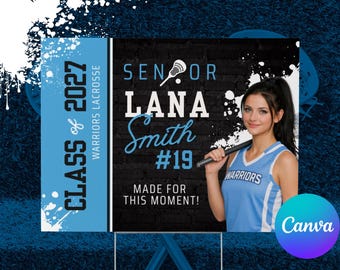
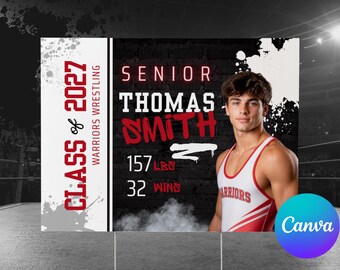
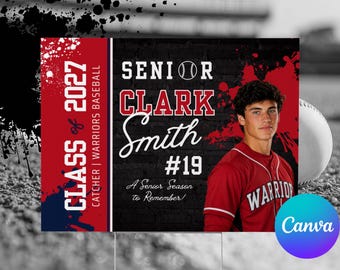
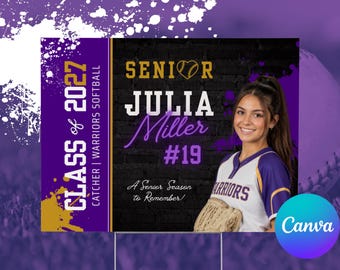
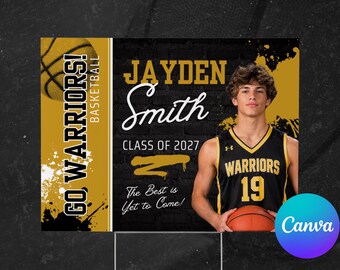
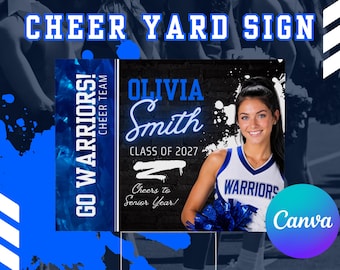
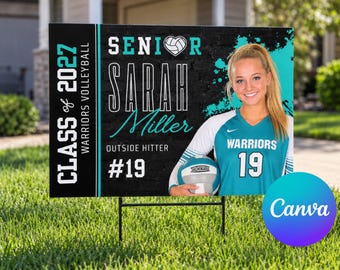
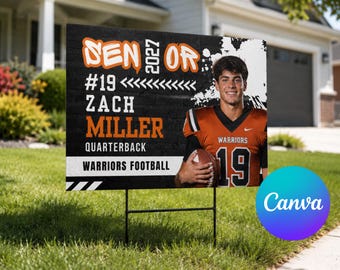
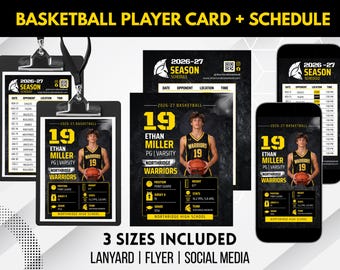
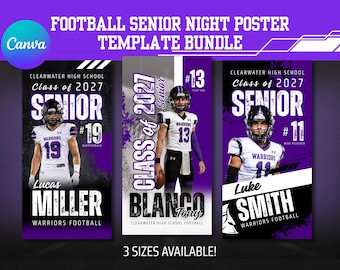
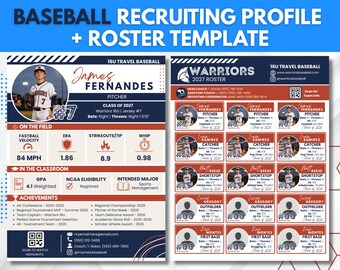
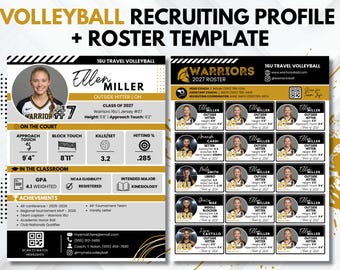
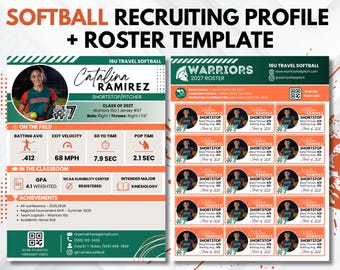
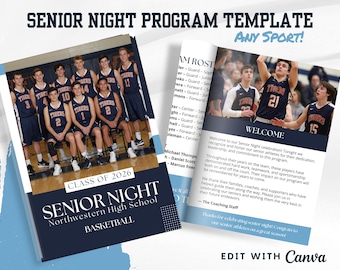
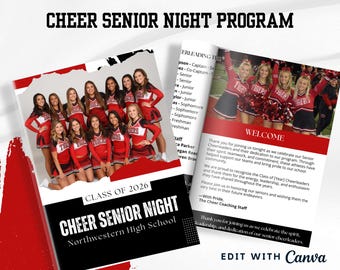
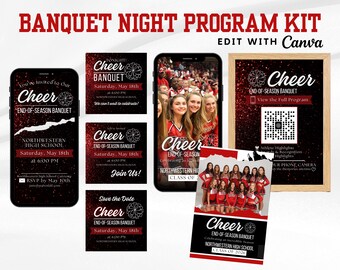
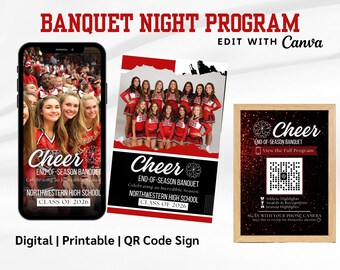
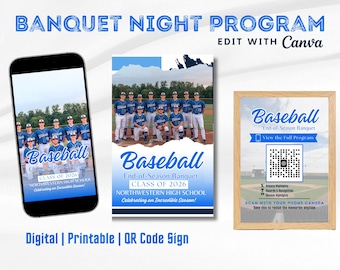
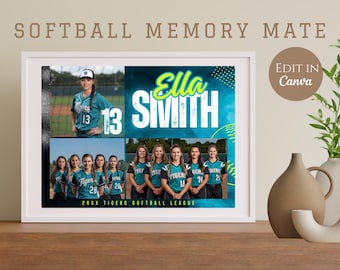
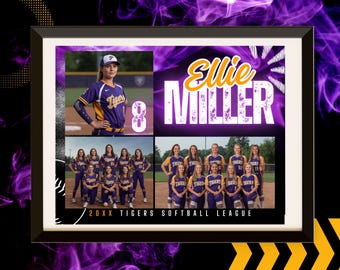
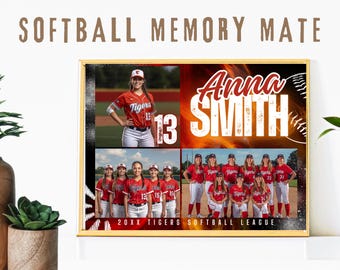
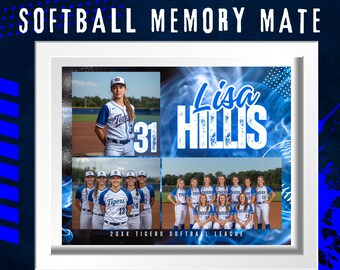
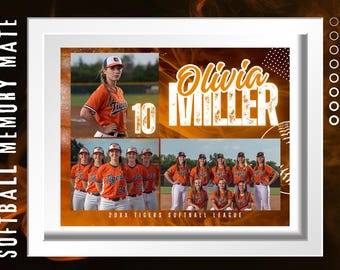
Yes! Some of my listing preview images use AI-generated photos of athletes to help you visualize what the finished template will look like with real photos. All templates are fully editable in Canva — just swap in your own team photos and you're good to go. The design, layout, and graphics are 100% original and created by me.