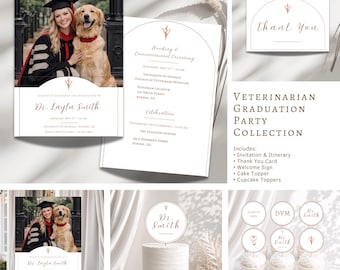
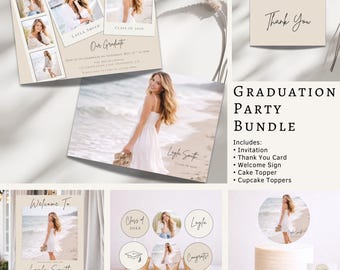
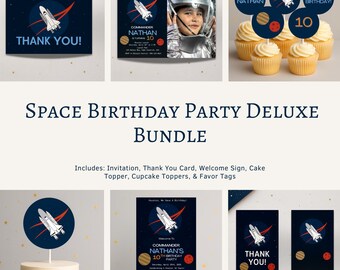
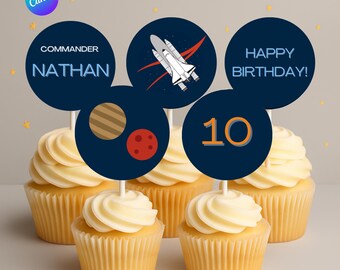

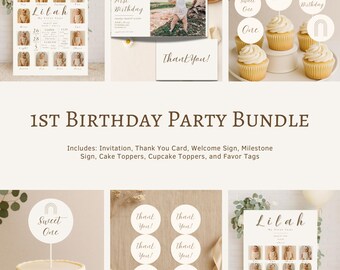
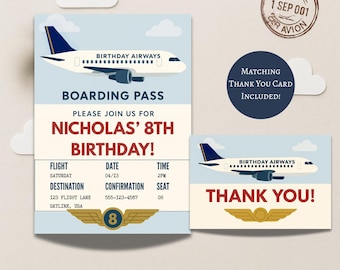
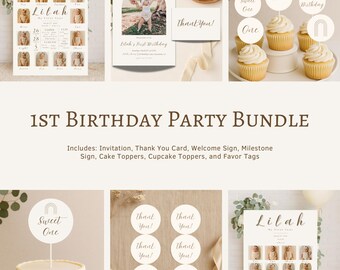
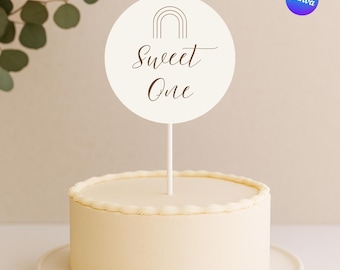


Modern, thoughtfully designed details for life's most special celebrations
Featured items
All items
Announcement
Last updated on May 29, 2026
Reviews
5.0
(17)
Average item review
We calculate this number using a recency-weighted average of all ratings, with a rating's value decreasing by half each year to best reflect the current experience.
Loading
-

S on May 14, 2026
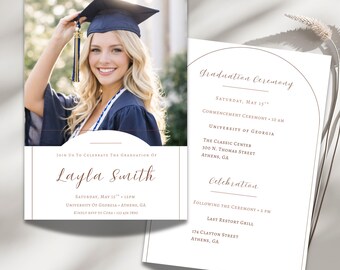
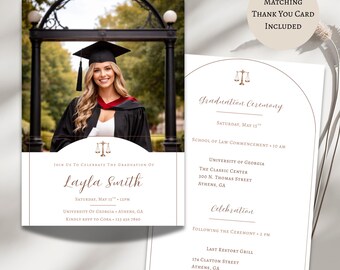
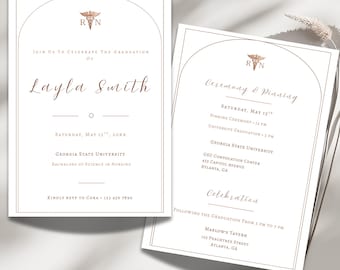
5 out of 5 starsIt is formatted to 16x20 at the largest, but can be copied larger without a problem. Looks great and the design is stellar. Very easy to manipulate and input your image.

Paige responded on May 14, 2026
Thank you so much for your kind words! 🤍 I’m so happy to hear it worked perfectly for your celebration and was easy to customize! Wishing you and your graduate a wonderful celebration! ✨
-

Aubrey on May 9, 2026
5 out of 5 starsExcellent Customer service and custom made a larger size quickly. Turned out Beautifully!!!
Paige responded on May 9, 2026
Thank you so much for your kind review! 🤍 I’m so happy everything turned out beautifully for your celebration, and I was glad I could help with the larger size for your event. Wishing you and your graduate such a special and memorable day! 🎓✨
-

Hanna on Mar 29, 2026
5 out of 5 starsWonderful customer service. Went above and beyond to help me design what I needed. Thank you
Paige responded on Mar 29, 2026
Thank you so much, Hanna! 🤍 It truly means a lot—I loved bringing your vision to life. Wishing you such a beautiful and special celebration! ✨
-

Etsy buyer on Feb 9, 2026
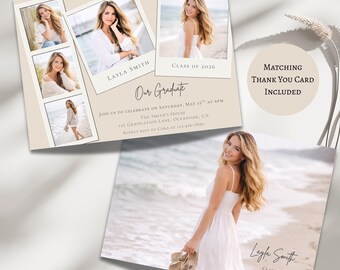
5 out of 5 starsAdorable and easy to edit! Thank you!
Paige responded on Feb 9, 2026
Thank you so much for your kind words! 💛 I’m so glad you found it easy to edit! Wishing you a wonderful celebration!
About ThreeHeartsPaperCo
Sales
189
On Etsy since 2025

Shop policies
Last updated on
Accepted payment methods
Accepts Etsy Gift Cards and Etsy Credits
Returns & exchanges
See item details for return and exchange eligibility.
More information
Last updated on
Dec 17, 2025
Frequently asked questions
Where do I find my download?
Etsy will email you a link titled “Download Your Etsy Purchase.” You can also go to: Your Etsy Account → Purchases and Reviews → Download Files.
Inside your download, you’ll find a PDF with a thank-you message and a link to your Canva template to start editing.
Can I edit the text, font, and colors?
Yes! Most text on the invitation and party items can be edited—including the wording, font style, text size, and color. However, some decorative text or design elements may not be editable. Please check the product listing details for specifics on which parts are customizable.
How do I edit my file in Canva?
Click the Canva link included in your download to open the design. If you do not already have a Canva account you can make one for free. Canva is super beginner-friendly!
Do I need to install any software to use this?
Nope! All designs are edited using Canva, which works directly in your web browser or free Canva app—no downloads needed.
Can I get a refund?
Because digital items are delivered instantly, we don’t offer refunds. But we are always happy to help if you run into any issues—just send us a message!
Can I print at home or a print shop?
Yes! Once you’re done editing, you can download your file and print it at home, at a local print shop, or through an online service like Staples, FedEx, or Walgreens.