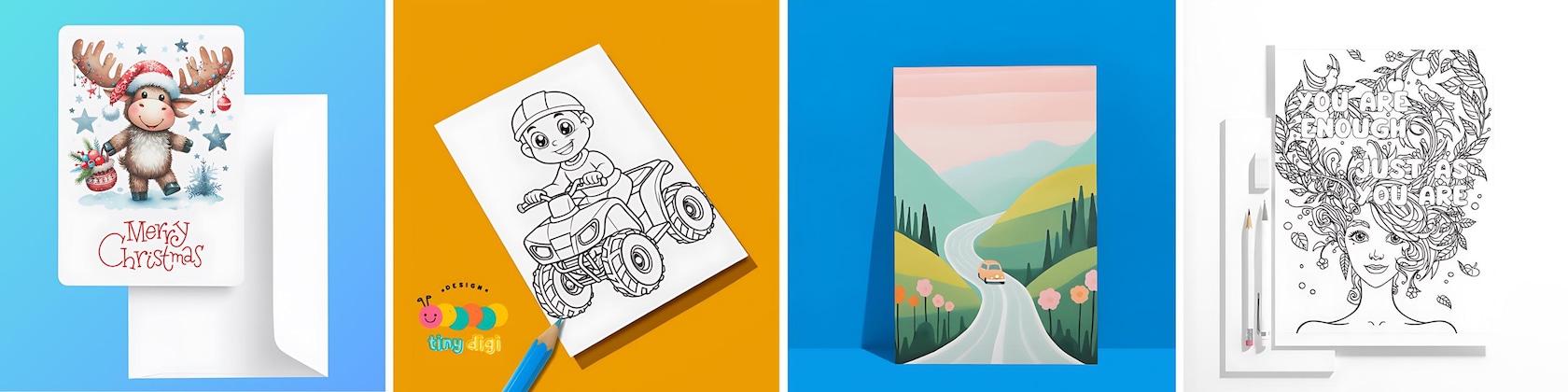

Featured items
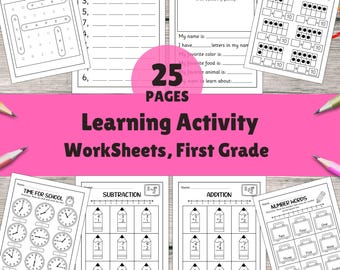
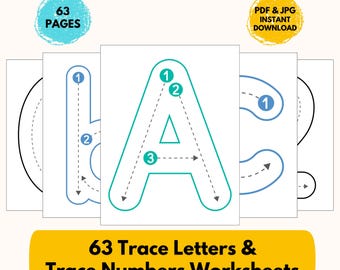
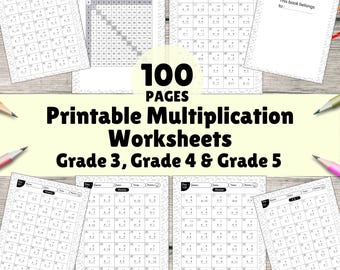
All items





Announcement
Last updated on Nov 9, 2024

Reviews
4.9
(110)
Average item review
We calculate this number using a recency-weighted average of all ratings, with a rating's value decreasing by half each year to best reflect the current experience.
Loading
-

-

Paola on Aug 12, 2026
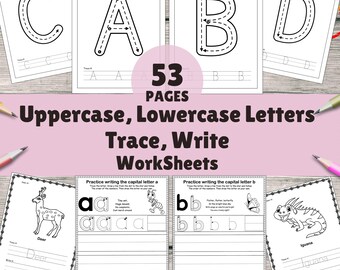
5 out of 5 starsexcellent resource for helping with letter recognition and printing.
-

-

-

Sarah on Apr 22, 2026
5 out of 5 starsPrepping 1st grade homeschool stuff and this is exactly what I was looking for thank you!
-

Ashleigh on Mar 31, 2026
5 out of 5 starsSuch an easy, low effort activity to get ready for morning bins!
-
-
-

-
Shelly on May 26, 2026
5 out of 5 starsThe sign is perfect for multiple events where we will have a Lemonade Bar.

About Tinydigidesign
Sales
2,545
On Etsy since 2024
Shop policies
Last updated on Nov 20, 2024
Digital downloads
Instant downloads
Your files will be available to download once payment is confirmed. Here's how.
Payment options
Secure options
Accepts Etsy Gift Cards and Etsy Credits
Etsy keeps your payment information secure. Etsy shops never receive your credit card information.
Returns & exchanges
See item details for return and exchange eligibility.
Cancellations
Cancellations: not accepted
Please contact the seller if you have any problems with your order.
Privacy policy
More information
Last updated on
Dec 17, 2025
Frequently asked questions
How to download Digital Files?
You should automatically be redirected to file download after the purchase.
In case it doesnt happen, please go the 'You' tab of your Etsy account and then press on "Purchases and Reviews" where you can download the purchased digital files.
After clicking on file to be downloaded, it will be downloaded to your computer. Usually it will be in the downloads folder, unless you have indicated otherwise or have a different settings.
Please note that if you are trying to download your difital file via Etsy app, it is not currently an option. To download the files on your mobile device, please use the download link from the e-mail that you will receive from Etsy to your e-mail
How to download the Digital Files for packs with 3-4 items
If the digital files bundle pack has 3-4 items, the download instructions are the same as the single digital file.
How to download the Digital Files for packs with more than 4 items
First you need to download a PDF file with Instructions on how to access your files from the pCloud drive storage. To download instructions sheet follow steps from "How to download Digital Files" download above.
In that PDF you will have a link for file download:
1) Please Click the IMAGE that with link to download your files from pCloud Drive, use the pCloud Drive direct download option to download your high-resolution files.
2) Download the .ZIP file
3) Right click on the .zip file that you have downloaded from the link and select extract all
4) You will have a new folder on your computer which will have the files that you have purchased.