

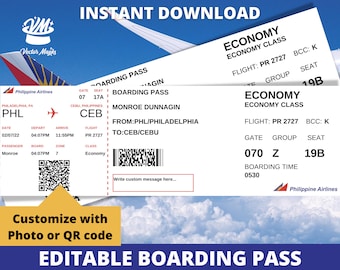
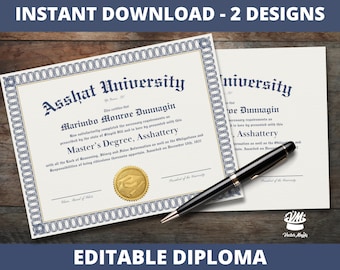





Welcome to Vector Majiks - easy to use printable templates!
Featured items
All items
Announcement
Last updated on Dec 27, 2025
Reviews
4.9
(962)
Average item review
We calculate this number using a recency-weighted average of all ratings, with a rating's value decreasing by half each year to best reflect the current experience.
Loading
-

-
Eric on Mar 23, 2026
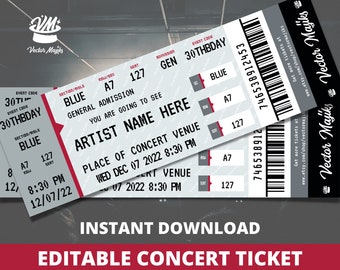
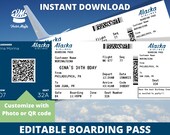
5 out of 5 starsThank you this was very helpful I used it right away and was able to get my medication early. Pharmacist asked for proof of plane tickets and that I was leaving out of town early. I was able to change the date and put Ontario California. Don't think I'll ever need to use it again but it served its purpose thank you
-
-

-
-
-
-

-
-
Kristina on Jan 2, 2026
5 out of 5 starsMy company performs murder mystery parties and I needed a realistic plane ticket as a clue. This was perfect!
About VectorMajiks
Sales
7,234
On Etsy since 2021
Shop members
-

Jen
Owner, Designer
Hello there! Thanks for stopping by to check out my profile. I am a Marketing Professional with a background in Graphic Design and Business. I love Etsy and I love design so I am merging the two worlds together for this new journey!
-

Maiki
Designer, Owner
Hola! I am a Puerto Rican Multi-Media Designer based in the US. I have a passion for design and enjoy creating something unique. I specialize in custom logos and brand packages. I made our logo and mascot!
Shop policies
Last updated on Sep 13, 2021
Digital downloads
Instant downloads
Your files will be available to download once payment is confirmed. Here's how.
Made-to-order downloads
I’ll create your items after purchase and you’ll receive an email when the files are ready to download. The time I need to complete these items can vary. Contact me if you have questions.
Payment options
Secure options
Accepts Etsy Gift Cards and Etsy Credits
Etsy keeps your payment information secure. Etsy shops never receive your credit card information.
Returns & exchanges
See item details for return and exchange eligibility.
Cancellations
Cancellations: not accepted
Please contact the seller if you have any problems with your order.
More information
Last updated on
Dec 17, 2025
Frequently asked questions
How do I receive my template after purchase?
After purchase, you will receive an email to the email address you used to sign up with Etsy. This email will contain some information and also a pdf attached which will have a link to your new template!
You can also access your files right from Etsy.com. To access your digital file(s), go to You > Purchases and Reviews and look for the order you placed. To the right of the order, click Download Files. This goes directly to the Downloads page for all the files attached to your order. After downloading the files, you can print them from home or take the files to a local print shop to be printed for higher quality.
What if I cannot find the email?
If you cannot find the email, make sure to check your spam or junk mail. In addition, double check the email you used to sign up with. Also, if you use Gmail, also check your Social and Promotions tabs. If for some reason you are still unable to find it, simply message us and we will be more than happy to send you the pdf with the link.
How do I edit the template once I purchase?
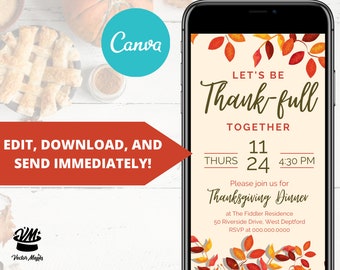
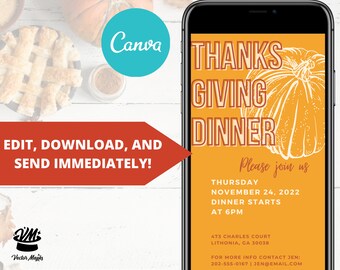
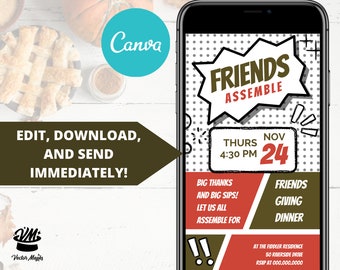
Most of our templates are able to be customized using Canva with a FREE account. Please note that the listing descriptions of our various products will note if the template is editable in Canva only. If so, you will only need to create a quick, FREE account with Canva to be able to edit and download the file to print. Canva, is a user friendly design platform and once you make your edits, they have a few ways you can download your file whether it be a pdf print with crops and bleeds, pdf standard, jpg, or png. These file formats are useful depending on how you choose to print your file.
How do I print my customized file after editing it in Canva at home?
Once you are done editing your file in Canva, you will need to download the file in order to print it at home. In Canva, navigate to the top right “Share “button, click it, and then click “Download”. You will need choose what file type you want to download. We recommend you choose the PDF Print option and checkmark “Crop Marks and Bleeds” so that the extra bleed and crop marks will show to help guide you when it comes time to cut it out. After you have set your download settings, click the “Download” button. Your file will then download to your downloads folder or maybe your desktop depending on your settings. You can then open that pdf you just downloaded and print to your home printer at 100%.
What do you recommend if I want to pay to get my file printed?
If you want to get the file printed on thicker paper for cheap, I would recommend sending your file over to your local Staples. Staples offers a same day pick up service for simple professional printing > https://www.staples.com/services/printing/copies-documents-printing/professional-print
We recommend choosing 100lb white card stock when you set up your order and you can easily send them the pdf print file* from Canva.
*see instructions for printing at home if you need help downloading the file.
Looking for more? Find it on Etsy