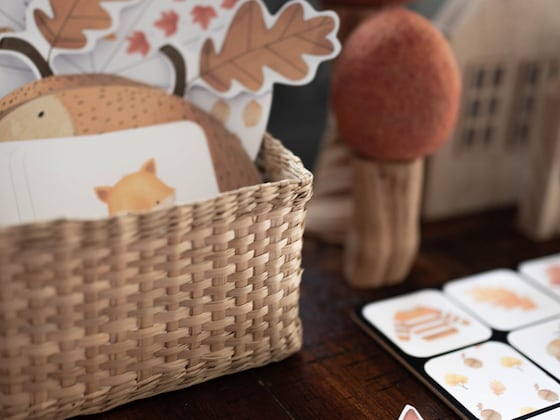
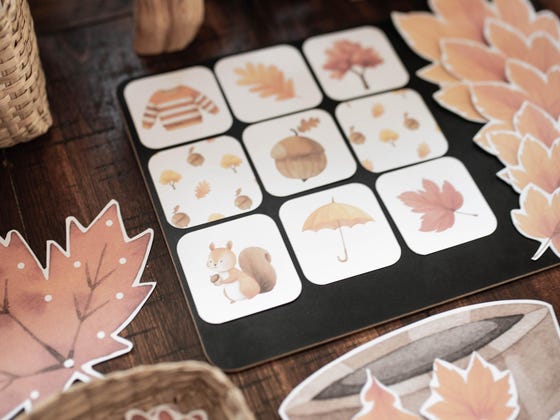
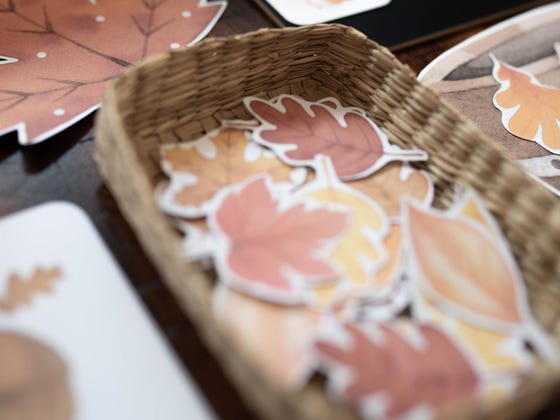
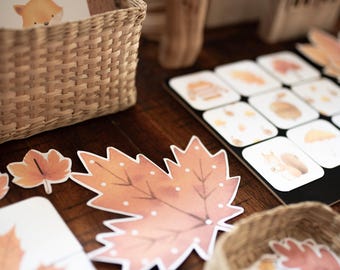
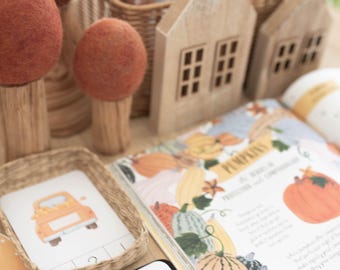
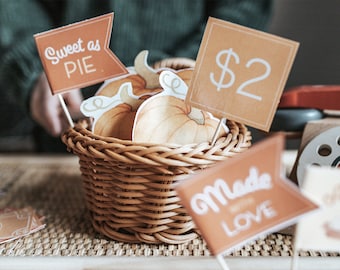
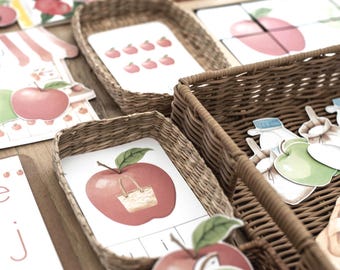
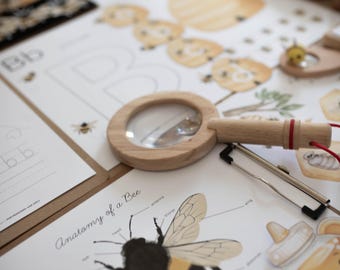
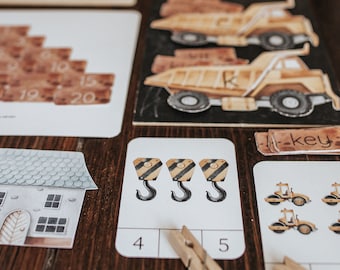
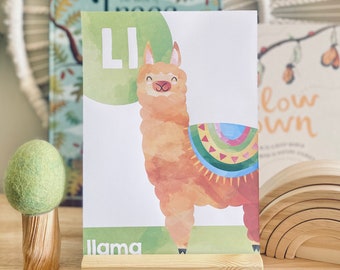
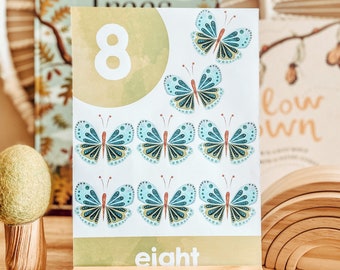
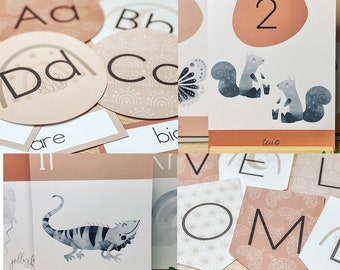

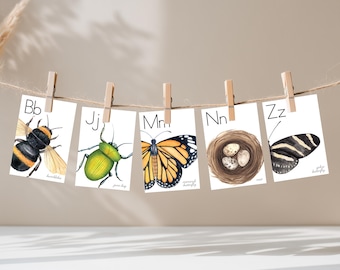
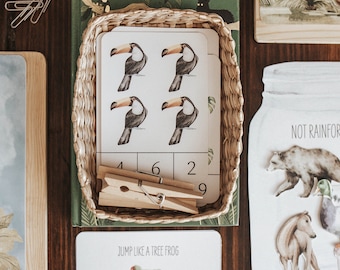
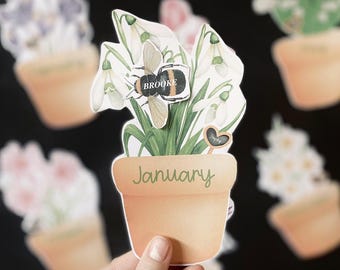
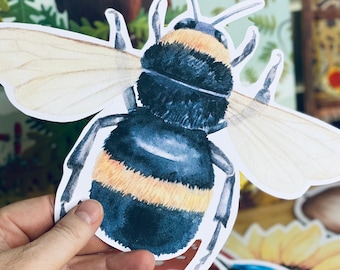
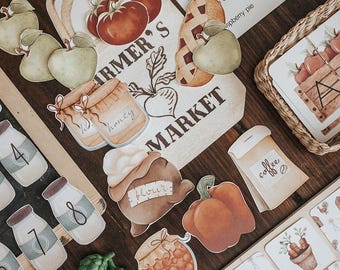
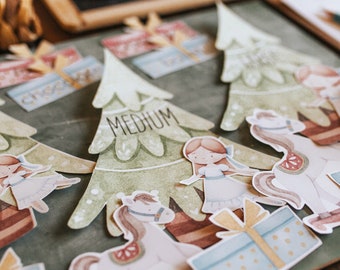
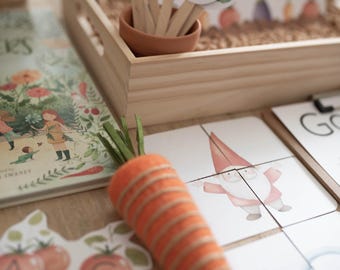
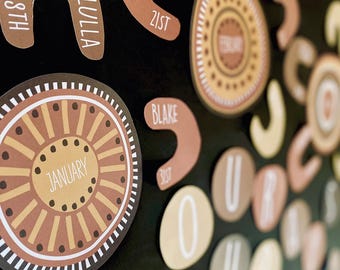
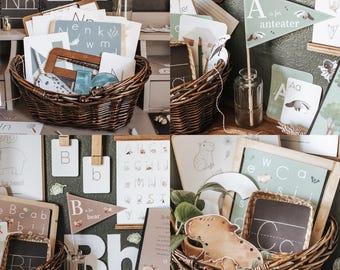
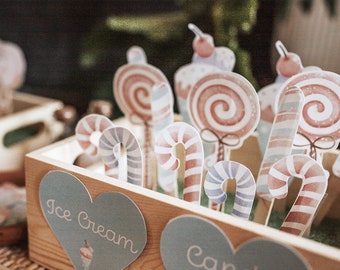

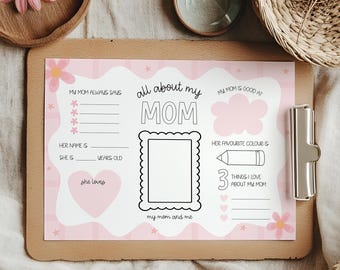
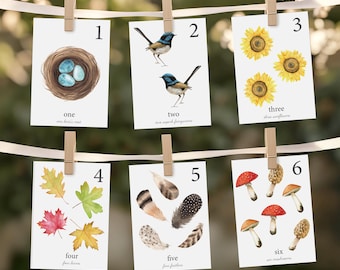
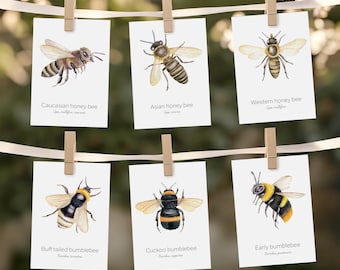
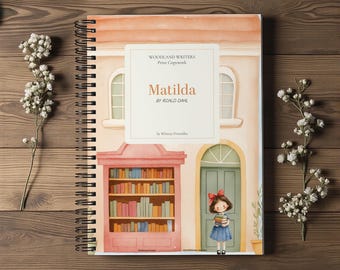

Play inspired by nature!
Featured items
All items
Announcement
Last updated on Aug 1, 2025
Reviews
4.9
(2029)
Average item review
We calculate this number using a recency-weighted average of all ratings, with a rating's value decreasing by half each year to best reflect the current experience.
Loading
-

-
-

Ana on Aug 1, 2026
5 out of 5 starsAmazing printable unit. I used it for a sensory bin dramatic play and my toddler loved it.
-
Tracy on Jul 29, 2026
5 out of 5 starsBeautiful graphics and such a cute unit. Can't wait to use it.
-

-
-
-
Latifah on May 9, 2026
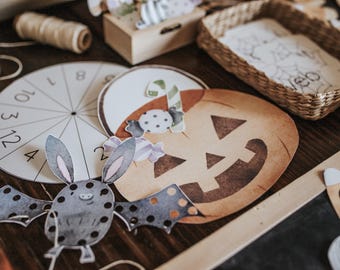
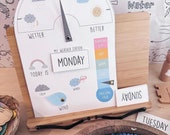
5 out of 5 starsSuper simple to assemble. Toddlers love using the little spinner.
Shop policies
Last updated on Apr 1, 2016
Digital downloads
Instant downloads
Your files will be available to download once payment is confirmed. Here's how.
Payment options
Secure options
Accepts Etsy Gift Cards and Etsy Credits
Etsy keeps your payment information secure. Etsy shops never receive your credit card information.
Returns & exchanges
See item details for return and exchange eligibility.
Cancellations
Cancellations: not accepted
Please contact the seller if you have any problems with your order.
More information
Last updated on
Dec 17, 2025
Frequently asked questions
What is a Printable?
A printable is a digital file that is downloaded directly to you. You can use your file to print at home or at your local office supply store. All of our printables come as PDFs.
What software do I need to print a PDF?
Please use the current version of Acrobat Reader to view and print PDF files.
Can I add my own text to the files?
The majority of our DIY printable files are NOT editable. The only exception are editable bag toppers, Santa Letters, and some classroom decor products such as name labels. No other files in our store are editable.
Can I print as many copies as I want?
As long as it is for personal use and not distributed among colleauges or friends, most definitely yes!
What kind of paper should I use?
I like to use a gloss white card stock for most products, this makes the products more durable when laminated. For our worksheets, normal white print paper works best.
What size paper do I print to?
All printables are set up to be printed onto a standard A4 size paper, approximately 21 X 29.7cm.
The colours look different on my phone/ipad. Is there something wrong?
Don’t panic! The screen display on a phone or iPad often makes colours look different than how they will look on your computer or when they are printed. Open the file on your computer using Acrobat Reader and it will look right.
The colours look different when they are printed.
All printers are a little different and colours may vary. If the colours are dramatically different, check your printer settings in “Advanced Settings”. Check the “Print as file” box to ensure colours remain the same as on your screen.
My files are printing smaller than actual size. What can I do?
Check your printer setting to ensure you are printing at 100% scale. Check your page scaling in settings is 100% and tick the “Fit to Page” box.