
Featured items

All items
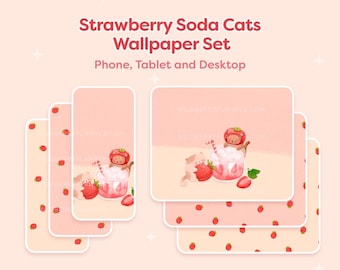
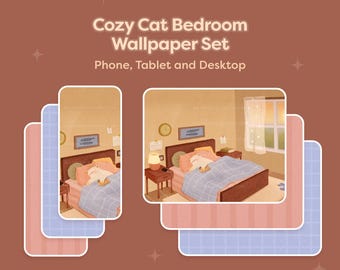
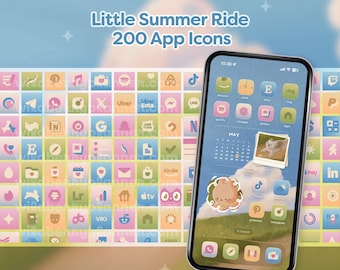
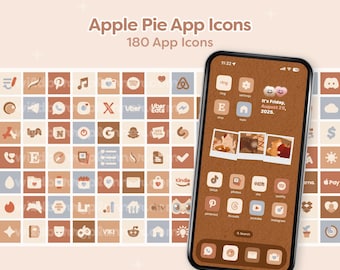

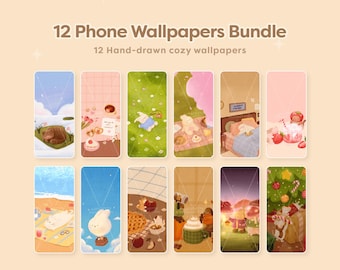
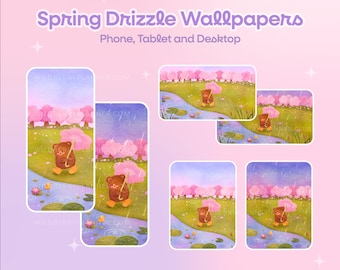
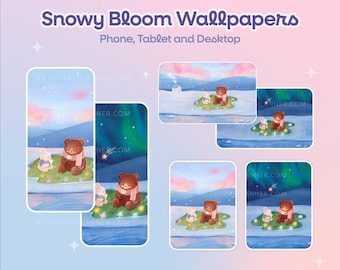
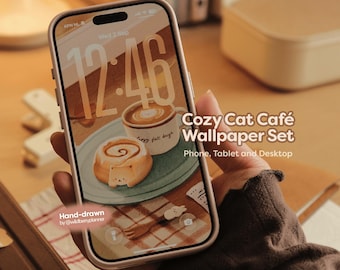

Announcement
Last updated on Aug 13, 2024

Reviews
5.0
(2151)
Average item review
We calculate this number using a recency-weighted average of all ratings, with a rating's value decreasing by half each year to best reflect the current experience.
Loading
-

-
-

Hanna on Sep 16, 2026
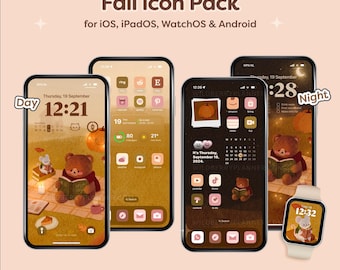
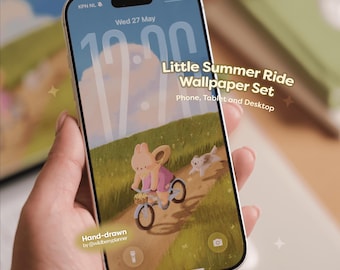
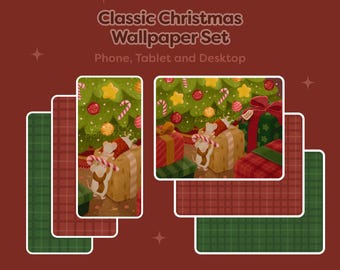
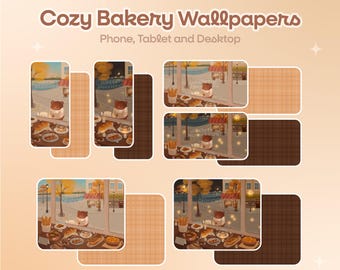
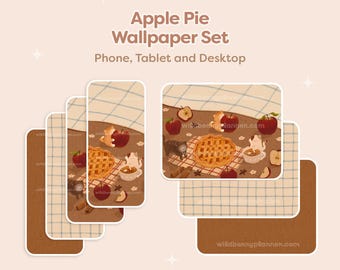
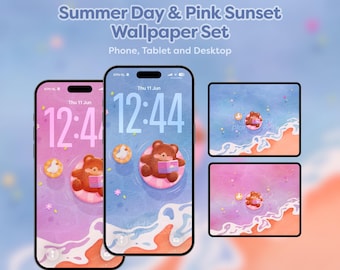
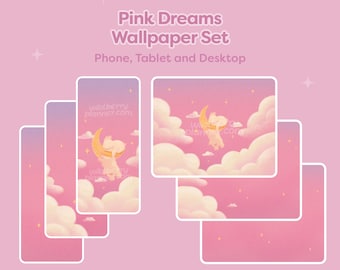
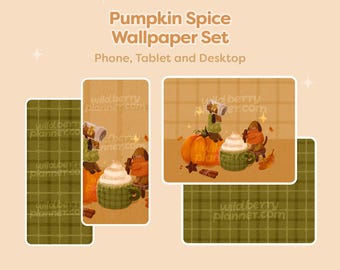
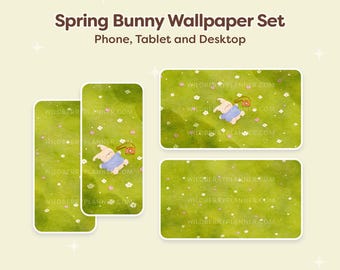
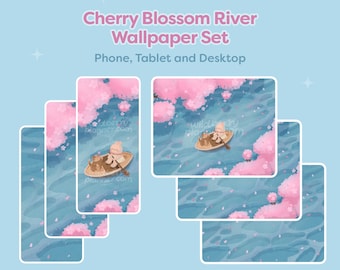
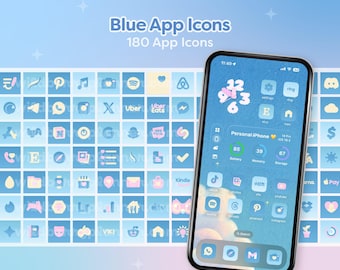
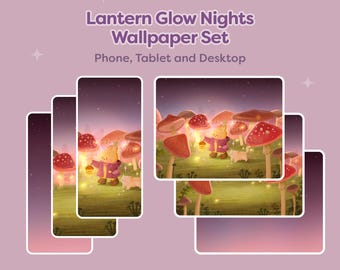
5 out of 5 starsWallpapers are so cute and good quality! Very easy to download and I love that there is day and night version of wallpapers! Thank you so much 🥰
-

Ellie on Sep 12, 2026
5 out of 5 starsOne of my absolute favs! Ty for your effort in making these each month <3
-
Carina on Sep 10, 2026
4 out of 5 starsWonderful, gorgeous, sweet, and cute wallpaper! It's just a shame it's not animated for the lock screen. But otherwise, it's great!! 🥰🥰
-

-
-

Rhi on Aug 10, 2026
5 out of 5 starsThe wallpapers are so cute, I adore all of them. Super easy to download and use after purchase as well. Thank you!
-
Kimberly on May 5, 2026
5 out of 5 starsThis wallpaper is so cozy and cute! Exactly what I was looking for as my phone and iPad background. Would definitely recommend!
-




About WildberryPlanner
Sales
17,536
On Etsy since 2021

Shop policies
Last updated on Jun 3, 2023
Digital downloads
Instant downloads
Your files will be available to download once payment is confirmed. Here's how.
Payment options
Secure options
Accepts Etsy Gift Cards and Etsy Credits
Etsy keeps your payment information secure. Etsy shops never receive your credit card information.
Returns & exchanges
See item details for return and exchange eligibility.
Cancellations
Cancellations: not accepted
Please contact the seller if you have any problems with your order.
Privacy policy
More information
Last updated on
Dec 17, 2025
Frequently asked questions
How to download my digital files?
1. Log into your Etsy account on your internet browse. It’s not possible to download your files from the Etsy app. You can also find your files in the email with your order confirmation.
2. Go to “Purchases” and on the right side click on “Download Files”. Sometimes it takes a few minutes to confirm your payment. Refresh the page and you’ll be able to see if your files are ready.
I didn't receive my order confirmation or download
Your order may still be processing. It can take some time for Etsy to confirm your payment, which may range from a few minutes to several hours, or even up to 48 hours. Typically, if the payment isn't confirmed by the next day, the order will be automatically canceled, and you'll receive a full refund. Once your payment is confirmed, Etsy will send you an email with the order confirmation.
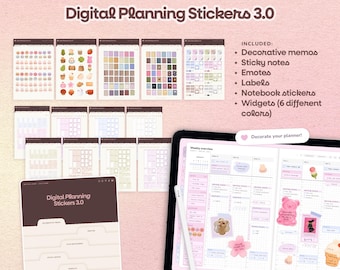
I can't find the access to the stickers that come with my digital planner
If your digital planner includes access to the "widget collection," please refer to the instructions on one of the first few pages of your planner. Simply follow the two easy steps under "the widget collection" section to access the sticker library.
Looking for more? Find it on Etsy