

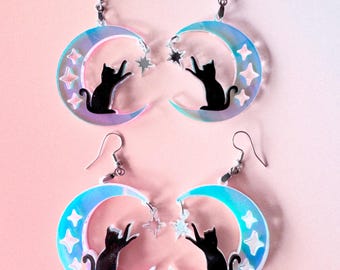
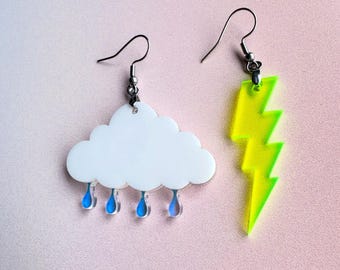
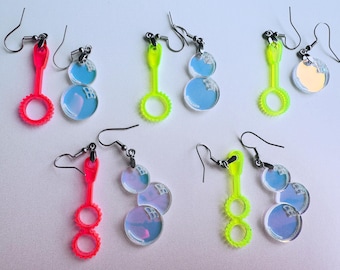
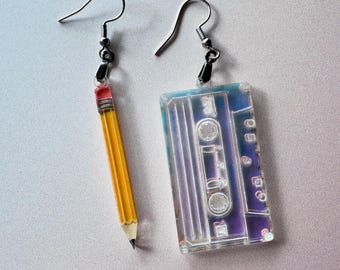
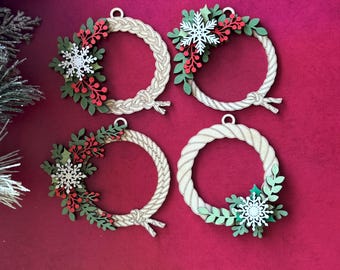
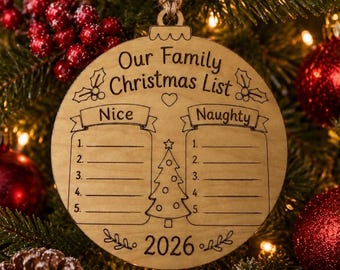
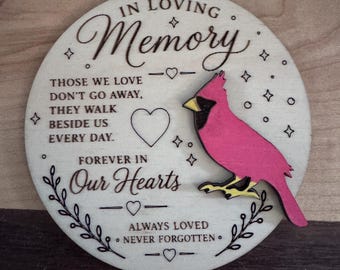
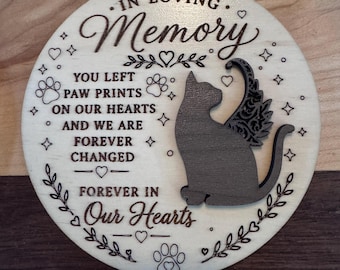
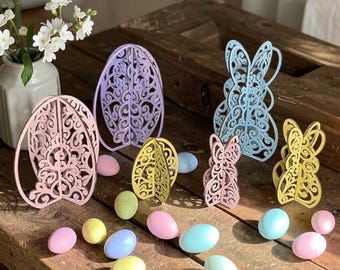
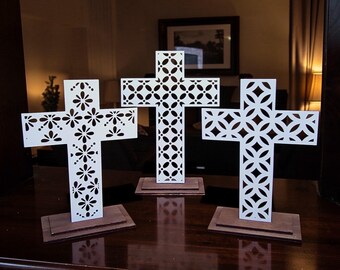
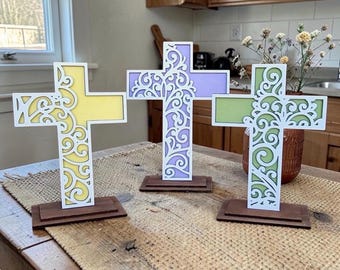
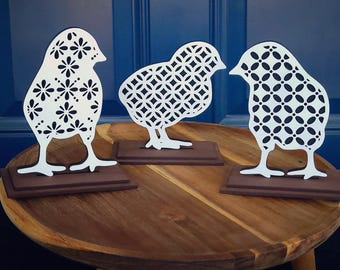
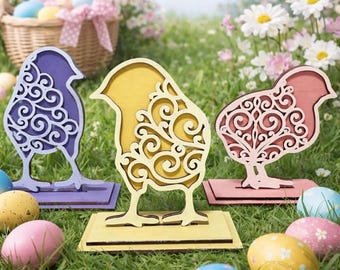
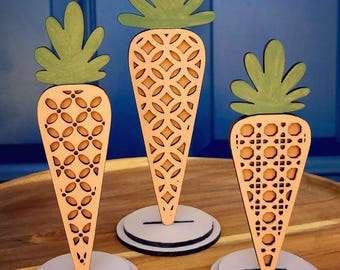
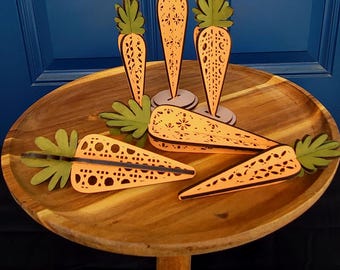
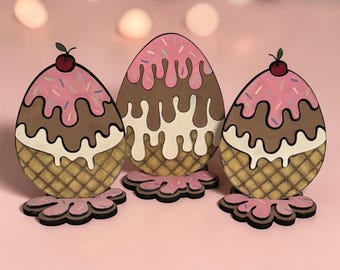
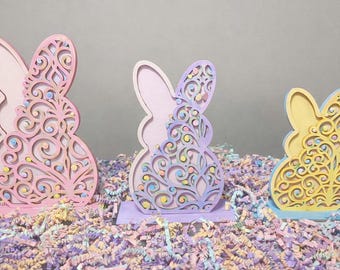
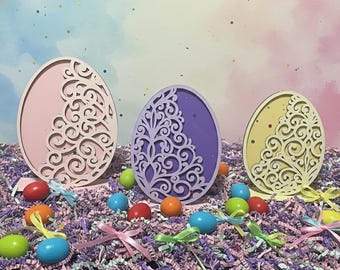
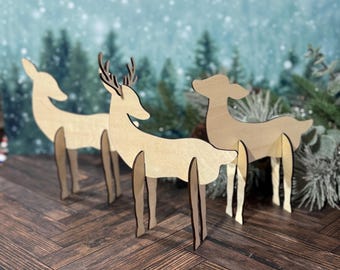
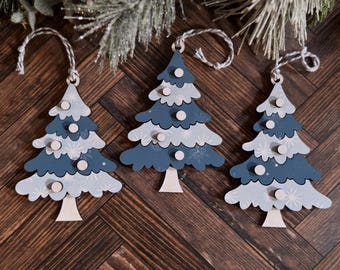
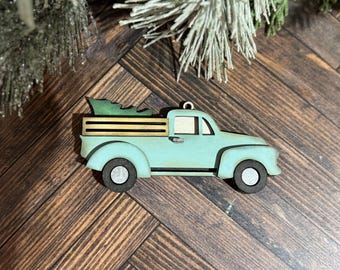
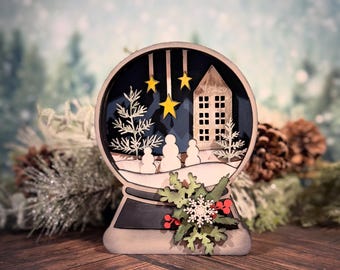
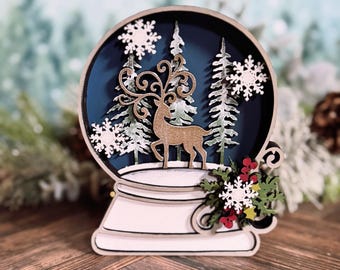
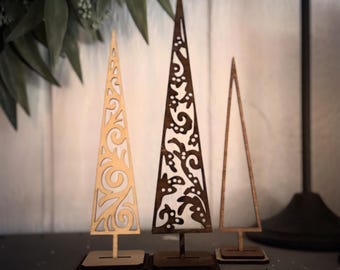


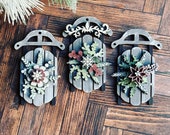

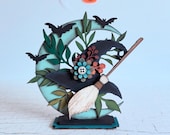




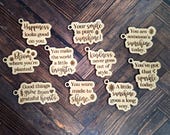

Thanks for stopping by! Please read item descriptions prior to purchase ❤️
Featured items
All items
Announcement
Last updated on Feb 8, 2024
Reviews
5.0
(9454)
Average item review
We calculate this number using a recency-weighted average of all ratings, with a rating's value decreasing by half each year to best reflect the current experience.

Shop policies
Last updated on
Accepted payment methods
Accepts Etsy Gift Cards and Etsy Credits
Returns & exchanges
See item details for return and exchange eligibility.
More information
Last updated on
Dec 17, 2025
Frequently asked questions
What material is recommended for most Winetopia files?
1/8” MDF is the recommended material for most files containing fine details. Low end birch purchased from local hardware stores is not recommended on fine line cuts. It tends to break and char easily. Materials need to measure between .12-.125” thick. You can measure your materials with a digital caliper to find the exact thickness of your material. You can purchase this item online. Also most wood tends to measure outside of 1/8” (.125”) and can range between .10” to .164” and still be sold as 1/8” material. So always be sure to measure your materials prior to buying or cutting files that require exact measurements. For 1/4” files, be sure your materials are within .25-.26” thick. I cannot adjust files to fit individual materials.
What do you recommend I sell these for once I make them?
I cannot answer questions about what you charge your customers in your area. Prices will vary based on location, materials used, cost of manufacturing, time spent on the project, and customer base. I don’t have marketing experience to
be able to provide that information as well as the logistics in your area. I recommend looking at what is trending in your particular area, factoring in your costs, your time, and local competition. As well as the mean average income of your potential customers. What may sell for a certain price in my area may not sell for the same price in your area. Therefore I must refrain from providing pricing guidelines at this time.
What settings should I use?
One thing most people ask is what settings they should set their laser. There are three Glowforge models. Each model operates at different speeds. Unfortunately I don’t know the settings for each machine. Settings are determined by the type of material you are using and which laser you own. I personally prefer MDF and I use the draft board setting. I am not comfortable taking a guess and providing you with settings for materials I am unfamiliar with as it may damage your project. There are user forums on Facebook where these kinds of questions can be answered by those who own the different makes and models of each Glowforge or laser and who are familiar with the different materials available. I cannot offer settings for other types of laser
Issues with downloading files from Etsy on Windows 10 computers.
Try this article to help you with downloading your files from Etsy. Often times files download as websites and other formats. Unfortunately I don’t have any control over Etsy related issues but I want to help you as much as I can ❤️
https://themissy.com/2020/tech-help-when-svg-files-show-up-as-html-files-on-your-windows-10-computer
How do I get my files after I purchase?
Etsy will send you an email to the email account you provided when you set up your account. Please be sure you have access to this email account to get the link that is sent out to you. You can also get your files from Etsy.com and click on your account and look under the purchases/reviews option. All files you’ve ever purchased will be available to download as long as the files are still available on Etsy.
What file formats do you offer your digital files?
I offer SVG format for my files. Unfortunately I cannot convert files on an individual basis as I do not have software capabilities to convert to all file types. I cannot convert my files to DXF, AI, or Corel Draw formats. I recommend using Google to locate free websites that can convert files for you.
Looking for more? Find it on Etsy