
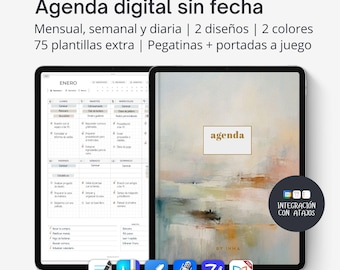
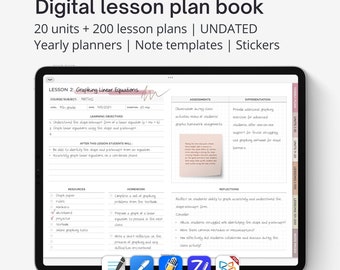
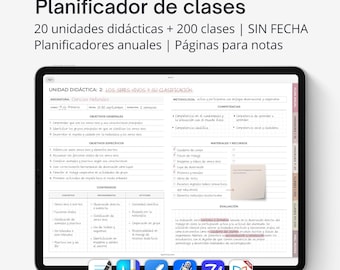



Modern and minimalist digital planners and organization tools to get organized with joy and style
Featured items
All items
Announcement
Last updated on 06 May, 2026
Reviews
4.8
(1518)
Average item review
We calculate this number using a recency-weighted average of all ratings, with a rating's value decreasing by half each year to best reflect the current experience.
Loading
-

Roberto on 25 Jul, 2026
5 out of 5 starsInma is a great salesperson. She provides fast and friendly service. Her prices are reasonable and fair, and she's constantly improving her designs and listening to customer feedback. This is my second time buying from her, and I'll definitely buy from her again if she continues to innovate and improve her products, especially the Spanish-language inter-year planner.
-

-

Amanda on 30 Apr, 2026
5 out of 5 starsThis planner is so great! I'm using it in conjunction with That Awkward Mom's cleaning plan! It's so flexible and is really helping me navigate postpartum
-

-
-

-
-
Kelcie on 09 Feb, 2026
5 out of 5 starsLove this FlyLady planner! Has been a huge help for our family!
-

Yolie on 12 Jan, 2026
5 out of 5 starsI appreciate the option and variance of the planner. Thank you!
-
About byInma
Sales
23,740
On Etsy since 2017
-
-
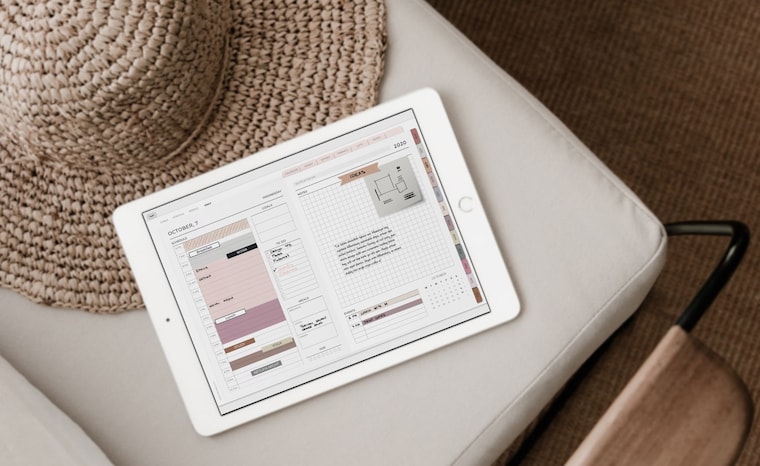 The daily planners are perfect for time blocking
 -
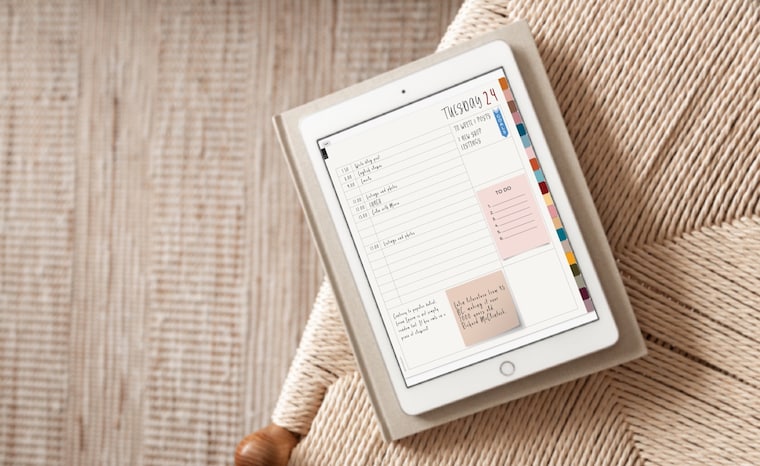 This digital notebook includes 20 sections and a lot of bujo layouts that you can use to create your own planner
 -
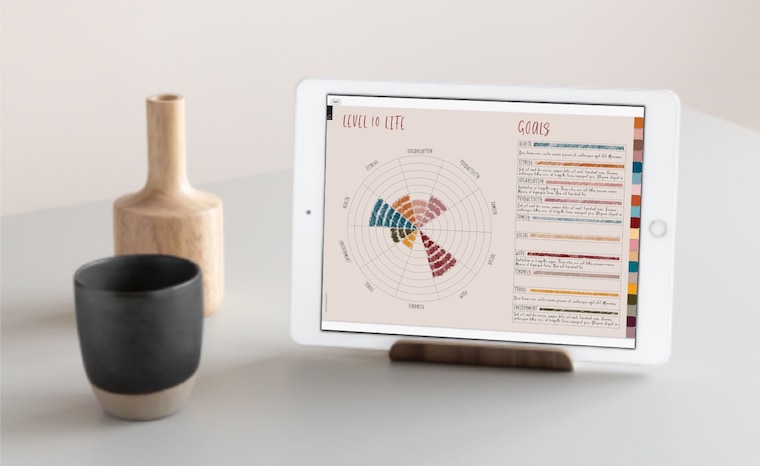 The “Level to life” layout will help to fulfill your habits
 -
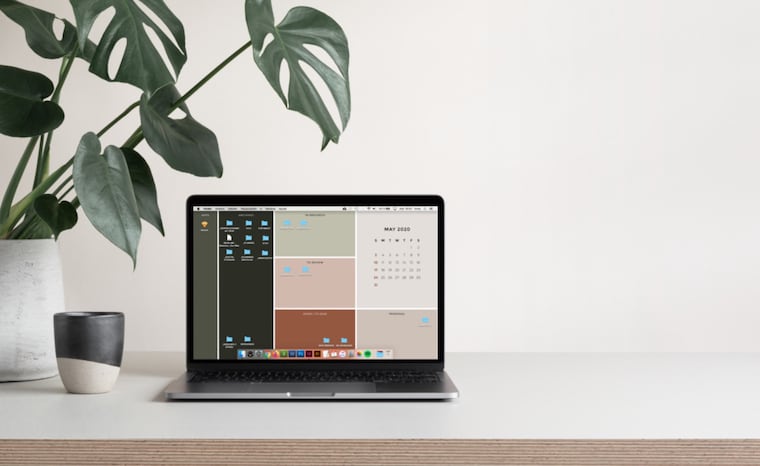 These organizer wallpapers are perfect for tidying up your desktop in style
 -
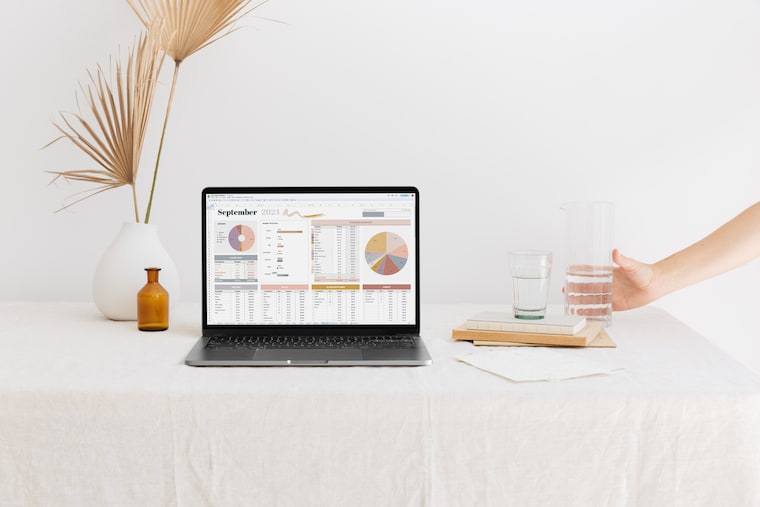 Aesthetic Google Sheets templates
Shop members
-

Inma
Propietario, Diseñador, Creador
I like simple people and complex puzzles. I like black and floral prints. I like Siza and Miralles. I like Nordic countries in summer. I like to plan trips and then improvise the days. I like kind sincerity and complicit irony.
Shop policies
Last updated on 17 Feb, 2022
Digital downloads
Instant downloads
Your files will be available to download once payment is confirmed. Here's how.
Payment options
Secure options
Accepts Etsy Gift Cards and Etsy Credits
Etsy keeps your payment information secure. Etsy shops never receive your credit card information.
Returns & exchanges
See item details for return and exchange eligibility.
Cancellations
Cancellations: not accepted
Please contact the seller if you have any problems with your order.
Privacy policy
More information
Last updated on
17 Dec, 2025
Frequently asked questions
Where are my digital files? Downloading a digital item
If you have an Etsy account, after your purchase you’ll see a View your files link which goes to the Downloads page. Here, you can download all the files associated with your order.
Please note that you can't download a digital purchase through the Etsy app at this time. To download a digital file, please sign in to Etsy on your mobile browser or a non-mobile computer.
If you checked out as a guest, you'll find a link to download your purchase in the receipt email that was sent to you after purchase.
More info: https://help.etsy.com/hc/en-us/articles/115013328108-Downloading-a-Digital-Item
Are the digital planners only compatible with iPads?
They are designed and optimized for iPad but you can also use them with other tablets, stylus, and apps that support PDF Annotations and links. They can also be used on a computer with any software that supports pdf with hyperlinks and allows you to add text.
They are not editable PDF file so it doesn't have fillable form fields but you have to add the text manually, using text boxes or a similar tool.
This can be done with Adobe Reader, which is free, through the tool "-Comment - Add text" but for me, the best apps are Goodnotes and Noteshelf, both can be installed on a Mac with macOS 10.15 (Catalina). If you have a Pc with Windows you can try Xodo.
These apps are not part of the purchase.
Hyperlinks doesn’t work in Goodnotes
For clickable links to work on your digital planner with Goodnotes app, you need to have the Read Only tool selected.
How I import a planner into Goodnotes or Noteshelf?
METHOD 1
1. Download the pdf file with the planner (if the file is a .zip you have to unzip first). It will open on your browser.
2. Click on the “share” button on the top right side of the screen.
3. Select “copy to Goodnotes” or “copy to Noteshelf”
METHOD 2
1. Save the planner to a cloud folder like Dropbox, Google Drive, iCloud or similar
2. Go to the GoodNotes app, click “+” on the top left side of the screen and select “import”
3. At the bottom of the screen, click “Browse” and find the planner, then click on the planner to import it into the GoodNotes app.
Could you design a custom planner for me?
At this time I don't offer custom designs, I can only accept minor custom changes in some of my products. Please do not hesitate to contact me if you have any questions and I will give you more information.
Could I sell your products or distribute them to my followers?
All designs in my shop are for private use. Its sale, reproduction, reinterpretation, diffusion, distribution (free or paid), and use for commercial purposes is totally prohibited. All of them are protected by copyright laws.
I have problems to open Zip files in Windows
Some versions of Windows may cause errors when unzipping Zip files occasionally. If this happens to you, try one of these things:
1) Rename the file and then try to extract its content.
2) Maybe the file location is protected so move the file and then try again. You can move the Zip file to one of your user profile folders, such as Documents, and then try to extract the files.
3) Re-download the files again to see if it was a problem downloading them that was not downloaded correctly. Sometimes Chrome gives problems with Etsy downloads. Try to download it using another browser to see if it can be related to this.
4) If all else fails, use a free third-party file compression software and use it to extract the contents of the zip file.
Where can I print my planner or print?
You can print it at home, in office supply stores like Staples, FedEx, etc., in online printing shops, or in a local professional printing shop.
Many local places offer the possibility to take a look at the print in their computers before print it so you can decide if you like the colors (because due to variations in monitors and web viewing devices, printers and ink types, the colors shown on your screen may vary slightly from the actual image that you see in your computer and they usually have calibrated their computer with their printers).
In relation to paper, for the optimal quality of the prints, I always recommend using heavy paper (150 gr. minimum), with mate finishing.
I have troubles printing double sided with my home printer
Planner inserts are sent in a pdf file with all the pages in order as in any basic book or document, without any special layout that could affect printing.
Printing issues are usually due to incorrect paper placement in the printer or to some fault in the printing configuration. If you can print a double-sided pdf with your printer without problems, then you should be able to print these planners correctly as well.
It's recommended to read the printing tips included, check the printer settings, and do a test before printing all the pages. Also, it is important to check that the paper size used and the file size are the same.
How to open ZIP files on my iPad or iPhone
1. Open the Files app, then find the ZIP file or archive from which you want to extract.
2. Tap the ZIP file or archive.
3. A folder is created containing the files. To change its name, touch and hold on the folder, then tap Rename.
Make sure you're using iOS 11 or later to open ZIP files. If you have an older model you will probably need an external application to decompress these files. In this case, don’t try to download and open your ZIP files onto a smartphone or a tablet, please, use your computer. For this, just double-click on it. With some types of computers, you may need specific software to open it. There's lots of free zip software, you can try iZip for Mac or the free version of WinRAR for PC.