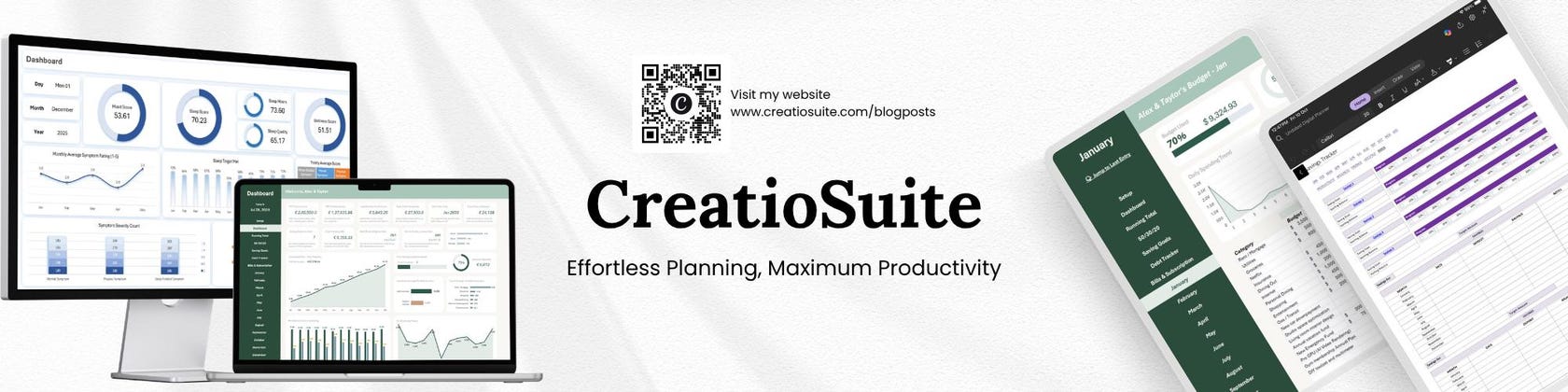

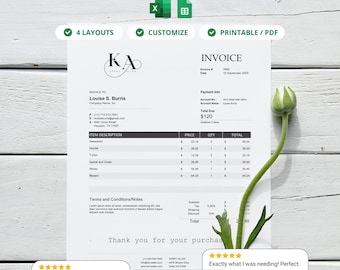
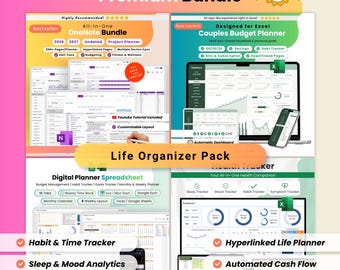
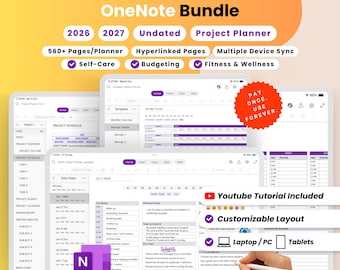
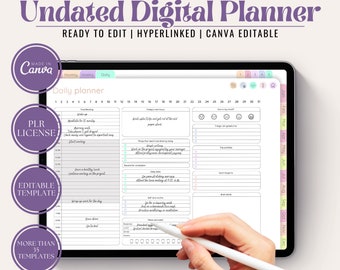
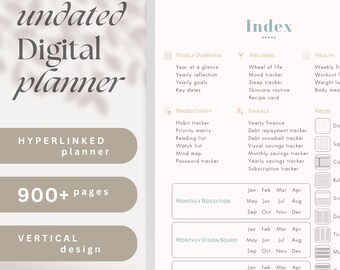
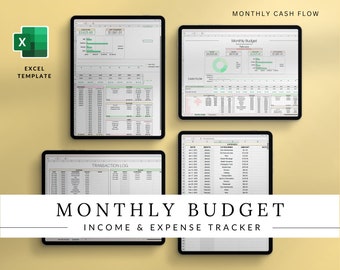
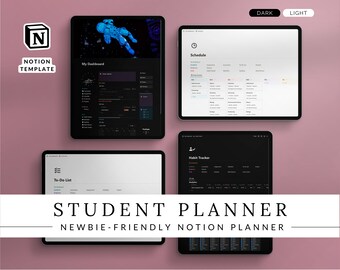
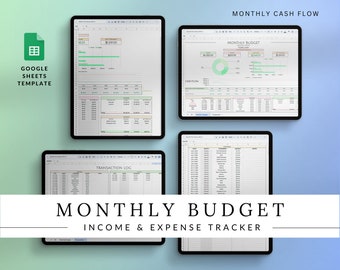
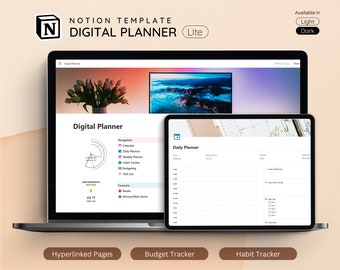
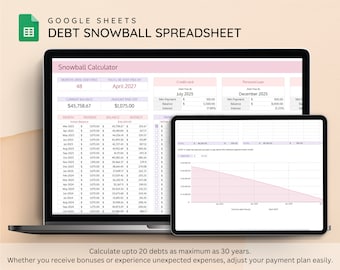
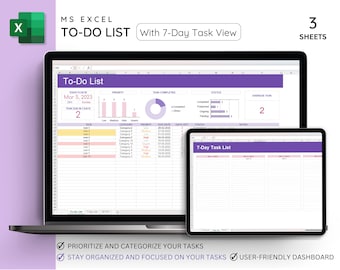


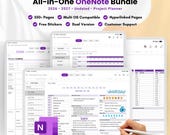


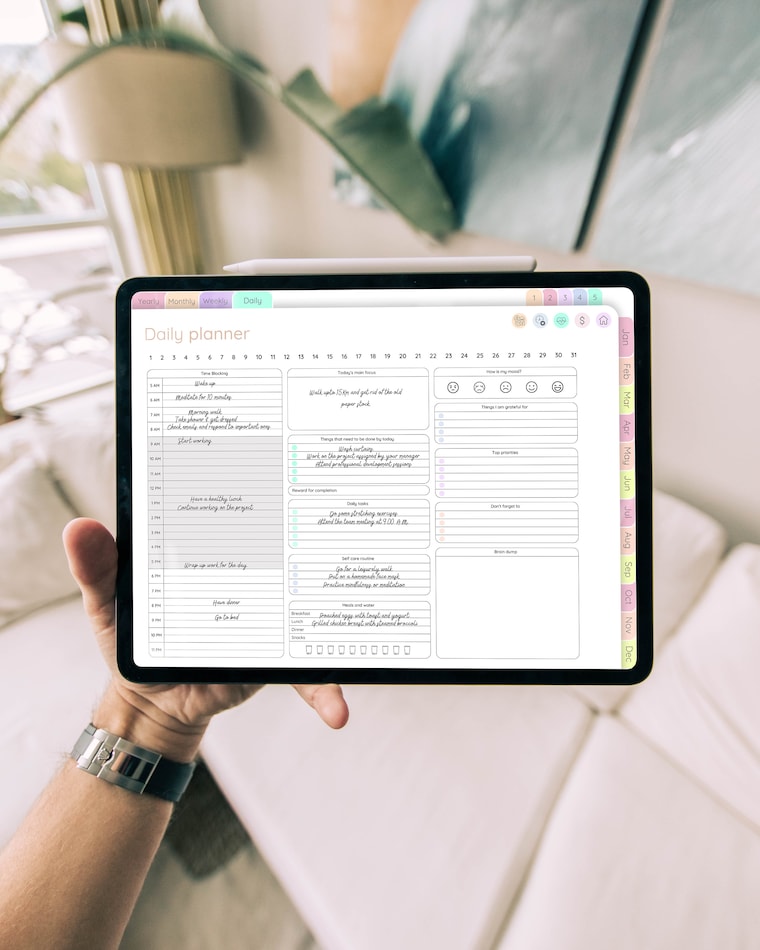
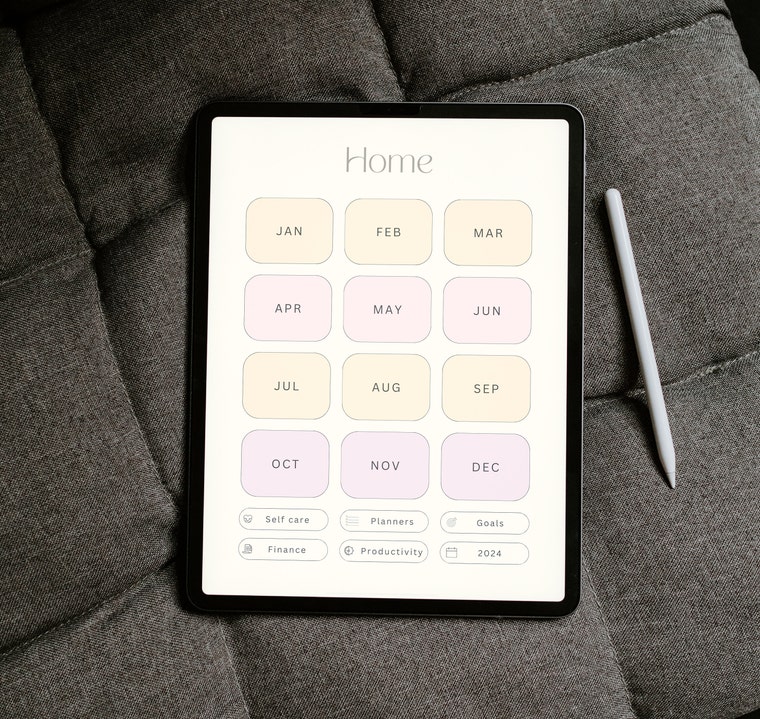
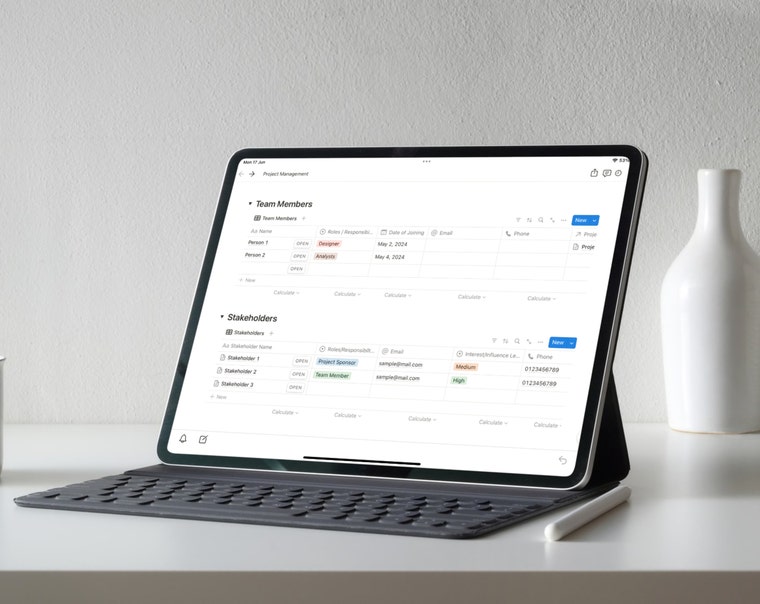
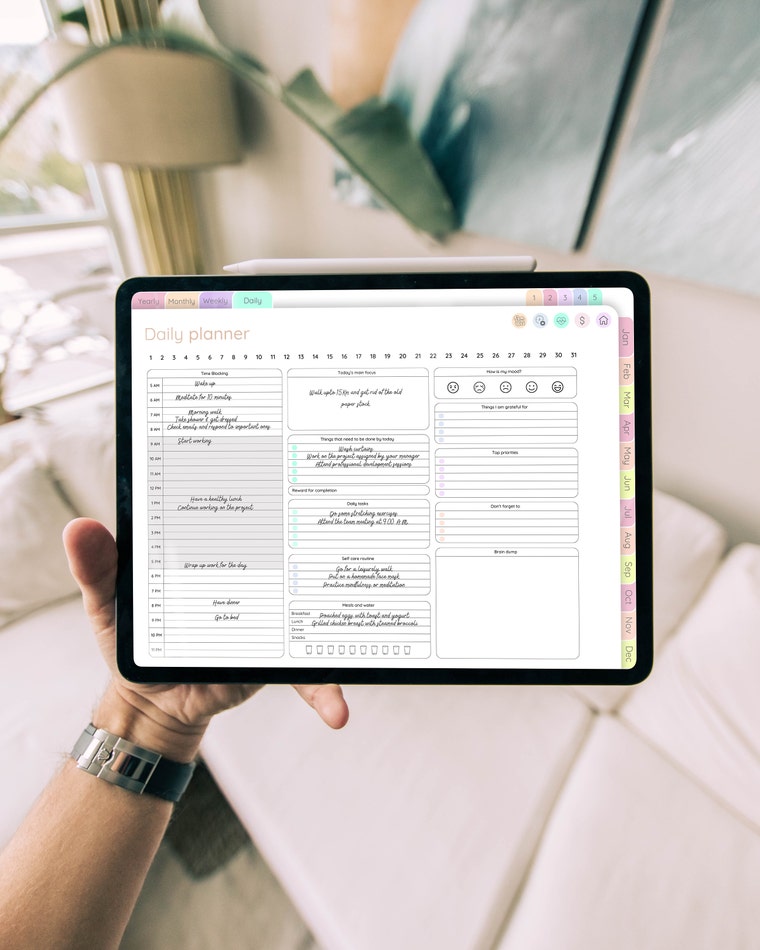
Welcome to Creatio Suite: Your Digital Planning Companion
Featured items
All items
Announcement
Last updated on Aug 11, 2026
Reviews
4.7
(103)
Average item review
We calculate this number using a recency-weighted average of all ratings, with a rating's value decreasing by half each year to best reflect the current experience.
Loading
-

Etsy buyer on May 10, 2026
5 out of 5 starsGreat product. Just a couple of glitches on the months but nothing major

Denis responded on May 10, 2026
Thanks for the review, Blanca! :) If you need any help, please don't hesitate to contact us.
-

Etsy buyer on Apr 30, 2026
5 out of 5 starsNice and quick. Thank you as always.
Denis responded on May 5, 2026
Thank you for the review, Tracey! :)
About creatiosuite
Sales
1,793
On Etsy since 2022
Shop members
-

Denis Mandol
Creator, Designer, Customer Service
Shop policies
Last updated on Jan 13, 2025
Digital downloads
Instant downloads
Your files will be available to download once payment is confirmed. Here's how.
Payment options
Secure options
Accepts Etsy Gift Cards and Etsy Credits
Etsy keeps your payment information secure. Etsy shops never receive your credit card information.
Returns & exchanges
See item details for return and exchange eligibility.
Cancellations
Cancellations: not accepted
Please contact the seller if you have any problems with your order.
Privacy policy
More information
Last updated on
Feb 24, 2026
Frequently asked questions
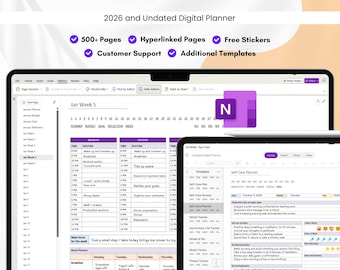
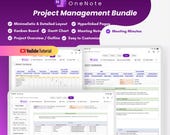
My OneNote planner is not opening on MacBook.
For Apple (Mac/iPad) users, you need to have a copy of the OneNote template on your Onedrive account, the online version of the template is provided along with a link for the tutorial video on how to copy the template to your drive.
How to edit the online version of OneNote planner?
You cannot edit the original copy of the template, you need to copy the template to your Onedrive before making any changes (link for the tutorial video is provided).
Copyright Policy for CreatioSuite
At Creatio Suite, we take the protection of intellectual property very seriously. All designs and products offered for sale in our Etsy shop are protected under copyright law and are the exclusive property of Creatio Suite. The purchase of a product from our shop does not transfer the rights to the design to the buyer.
It is strictly prohibited to reproduce, copy, or duplicate any of our designs or products without our prior written consent.
If you are interested in using any of our designs for commercial purposes or if you have any questions about our copyright policy, then please contact us.
Copyright © 2026 by Creatio Suite. All rights reserved.
Terms and Conditions
Introduction: These terms and conditions apply to the use of our Etsy shop (Creatio Suite) and the products and services offered for sale (Digital Product). By using our Shop and purchasing our Products, you agree to be bound by these Terms.
Order Process: All orders are processed through Etsy’s secure checkout system. We process all payments through PayPal.
Product Description and Availability: We make every effort to ensure that our Products are accurately described in our Shop. In the event that a Product is not as described, we will make every effort to resolve the issue to your satisfaction.
Returns and Refunds: We do not provide any kind of refund for digital products ordered from our store.
How to access the OneNote files in Macbook?
For Mac users, you need to access the OneNote web version first, and then you have to make a copy of the template in Onedrive account. After making a copy of the file you can open the file in OneNote application in Mac/iPadOS/iOS.
How to open the OneNote template in Business account?
FOR ONENOTE 2016
1. Open the .onepkg file in Windows.
2. To change the location to Onedrive for Business. Click Files > Click Share (share across device) > Under Onedrive > Click Sign In
3. Sign in with your work Email ID
4. Select location > Name your notebook > Click move
5. Now go to Onedrive account and the notebook will be available in your account.