











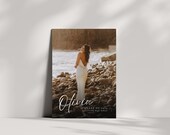
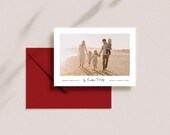


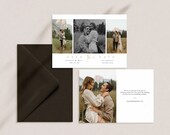

Creating Accessible Minimalist Printable Goods
Featured items
All items
Announcement
Last updated on May 26, 2025
Reviews
4.8
(109)
Average item review
We calculate this number using a recency-weighted average of all ratings, with a rating's value decreasing by half each year to best reflect the current experience.
Loading
-

-
-
-
-
Sharon on Feb 16, 2026
5 out of 5 starsFourteenthStudios nailed the simplistic and easy-to-use card design and templates which I was seeking. Worked flawlessly. Thank you!
-
-
-
-
Lizzie on Dec 12, 2025
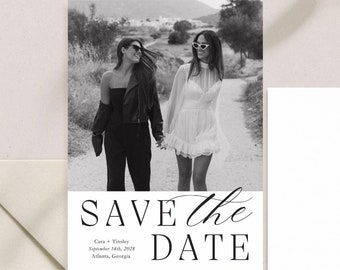
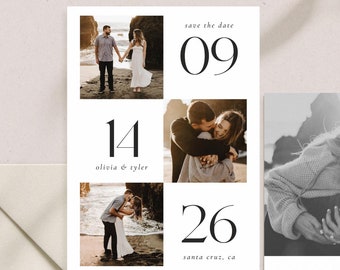
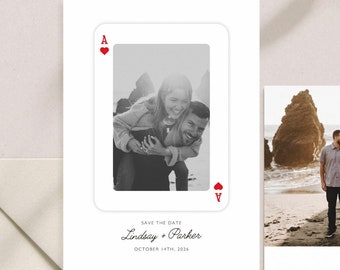
5 out of 5 starsWe used this for our save the dates. It was so easy to work with the templet and we are soo excited
-
About fourteenthstudios
Sales
1,304
On Etsy since 2020
Shop members
-

Paden (he/him)
Owner, Designer
Shop policies
Last updated on Mar 11, 2021
Digital downloads
Instant downloads
Your files will be available to download once payment is confirmed. Here's how.
Payment options
Secure options
Accepts Etsy Gift Cards and Etsy Credits
Etsy keeps your payment information secure. Etsy shops never receive your credit card information.
Returns & exchanges
See item details for return and exchange eligibility.
Cancellations
Cancellations: accepted
Request a cancellation: within 24 hours of purchase
More information
Last updated on
Apr 30, 2026
Frequently asked questions
I've changed my mind, can I get a refund?
Due to our files being received digitally, refunds or exchanges will only be issued on a case by case basis.
Please send a message with any questions, comments or concerns.
What can be edited?
Every purchase includes a guide to help you make the edits you want! Each product listing explains what can be edited in each design.
Most designs are Canva templates where you can edit the following:
✓ Edit & move most text, change most text colors and fonts & more!
✓ Upload your own images.
✓ Save & Download High Res Files.
✓ Can be downloaded as a JPG, PDF, or PDF.
*Please note that in some cases the main artwork or header text is locked and cannot be moved/edited/changed.
What is Canva?
Canva is a free online design platform, used to create social media graphics, presentations, posters, documents, and other visual content. Simply log in to an existing account, or create a new one. Once you purchase a design you'll be given access to a Canva template.
To edit, simply:
1. Download the PDF
2. Click on the link to access the editable file using Canva
3. Create a free account or sign in with an existing one
4. Edit your files, save, and download the file in your preferred format
Please refer to Canva's help center for further questions:
www.canva.com/help/
How do I access my template after purchase?
1. Sign in to Etsy.com and go to Your account.
2. Go to Purchases and Reviews.
3. Next to the order, select Download Files. This goes to the Downloads page for all the files attached to your order.
You can also go back to the item’s listing page, where you should see an “Instant Download" message on the images for the item.
There are generally no limits on when or how many times you can download a file. In most cases, you can access a file at any time on your Purchases page, provided the transaction hasn't been canceled or removed.
The Download Files button will be gray if your payment is still processing.
*Please note that it may take a few minutes for your download link to be sent to you.
Can I Try Before I Buy?
Unlike the other design apps such as Templett or Corjl - Canva does not include a "Try Before You Buy" feature and we are unable to provide this option for you.
Please reach out to me if you have questions regarding any template listed!
Looking for more? Find it on Etsy