Featured items
All items



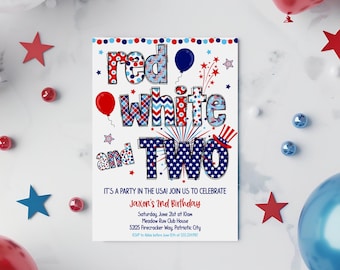
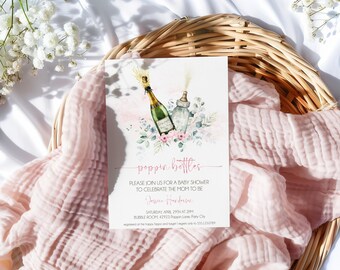
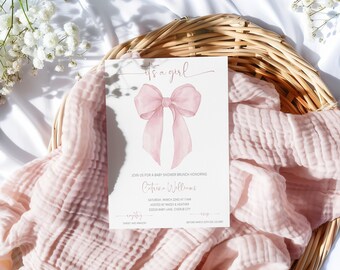
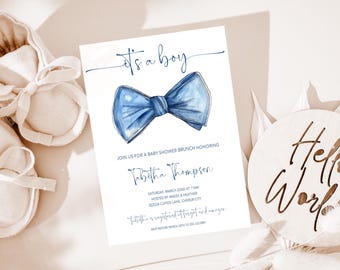
Announcement
Last updated on Jan 4, 2023

Reviews
4.9
(226)
Average item review
We calculate this number using a recency-weighted average of all ratings, with a rating's value decreasing by half each year to best reflect the current experience.
Loading
-

-
-
-
-
-

Etsy buyer on Mar 29, 2026
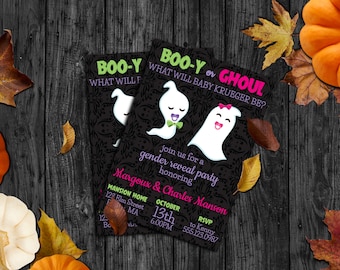
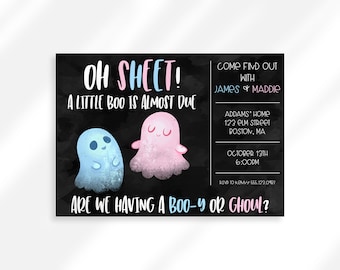
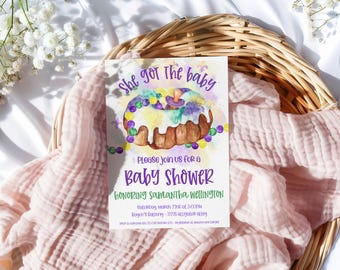
5 out of 5 starsThis made the perfect evite invitation for my gender reveal party
-

-
-
-








About partynvite
Sales
2,275
On Etsy since 2023

Shop policies
Last updated on
Accepted payment methods
Accepts Etsy Gift Cards and Etsy Credits
Returns & exchanges
See item details for return and exchange eligibility.
More information
Last updated on
Dec 17, 2025
Frequently asked questions
What is Corjl?
Corjl.com is a third party that allows me to upload a design and you to edit the design with all of your party details!
Think about it like this... have you ever used Walgreens, Shutterfly or Minted to order invitations or cards? You browse their designs and then enter your info in the text fields on their website and voilé!
Corjl is essentially the same thing. You will automatically have your designs connected to an account on their website when you check out through Etsy.
You will be able to download and text, email or print your edited design as many times as you want!
How long do I have access to my design?
All Corjl editable designs are accessible for 60 days after purchase. If you need longer, message me and I can extend access to your design.
If you ordered an instant download (not editable) you will have access to this design for as long as you have your Etsy account.
Where should I print?
Once you have edited your design you can print where is easiest for you - home printer, copy center such as Staples, OfficeMax or FedEx Office.
My favorite online printing company is Prints of Love (link below). They offer fast, high quality yet affordable printing. Plus 2-3 day U.S. shipping and free envelopes! I have had wonderful experiences with them. Follow the link below to check them out.
Copy and paste this link:
https://printsoflove.com/ref/partynvite
ADDITIONAL TIP: Click on the "Order Prints" button in Corjl once you've saved your design and it will start the process with Prints of Love for you.
How do I print multiple items per page?
If you have a Corjl editable Download you can select to print multiple designs per page.
After you’ve edited your item you will click “Download.”
On the next screen it will ask what format your want, JPG or PDF. Please note PDF files are the only way to print multiple per page. It will automatically choose paper size 8.5x11" and 2 per page when you select PDF. If you only want one per page, select “Default size” for the paper size. All invitations are 5x7.
If you download as JPG the automatic paper size will be the designs default size.
Can invitations be sent digitally?
YES! If you want to invite guests digitally (no snail mail involved), then you can just send the final JPG of your invitation by email or text, just like you would a photo.
If you want special email features like envelope animation or RSVP collection, then you can use your final JPG on sites like Evite or Paperless Post. You can send your digital invitation directly to Paperless Post via the "send online" in the editing features on Corjl.
EMAIL TIP: drag and drop the image directly into the body of your email. This way guests won’t have to open a separate attachment, they should see the invite right away. This works great with Gmail.
Looking for more? Find it on Etsy