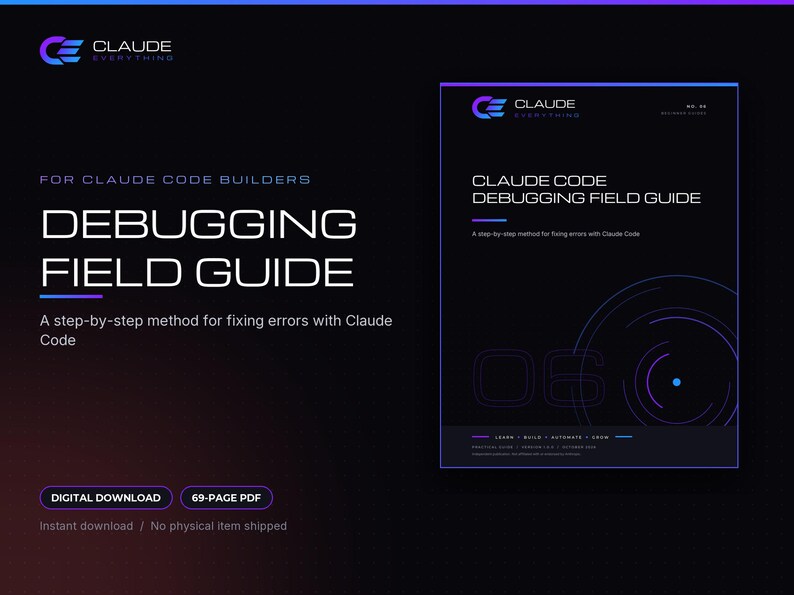



Claude Code Debugging Field Guide, Error Catalog, Bug Report Template and Practice Exercises
NowPrice:CA$9.41
Original Price: CA$11.77
20% off
Sale ends on 02 November
Here's what's eligible:
- Your order doesn't match the item description or photos
- Your item arrived damaged
- Your item arrived after the estimated arrival window
- Your item didn't arrive or was lost in the mail
You can only make an offer when buying a single item.
Highlights
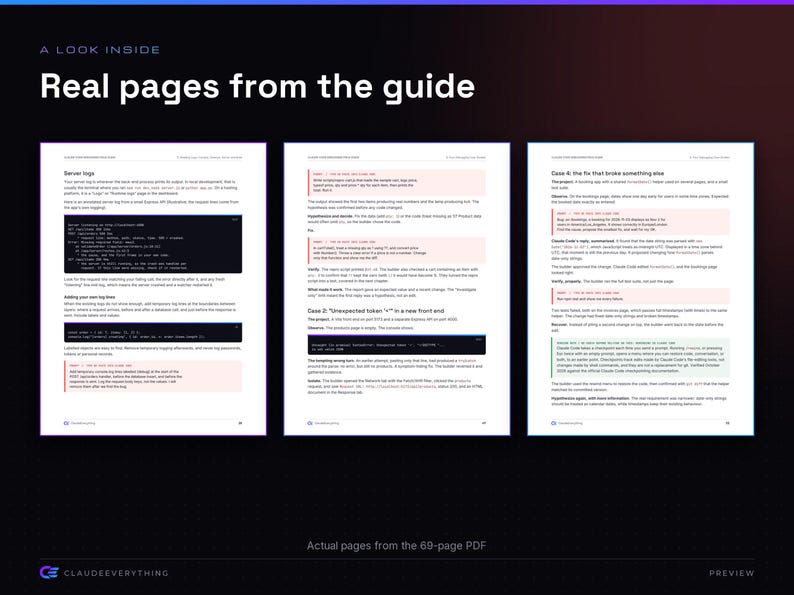
Stop pasting errors into Claude Code and hoping. This field guide teaches a six-step debugging loop, shows you how to write bug reports an AI coding assistant can act on, and walks through real error messages, logs and recoveries, so you fix problems with evidence instead of guesswork.
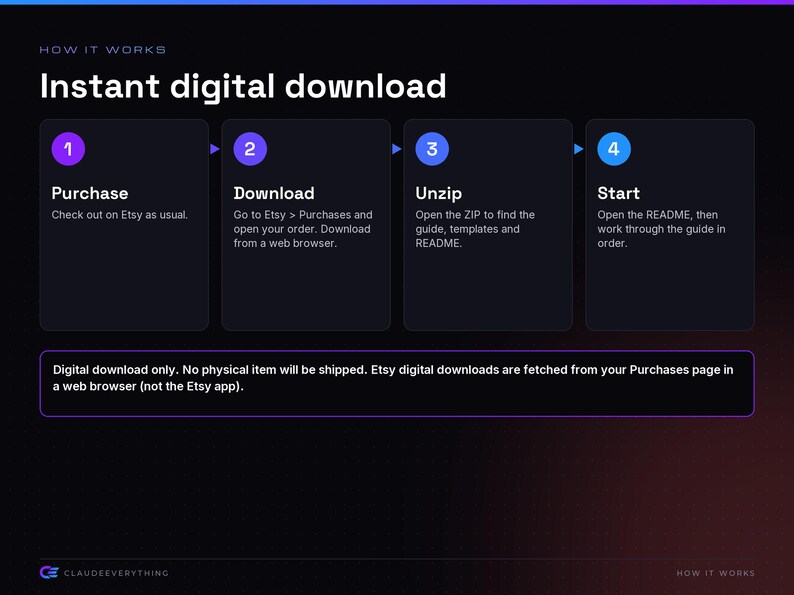
■ INSTANT DIGITAL DOWNLOAD
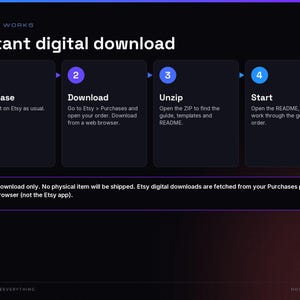
This is a digital download. No physical item will be shipped.
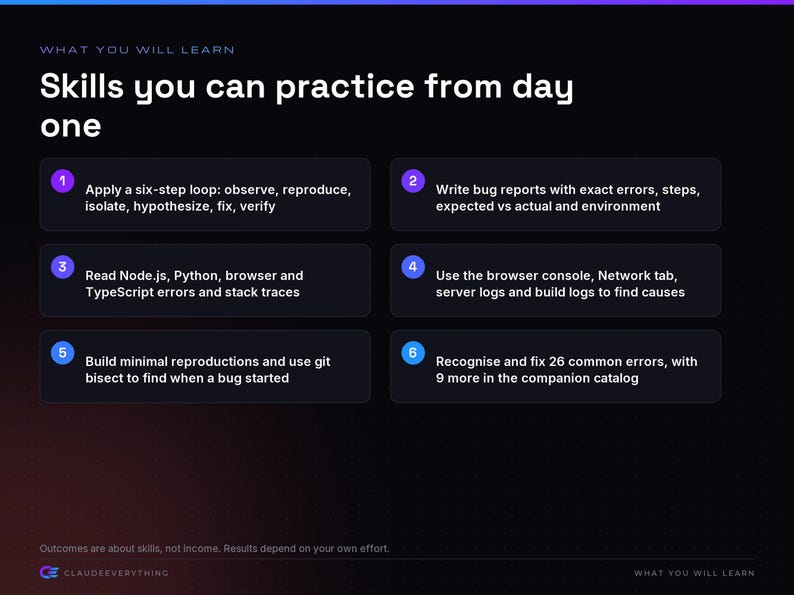
■ WHAT YOU WILL LEARN
• Apply a six-step loop: observe, reproduce, isolate, hypothesize, fix, verify
• Write bug reports with exact errors, steps, expected vs actual and environment
• Read Node.js, Python, browser and TypeScript errors and stack traces
• Use the browser console, Network tab, server logs and build logs to find causes
• Build minimal reproductions and use git bisect to find when a bug started
• Recognise and fix 26 common errors, with 9 more in the companion catalog
• Write a failing regression test first and keep it so bugs stay fixed
• Recover safely with git and Claude Code checkpoints, and know when to stop
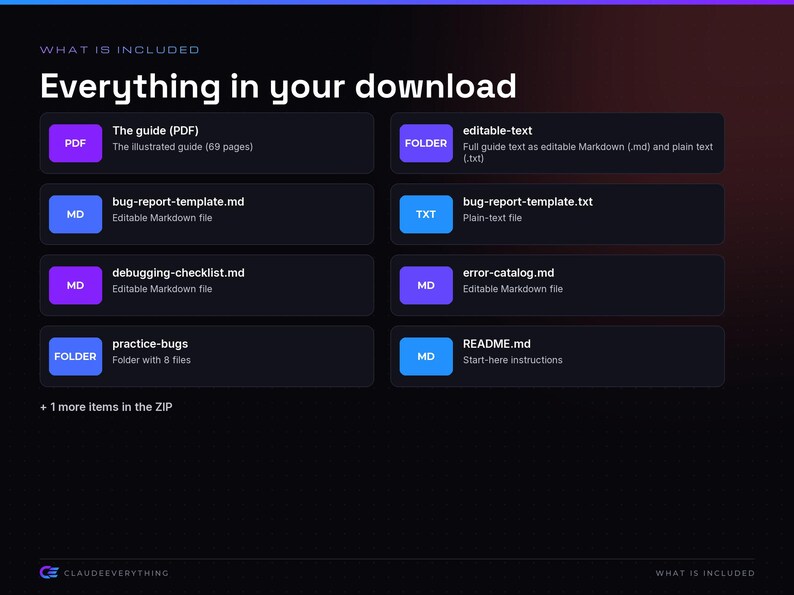
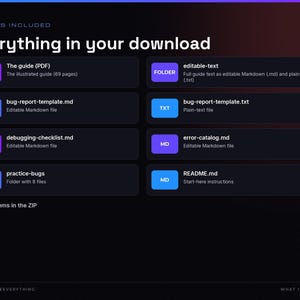
■ WHAT IS INCLUDED
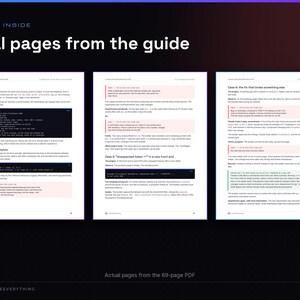
• The illustrated guide (69 pages) (ClaudeEverything-06-Debugging-Field-Guide.pdf)
• Full guide text as editable Markdown (.md) and plain text (.txt) (editable-text/)
• Editable Markdown file (bug-report-template.md)
• Plain-text file (bug-report-template.txt)
• Editable Markdown file (debugging-checklist.md)
• Editable Markdown file (error-catalog.md)
• Folder with 8 files (practice-bugs/)
• Start-here instructions (README.md)
• License terms in plain English (LICENSE.txt)
Download size: PDF 689 KB, ZIP 578 KB. The guide is 69 pages.
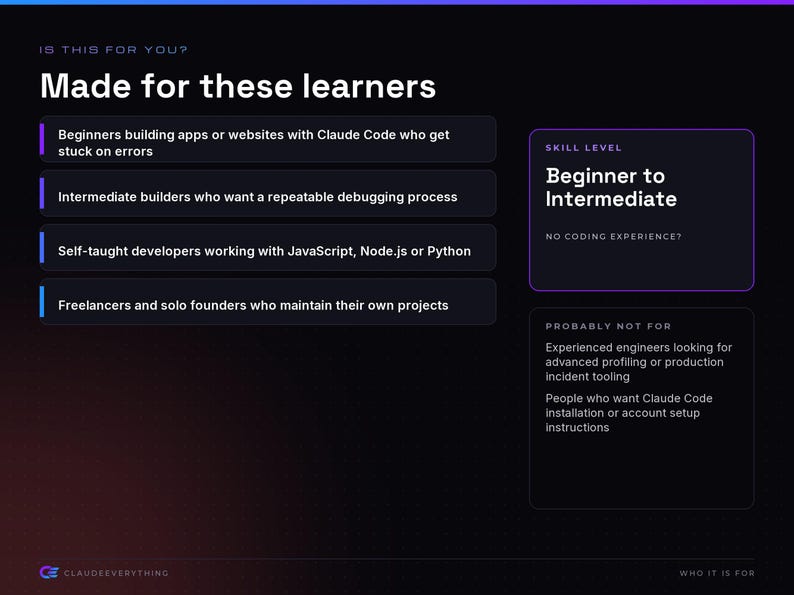
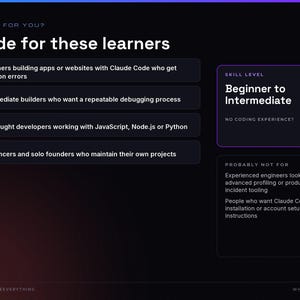
■ WHO IT IS FOR
• Beginners building apps or websites with Claude Code who get stuck on errors
• Intermediate builders who want a repeatable debugging process
• Self-taught developers working with JavaScript, Node.js or Python
• Freelancers and solo founders who maintain their own projects
Skill level: Beginner to Intermediate
■ WHO IT IS NOT FOR
• Experienced engineers looking for advanced profiling or production incident tooling
• People who want Claude Code installation or account setup instructions
■ WHAT YOU NEED
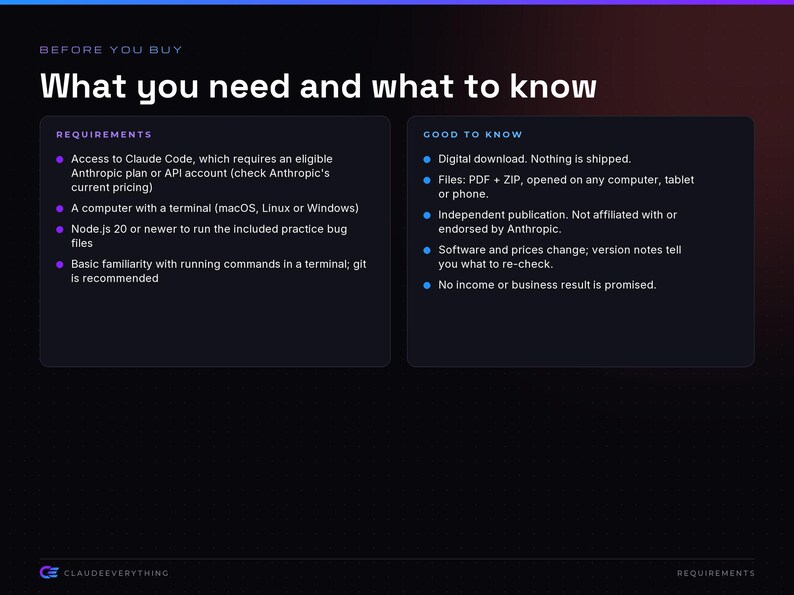
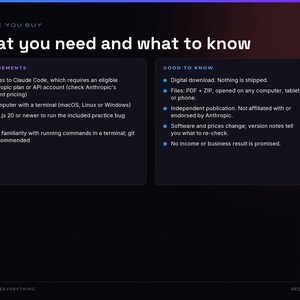
• Access to Claude Code, which requires an eligible Anthropic plan or API account (check Anthropic's current pricing)
• A computer with a terminal (macOS, Linux or Windows)
• Node.js 20 or newer to run the included practice bug files
• Basic familiarity with running commands in a terminal; git is recommended
■ HOW TO GET YOUR FILES
1. After purchase, go to Etsy > You > Purchases (in a web browser; downloads do not work in the Etsy app).
2. Find this order and choose Download Files.
3. Open the PDF guide, or unzip the ZIP and read README.md first.
■ PAIRS WELL WITH (also in the ClaudeEverything shop)
• New to Claude Code? Claude 101 for Beginners covers installation, safe habits and undoing changes with Git.
• Want more recipes? 50 Claude Code Workflows includes a full debugging category plus testing and deployment checks.
■ LICENSE AND USE
Personal and small-business use. You may use the techniques, templates and code in your own and your clients' projects. You may not resell, share or republish the guide or templates. The license is included in the download (LICENSE.txt).
■ SUPPORT
Message the shop through Etsy if a file will not open or you find an error. Please don't send passwords or API keys.
• The practice bug files need Node.js 20 or newer; run node --version to check, then run each file with node <filename>.
• Error message wording can differ slightly between Node.js, Python and browser versions; match on the error code (such as ENOENT or TS2339) when the sentence differs.
• Claude Code commands and menus described in the guide were checked in October 2026; if something looks different, the official Claude Code documentation is the source of truth.
• Each solution file prints "Self-check passed." when it runs correctly; if you adapt one and an assertion fails, Node prints the expected and actual values to compare.
■ GOOD TO KNOW
• Software, prices and plan names change. Pages marked "Version note" tell you what to re-check against official documentation.
• No income, ranking or business result is promised or implied.
• Made with AI assistance: the content was drafted with Claude, and the product was designed and assembled by ClaudeEverything.
• ClaudeEverything is an independent publisher and is not affiliated with, endorsed by, or sponsored by Anthropic. Claude and Claude Code are Anthropic products and trademarks of their owner.
• Due to the nature of digital downloads, returns and exchanges are not available. If there's a problem with your file, message us and we'll help.
Instant Download
Your files will be available to download once payment is confirmed. Here's how.
Instant download items don’t accept returns, exchanges or cancellations. Please contact the seller about any problems with your order.
Etsy Purchase Protection
Shop confidently on Etsy knowing if something goes wrong with an order, we've got your back for all eligible purchases —
see programme terms

More from this shop
Visit shop-

Digital download
Claude Starter Bundle: Four Beginner AI Guides, Cheat Sheet, Projects Quickstart, Two Week Plan
Sale Price CA$15.31
Original Price CA$19.14
-
Digital download
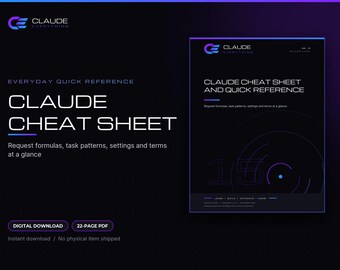
Claude Cheat Sheet and Quick Reference: AI Assistant Request Formulas, Glossary, Printable PDF
Sale Price CA$3.52
Original Price CA$4.41
-

I Don't Plan I Vibe T-Shirt, AI Coding Humor for Developers (Unisex Black)
CA$42.71
-

Ultrathink T-Shirt, Think Harder AI Coding Gift, Programmer Humor for Developers, Unisex Black
CA$42.71