

5S Shadow Board Planner and Workbench Setup Checklist | 5S Workplace Organization Excel Template | Lean Manufacturing Starter Kit
Price:$5.99
Star Seller
Star Sellers have an outstanding track record for providing a great customer experience—they consistently earned 5-star reviews, shipped orders on time, and replied quickly to any messages they received.
You can only make an offer when buying a single item
Star Seller. This seller consistently earned 5-star reviews, shipped on time, and replied quickly to any messages they received.
Highlights
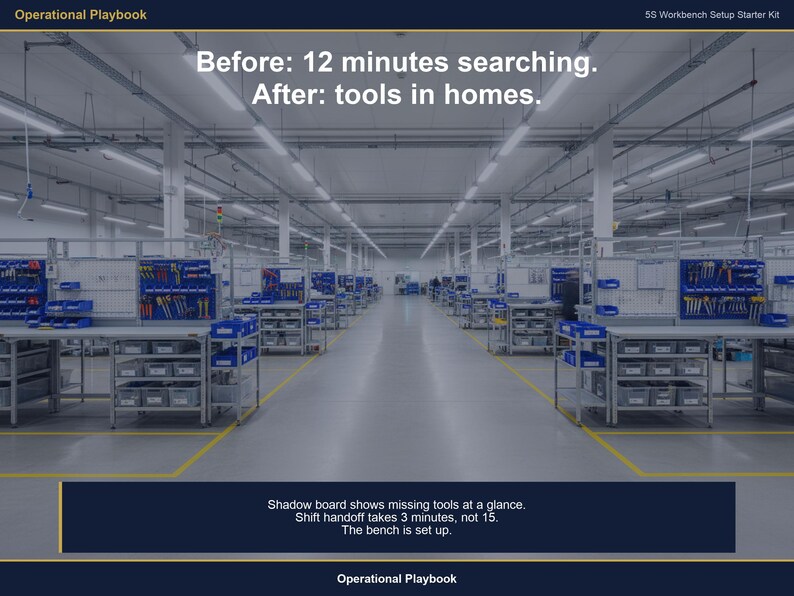
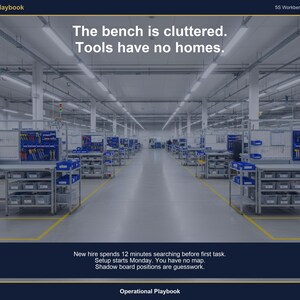
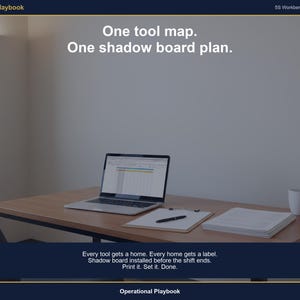
You were told to "5S this bench." You walked up, looked at the cluttered surface -- tools piled wherever they landed, drawers with no labels, no shadow board, no defined home for anything -- and you did not know where to start. That is not a motivation problem. That is a missing-tool problem.
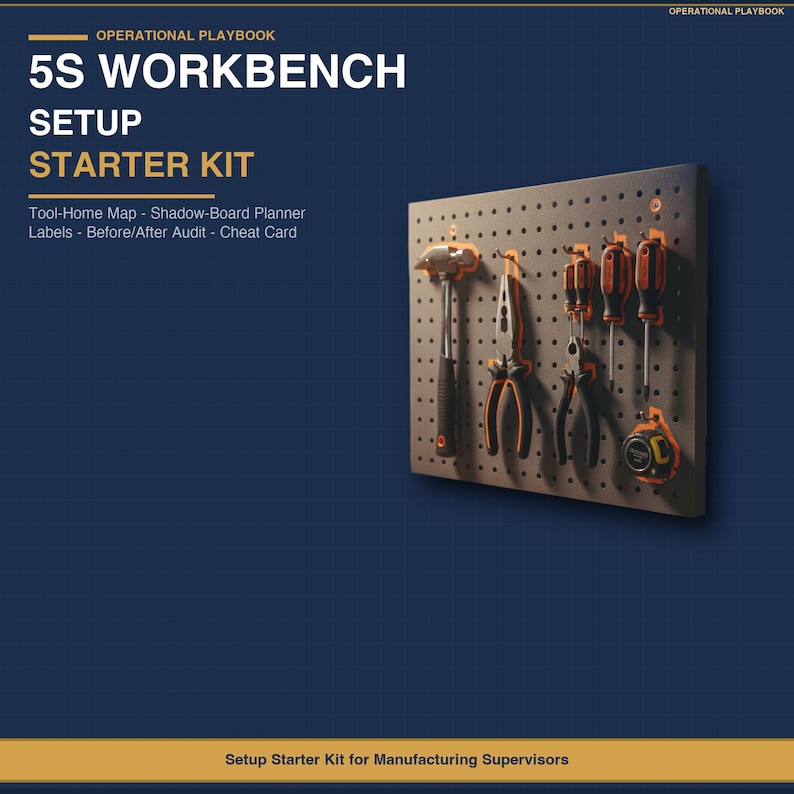
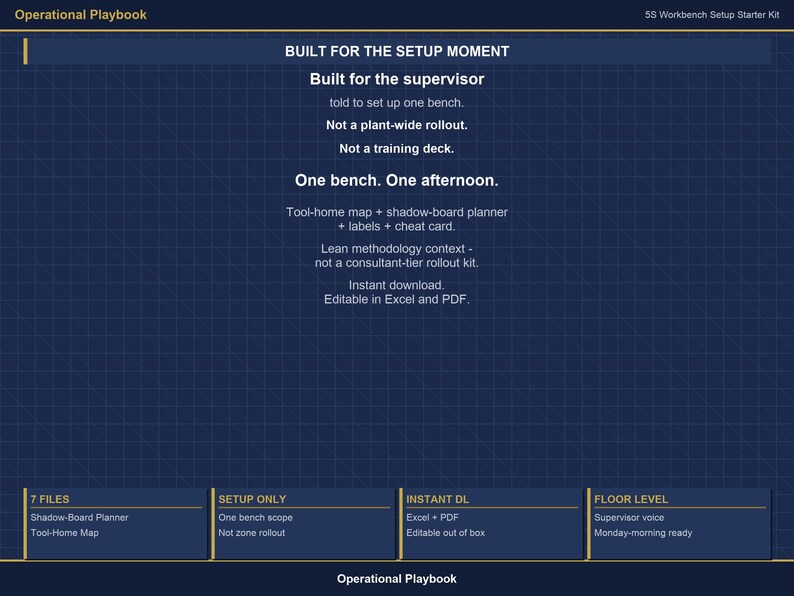
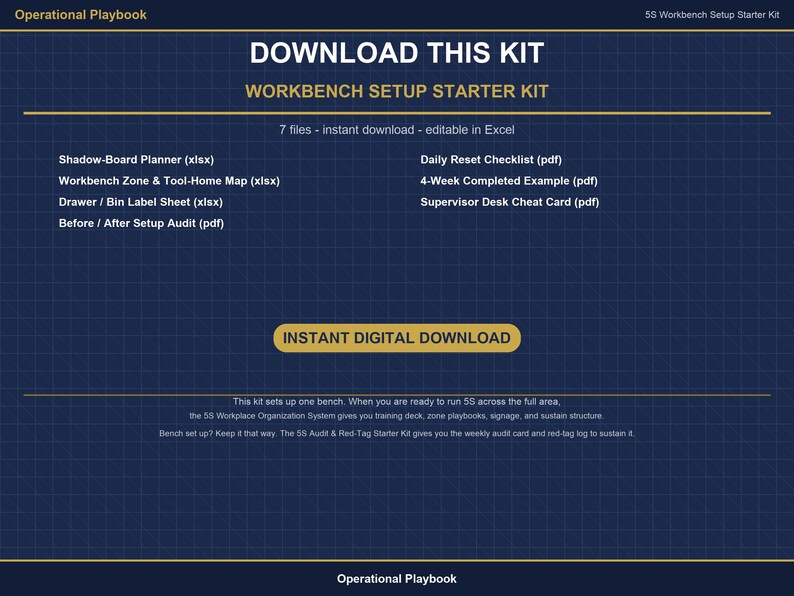
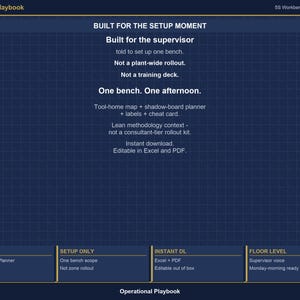
The 5S Workbench Setup Starter Kit gives a manufacturing supervisor the tools to set up one physical bench from scratch. Not a training deck. Not a plant-wide rollout. One bench: a tool-home map that assigns a location to every item on the surface, a shadow-board planner that lays out the visual standard, drawer and bin labels you can print and stick today, a before-and-after setup audit so you can document what changed, a daily reset checklist so the next shift knows what standard looks like, a 4-week worked example so you see a completed bench before you start your own, and a supervisor desk cheat card that fits in a clipboard pocket.
This kit is built for production supervisors, area supervisors, and continuous-improvement coordinators in SMB manufacturing -- 25 to 500 headcount, general manufacturing, CNC, fabrication, assembly, packaging, light industrial, food and beverage. Buyer position: I have one bench to 5S, I need a tool-home map and a shadow-board plan today, and I do not need a 60-page manual on 5S theory to get there.
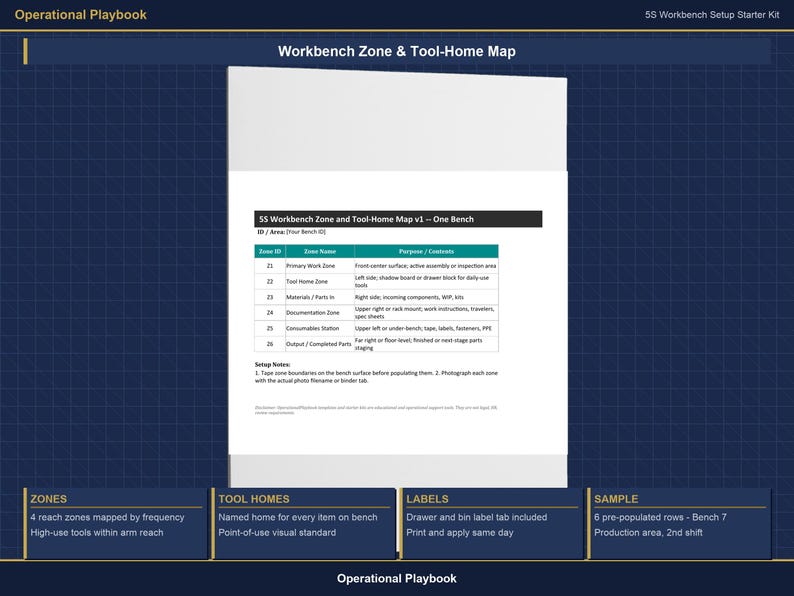
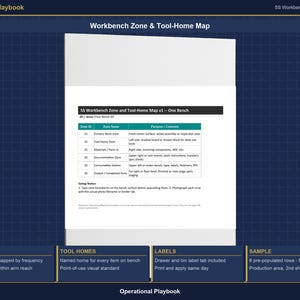
The Workbench Zone and Tool-Home Map (Excel, 1 to 2 sheets) is the anchor file. It maps every tool on the bench to a defined home location -- tool name, zone, storage location, frequency of use, whether it leaves the area. Pre-populated sample rows for a production workstation so you see what a filled map looks like before you start your own. Replace the samples with your bench data, print the completed map, and you have your tool-home standard.
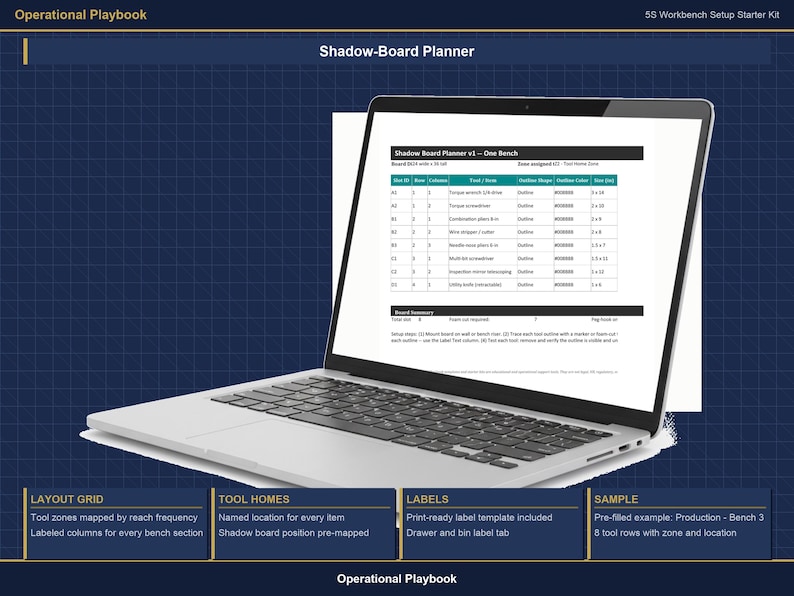
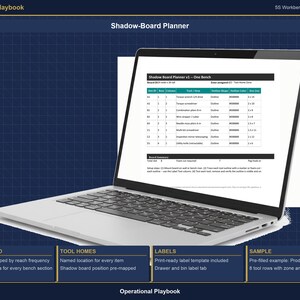
The Shadow-Board Planner (Excel, 1 to 2 sheets) is the layout grid. It gives you a visual grid for planning where tools hang on the board -- tool name, position, outline color, dimensions. Pre-populated sample layout rows. Designed so you can plan the board on paper (or screen) before you cut foam or hang hooks. Not a drawing tool -- it is the planning surface that prevents rework on the physical board.
The Drawer and Bin Label Sheet (Excel, 1 sheet, print-to-label) gives you pre-formatted label cells -- drawer number, contents, area, owner -- sized for standard label stock. Sample rows filled in for a production area. Print the sheet, cut to size, stick to the drawer or bin face. No graphic software required. Editable in Microsoft Excel or Google Sheets.
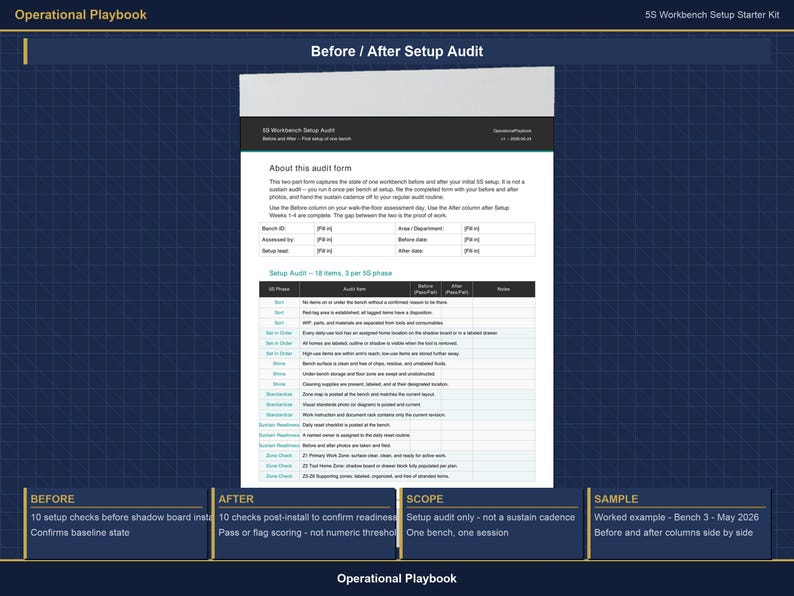
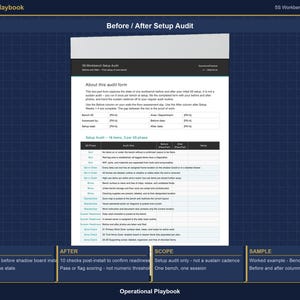
The Before and After Setup Audit (PDF, 2 to 3 pages) documents the bench before you start and after you finish. Two-column scorecard: current state left, new standard right. Line items cover surface organization, storage labeling, shadow-board completeness, tool-home assignment, daily reset capability. Built for setup documentation, not the weekly sustain audit (that is a different tool).
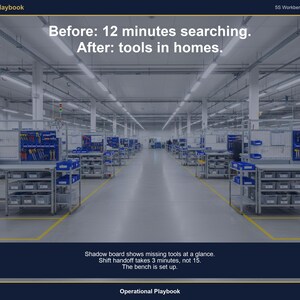
The Daily Reset Checklist (PDF, 1 page) is the end-of-shift standard. Five to seven check items: tools returned to home positions, surface cleared and wiped, labels facing out, shadow board complete, shift handoff status noted. One page, posted at the bench or in the clipboard. Built so the next shift knows what the standard is without asking.
The 4-Week Completed Example (PDF, 4 to 6 pages) walks through a worked setup scenario at Production, Workcenter C4, light assembly. Week 1: bench assessed, tool-home map drafted, shadow-board layout planned. Week 2: labels printed, shadow board installed, before audit completed. Week 3: team walkthrough, daily reset checklist posted, standard confirmed. Week 4: after audit completed, completed example filed. Each week shows the step taken, the file used, and what the output looked like.
The Supervisor Desk Cheat Card (PDF, 1 page) is the pocket reference. The setup sequence in seven steps. The five 5S letters and what each one means for a workbench. Key decisions: what stays on the surface, what moves to a drawer, what gets red-tagged. Disclaimer footer. One page, fits in a clipboard pocket or hangs at the bench.
Every file uses [Your Company Name] placeholders. The Excel files open in Microsoft Excel or Google Sheets. The PDF files open in any PDF reader. Editable in standard Microsoft Office tools -- no account setup, no subscription required. Built from practical manufacturing visual-management experience.
What's Included:
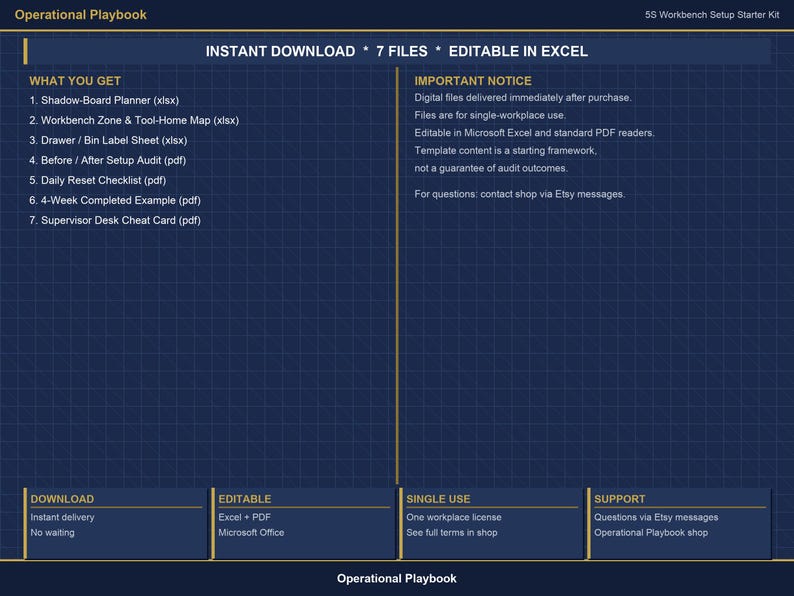
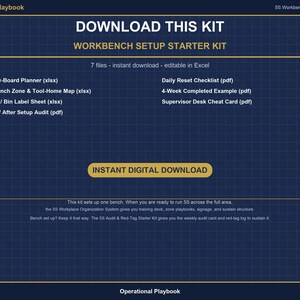
- Workbench Zone and Tool-Home Map (Excel, 1 to 2 sheets) -- Tool-home assignment for every item on the surface. Pre-populated sample rows for a production workstation.
- Shadow-Board Planner (Excel, 1 to 2 sheets) -- Visual layout grid for planning shadow-board positions before you build. Pre-populated sample layout rows.
- Drawer and Bin Label Sheet (Excel, 1 sheet, print-to-label) -- Pre-formatted label cells for drawers and bins. Sample rows for a production area. Print-and-stick format.
- Before and After Setup Audit (PDF, 2 to 3 pages) -- Two-column scorecard documenting bench state before and after setup.
- Daily Reset Checklist (PDF, 1 page) -- End-of-shift standard posted at the bench so every shift knows what the reset looks like.
- 4-Week Completed Example (PDF, 4 to 6 pages) -- Worked setup scenario at Production, Workcenter C4, light assembly. Four weeks, step by step.
- Supervisor Desk Cheat Card (PDF, 1 page) -- Setup sequence, 5S letter reference, and key decisions in one clipboard-pocket page.
FAQ:
Q: Is this the full 5S system or just the workbench setup piece?
A: Just the workbench setup piece. The kit covers the tools to set up one physical bench -- tool-home map, shadow-board planner, labels, before-and-after audit, daily reset checklist, worked example, cheat card. It does not include training decks, zone playbooks, signage standards, or the full area rollout materials. If you need to run 5S across a full production area, see the cross-promo note below.
Q: What format are the files in?
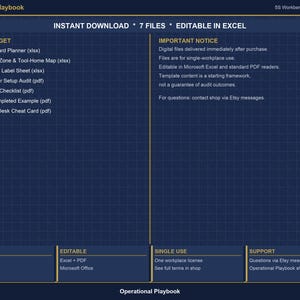
A: The Workbench Zone and Tool-Home Map, Shadow-Board Planner, and Drawer and Bin Label Sheet are Microsoft Excel (.xlsx) -- they also open in Google Sheets. The Before and After Setup Audit, Daily Reset Checklist, 4-Week Completed Example, and Supervisor Desk Cheat Card are PDF. No subscription required.
Q: Will I receive the files instantly after purchase?
A: Yes. Instant digital download. The download link comes through immediately after checkout. No shipping, no wait.
Q: Can I customize the files with my company name?
A: Yes. Every file uses [Your Company Name] placeholders. Replace them with your company name, your department name, and your actual tools and zones. The Excel files are fully editable. The PDF files are designed as fill-in reference documents.
Q: Does this cover the weekly sustain audit after setup?
A: No. The kit is setup -- getting the bench organized and documented the first time. The weekly audit cadence that keeps it that way is a separate tool (the 5S Audit and Red-Tag Starter Kit, linked below).
This kit sets up one bench. When you're ready to run 5S across the full area, the 5S Workplace Organization System gives you the training deck, zone playbooks, signage standards, and sustain structure for department-wide rollout.
Bench set up? Keep it that way. The 5S Audit & Red-Tag Starter Kit gives you the weekly audit card and red-tag log to sustain it.
Educational operational support tool. Not legal, HR, regulatory, or compliance advice. Adapt the materials to your company policies, applicable regulations, and internal review requirements.
Instant Download
Your files will be available to download once payment is confirmed. Here's how.
Instant download items don’t accept returns, exchanges or cancellations. Please contact the seller about any problems with your order.
Etsy Purchase Protection
Shop confidently on Etsy knowing if something goes wrong with an order, we've got your back for all eligible purchases —
see program terms

Be the first to review this item

Speedy replies Has a history of replying to messages quickly.
Rave reviews Average review rating is 4.8 or higher.
More from this shop
Visit shop-
Digital download
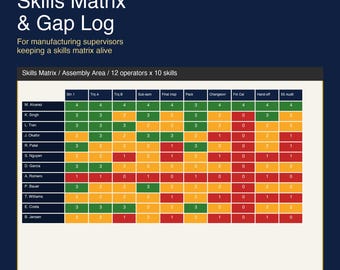
Skills Matrix Excel Template | Employee Training Matrix and Competency Tracker | Skills Gap Log for Manufacturing | Google Sheets
$3.49
-
Digital download
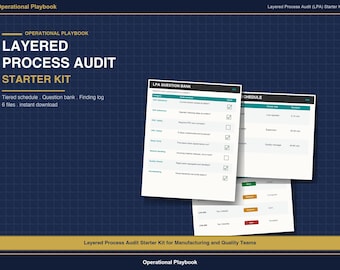
Layered Process Audit Checklist Excel Template | LPA Audit Schedule, Question Bank and Finding Log | Manufacturing Internal Audit Kit
$5.99
-
Digital download
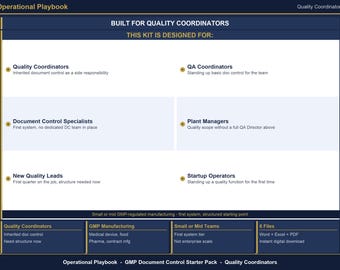
Document Control Template Pack | GMP Policy, SOP Template, Revision Log and Approval Workflow | Quality Document Register Excel
$3.49
-
Digital download
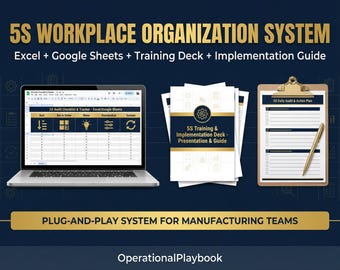
5S Workplace Organization Excel Template Bundle | 5S Audit Tracker, Training Deck, Red Tag Log | Lean Manufacturing 5S Implementation Kit
$29.00
-
Digital download
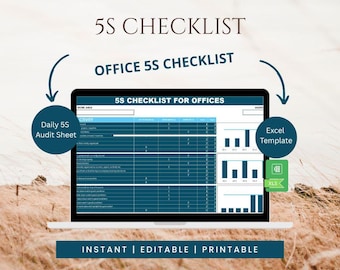
Office 5S Checklist Excel Template | Workplace Audit Tracker (Digital Download)
Sale Price $7.00
Original Price $10.00
-
Digital download
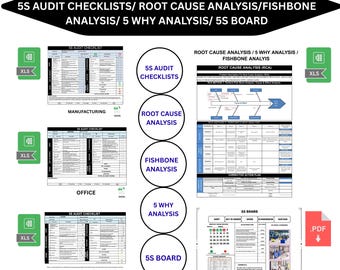
All in One 5S & 5 WHY ,5S Audit checklists manufacturing /office/ 5S board / Root cause analysis /Fishbone analysis/ Editable Excel /PDF
Sale Price $21.00
Original Price $35.00
-
Digital download
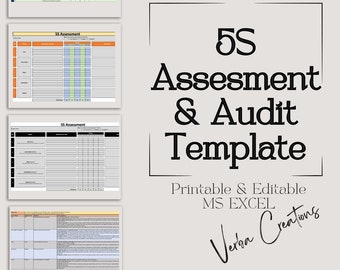
5S Assessment & Audit Excel Template: Lean Manufacturing (Editable)
$23.79
-
Digital download
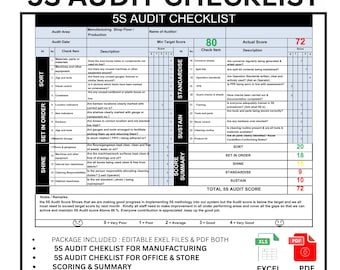
5S Audit Checklist | 5S audit Checklist for Manufacturing| 5S checklist for Office | Lean 5S checklist |5S & Lean implementation kit
Sale Price $12.00
Original Price $20.00
-
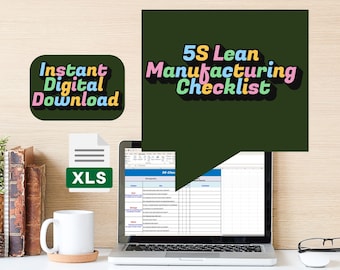
Digital download
5S Lean Manufacturing Checklist (Excel + Printable)
$6.99
-
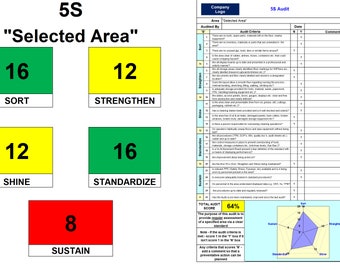
Digital download
5S Audit
$5.17
-
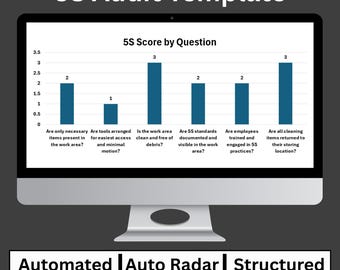
Digital download
5S Audit Excel Template | Workplace Organization Checklist & Scoring Tool
$7.99
-
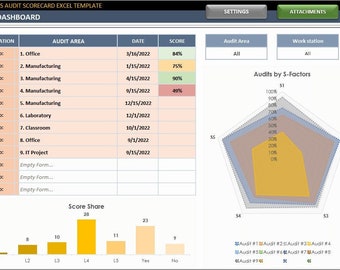
Digital download
5S Audit Scorecard Excel Template: Process Management Checklist
$34.95
-

Digital download
5S Audit Scorecard: Google Sheets Template (Printable)
$34.95
-
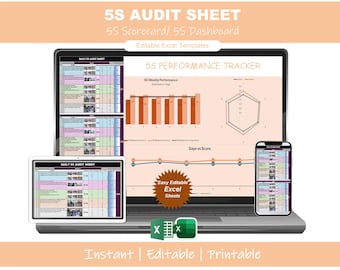
Digital download
5S Scorecard Excel Template | Lean Management Audit Checklist | Workplace Compliance Tool
Sale Price $10.50
Original Price $15.00
-
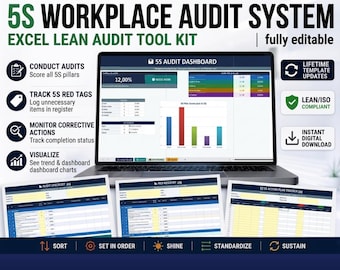
Digital download
5S Implementation Bundle | Lean Audit Checklist Action Plan
$17.83
-

Digital download
5S Audit Excel Template, Lean Workplace Checklist (Digital Download)
$7.08
Shoppers with similar taste loved these
-
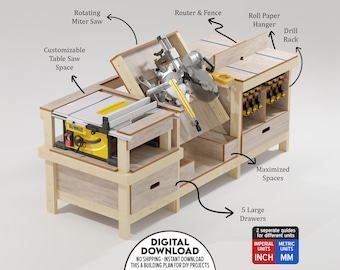
Digital download
Table Saw, Miter, Router Workbench Plan for Ultimate Usability, Rotating Profile Saw
Sale Price $13.93
Original Price $19.90
-
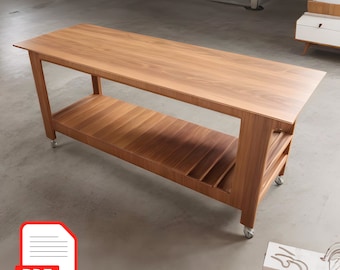
Digital download
DIY Mobile Workbench Plans: Heavy Duty Table Saw (PDF)
Sale Price $6.64
Original Price $11.07
-
Digital download
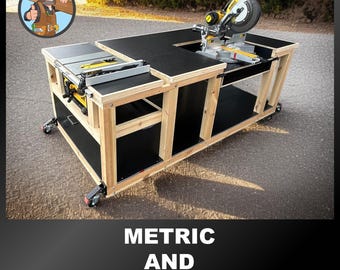
Flip Top Miter Saw Workbench Plans - Metric & Imperial (PDF Download) - Workbench Plans - Flip Top Workbench - Table Saw Workbench
$20.57
-
Digital download
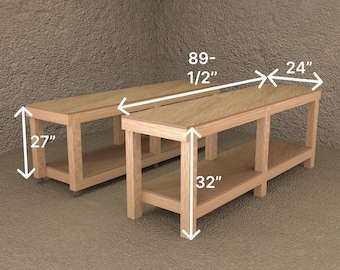
DIY Woodworking Plans: 2 Workbenches – Garage Work Table with Storage Shelf & Mobile Rolling Workbench – Workshop Table Plans
$4.99
-
Digital download
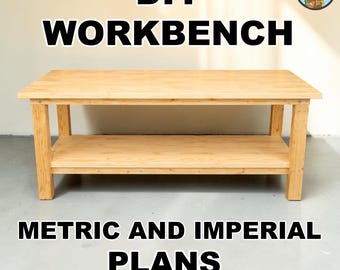
Workbench - Workbench Plans - WorkBenches - DIY Workbench Plans - Work Bench Table - Woodwork Bench - Workbench Garage
$11.02
-
Digital download
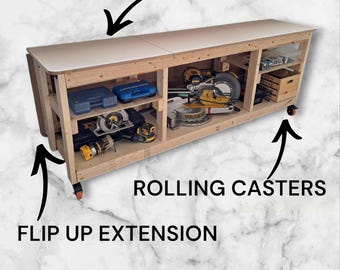
Folding Workbench DIY Plans | Hidden Storage | Transforming Work Table | Rolling bench | Mitre saw table | Garage shelving | Garage Storage
$10.33
-
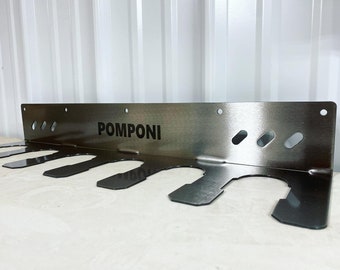
Metal Drill Hanger - Impact Hanger -Shop Organization Tools - Garage Tool Organization -Garage and Shop Tool Storage - Garage Gift for Him
$80.00
-
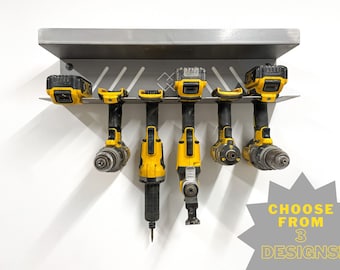
Power Tool Holder - 14 gauge steel | HEAVY DUTY - Garage or Workshop Storage
$60.00
-
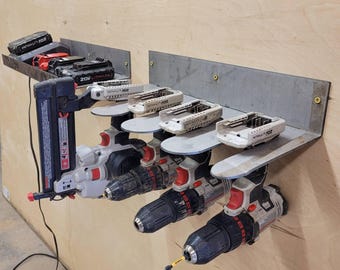
Cordless Power Tool Organizer, Rustic Shelf Hardware, Garage Gift, Workshop Wall Storage, Cabin Shelf Decor, DIY Lover Gift
$49.99
-
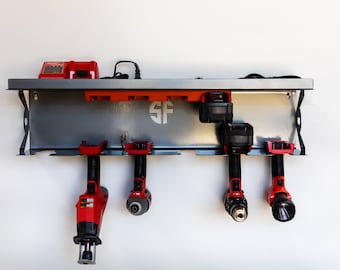
Power Tool Rack Organizer with Battery Rack and Charging Shelf, Universal Tools, Tool Organization
Sale Price $142.59
Original Price $178.24
-
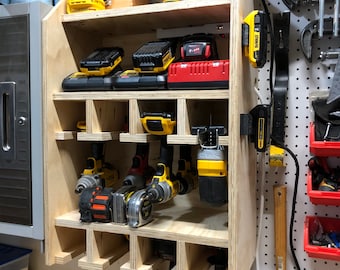
Custom Tool/Drill Organizer
$75.00
-
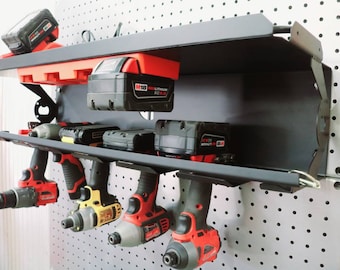
Work Trailer Cordless Drill Rack with Locking Bar and Battery Rack - Tool Rack For Work Truck
Sale Price $143.60
Original Price $179.50


