












NowPrice:CA$7.67
Original Price: CA$10.23
25% off
Sale ends in 1 day
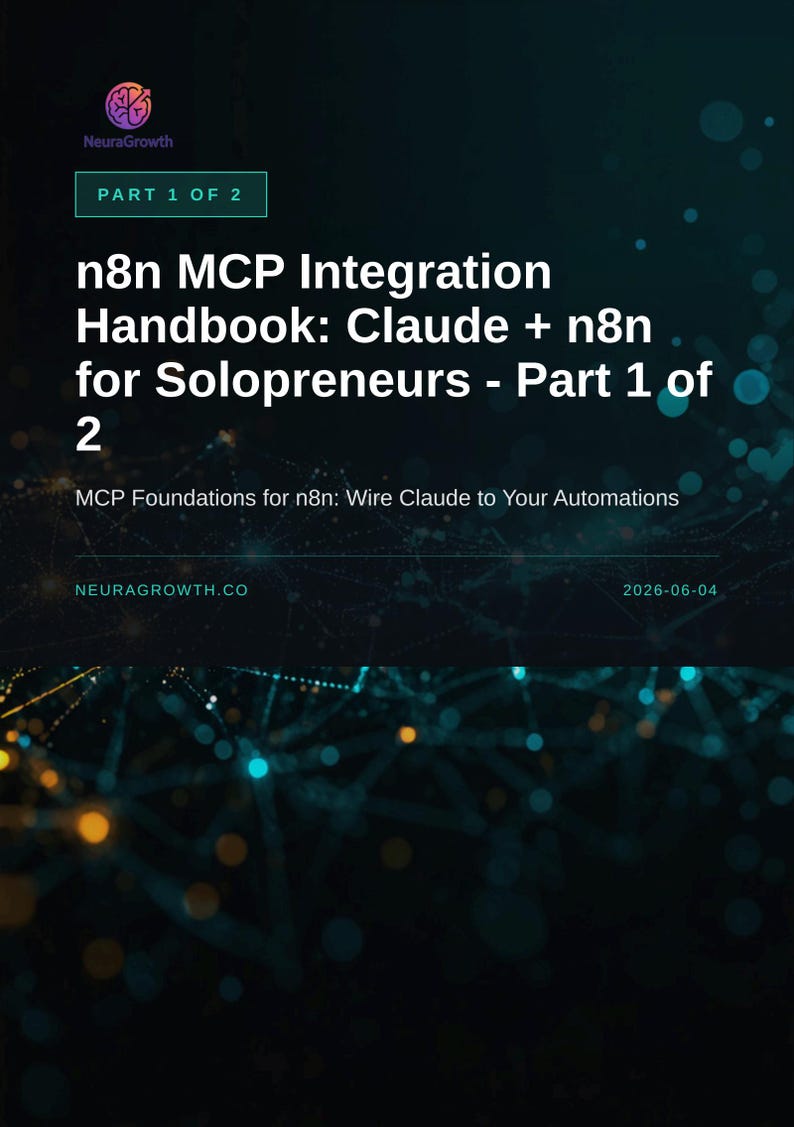
n8n MCP Integration Handbook: Claude + n8n for Solopreneurs
You can only make an offer when buying a single item.
Highlights
You're running your business solo. Every day you're switching between tools, copy-pasting data, and manually triggering the same workflows over and over. You know automation exists, but connecting Claude directly to your n8n workflows feels like a technical maze.
This handbook changes that.
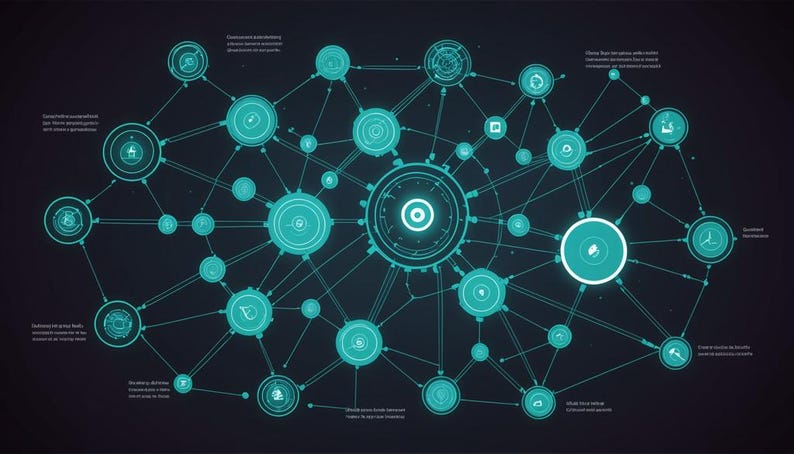
Model Context Protocol (MCP) is the bridge that lets Claude talk directly to n8n. Instead of manual triggers and context-switching, you can prompt Claude to run your workflows. Instead of building complex integrations, you expose your existing automations as tools Claude understands natively.
What's Inside
Part 1 focuses on foundations and setup, so you move from confusion to confidence in one sitting.
• MCP explained in plain terms-what it is, why solopreneurs need it, how it cuts through the noise of "AI integration" hype
• The two n8n MCP nodes: Server Trigger (how Claude calls your workflows) and Client Tool (how your workflows call Claude)
• Step-by-step Setup 1: exposing your first workflow as an MCP tool in Claude Desktop
• Smoke-test your integration with a real example, no theory-only chapters
• The workflow patterns that work best for one-person operations
Each section builds on the last. You'll walk away knowing exactly which workflow to wire first and how to test it live in Claude before moving to Part 2.
Why This Matters for Your Solo Business
Manual handoffs kill momentum. When you expose a workflow as an MCP tool, Claude becomes an interface to your automation-no more alt-tabbing, no more copy-paste, no more "did I forget a step." For solopreneurs juggling multiple roles, that's leverage.
You already run workflows in n8n. This guide doesn't ask you to rebuild them. It shows you how to surface them to Claude in about 10 minutes per workflow.
How You'll Use This
Read Part 1 cover to cover (takes 30-45 minutes). Follow the Setup 1 walkthrough alongside your n8n account open. By the end, you'll have your first MCP tool live and tested. Then pick Part 2 for six ready-to-build use cases: customer data lookup, content repurposing, invoice generation, lead qualification, email draft composition, and outbound research.
Delivery
This is a digital PDF guide. You get instant access after purchase. No email delays, no upsell sequences. Download, open, and start reading. The handbook is fully formatted and ready for screen reading or printing.
Part 1 runs approximately 40 pages with screenshots, code blocks, and decision trees to keep you oriented.
About this product
NeuraGrowth is an AI-assisted, human-curated digital studio made in Poland. Concept, structure, and final pass on every product are human-directed. Drafting, layout, illustration, and image rendering use generative AI tools (Claude by Anthropic, Stability AI, Ideogram, DALL-E, Gemini, and FLUX), selected per task for the best output. We don't auto-publish. Every file passes hands-on review before it goes live.
Instant Download
Your files will be available to download once payment is confirmed. Here's how.
Instant download items don’t accept returns, exchanges or cancellations. Please contact the seller about any problems with your order.
Etsy Purchase Protection
Shop confidently on Etsy knowing if something goes wrong with an order, we've got your back for all eligible purchases —
see programme terms

Be the first to review this item
More from this shop
Visit shop-

Digital download
Claude MCP Obsidian Setup Guide | Connect Desktop to Vault
Sale Price CA$5.47
Original Price CA$7.30
-
Digital download
Claude MCP Setup Guide: No Terminal Required
Sale Price CA$7.67
Original Price CA$10.23
-
Digital download
MCP Server Audit Guide: Vet and Triage Your AI Servers Fast
Sale Price CA$8.44
Original Price CA$11.27
-
Digital download
n8n MCP Integration Handbook Part 2: Claude + Production Use Cases
Sale Price CA$7.67
Original Price CA$10.23