

Receiving Inspection Report Excel Template | Incoming Quality Inspection Log, Sampling Plan & Dashboard | IATF 16949 ISO 9001
Price:$14.99
4.5 out of 5
2 ratings
You can only make an offer when buying a single item
Highlights
Stop releasing stock you never actually inspected.
The Receiving Inspection Report is a ready-to-use Excel workbook for logging, inspecting, and dispositioning every incoming delivery — built by a shop-floor quality practitioner, not a template farm. Log a receipt, pull the sample size, work the checklist, set the disposition, and your dashboard updates itself. No macros, no add-ins.
Who it's for
Receiving and incoming inspectors, incoming QC, quality coordinators, Supplier Quality Engineers (SQEs), and warehouse/materials leads who need a clean paper trail before stock hits production — especially in IATF 16949 / ISO 9001 environments.
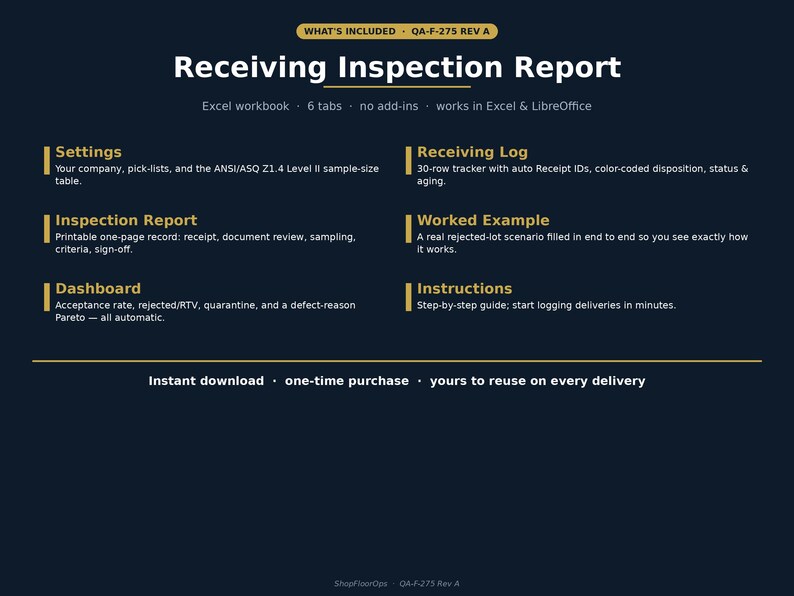
What's inside (6 tabs)
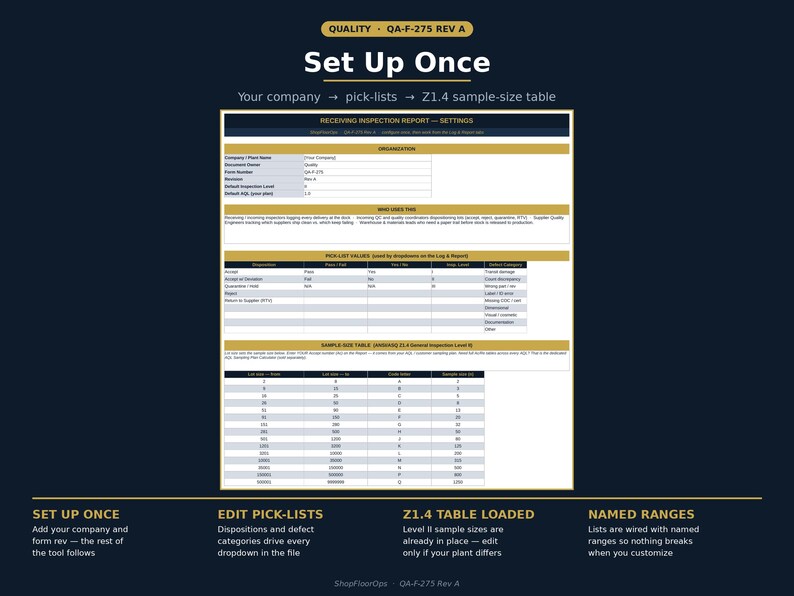
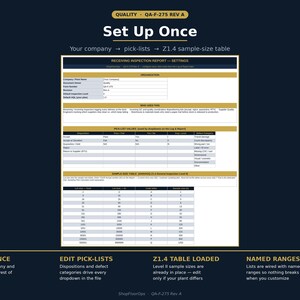
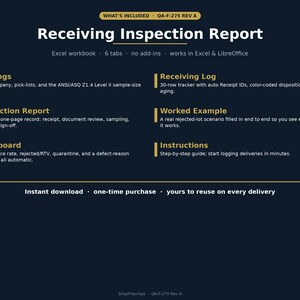
Settings — your company and form rev, all pick-lists, and a built-in ANSI/ASQ Z1.4 General Level II sample-size table.
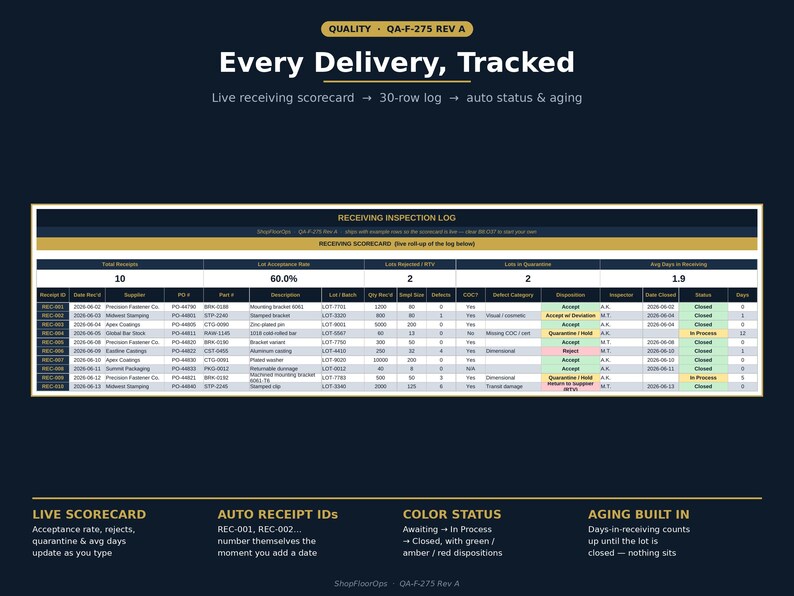
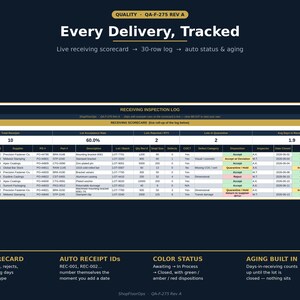
Receiving Log — a 30-row tracker with auto Receipt IDs (REC-001, REC-002…), color-coded disposition, auto status (Awaiting → In Process → Closed), and days-in-receiving aging. A live scorecard up top shows acceptance rate, rejects/RTV, quarantine count, and average days.
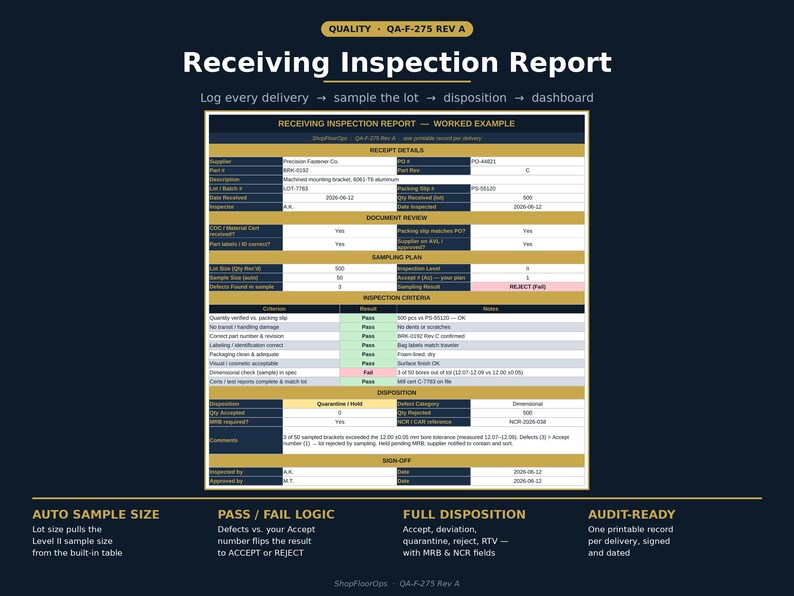
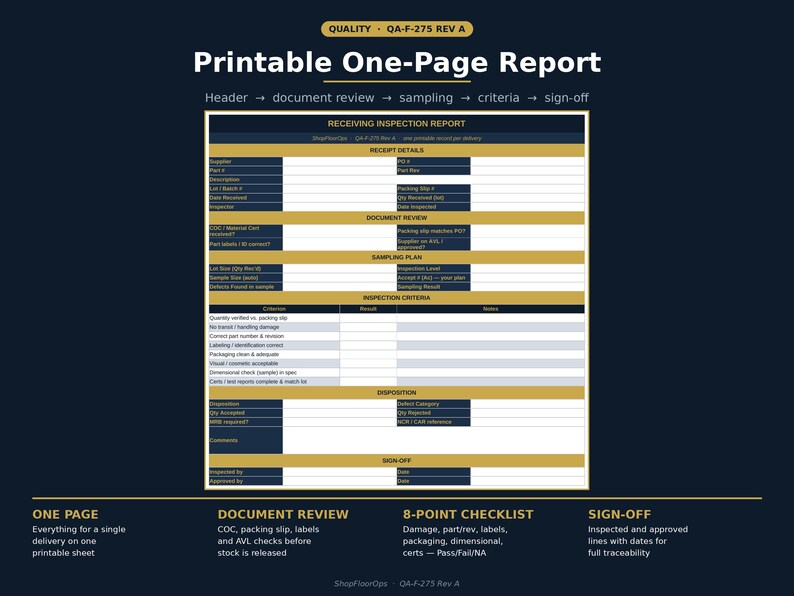
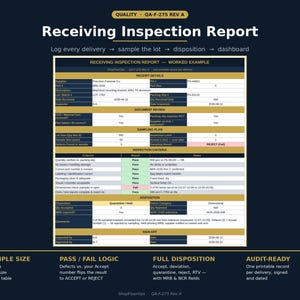
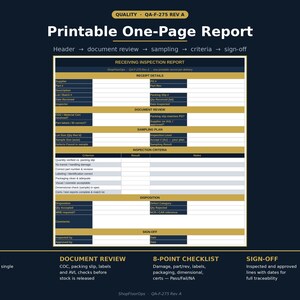
Inspection Report — a printable one-page record per delivery: receipt details, document review (COC, packing slip, labels, AVL), sampling plan, an 8-point inspection checklist, disposition, and sign-off.
Worked Example — a real rejected-lot scenario filled in end to end so you can see exactly how it flows.
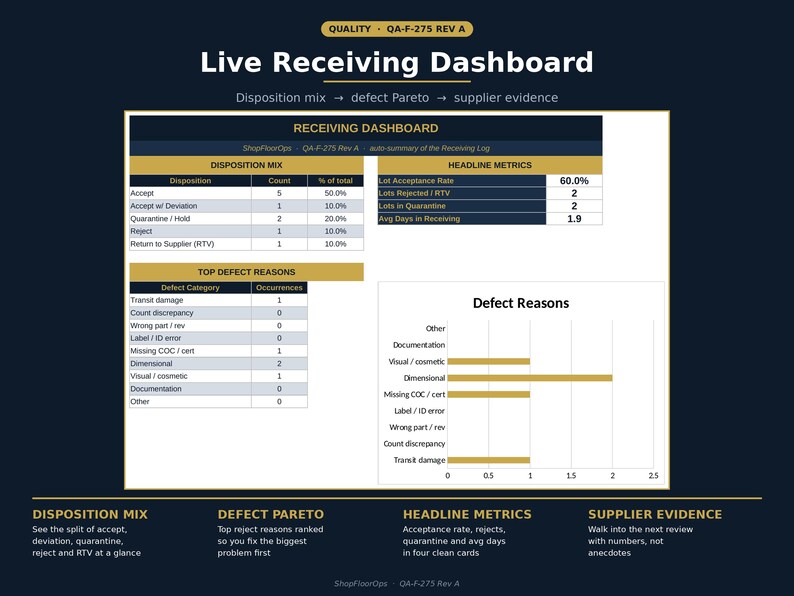
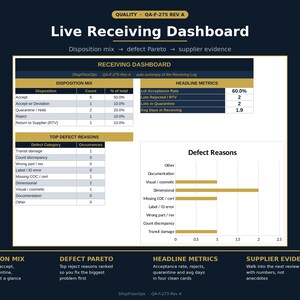
Dashboard — disposition mix, headline metrics, and a defect-reason Pareto, all automatic from the log.
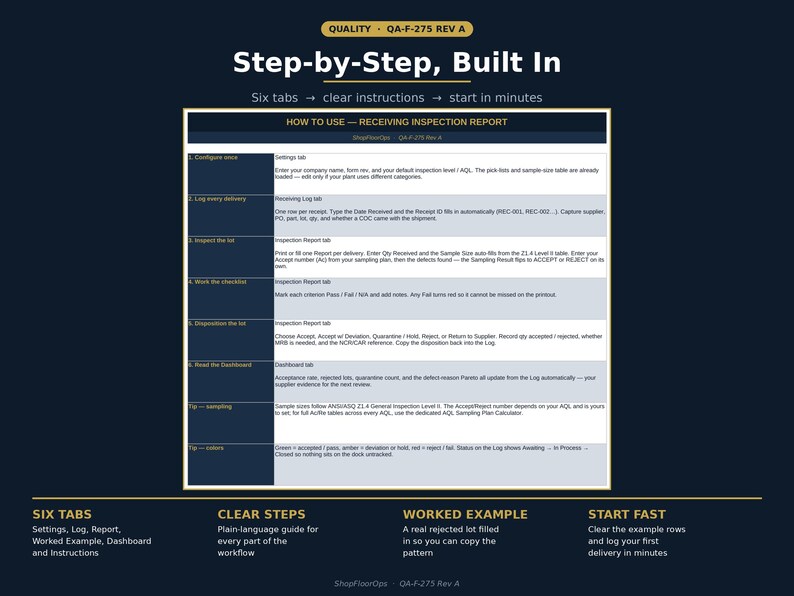
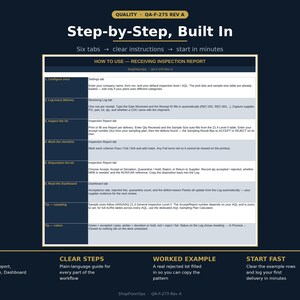
Instructions — step-by-step so you're logging deliveries in minutes.
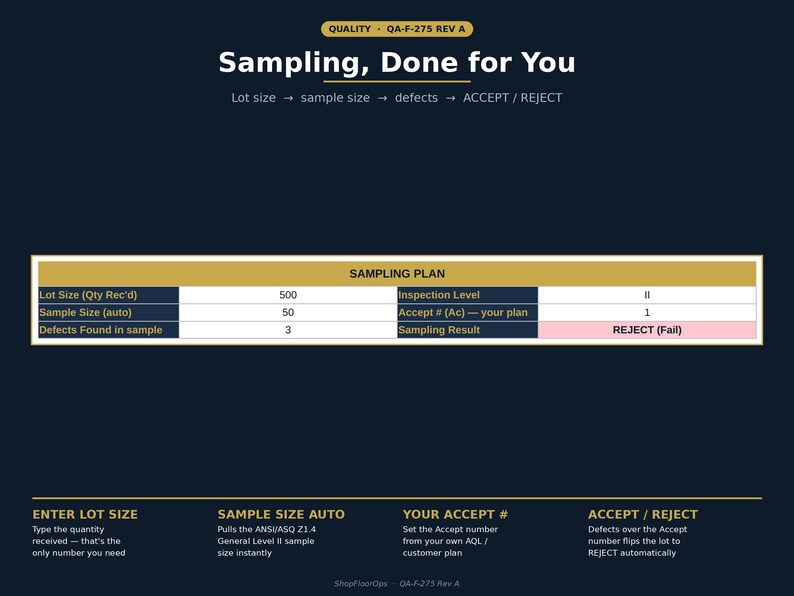
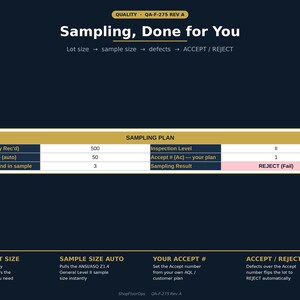
Sampling, done for you
Enter the lot size and the workbook suggests the sample size straight from the ANSI/ASQ Z1.4 General Inspection Level II table. You enter the Accept number (Ac) from your own AQL / customer sampling plan, then the defects found — the result flips to ACCEPT or REJECT on its own. (Need full Accept/Reject tables across every AQL? That's our dedicated AQL Sampling Plan Calculator.)
Format & compatibility
Microsoft Excel (.xlsx). Works in Excel and LibreOffice. Instant digital download — one-time purchase, reuse it on every delivery.
By ShopFloorOps. Form QA-F-275 Rev A.
Note: digital download; no physical item ships. For your own internal use — not for resale or redistribution.
Instant Download
Your files will be available to download once payment is confirmed. Here's how.
Instant download items don’t accept returns, exchanges or cancellations. Please contact the seller about any problems with your order.
Etsy Purchase Protection
Shop confidently on Etsy knowing if something goes wrong with an order, we've got your back for all eligible purchases —
see program terms

Be the first to review this item


More from this shop
Visit shop-
Digital download
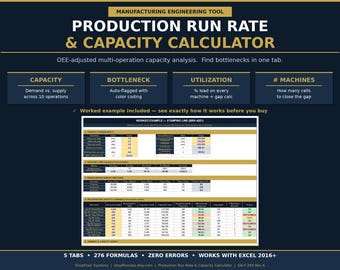
Production Run Rate & Capacity Calculator | OEE Bottleneck Analysis
$11.99
-
Digital download
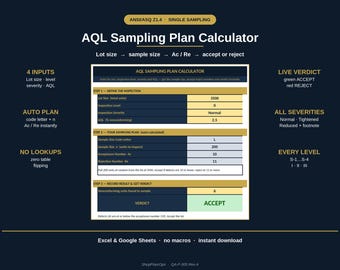
AQL Sampling Plan Calculator Excel | ANSI asq Z1.4 ISO 2859-1 Acceptance Sampling | Sample Size Ac Re Code Letter | Quality Inspection qc
$14.99
-
Digital download
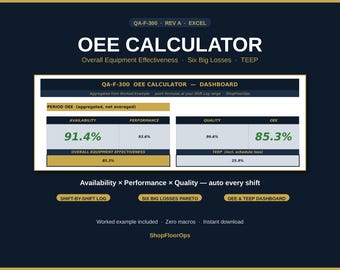
OEE Calculator Excel Template | Overall Equipment Effectiveness, Six Big Losses Pareto, TEEP, Shift Log Dashboard | Lean Manufacturing Tool
$16.99
-
Digital download
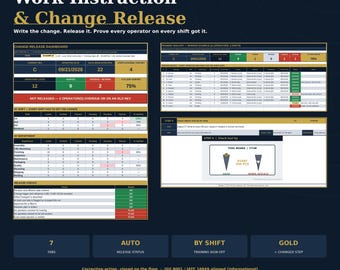
Work Instruction & Change Release Excel | Step-by-Step WI with Photos, Training Sign-off by Shift, Release Dashboard | IATF 16949 ISO 9001
$24.99
-
Digital download
Procurement KPI Report Excel Template | Dynamic Monthly & Cumulative Metrics Tracking | Target vs Actual Performance Dashboard
Sale Price $8.50
Original Price $17.00
-
Digital download
5 Automated Excel Timekeeping Templates & Time sheet Tools for Business, Staffing, HR, Workforce Management, Calendars Instant Download
$11.98
-
Digital download
ISO 9001:2015 Risk and Opportunity Register | IATF 16949 | Excel Template
$11.44
-
Digital download
Research and Development KPI Dashboard Excel Template, KPI Report Template, Dynamic Reporting Dashboard Sheet, Performance Tracking Report
Sale Price $8.50
Original Price $17.00
-

Digital download
Professionals Residential Final Systems Inspection Checklist | Contractor Safety & Quality Template
Sale Price $5.49
Original Price $7.32
-
Digital download
Customer Success KPI Excel Template,KPI Metric Report | KPI Dashbord Excel Template, Performance Tracking Report, Digital Download
Sale Price $8.50
Original Price $17.00
-
Digital download
Excel CRM Template 2.0
$14.31
-
Digital download
Food Safety Excel System | HACCP Cleaning & Sanitation Dashboard | Restaurant Kitchen Log | Audit Compliance Tracker | Quality Control
$19.99
-
Digital download
Risk Management KPI Dashboard Excel Template, Excel Risk Metrics Report Template Digital File, Risk Assessment Dynamic Reporting Tracker
Sale Price $8.50
Original Price $17.00
-
Digital download
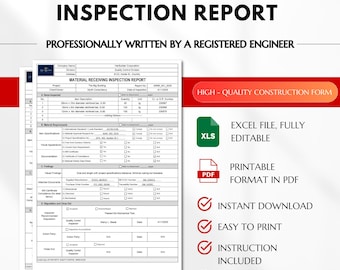
Material Receiving Inspection Report, Quality Control Inspection Report, Material Report, Material Inspection Form, Material Approval Report
Sale Price $19.50
Original Price $26.00
-
Digital download
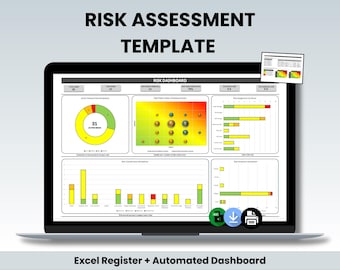
Risk Assessment Excel Template | Automated Dashboard & Matrix Spreadsheet | Construction Register / Log Tool
Sale Price $7.51
Original Price $12.52
-
Digital download
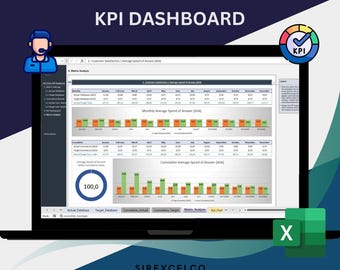
Call Center KPI Dashboard Excel Template, Excel KPI Report Template, Dynamic Reporting Dashboard Sheets, Performance Tracking Report File
Sale Price $8.50
Original Price $17.00
Shoppers with similar taste loved these
-
Digital download
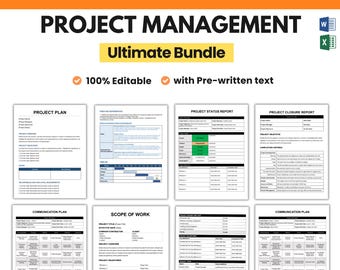
Project Management Bundle, Project Templates, Project Plan, Project Status, PM Tools, Business Analysis, Project Management
$9.49
-
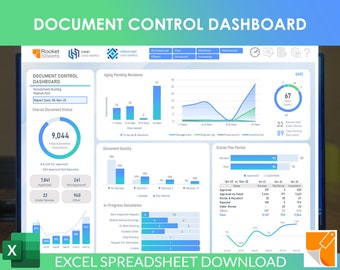
Digital download
Construction Document Control Dashboard | Excel Document Tracker
Sale Price $14.97
Original Price $24.95
-
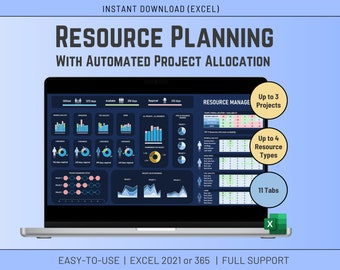
Digital download
Automated Resource Management Excel Template, Project Planning (Digital Download)
Sale Price $6.26
Original Price $8.35
-

Digital download
50 Business Consultant Instagram Templates, Canva Social Media Post Marketing Kit, Corporate Coaching Branding Digital Download
Sale Price $1.42
Original Price $2.36
-
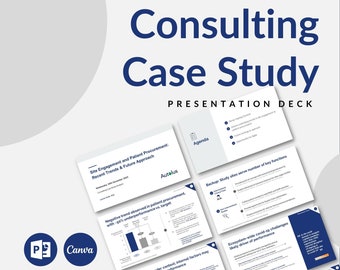
Digital download
Consulting Case Presentation Deck | Case Study Powerpoint | Consultancy Slide Template | PPT or Canva for Consultants
Sale Price $6.12
Original Price $12.26
-
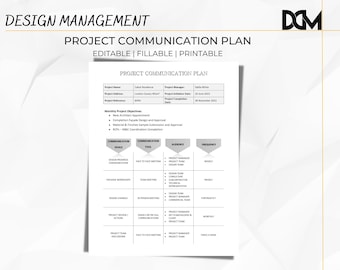
Digital download
DM - Project Communication Plan in One Page
$2.19
-

Digital download
Ultimate journal bundle 2027 Premade journal pages printable Yearly trackers Bujo printable Digital journal Monthly trackers Bullet journal
Sale Price $6.80
Original Price $17.00
-
Digital download
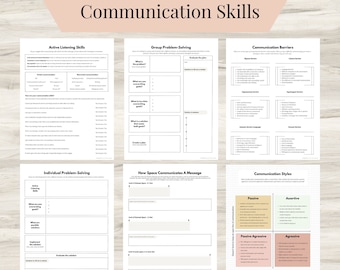
Communication Skills Worksheets: Active Listening, Problem-Solving (PDF)
Sale Price $2.00
Original Price $4.00
-
Digital download
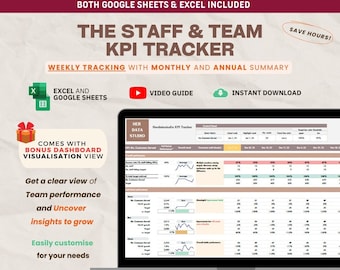
The Staff & Team KPI Tracker Excel and Google Sheets | Weekly KPI Dashboard Report | Staff, Employee and Team | Performance and Productivity
$38.09
-
Digital download
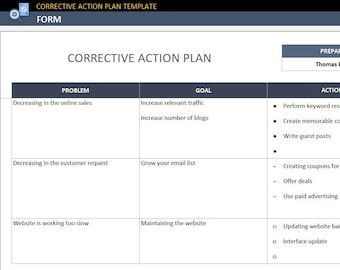
Corrective Action Plan Excel Template: Project Management CAP Tool
Sale Price $9.71
Original Price $12.95
-
Digital download
Organizational Change Management Plan
Sale Price $2.25
Original Price $3.00
-
Digital download
Employees Skills & Proficiency Measuring Matrix | Human Resources Form | Employee Performance | Employee Evaluation | Skills Matrix | HR
$9.99


