

2027 Monthly Budget Spreadsheet, Paycheck by Paycheck, Zero-Based
Price:CA$10.21
Here's what's eligible:
- Your order doesn't match the item description or photos
- Your item arrived damaged
- Your item arrived after the estimated arrival window
- Your item didn't arrive or was lost in the mail
You can only make an offer when buying a single item.
Highlights
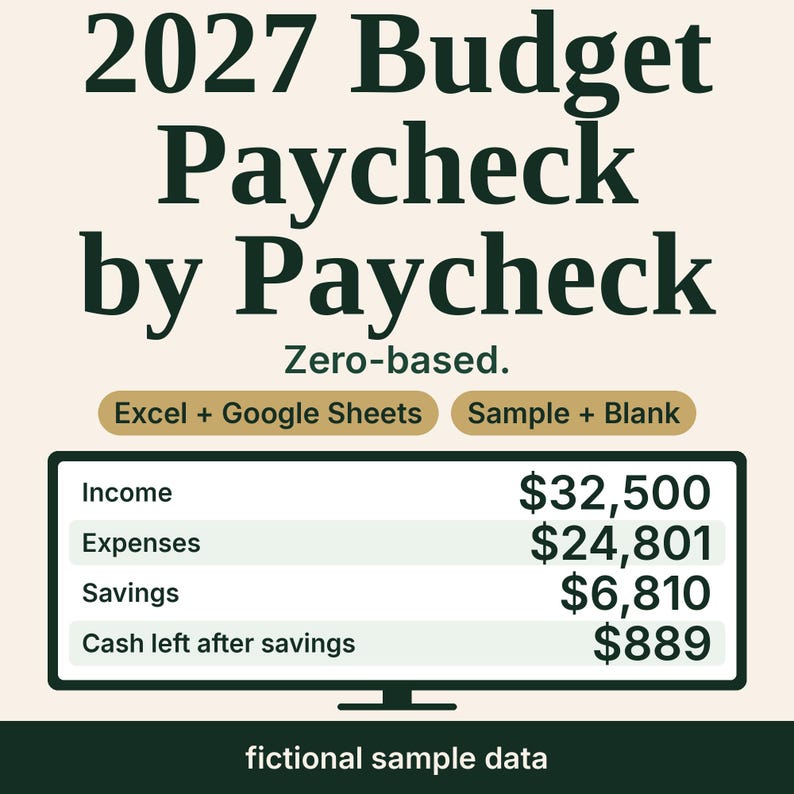
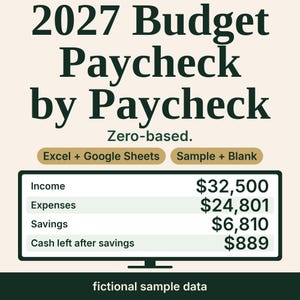
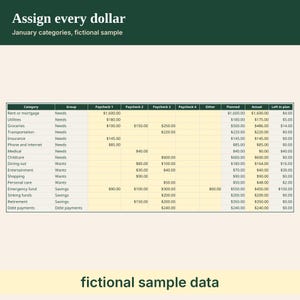
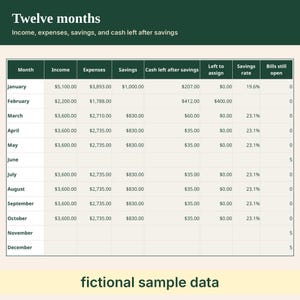
A 2027 monthly budget you fill paycheck by paycheck. Assign each dollar of income to a category, then type what you actually spent. The dashboard compares income and expenses, category budget and actual, savings rate, and cash left after savings. A bills checklist sits beside the months and does not change those totals.
WHAT YOU GET
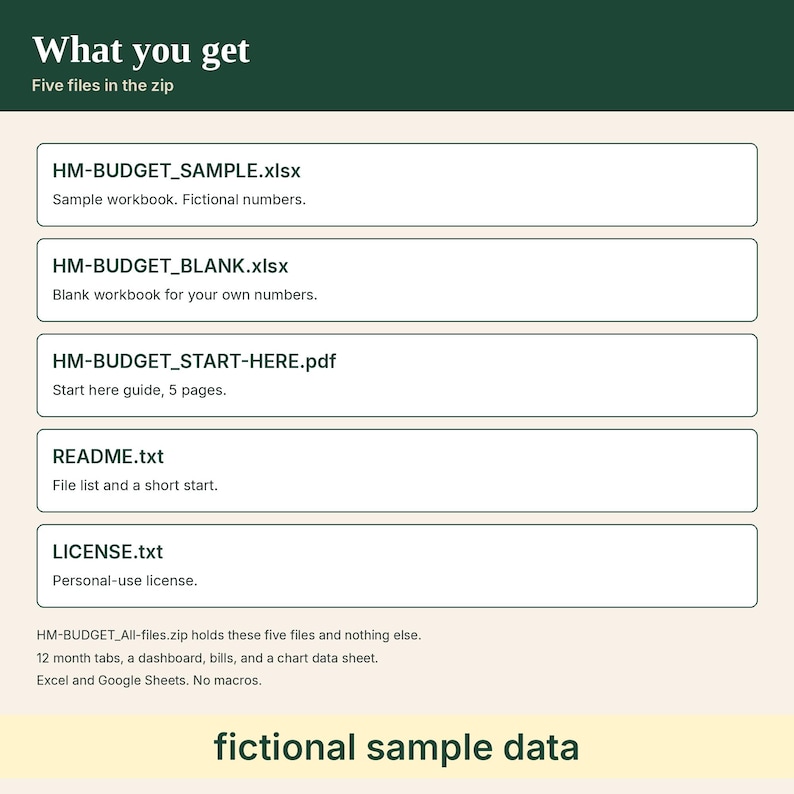
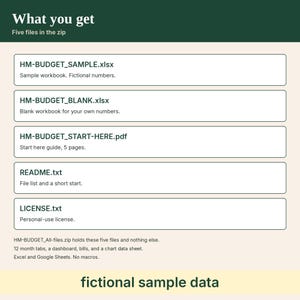
- HM-BUDGET_SAMPLE.xlsx. One .xlsx workbook with fictional sample numbers.
- HM-BUDGET_BLANK.xlsx. One .xlsx workbook. Amounts, dates, bills, and the household name are empty. Category names start filled in.
- HM-BUDGET_START-HERE.pdf. This guide is 5 pages. It includes the steps to open the workbook in Excel and the steps to open it in Google Sheets.
- README.txt. One plain-text file list and a short start.
- LICENSE.txt. One plain-text personal-use license.
- HM-BUDGET_All-files.zip. The zip holds the five files above and no other files.
The five files are one sample workbook, one blank workbook, one 5-page PDF, one readme, and one license.
INSIDE THE WORKBOOK
- 17 sheets: Start, Settings, Dashboard, Chart data, twelve month tabs (Jan through Dec), and Bills.
- Settings: household name, the year 2027, and 16 categories. Each group is Needs, Wants, Savings, or Debt payments. A 17th category row is flagged and left out.
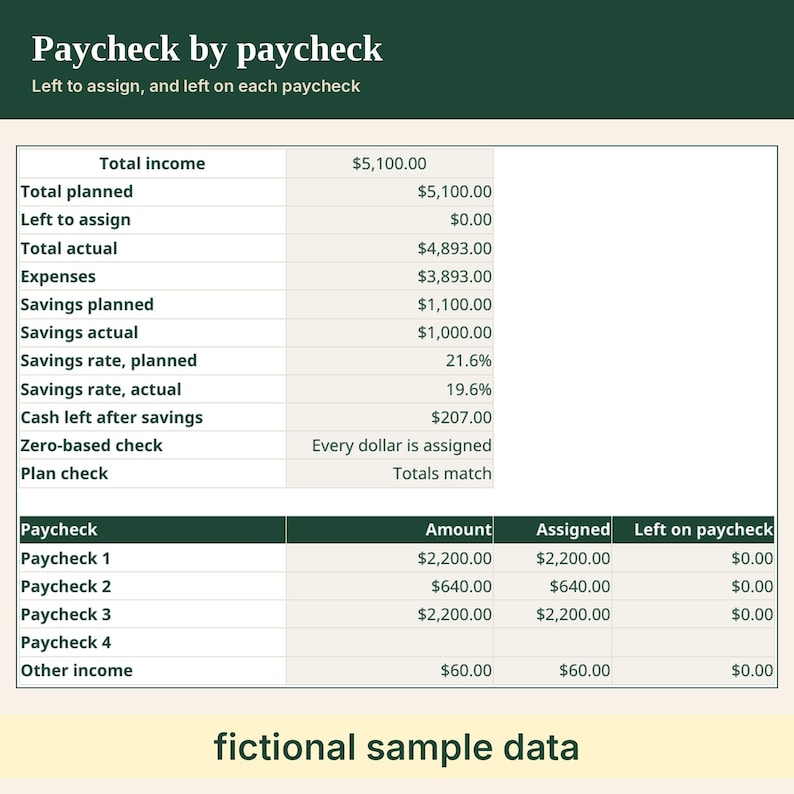
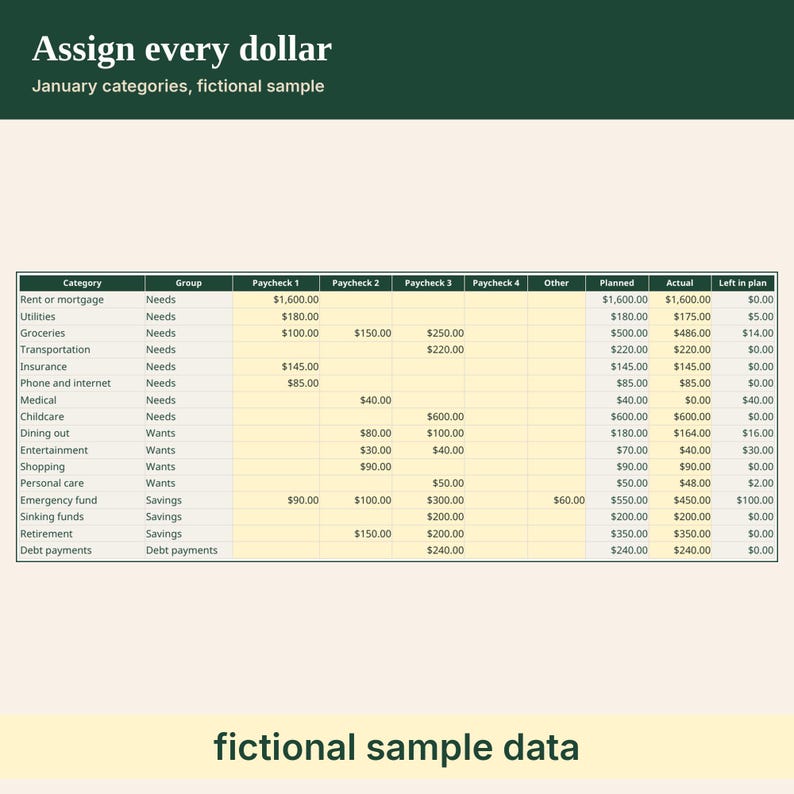
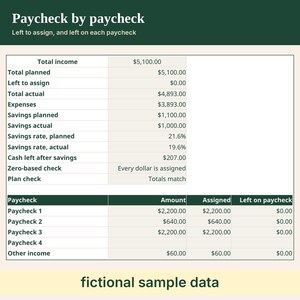
- Each month: up to 4 paychecks plus other income. Assign each paycheck in its own column. Planned, actual, left to assign, left on that paycheck, expenses, savings, savings rate, and cash left after savings.
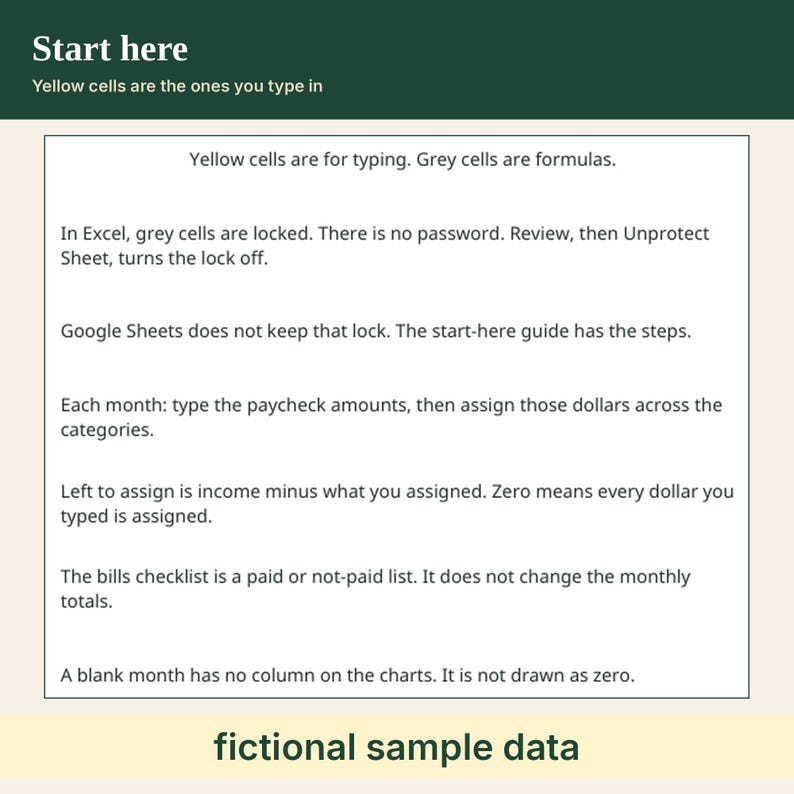
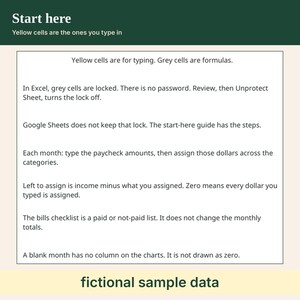
- Left to assign is income minus the dollars you assigned. Zero means every dollar of income you typed is assigned. It is a check on the numbers you type.
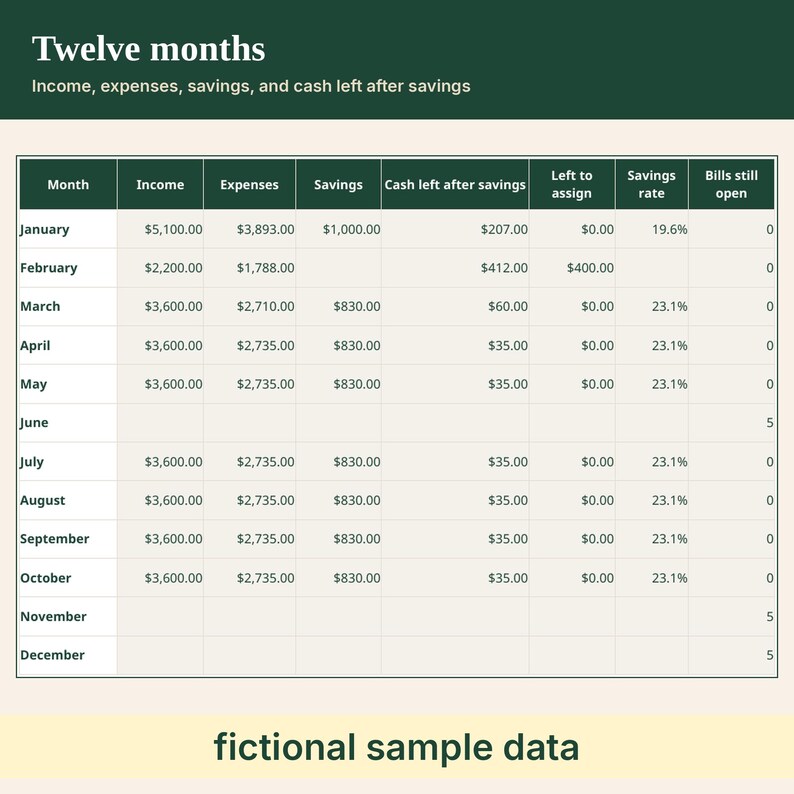
- Expenses are Needs, Wants, and Debt payments. Savings is separate. Cash left after savings is income minus expenses minus savings.
- A category with a blank group is labeled Ungrouped, counted with expenses, and flagged on the month row.
- A blank cell adds nothing. A typed zero is included. Text is flagged and left out. A negative number is flagged and left out.
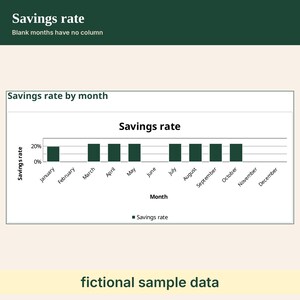
- Savings rate is savings divided by income. It stays blank when income is blank or zero, or when savings is blank.
- A month with nothing typed stays blank. After you type income or an actual, a blank expense counts as zero in that cash left after savings.
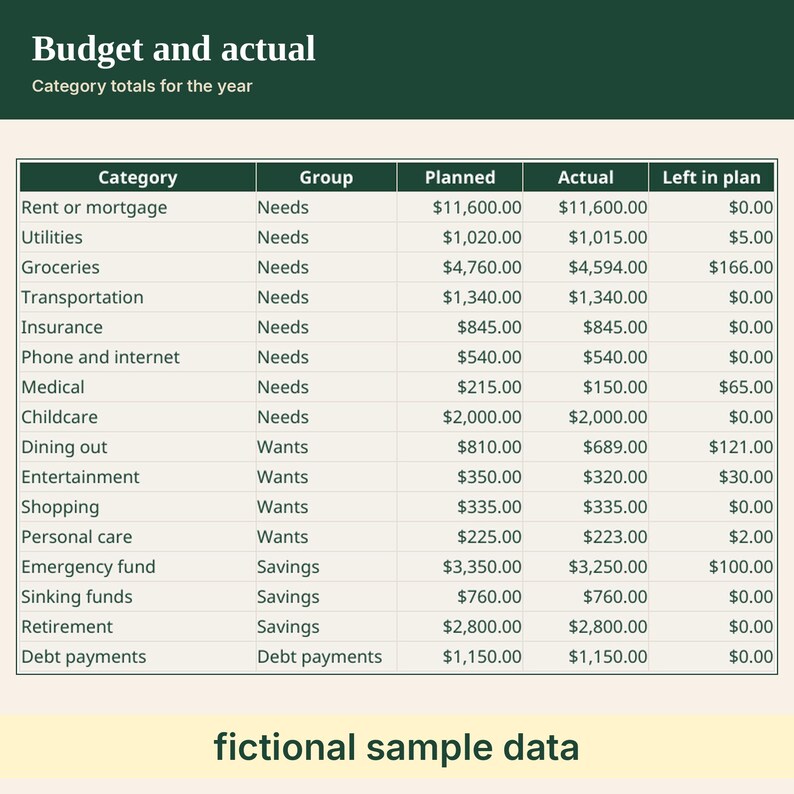
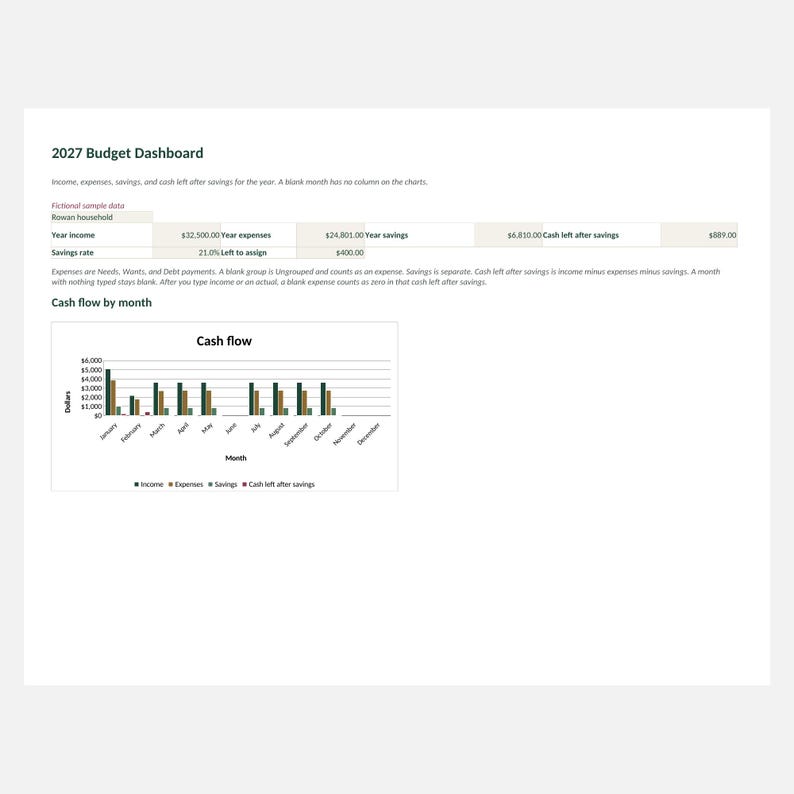
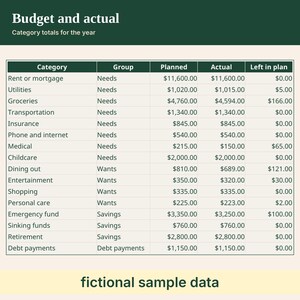
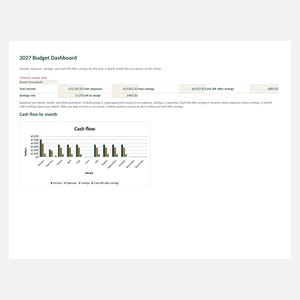
- Dashboard: year income, year expenses, year savings, and cash left after savings on one row, then savings rate and left to assign. A month table and a category table (planned, actual, and left in plan).
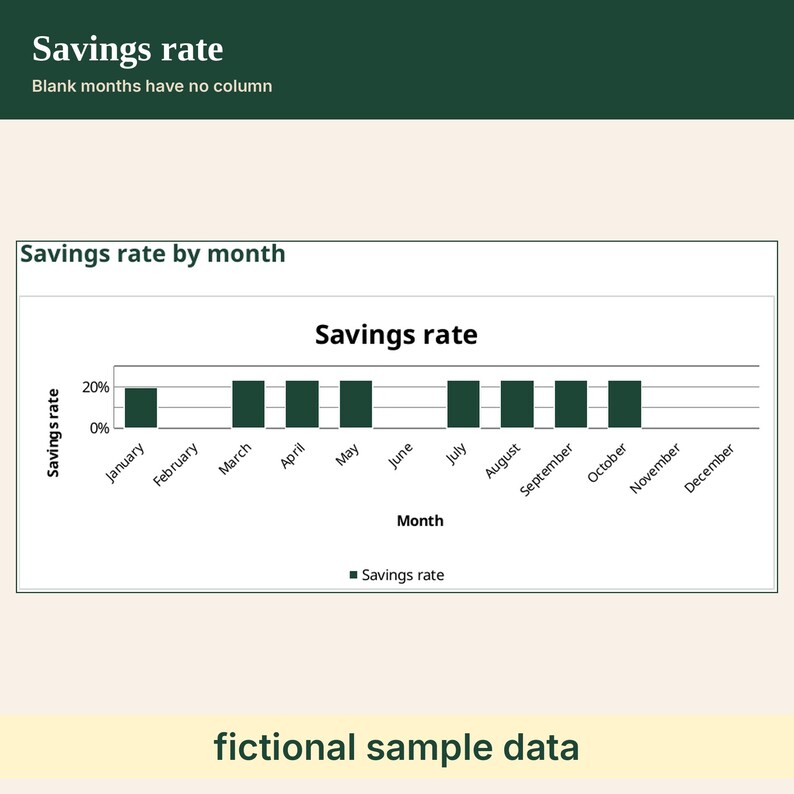
- Three charts: cash flow by month and savings rate by month are clustered columns with a month name under each column. Category budget versus actual is a clustered bar chart with the category names. A blank month has no column. It is not drawn as zero. The charts read the Chart data sheet, which stays visible.
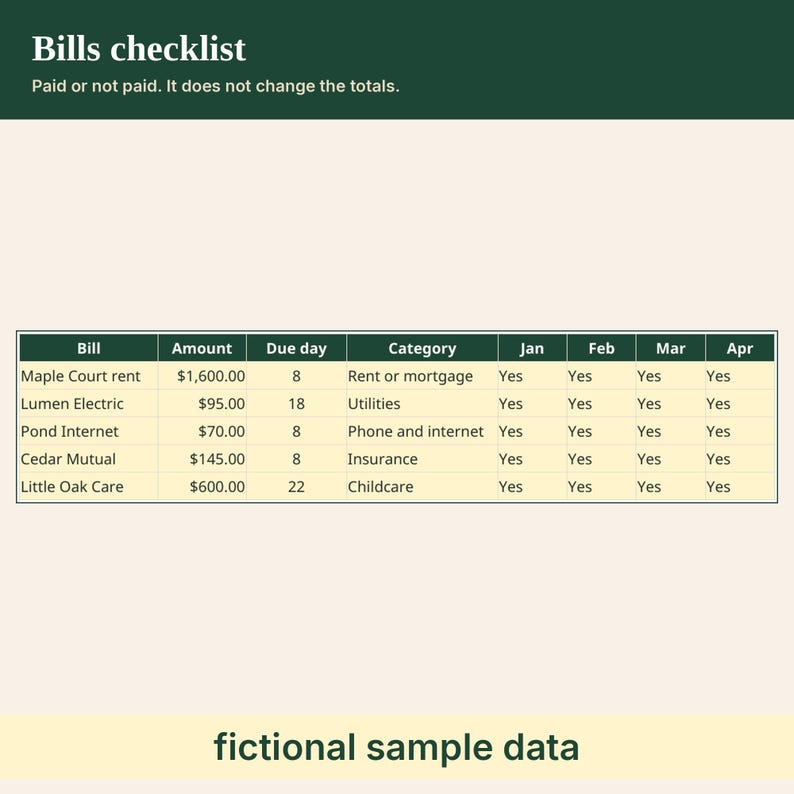
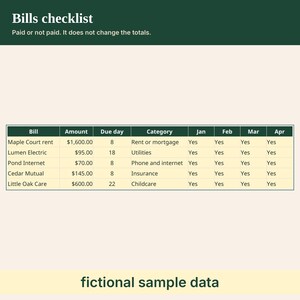
- Bills: up to 24 bills, with amount, due day, category, and a Yes cell for each month. A 25th row is flagged and left out. The checklist does not change the monthly totals.
- Debt payments is a budget line for an amount you plan to pay. The workbook does not compute interest or a payoff date.
- Yellow cells are the ones you type in. In Excel, grey cells are locked and there is no password. Excel blocks an edit to a grey cell until you use Review, then Unprotect Sheet. That is not a warning you can click through.
- Google Sheets does not keep that lock. Once the file is a Google Sheet, add a warning yourself, per sheet: Data, Protect sheets and ranges, Add a sheet or range, Sheet, Except certain cells (the yellow cells), Set permissions, Show a warning.
- Dates and amounts assume US settings: month/day/year, and currency with a dollar sign.
- The sample is fictional. Use the blank copy for your own numbers.
HOW IT WORKS
1. Download and unzip HM-BUDGET_All-files.zip.
2. Excel: open HM-BUDGET_BLANK.xlsx. If a bar says Protected View, choose Enable Editing. Type in the yellow cells.
3. Google Sheets on a computer: drive.google.com, New, File upload. Open the file. If Drive opened it as a Google Sheet, you are set. If it opens as an .xlsx in Office-compatibility mode, choose File, then Save as Google Sheets.
4. On Settings, type a household name if you want one. On a month tab, type each paycheck and assign it down that paycheck's column. Read Dashboard.
GOOD TO KNOW
- No macros.
- Made for Excel and Google Sheets. Apple Numbers has not been tested.
- Original spreadsheet. No clip art and no stock images.
- This is a digital download. Nothing will be shipped.
- Figures are the numbers you type. This is not financial or tax advice.
- Left in plan is planned minus actual. It is not a savings figure. The savings rate is savings divided by income on the numbers you type.
NEED HELP
Having trouble opening a file? Message the shop through Etsy and we will help.
LICENSE
For your own personal use. Please do not resell, share, or redistribute the files.
Do not use them to train AI models.
Created with AI tools.
Instant Download
Your files will be available to download once payment is confirmed. Here's how.
Instant download items don’t accept returns, exchanges or cancellations. Please contact the seller about any problems with your order.
Etsy Purchase Protection
Shop confidently on Etsy knowing if something goes wrong with an order, we've got your back for all eligible purchases —
see programme terms

More from this shop
Visit shop-
Digital download
Printable Cash Envelope System | Holiday and Monthly Cash Budget Workbook
CA$9.50
-
Digital download
2027 Net Worth Tracker Spreadsheet, Assets and Debts by Month
CA$9.48
-
Digital download
2027 Habit and Wellness Dashboard | Printable and Workbook
CA$10.96
-
Digital download
2027 Paycheck Planner Spreadsheet, Bills Matched to Each Paycheck
CA$8.75
Be the first to leave a review
-

Digital download
Paycheck to Paycheck Budget Planner
CA$14.59
-
Digital download
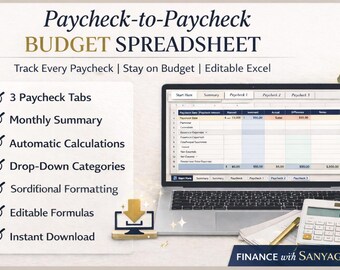
Paycheck to Paycheck Budget Spreadsheet | 3 Paycheck Budget | Planner | Monthly Budget & Expense Tracker | Instant Download
CA$13.00
-

Digital download
Paycheck to Paycheck Budget Template, Zero-Based Budget Printable, Editable PDF, Bi-Monthly Budget, Weekly Budget, Sizes 8.5" x 11", A4, A5
Sale Price CA$2.67
Original Price CA$9.54
-

Digital download
Paycheck Budget Spreadsheet, Budget by Paycheck Excel, Monthly Budget Spreadsheet, Paycheck Expense Tracker, Financial Planner
Sale Price CA$3.07
Original Price CA$8.76
-
Digital download
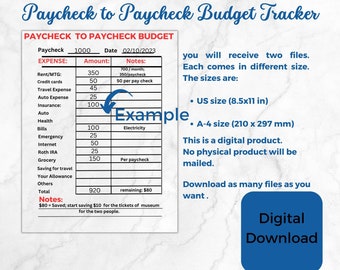
Budget by Paycheck, Paycheck to paycheck budget tracker, Budget Printable, Budget Planner, Budget Template A4 and US Letter printable
CA$5.84
-

Digital download
Ultimate Paycheck Budget Template Paycheck Budget Overview Template Bi weekly paycheck budget Sheet Paycheck planner book Google Sheet
CA$13.15
-

Digital download
Paycheck Budget | Paycheck Budget Template | Paycheck Budget Planner | Paycheck Budget Pdf | Paycheck Budget Printable
Sale Price CA$1.10
Original Price CA$4.38
-

Digital download
Ultimate Budget By Paycheck Google Sheets Spreadsheet Excel Monthly Budget Paycheck Budgeting Paycheck Expense Tracker Financial Planner
Sale Price CA$4.64
Original Price CA$9.27
-
Digital download
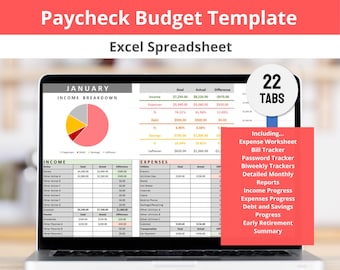
Paycheck to Paycheck Budget Excel Spreadsheet Template for Tracking Income, Expenses, Bills, Spending and Pay Periods (Digital Download)
CA$24.82
-

Digital download
Editable Paycheck Budget Planner Template Printable, Monthly Budget Template, Personal Budget, Paycheck Worksheet, Printable | Digital
Sale Price CA$2.67
Original Price CA$9.54
-

Digital download
Ultimate Budget By Paycheck Google Sheets Spreadsheet Excel Monthly Budget Paycheck Budgeting Paycheck Expense Tracker Financial Planner
Sale Price CA$4.64
Original Price CA$9.27
-
Digital download
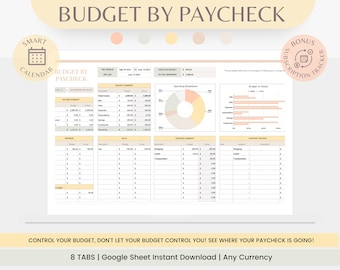
Budget Spreadsheet, Budget by Paycheck, Paycheck Budget,Budget Spreadsheet, Monthly Budget, Budget Tracker Google Sheet, Budget Tracker
CA$14.56
Shoppers with similar taste loved these
-
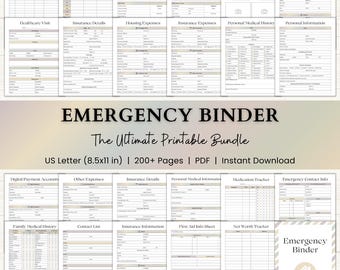
Digital download
Emergency Binder Printable | End of Life Planner | Household Family Survival Binder | In Case of Emergency Disaster Planner | PDF | Boho
Sale Price CA$14.24
Original Price CA$21.91
-
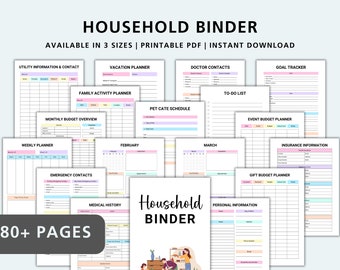
Digital download
Household Binder, Home Management Binder, Home Binder, Family Household Binder, Life Organizer, Household Planner Printable, Home Organizer
Sale Price CA$2.83
Original Price CA$8.11
-
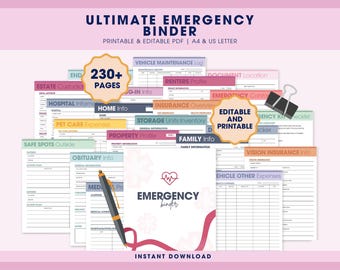
Digital download
Emergency Binder Planner Printable PDF, What If Binder Bundle, Just In Case of Emergency Digital Organizer, End of Life Planner
Sale Price CA$18.45
Original Price CA$36.90
-
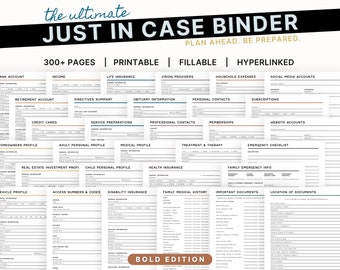
Digital download
The Ultimate Just In Case Binder: An Emergency and End of Life Planner
CA$36.52
-
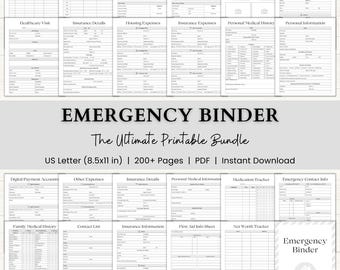
Digital download
Emergency Binder Printable | In Case of Emergency Planner | Family Household Survival Binder | End of Life Planner | Death Binder PDF | Gray
Sale Price CA$14.24
Original Price CA$21.91
-
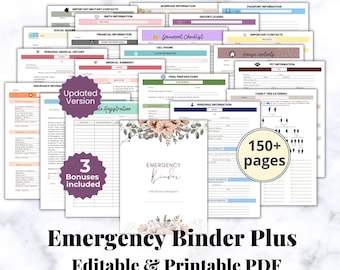
Digital download
EDITABLE Emergency Binder Plus, Family Binder, Life Planner, Emergency Planner Plus, "What If" Binder, Military Binder,Fillable Editable PDF
Sale Price CA$13.79
Original Price CA$45.95
-
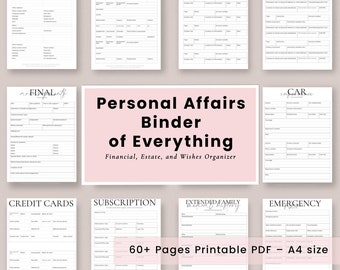
Digital download
Emergency Printable Organizer Binder, End of Life Legacy Planner, Minimalist What if Planner, Organizing Important Documents, Death Binder,
CA$20.99
-
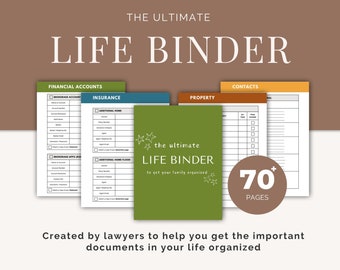
Digital download
Important Family Document Organizer | Busy Mom Binder | Ultimate Life Binder | In Case of Emergency Binder | Household Binder
CA$39.44
-
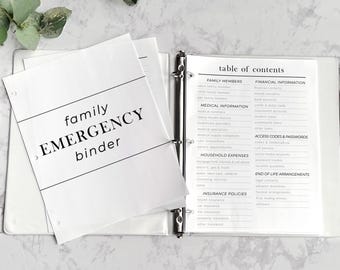
Digital download
Printable Home Management Binder for Important Documents | Family Emergency Binder | Just in Case | Household Binder | Life Organizer
CA$10.21
-
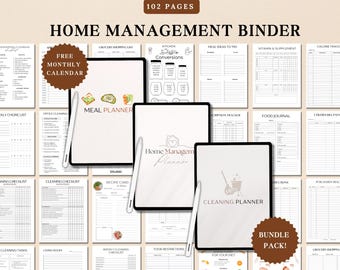
Digital download
Home Management Binder, Household Planner BUNDLE, Cleaning Schedule, ADHD planner,Meal Planner,Life Binder,Cleaning Checklist,Medical binder
Sale Price CA$11.67
Original Price CA$23.36
-
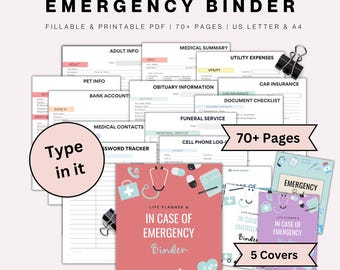
Digital download
Fillable Emergency Binder Printable End of Life Planner Just in Case Binder, Emergency Planner, Family Planner, Life Binder Household Binder
Sale Price CA$16.08
Original Price CA$45.95
-
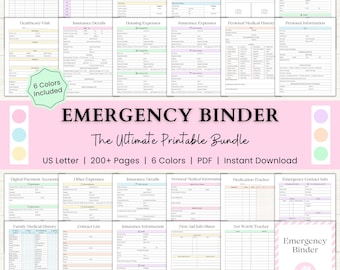
Digital download
Emergency Binder Printable | End of Life Planner | Household Survival Binder | Family Emergency Planner | What If Binder | PDF | 6 Colors
Sale Price CA$14.24
Original Price CA$21.91


