




Firework Sub Goal Widget for Twitch & StreamElements | New Year Countdown | Launchlings
Item highlights
Shop review
All reviews are from verified buyers. This review is shown automatically based on factors like recency, whether it includes comments, your chosen language, and whether the rating reflects the typical experience with the shop.
“10/10 SUPPORT ON THIS BUY FIRST and what a great add on to my stream for spooky season! My caht loved it”

Etsy buyer
17 days ago
Price:CA$24.99
You can only make an offer when buying a single item.
Delivery
Instant download
Your files will be available to download once payment is confirmed. Here's how.
Instant download items don't accept returns, exchanges or cancellations. Please contact the seller about any problems with your order.
Seller's description
Specifications
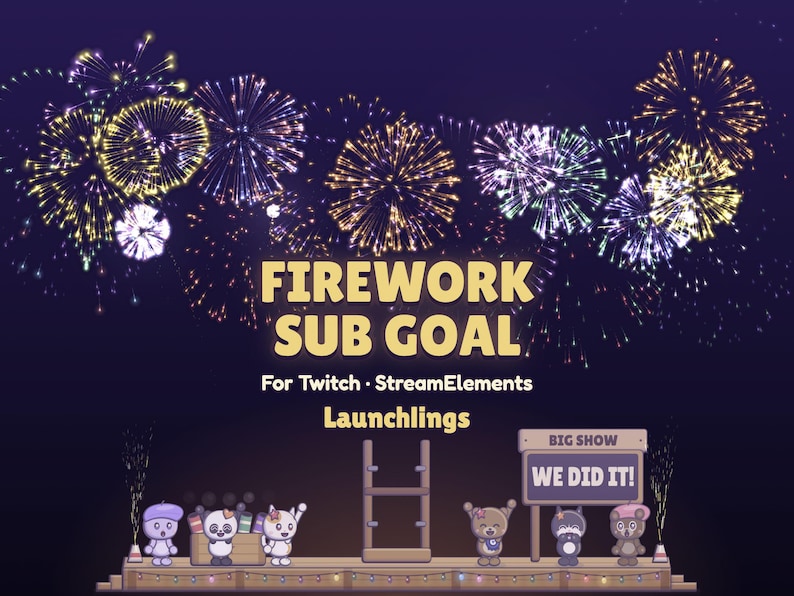
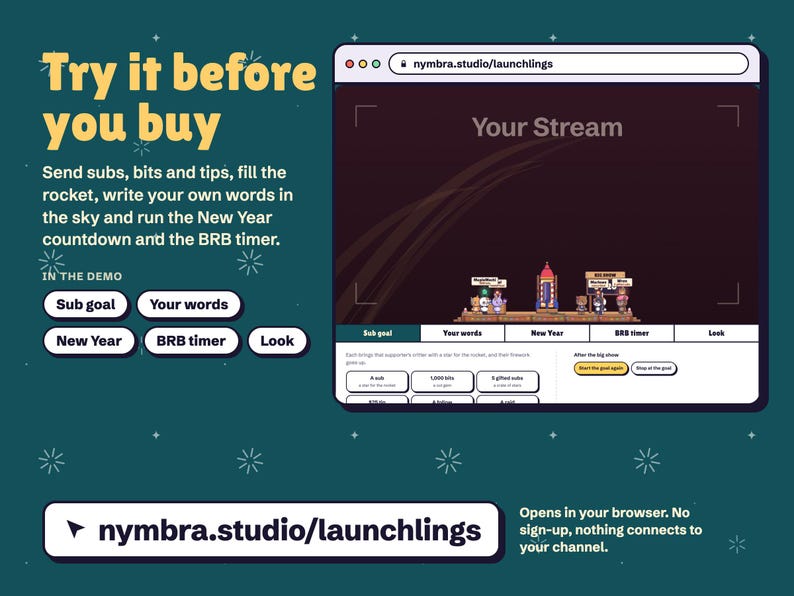
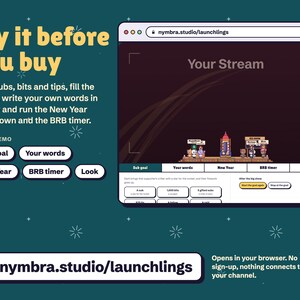
TRY IT FIRST: play with the live demo at nymbra.studio/launchlings. Fill the rocket, write words in fireworks and try both timers. No sign-up, nothing connects to your channel.
A firework sub goal, New Year countdown and starting soon or BRB timer for Twitch. Installs in about 5 minutes with the START HERE guide, no coding. Bought on your phone? Download from your Etsy purchases on a computer; installing needs one.
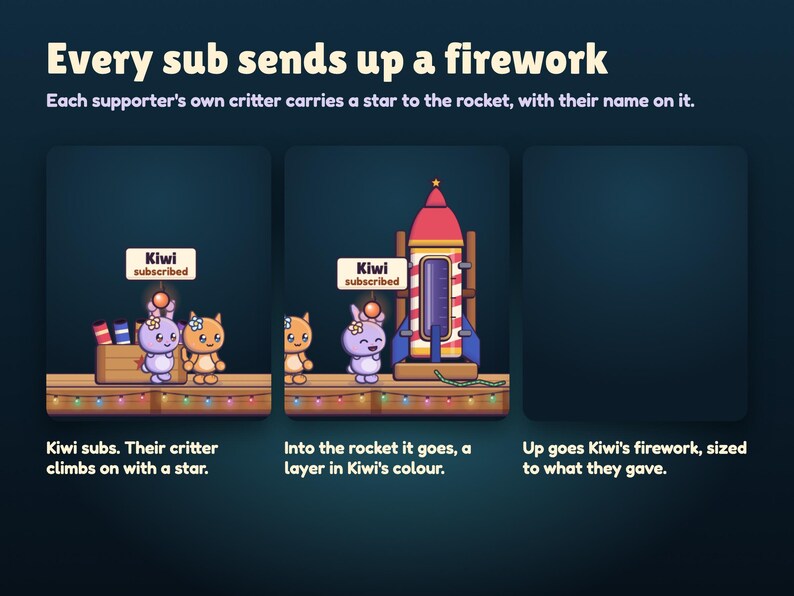
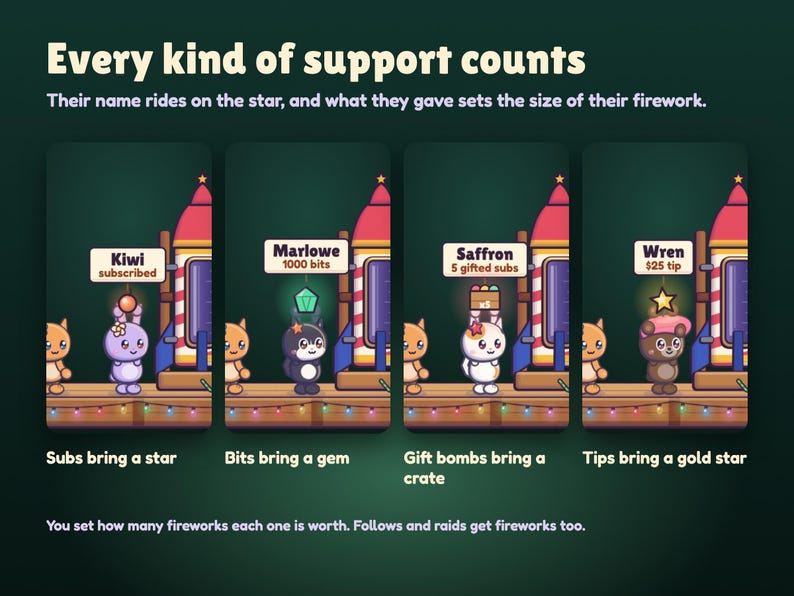
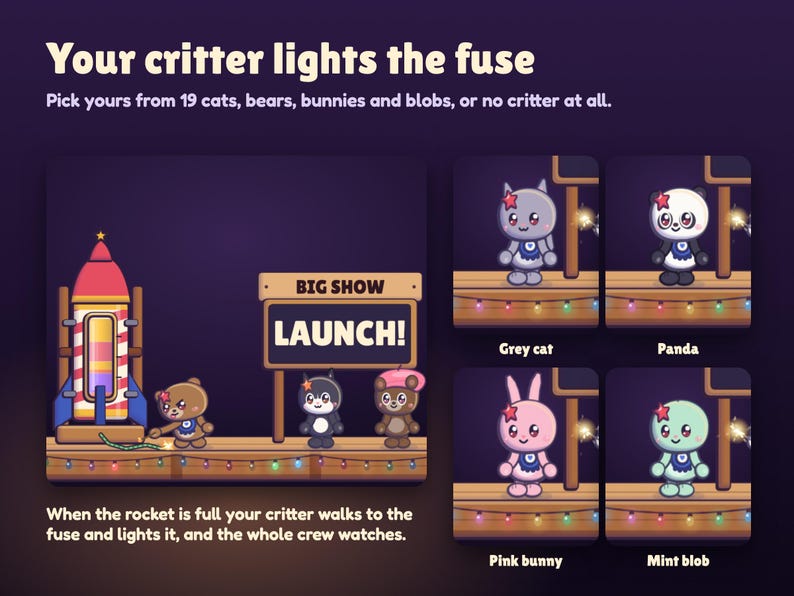
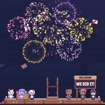
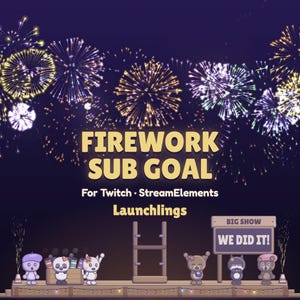
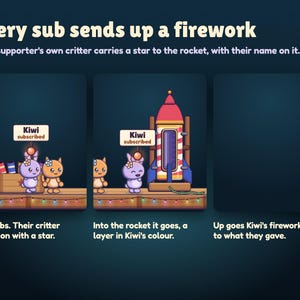
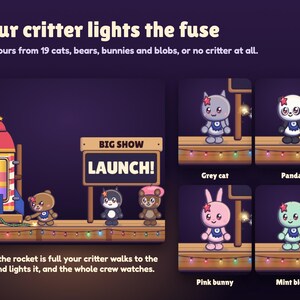
Your supporters build the fireworks. Every sub, gift, bits or tip brings that viewer's own little critter up onto a launch deck at the bottom of your stream, carrying a firework star with their name on it. It throws the star into a big candy-striped rocket and their own firework goes up. When the rocket is full, your critter lights the fuse and the rocket launches into a big firework show that writes your own words across the sky in sparks.
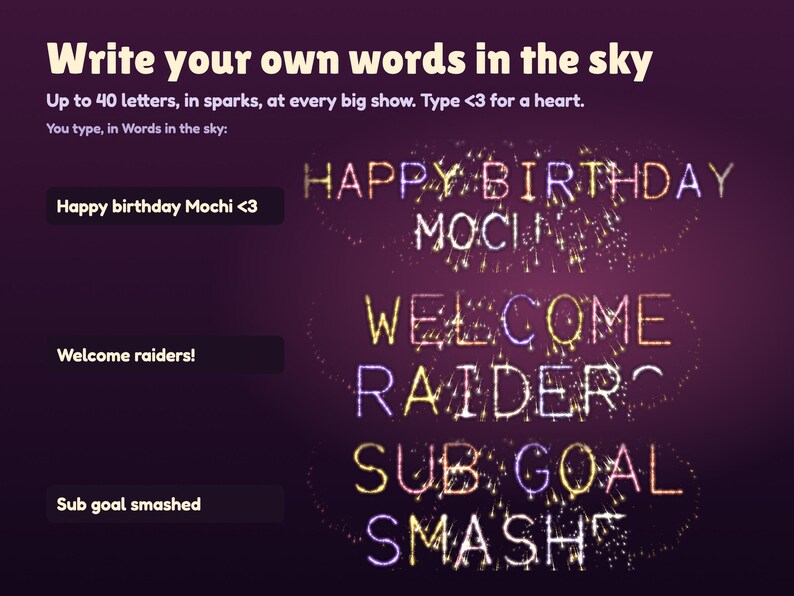
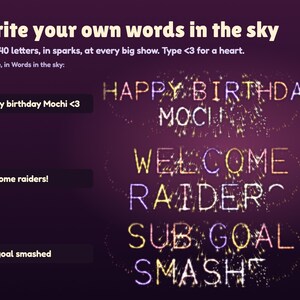
YOUR WORDS IN THE SKY
• Type anything up to 40 letters: THANK YOU, WE DID IT, HAPPY BIRTHDAY MOCHI, WELCOME RAIDERS, your goal's name. It's written letter by letter in fireworks, one colour per letter, and <3 draws a heart.
• The sign on the deck says your words too, and its header is yours to write: Big show, Sub goal, Starting in, Back in.
THE GOAL
• Subs and gifted subs, bits and tips each count at your own rate (to start: 1 firework per sub, per 100 bits and per $5 tip). Set any of them to 0 to leave it out. A Tier 2 sub counts twice, Tier 3 five times, and a gift bomb counts once, from the gifter.
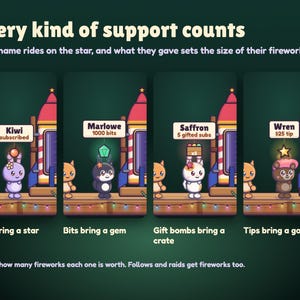
• Each supporter brings their own critter with a star in their colour, a gem for bits, a crate for a gift bomb or a gold star for a tip, and their name on a card. The star lands as a layer of their colour in the rocket's window.
• Their firework is sized to what they gave: a sub one shell, a gift bomb a volley, big bits a chrysanthemum, a big tip a gold crown. Follows get a small burst; raids get a volley and the fountains.
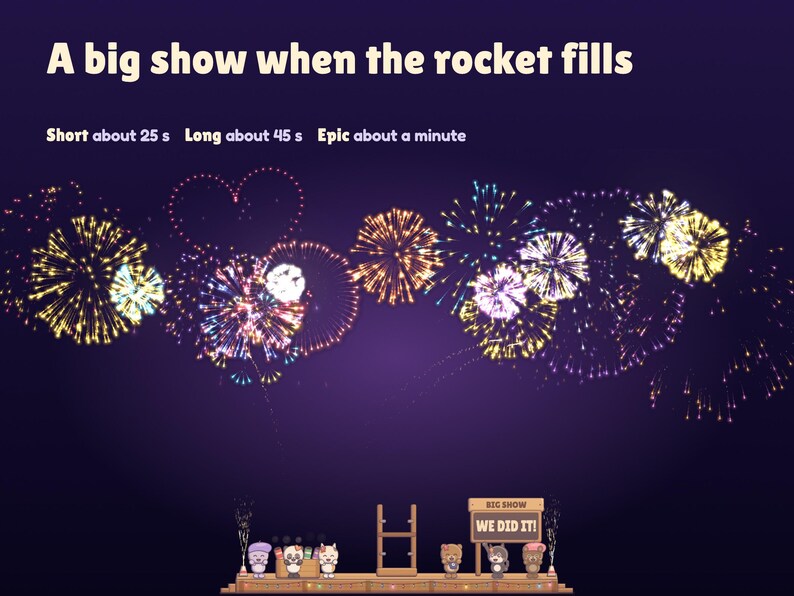
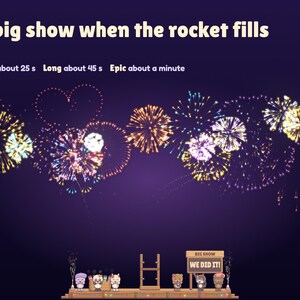
• At your target, your critter lights the fuse and the rocket climbs, stalls, and bursts apart into its own pieces while every supporter's colour shoots out of it. Then the big show goes up: Short (about 25 seconds), Long (about 45) or Epic (about a minute), ending in gold crowns tipped in your supporters' colours.
• After the show, your choice: a new rocket and a new goal (extra fireworks carry over), keep the full rocket and keep counting, or hide the whole deck until you press Reset.
• The count, the rocket and the supporters on the deck are saved in your StreamElements account, so they come back next stream. Test alerts never count.
THE NEW YEAR COUNTDOWN
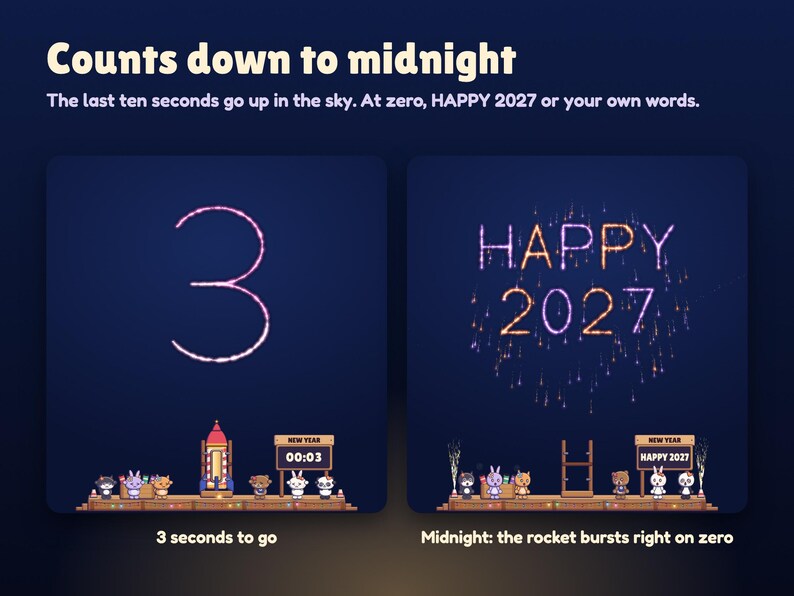
• Leave the date blank and it counts to the next New Year at midnight, your computer's time. Or type a date and time (2027-01-01 00:00) or a time (23:30) for any other event.
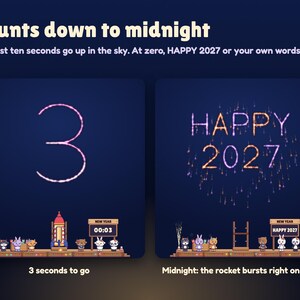
• The sign counts down, the crew gathers for the last 20 seconds, the last ten seconds are written in the sky, and the rocket bursts right on zero with HAPPY 2027 or your words.
STARTING SOON AND BRB
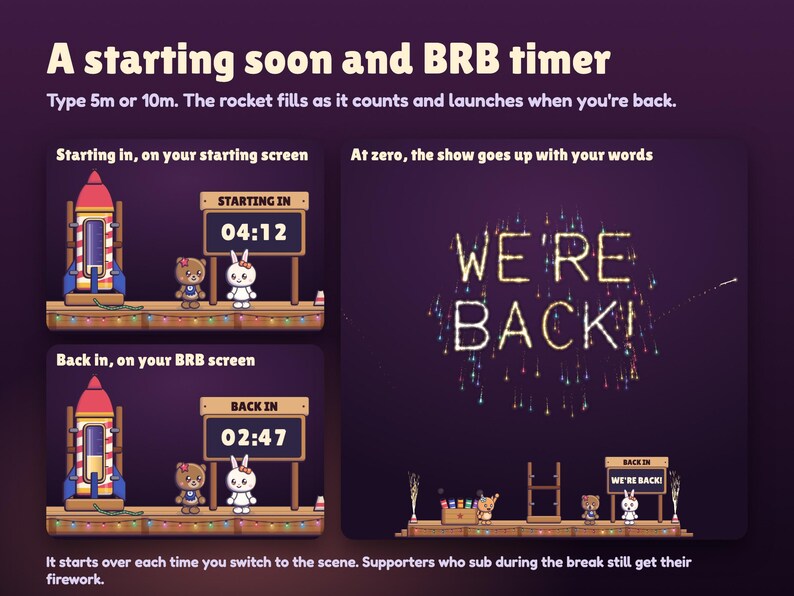
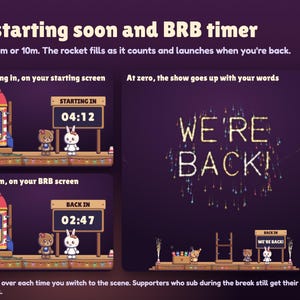
• Pick the break timer and type a length like 5m or 10m. The sign says Back in or Starting in, the rocket fills with gold as it counts, and at zero it launches with WE'RE BACK! or your words.
• Add a second copy to your BRB scene and it starts over every time you switch to that scene. It shows the same supporters as your goal and never changes the count. Supporters who sub during your break still get their firework.
MAKE IT YOURS
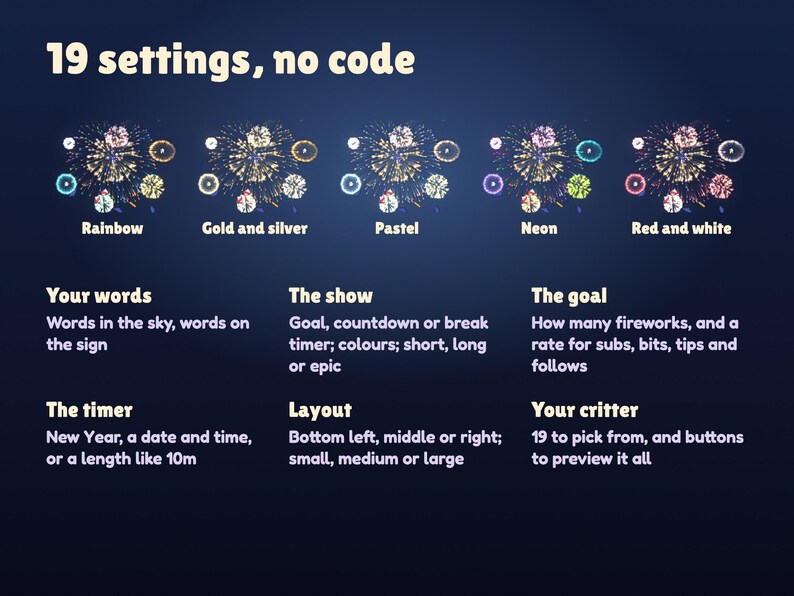
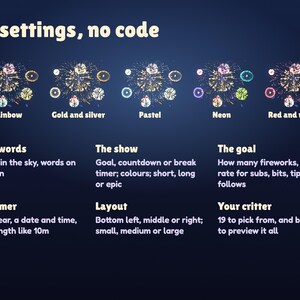
19 settings, in plain words, in the widget's settings panel:
• Your words in the sky and on the sign
• What sets off the show: a goal, a countdown or a break timer
• Five firework colour sets: rainbow, gold and silver, pastel, neon, or red and white
• Big show length: short, long or epic, and what happens after it
• The deck at the bottom left, middle or right, small, medium or large
• Your critter that lights the fuse: 19 cats, bears, bunnies and blobs, or none
• Graphics: Full, or Light for an older computer
• Buttons to preview a supporter and the big show before you go live
SETUP AND DOWNLOAD
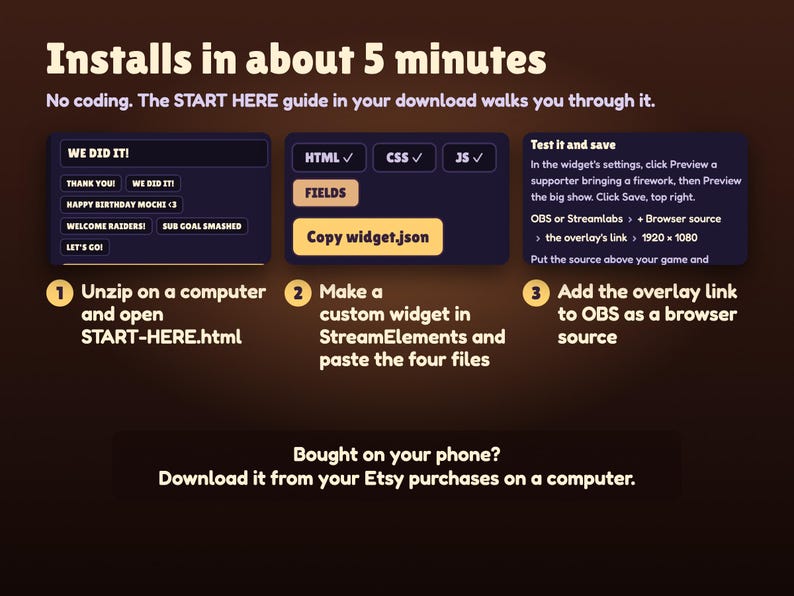
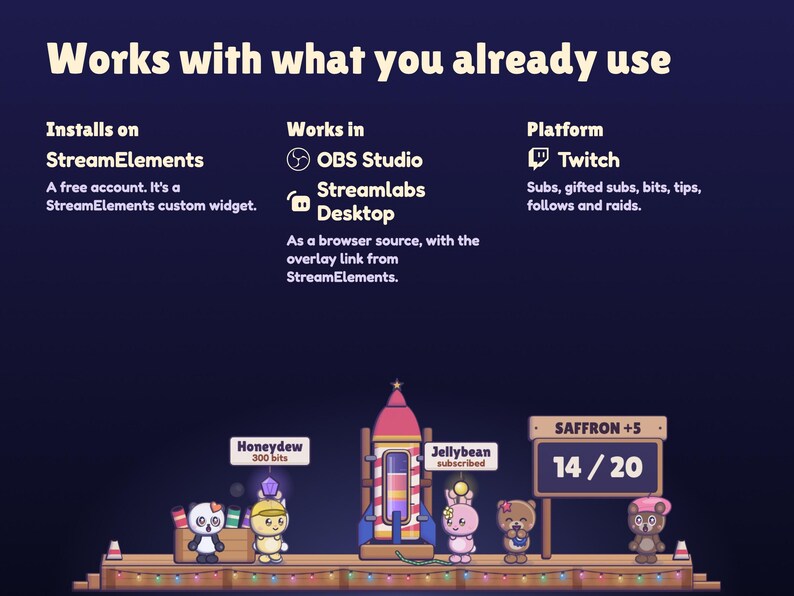
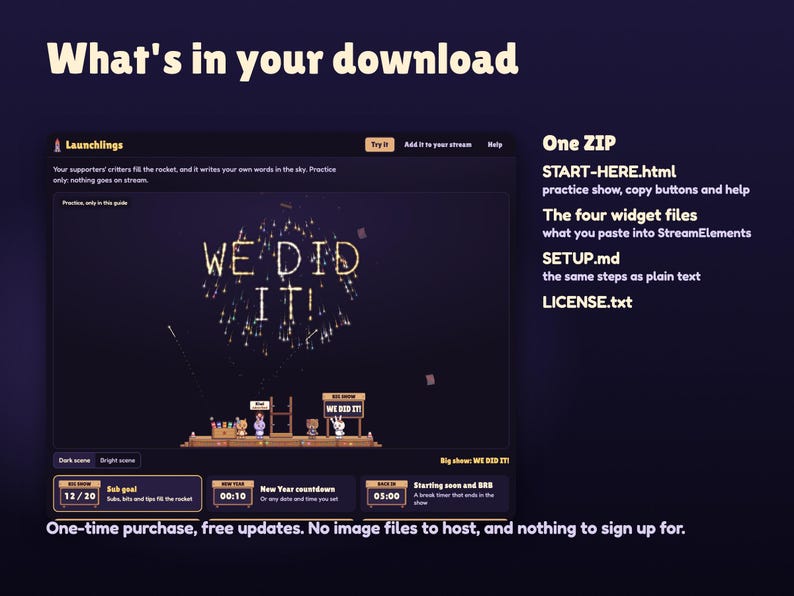
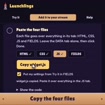
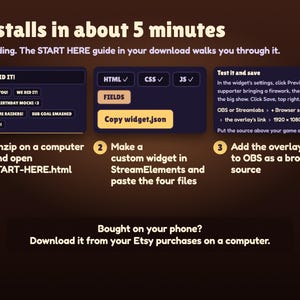
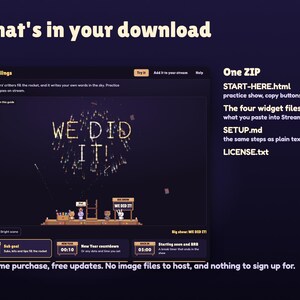
Unzip the download on your computer and open START-HERE.html first. Its practice launch deck runs the real widget: send support, fill the rocket, write your words in the sky and try both countdowns, then pick your settings there. Its copy buttons paste HTML, CSS, JS and FIELDS into a StreamElements custom widget; size it to the whole 1920 × 1080 screen and add the overlay link to OBS or Streamlabs as a browser source. About 5 minutes in all, and no coding needed.
Your ZIP includes START-HERE.html, widget.html, widget.css, widget.js, widget.json, SETUP.md and LICENSE.txt. One-time purchase, no subscription, free updates.
WHAT YOU NEED
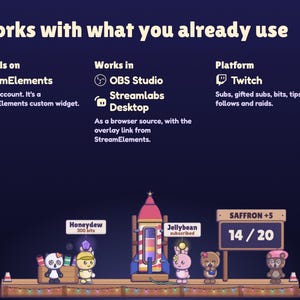
A free StreamElements account and OBS Studio, Streamlabs Desktop or any streaming software with browser sources. Works with Twitch: subs, gifted subs, bits, tips, follows and raids.
GOOD TO KNOW
• No sound. Launchlings is silent, so it never talks over your game or music.
• Tips count when they come through StreamElements tipping.
• The New Year countdown follows your computer's clock.
• Colours vary a little between monitors.
FAQ
Can I change the words in the sky?
Yes, in the widget's settings, up to 40 letters. Long messages split onto two lines on their own; type | to choose where.
Can I use the goal and a countdown at the same time?
Use two copies: your goal on your main scene and a second copy set to the countdown or the break timer. The second copy shows the same supporters on its deck and never changes your goal.
Will it cover my game?
The deck sits low on the bottom edge in three sizes, and everything above it stays see-through until fireworks go up.
Will it slow down my PC?
Graphics Light keeps about half the sparks for older computers.
The listing shows the real widget with example names. Abstract listing backgrounds are not part of the overlay. This is a digital download licensed to one streamer and their channels; please do not share or resell the files.
Also from Nymbra Studio: Seatlings, where the same critters take a seat at the movies with your chat.
Need help? Message me through Etsy with your StreamElements username and a screenshot of the widget settings. I'll help you get it running and usually answer within a day.
-
Item typeDigital download
-
Digital file type(s)1 ZIP
If something goes wrong with an order, we've got your back on all eligible purchases. View programme terms
Meet your seller

More from this shop
-
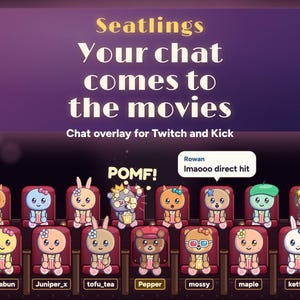
Digital download
Interactive Twitch Overlay | Movie Theater Chat Audience for StreamElements & Kick | Cute Critters, Popcorn Fights, Sub Goal | Seatlings
CA$29.99
-
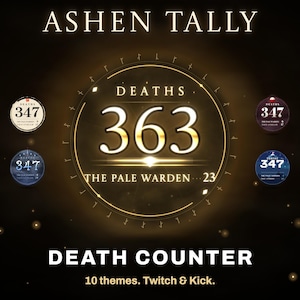
Digital download
Animated Death Counter Widget for Twitch & Kick | Boss Death Tracker for StreamElements and OBS, 10 Themes | Ashen Tally (Digital Download)
CA$19.99
-
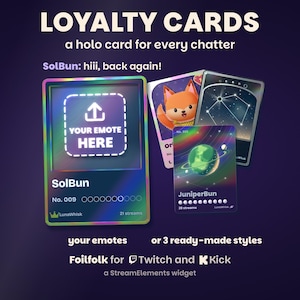
Digital download
Custom Loyalty Card Widget for Twitch and Kick | Your Emotes or 3 Ready-Made Styles | Holographic Trading Cards | StreamElements | Foilfolk
CA$19.99
-
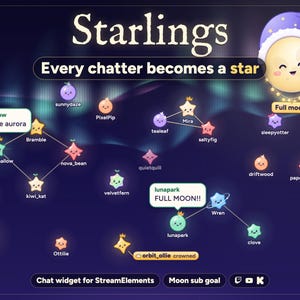
Digital download
Interactive Star Chat Overlay and Moon Goal Widget for Twitch, Kick and YouTube | StreamElements | Starlings (Digital Download)
CA$26.99
-
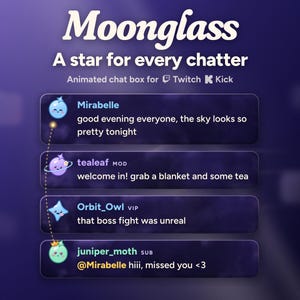
Digital download
Animated Chat Box Widget for Twitch and Kick | Cute Celestial StreamElements Chat Overlay with Alerts | Moonglass (Digital Download)
CA$19.99
-
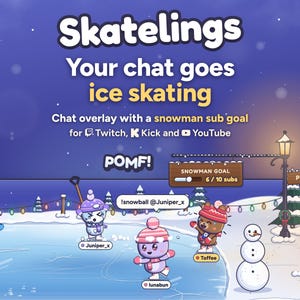
Digital download
Cozy Winter Ice Skating Chat Overlay & Snowman Sub Goal Widget for Twitch, Kick, YouTube | StreamElements | Streamlabs (Digital Download)
CA$27.99