

PTO Treasurer Spreadsheet and PTA Budget, Monthly Report, Bank Reconciliation, Google Sheets and Excel
Price:$14.99
Here's what's eligible:
- Your order doesn't match the item description or photos
- Your item arrived damaged
- Your item arrived after the estimated arrival window
- Your item didn't arrive or was lost in the mail
You can only make an offer when buying a single item
Highlights
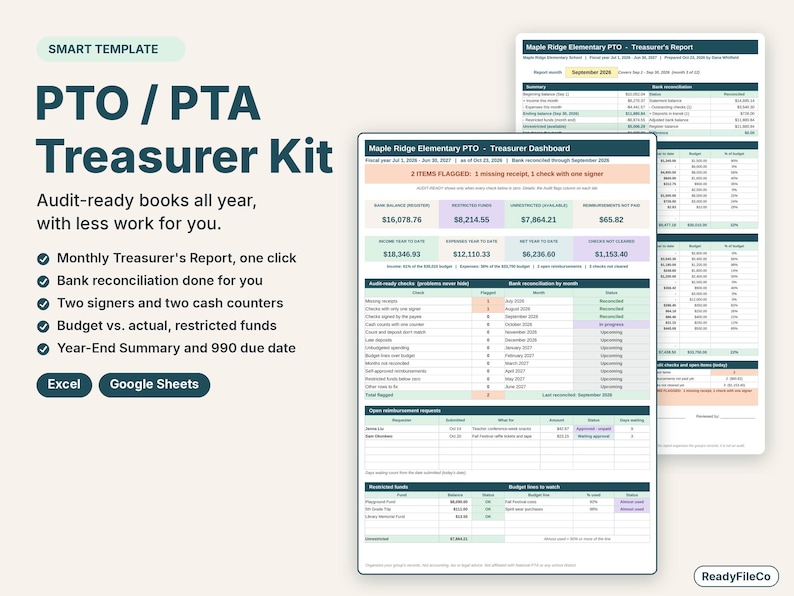
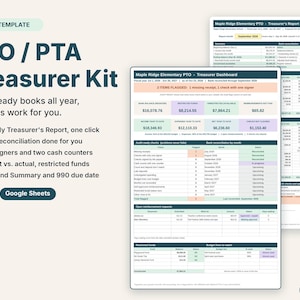
A PTO and PTA treasurer spreadsheet that keeps your parent group's books audit-ready all year, with a monthly treasurer's report, bank reconciliation, two-person cash counts and a member-approved budget - in Google Sheets and Excel.
Made for the volunteer treasurer of a PTO, PTA, PTSA, booster club, home and school association or any parent group. Log each deposit and check once; the monthly report, reconciliation, budget, restricted funds and year-end summary fill themselves in. Most treasurer templates are a blank ledger and a report form you fill in by hand. This one does the math and checks the books for you.
WHAT IT DOES FOR YOU
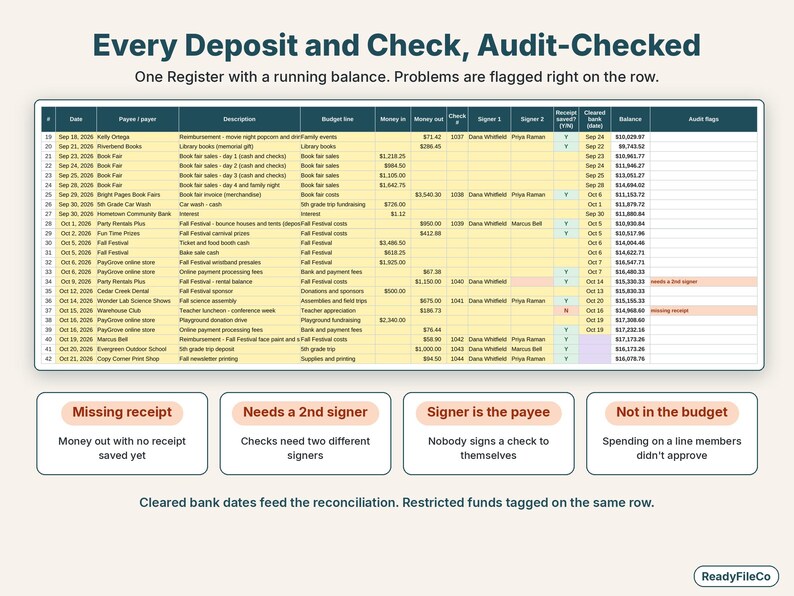
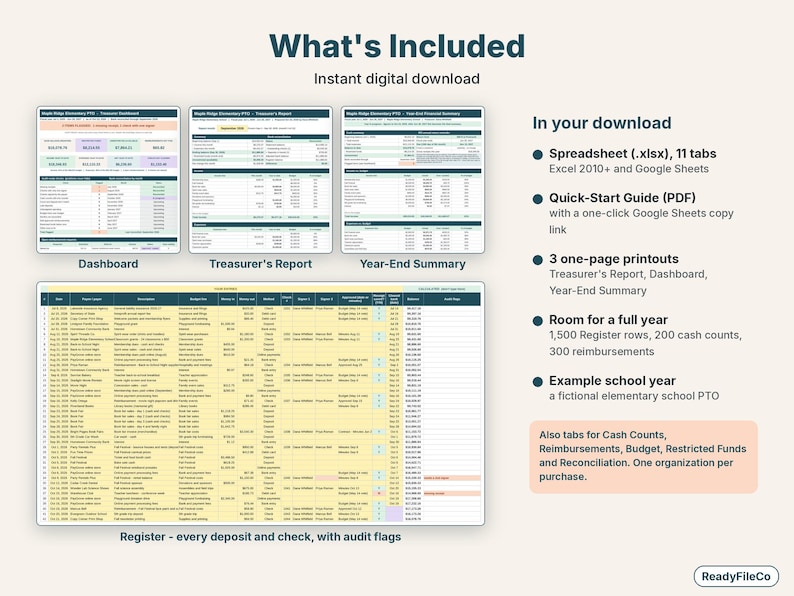
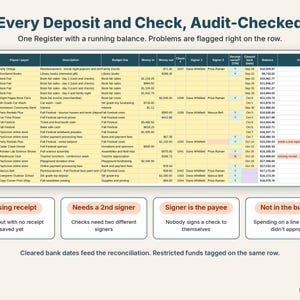
- Register: one row per deposit, check or electronic payment, with a running balance, budget line, check number, two signers, approval (date or meeting minutes), receipt saved and the date it cleared the bank.
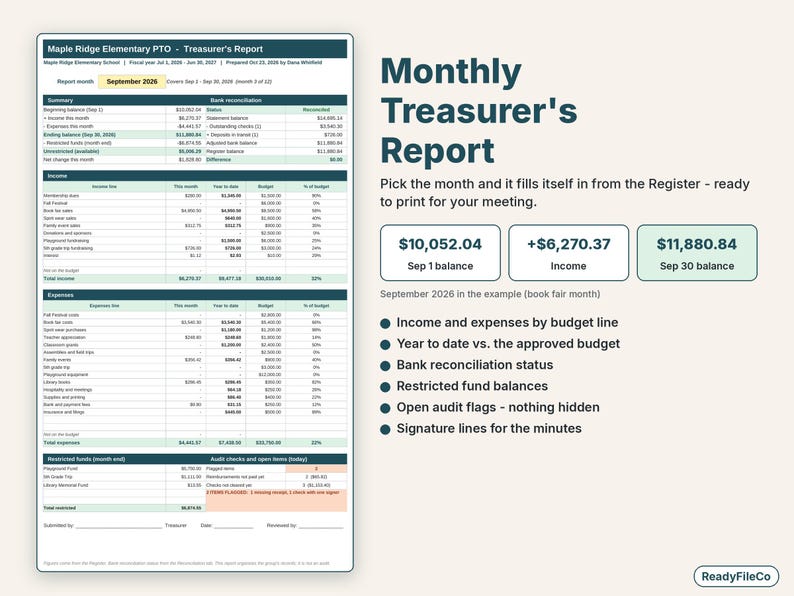
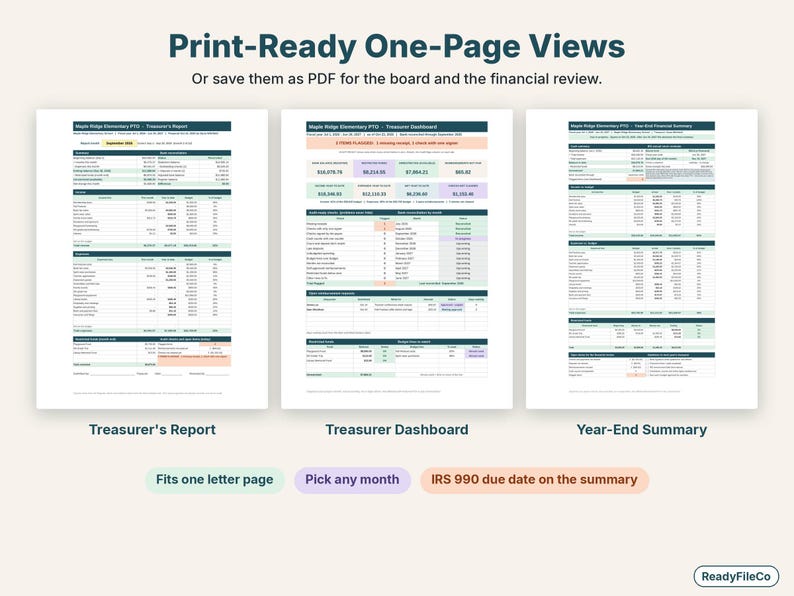
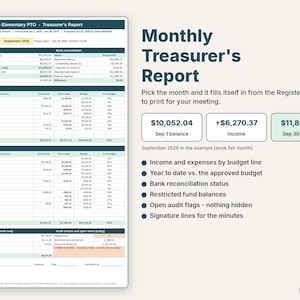
- Monthly Treasurer's Report (one printable page): pick the month - beginning balance, income and expenses by budget line, ending balance, year to date vs. budget, restricted fund balances, reconciliation status, open flags and signature lines for the minutes.
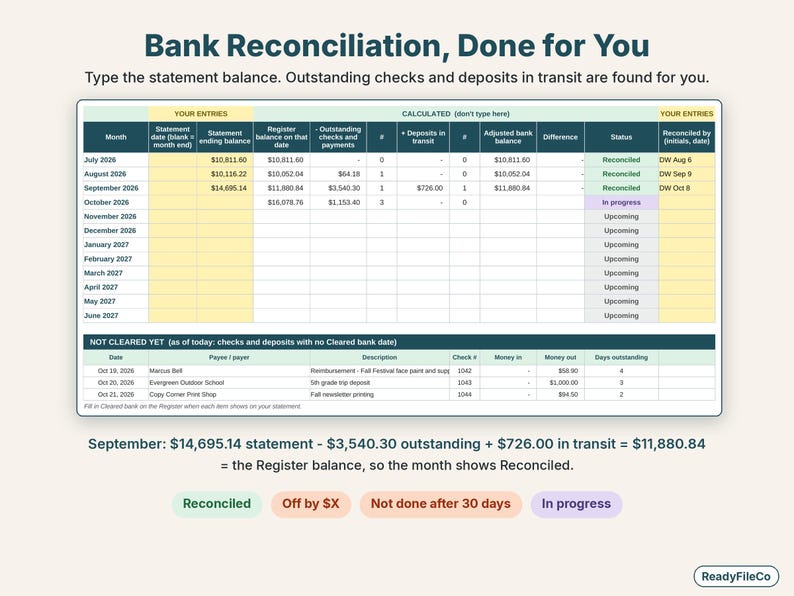
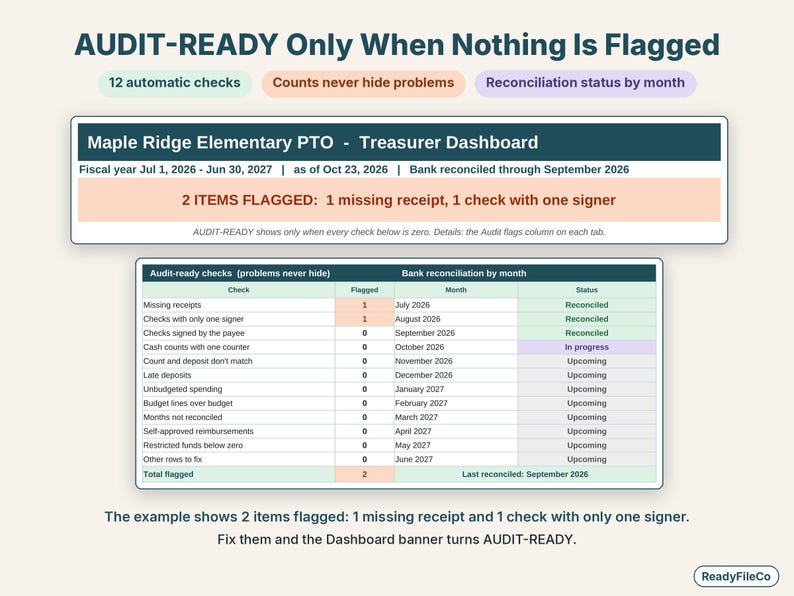
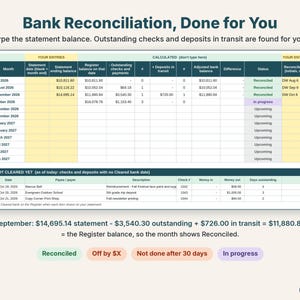
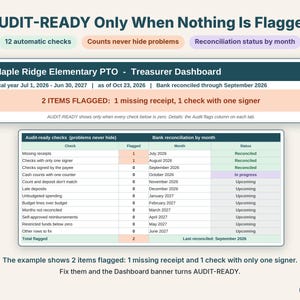
- Bank reconciliation by month: type the statement ending balance; outstanding checks and deposits in transit are found from the cleared dates. Each month shows Reconciled, Off by $X, In progress or Not done.
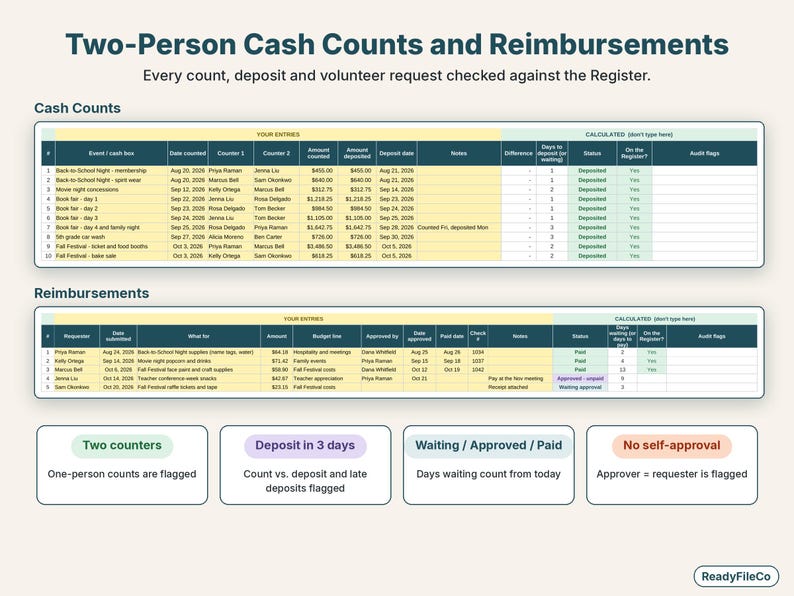
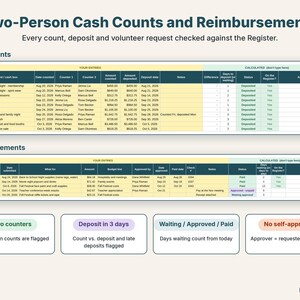
- Two-person cash counts: two counters, amount counted vs. deposited, and days to deposit against your limit (e.g. 3 days). Each counted deposit is matched to the Register, so nothing is counted twice.
- Budget vs. actual: the budget your members approved plus amendments, actual year to date, remaining and % used, with Over budget and Unbudgeted spending flags.
- Reimbursements: Waiting approval, Approved - unpaid or Paid, with days waiting (uses today's date). A request approved by the same person who asked for the money is flagged.
- Restricted funds: playground fund, 5th grade trip and other earmarked money tracked separately, plus restricted vs. unrestricted cash.
- Audit-ready checks: missing receipts, checks with one signer, checks signed by the payee, one-person cash counts, count vs. deposit differences, late deposits, unbudgeted and over-budget spending, months not reconciled, self-approved reimbursements and restricted funds below zero. The Dashboard says AUDIT-READY only when nothing is flagged.
PRINT-READY ONE-PAGE VIEWS
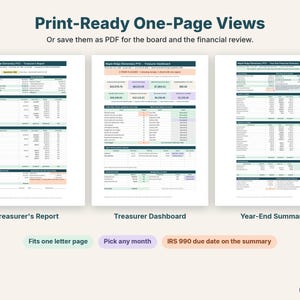
- Treasurer's Report for every meeting (pick any month of the fiscal year).
- Treasurer Dashboard: bank balance, restricted and unrestricted cash, income and expenses year to date, audit checks, reconciliation by month, open reimbursements.
- Year-End Summary for the financial review or audit committee and the incoming treasurer: income and expenses vs. budget, beginning and ending balance, restricted funds, open items, a handover checklist, and your IRS annual return form with its due date (the 15th day of the 5th month after your fiscal year ends - general information; check with your state or national organization and the IRS).
WHAT'S INCLUDED
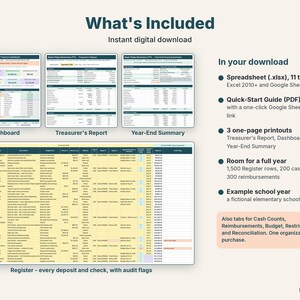
- ReadyFileCo-PTO-PTA-Treasurer-Kit.xlsx with 11 tabs: Start Here, Settings, Register, Cash Counts, Reimbursements, Budget, Funds, Reconciliation, Treasurer Report, Dashboard, Year-End Summary
- Quick-Start Guide (PDF) with a one-click "Make my copy in Google Sheets" link
- Example data for a fictional elementary school PTO (fiscal year July 2026 - June 2027) so you can see how it works, plus easy steps to clear it
- Room for 1,500 transactions, 200 cash counts, 300 reimbursement requests, 60 budget lines and 12 restricted funds
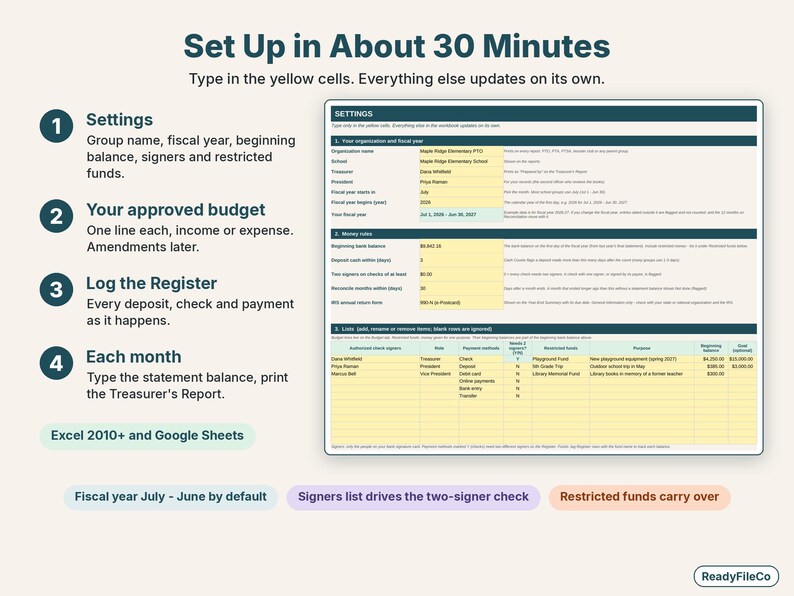
- Any fiscal year: pick the start month (July - June by default)
EASY SETUP (ABOUT 30 MINUTES)
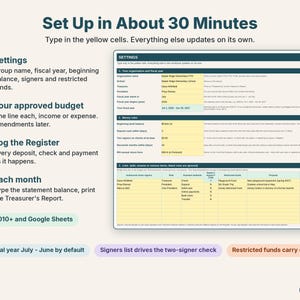
1. Settings: group name, fiscal year, beginning bank balance, signers and restricted funds.
2. Type your approved budget.
3. Log deposits and checks on the Register as they happen; each month, type the bank statement balance and print the report.
WORKS IN
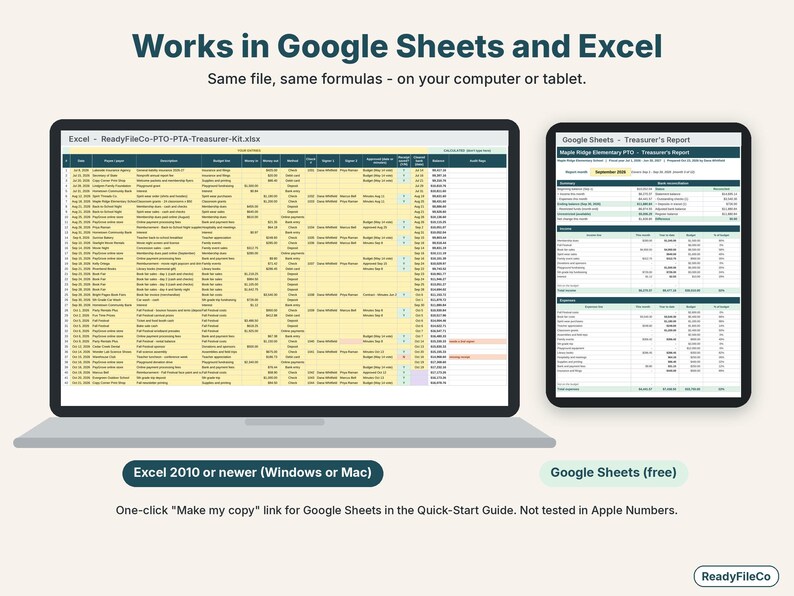
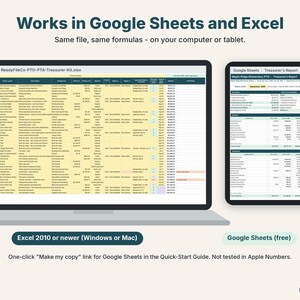
- Microsoft Excel 2010 or newer (Windows or Mac)
- Google Sheets (free): use the link in the guide, or upload the file and choose File > Save as Google Sheets
- Not tested in Apple Numbers
PLEASE NOTE
- This spreadsheet organizes your group's records. It is not accounting, tax or legal advice, and it is not an audit.
- Not affiliated with National PTA or any school district.
- This is a digital download. Nothing will be shipped. You'll get a .zip file (spreadsheet and guide) and a separate Quick-Start Guide PDF.
- License: for use by one organization per purchase. Please don't resell or share the file.
- Colors on your screen may vary slightly from the listing images.
- This template was designed by ReadyFileCo with the help of AI tools.
★ MANAGING A SPORTS TEAM TOO?
The Youth Sports Team Treasurer tracks every player's balance, splits team costs to the penny and prints family statements: https://www.etsy.com/listing/4602063762/team-treasurer-spreadsheet-and-youth
Questions? Message ReadyFileCo on Etsy. I'm happy to help.
Instant Download
Your files will be available to download once payment is confirmed. Here's how.
Instant download items don’t accept returns, exchanges or cancellations. Please contact the seller about any problems with your order.
Etsy Purchase Protection
Shop confidently on Etsy knowing if something goes wrong with an order, we've got your back for all eligible purchases —
see program terms


More from this shop
Visit shop-
Digital download
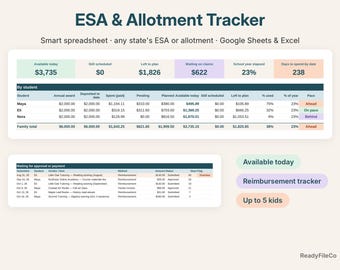
ESA and Allotment Tracker Spreadsheet for Homeschool Reimbursements, Google Sheets and Excel
$12.99
-
Digital download
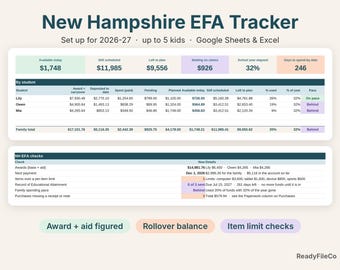
New Hampshire EFA Tracker Spreadsheet, Education Freedom Account Homeschool Budget, Google Sheets and Excel
$12.99
-
Digital download
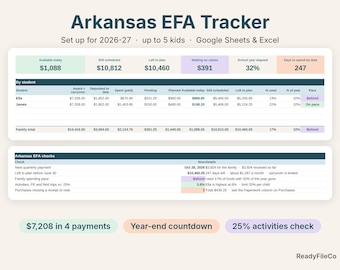
Arkansas EFA Tracker Spreadsheet, Education Freedom Account Homeschool Budget, Google Sheets and Excel
$12.99
-
Digital download
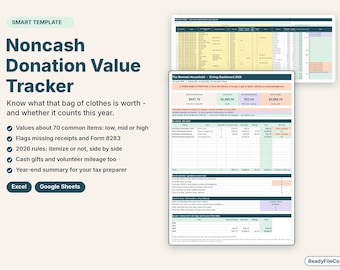
Charitable Donation Tracker Spreadsheet, Noncash Value Guide, Tax Receipts Log, Google Sheets and Excel
$6.99
Be the first to leave a review
-
Digital download
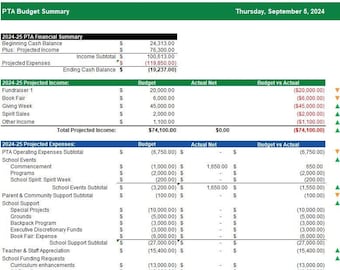
PTA Budget Template | Excel Financial Spreadsheet for PTO Treasurers
$10.00
-

Digital download
PTA Monthly Treasurer's Report and Actuals vs. Budget Tracking
$10.00
-
Digital download
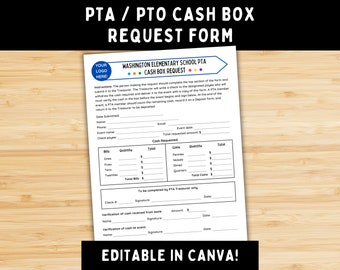
PTA / PTO Cash Box Request Form - Customizable Canva Template for Fundraisers and School Events
Sale Price $5.00
Original Price $10.00
-
Digital download
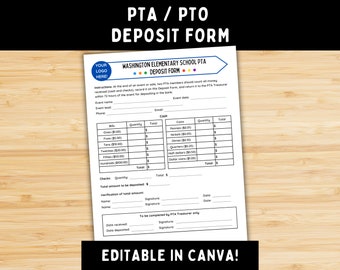
PTA / PTO Deposit Form - Customizable Canva Template for Cash Deposits - School Fundraisers and Events Treasurer Tool
Sale Price $5.00
Original Price $10.00
-

Digital download
PTO/PTA Treasurer Forms, Instant Download PDF's, Itemized Deposit Form, Cash Box Worksheet.
$10.00
-
Digital download
PTO Treasurer Forms Starter Pack
$5.00
-
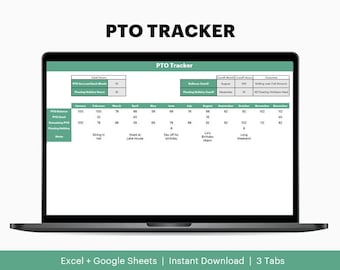
Digital download
PTO Tracker (Google Sheets and Excel)
$10.00
-
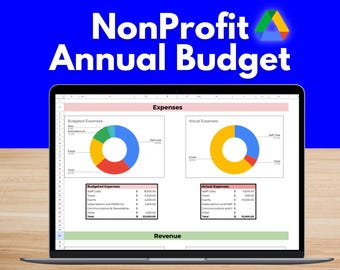
Digital download
NonProfit Budget Tracker - Google Docs template for annual fundraising revenue and expenses
$19.99
-
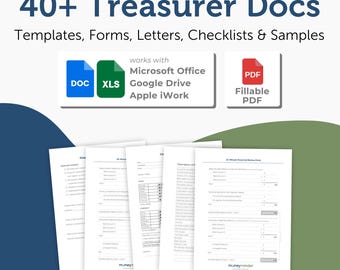
Digital download
40+ Treasurer Templates, Forms, Spreadsheets, Letters, Checklists and Samples
$19.95
-
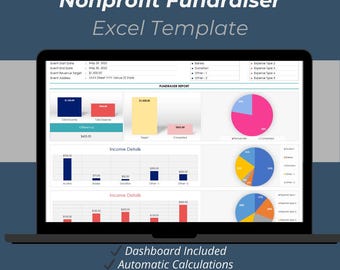
Digital download
Nonprofit Fundraiser Excel Template | Charity Event Income & Expense Tracker Spreadsheet
Sale Price $8.17
Original Price $10.90
-

Digital download
New Treasurer Bundle: Ultimate Guide + Templates
$34.95
-
Digital download
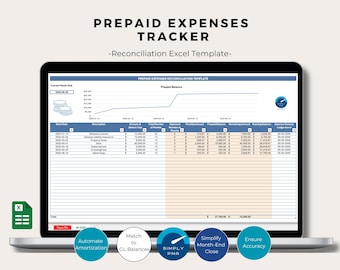
Prepaid Expenses Tracker Excel Template Reconciliation Bookkeeping Financial Management Business Tool Digital Download
$11.22
Shoppers with similar taste loved these
-

100 Envelope Savings Challenge Kit Box Laminated Set | Cash Stuffing Clear Box | Money Saving Tracker
Sale Price $41.25
Original Price $55.00
-
Digital download
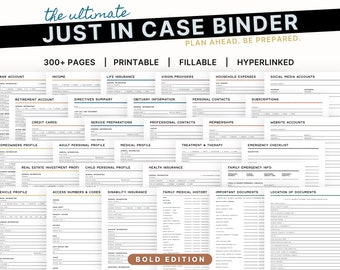
The Ultimate Just In Case Binder: An Emergency and End of Life Planner
$25.00
-

HIGH PRIORITY Sinking Fund Cash Envelopes | Minimalistic Collection | A6 Budget Binder Envelope for Cash Stuffing Budgeting Saving
$5.23
-

100 Envelope Savings Challenge Box | Save 5050 Money Challenge | Cash Stuffing Starter Kit | Budget Binder System | Gift Idea Set
Sale Price $18.73
Original Price $22.04
-

Spring Butterfly Collection A7/A6/A5 Cash Stuffing Envelopes/Inserts
$3.00
-

Willow| Cash Organizer| 6 Frosted Plastic Envelopes| Zippered | Cash organizer| Budget Binder| Cash Envelopes | Cash Stuffing
$28.00
-

A6 and A7 Zip Wallets
Sale Price $28.00
Original Price $35.00
-
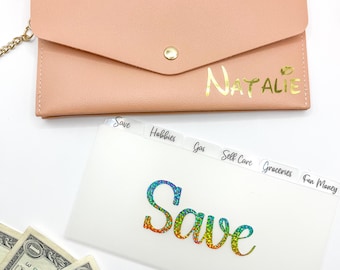
Slim Cash envelope wallet with Tab Dividers or Tab Envelope Cash Dividers | Cash Envelope Organizer
$18.71
-

Large Dream Cash Wallet 80 categories | High Capacity Cash Organizer | A6 Cash Envelopes Holder | Cash Wallet Budgeting System Save Money
$48.65
-

Cash Stuffing BANK Bag with 3 Pockets Breakdown Teller Slips Sinking Fund Budget Insert Binder
$14.97
-

Cash Stuffing Envelope System Budget Tracking Tool Financial Planning Money Management Saving Challenge Labeled Envelope Cash Organizer Bill
$4.50
-
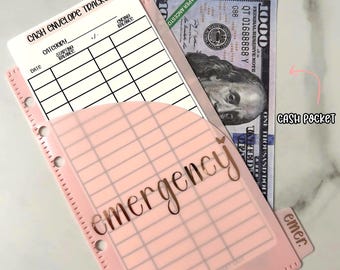
A6 Tabbed Envelopes | Double Pocket | Set of 6 With Labeled Categories | Cash Stuffing | Budgeting System | Sinking Funds | Vinyl | PVC
$22.00


