
















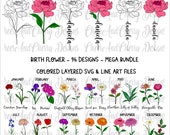
I love to draw and create new designs - I turn my designs into unique and affordable SVG cut files, clipart and digital files
Featured items
All items
Announcement
Last updated on May 17, 2021
Reviews
4.9
(4248)
Average item review
We calculate this number using a recency-weighted average of all ratings, with a rating's value decreasing by half each year to best reflect the current experience.
About CheerandCherryDesign
Sales
68,791
On Etsy since 2016
-
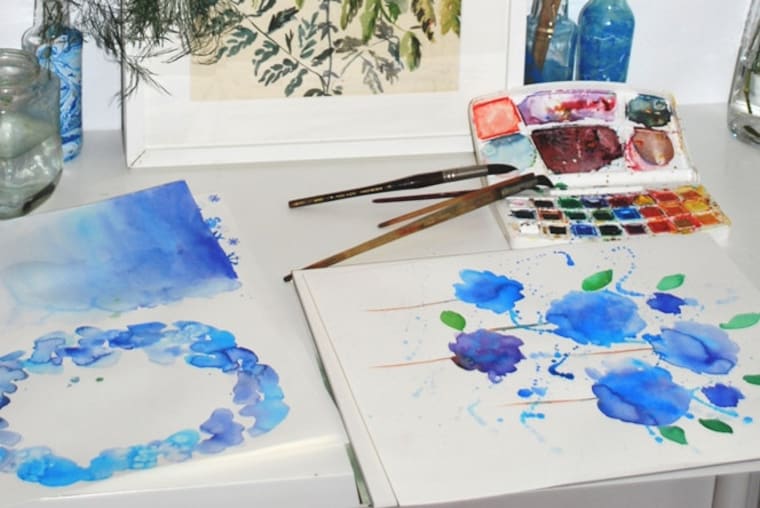 My art studio
 -
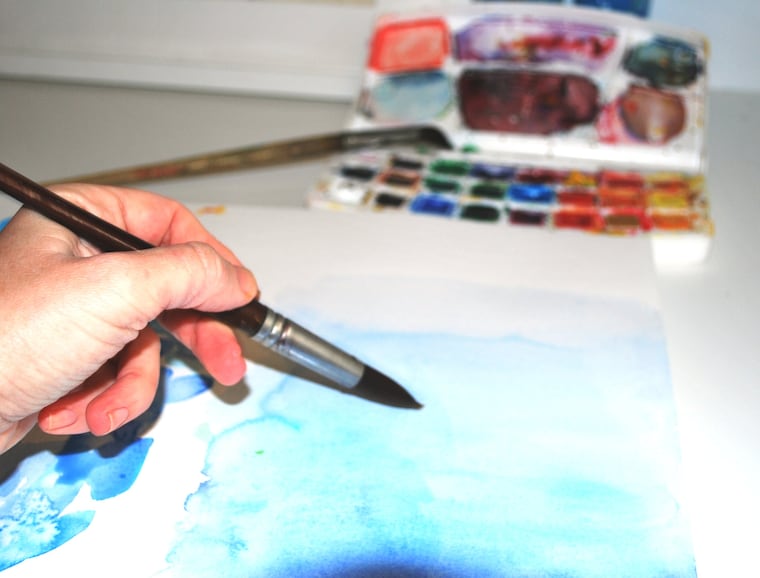 Watercolor - work in progress
 -
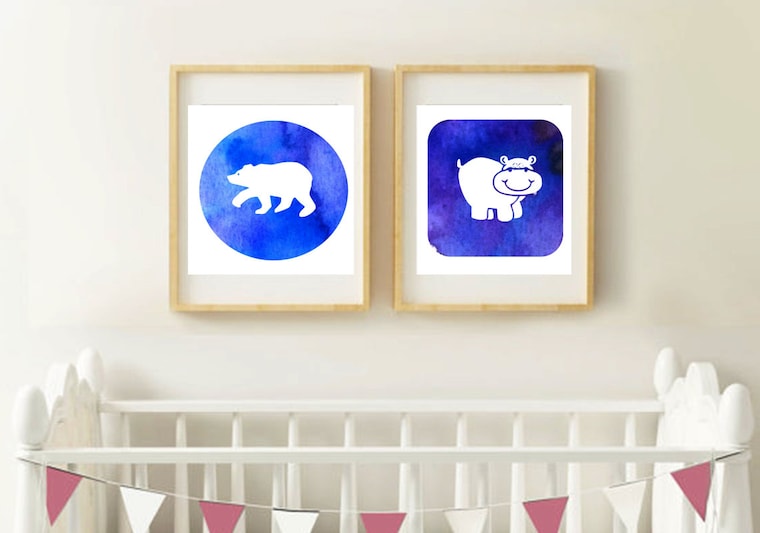 Nurcery wall art
 -
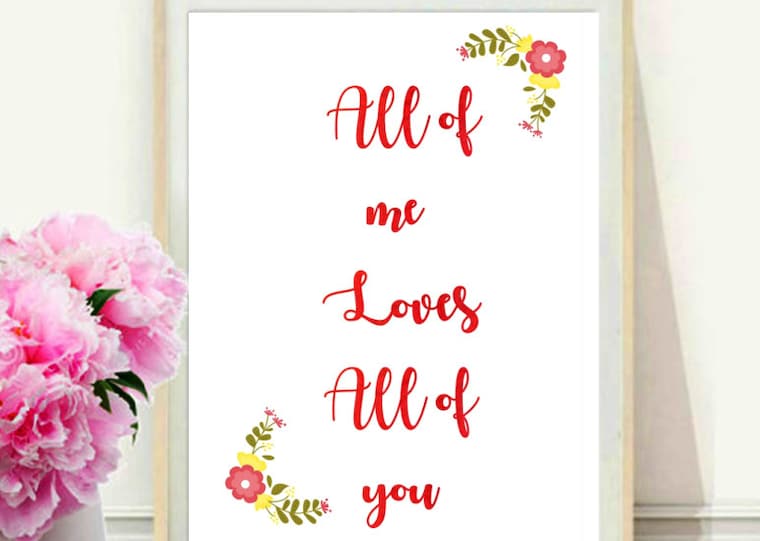 Home decor Valentines love quotes
 -
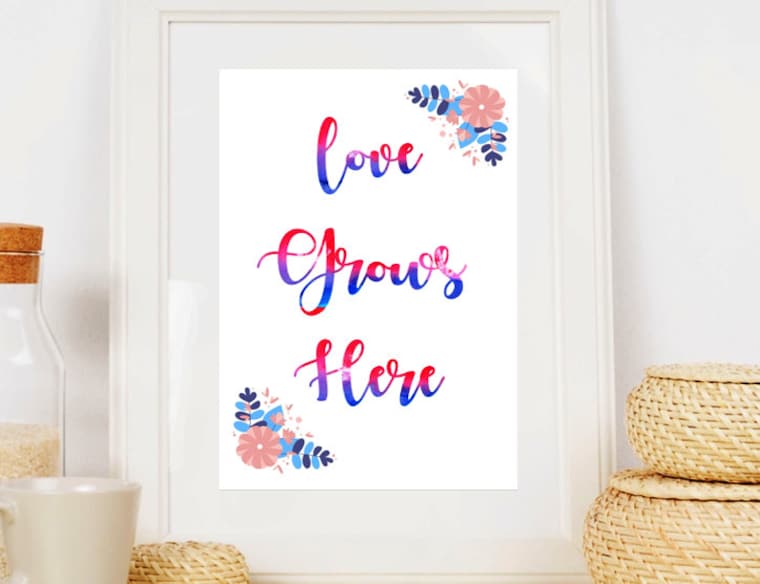 Nurcery blue and pink flowers decor
Shop members
-

Elena Davidov
Owner
Hi, thank you for stopping by! In my shop you can find unique SVG designs and clipart for scrapbooking, DIE cutting, Silhouette, Cricut, and other projects and crafts.
Production partners
-
Printing partner
United States
Printing provider
Shop policies
Last updated on Jun 4, 2021
Digital downloads
Instant downloads
Your files will be available to download once payment is confirmed. Here's how.
Made-to-order downloads
I’ll create your items after purchase and you’ll receive an email when the files are ready to download. The time I need to complete these items can vary. Contact me if you have questions.
Payment options
Secure options
Accepts Etsy Gift Cards and Etsy Credits
Etsy keeps your payment information secure. Etsy shops never receive your credit card information.
Returns & exchanges
See item details for return and exchange eligibility.
Cancellations
Cancellations: accepted
Request a cancellation: within 2 days of purchase
Privacy policy
More information
Last updated on
Dec 17, 2025
Frequently asked questions
How do I get my files?
After your payment is confirmed, you will be able to download your designs right from your Etsy account. Make sure you logged in to your Etsy account, click on your username in the top right corner and go to "purchases and reviews". To the right of the order you will find a download button. You will also receive an email from Etsy with a download link. Please check your spam folder as well.
Sometimes the payment processing can be a little slow, so try giving it some time.
How do I use my cut files?
All my designs include SVG and DXF cut files. After downloading the files to your computer upload the SVG or DXF file to your cutting software.
You can use SVG files with Die cutting machines / software:
Silhouette Designer Edition
Cricut Design Space
Cameo
Make The Cut
Sure Cuts A Lot (SCAL)
If you have Free Silhouette Basic Edition please use DXF files.
How to Extract ZIP files?
After you download files to your computer, sometimes you will need to unzip or extract Zip folder. Here is how you can do this:
With Windows:
1. To unzip all files of the zipped folder just right-click the folder, select Extract All, and then follow the instructions.
2. Use the "browse button" to select where you want your newly extracted files to go, then Hit "Extract".
3. Go to the file folder you specified in the last step and retrieve your now unzipped files.
With Mac:
1. Double-click the .zip file
2. If you use Mac's default program the unzipped files will be in the same folder with the same name as the original zipped folder
Can I use your designs if I don't have a cutting machine?
Yes you can!
You can make shirt transfer easily by printing my PNG and JPG files onto iron on transfer paper. You can buy iron on paper on Amazon and at craft stores as well.
Before printing you can resize PNG or JPG files to the size you need.
Can I use your files for commercial production?
If you own a small business – you CAN use my designs for small commercial production of physical products such as: T-shirts, pillows, mugs etc.
You CAN NOT share my designs or sell my files or any part of them digitally in any format.
I support small businesses – so please respect my terms.
How to download files for guests?
If you checked in as a guest on Etsy, after the purchase you will get an email from Etsy with a link to download files.
How to pay if I Don't have PayPal account
You can pay with a Credit card via PayPal without a PayPal account. Here’s how:
1. Click Check out with PayPal and you’ll be redirected to PayPal. Instead of choosing to pay with your PayPal account, select Pay with Debit or Credit Card.
2. You'll be prompted to fill in your billing and credit card information.
3. Enter your email address so PayPal can send you a receipt.
4. Click Continue to return to Etsy. Your payment isn't sent until you click Submit order on Etsy.
Looking for more? Find it on Etsy