
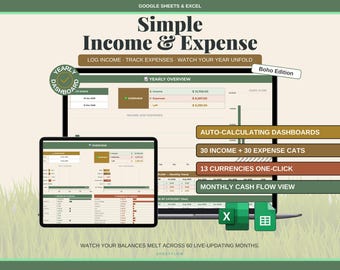
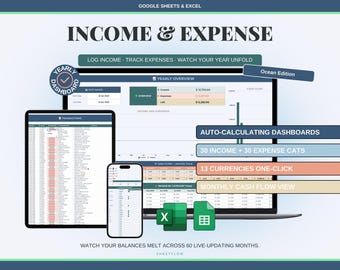
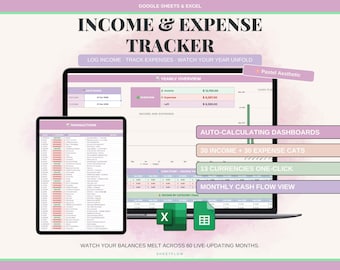
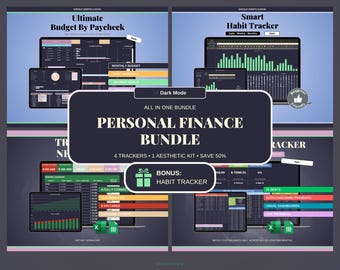
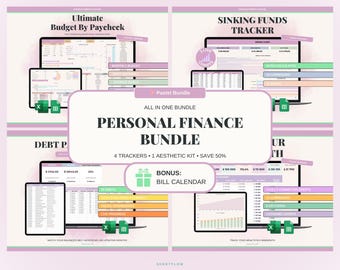
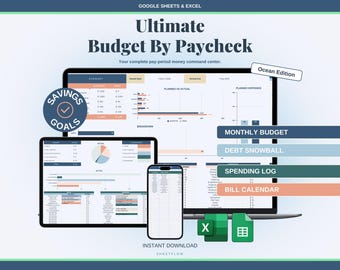
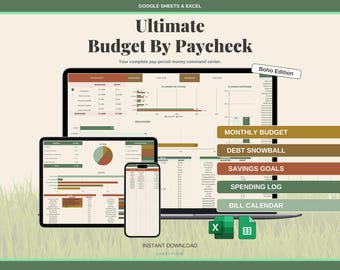
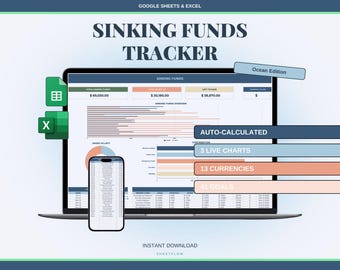

Spreadsheets should work for you, not the other way around
Featured items
All items
Announcement
Last updated on 18 Apr, 2026
About TheSheetFlow
Sales
3
On Etsy since 2026
Shop members
-

Vlad
Owner
I create templates that solve real problems — because I personally can't stand complicated tools that take an hour to figure out. If a spreadsheet doesn't work within 5 minutes of opening it, it's a bad spreadsheet. That's my core principle.
Shop policies
Last updated on 18 Apr, 2026
Digital downloads
Instant downloads
Your files will be available to download once payment is confirmed. Here's how.
Payment options
Secure options
Accepts Etsy Gift Cards and Etsy Credits
Etsy keeps your payment information secure. Etsy shops never receive your credit card information.
Returns & exchanges
See item details for return and exchange eligibility.
Cancellations
Cancellations: not accepted
Please contact the seller if you have any problems with your order.
Privacy policy
More information
Last updated on
18 Apr, 2026
Frequently asked questions
Can I get a refund?
Because all our products are digital files, we are unable to process returns or refunds once the files have been downloaded. You will always retain access to your purchased files through your Etsy account.
If you purchased something by mistake and have not yet downloaded any files, please get in touch with us as soon as possible. We can look into canceling your order, but only if no files have been accessed.
How do I access my files after purchase?
1. Etsy will send a download link to the email address associated with your account. If you don't see it in your inbox, check your spam, promotions, or social folders — especially if you use Gmail.
2. Log into your Etsy account on a computer, click your account icon in the top right corner, then go to Purchases and Reviews. Your order and download links will be there.
If you're having trouble finding your files, send us a message with your email address and we'll help you out.
What exactly is a spreadsheet template?
It's a ready-made file with built-in structure, formulas, and formatting — designed so you can start using it right away without building anything from scratch. Think of it as a pre-built tool: you just fill in your information and everything calculates and organizes itself automatically.
Which software do I need?
Our templates work with both Google Sheets (free, online) and Microsoft Excel. Each purchase includes a Google Sheets version (accessed via a link in the PDF) and an Excel file (.xlsx) that you can use offline.
For the best experience, we recommend setting up your template on a computer or laptop first. After that, you can access and edit it on any device, including phones and tablets.
Can I edit and customize the template?
Absolutely. You can change text, colors, fonts, add or remove rows, and hide tabs you don't need. The templates are fully yours to personalize.
Some cells containing formulas are protected by default — this is simply to prevent accidental edits that could break the calculations. If you want to modify those cells, you can easily remove the protection.
The Google Sheets version opens in view-only mode. What do I do?
This is normal — it means you're looking at the master file. You need to make your own copy first. Here's how:
Click the link in your PDF. You should see a "Make a copy" prompt automatically. Click it, and your personal editable copy will be saved to your Google Drive.
If the prompt doesn't appear, open the file and go to File → Make a copy.
Still having issues? Try these steps:
- Make sure you're logged into your Google account
- Open the link on a computer or laptop (not a phone)
- Try a different browser (Chrome works best)
- Check that you have enough free space in your Google Drive
If none of that works, message us and we'll sort it out for you.
Can I share the template with my partner or someone else?
Yes. If you're using Google Sheets, simply share the file through Google Drive — you can give your partner editing access so you can both work on it together. If you're using Excel, you can send them the .xlsx file directly.
Please note that our templates are licensed for personal use by one household. Redistribution or resale is not permitted.
What devices can I use?
Any device that runs Google Sheets or Microsoft Excel — computers, laptops, tablets, and phones. However, we strongly recommend doing the initial setup on a computer or laptop, as the larger screen makes it much easier to navigate and fill in your details. After setup, you can use it on any device.
I have a question that's not listed here.
No problem — send us a message anytime at hello.sheetflow@gmail.com or through Etsy messages. We typically respond within a few hours and are always happy to help.